
Build affiliate-site image packs from source pages
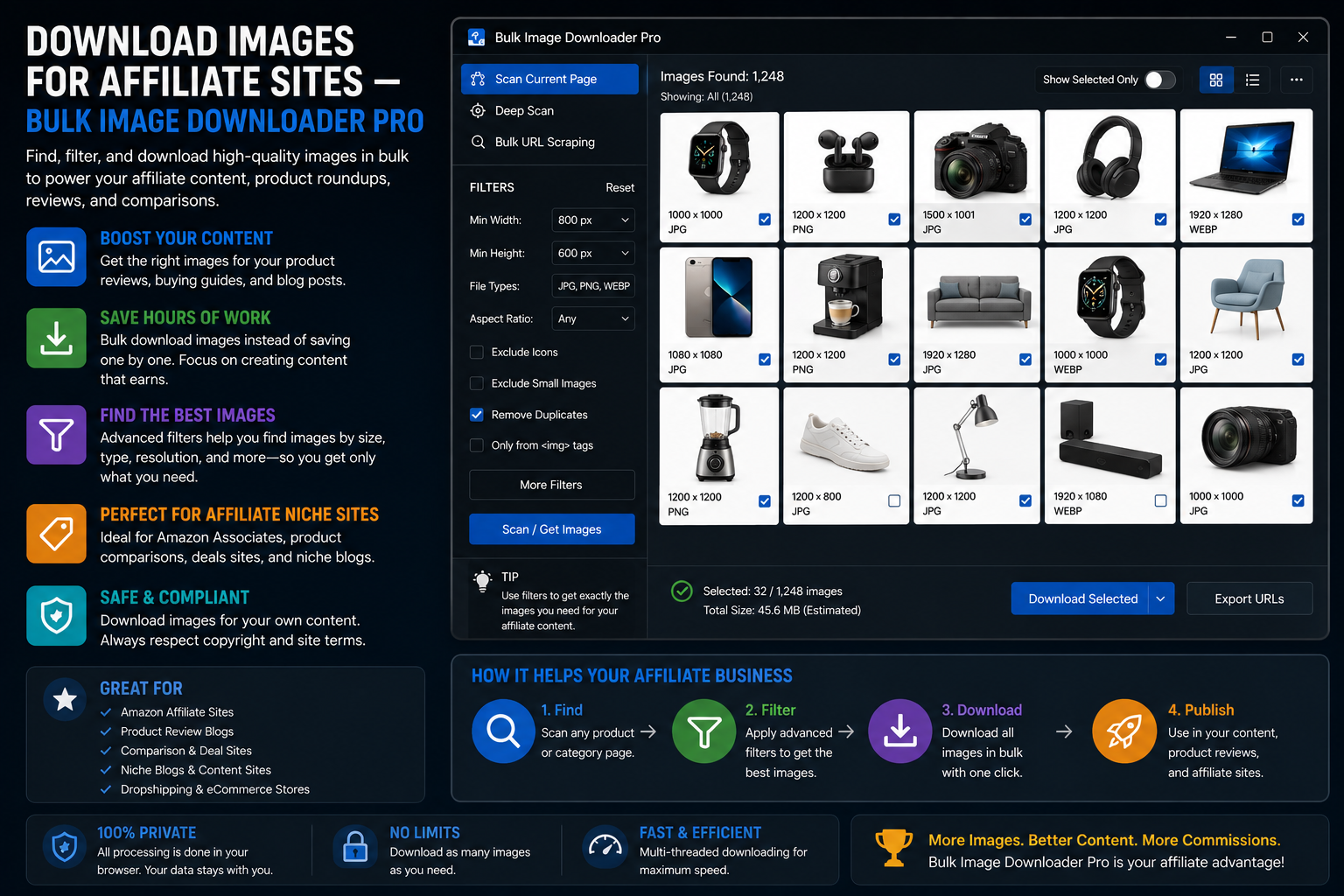
Build affiliate-site image packs from source pages is easier when you gather links first, then download in one pass with Bulk Image Downloader From URL List.
Affiliate roundups break in predictable ways: a merchant swaps CDN paths and half your heroes 404, or you hotlink full-resolution files that slow the page to a crawl. Learning to download images for affiliate sites the right way means starting from assets your program allows, then validating and sizing them before publish. Bulk Image Downloader From URL List helps you collect from approved URL lists, check links, filter junk, and resize locally. It does not replace network terms, attribution rules, or merchant creative licenses.Step 1: use sources your program permits
Start with images the merchant or network actually authorizes:- product feed URLs or creative folders from ShareASale, CJ, Impact, or similar dashboards
- brand media kits and press pages linked from the affiliate portal
- your own product photography when you promote items you physically sell
Step 2: collect from a URL list
- paste approved product or landing page URLs into Bulk URL scrape (up to 500 per run; set delay between requests)
- run Deep Scan when galleries lazy-load alternate angles
- enable Stack Mode if the campaign spans many pages you want in one review grid
- send selected image URLs to an options-page task with append or replace as needed
Step 3: validate before you publish
Merchant CDNs change without warning. On the options page:- 404 checker runs HEAD first, GET fallback, and lets you copy reachable vs dead URL lists
- redirect checker follows 301/302 chains so you store the final image URL merchants actually serve today
Step 4: filter banners and thumbnails with Download If
Product pages mix photos with promo badges, star graphics, and recommendation widgets. Stack Download If rules (Contains, Not Contains, Regex with AND/OR logic) on the task:- Contains your merchant’s product-image path (for example
/images/products/) - Not Contains
thumb,badge,sprite, orlogo
Step 5: resize for the template you actually render
Affiliate themes rarely need 4000-pixel originals. Enable resize while downloading (Licensed PRO processing) to match your content width, for example 1200 px on the long edge with fit: inside. Convert to JPEG or WebP only when you need format standardization; resize and convert are mutually exclusive per task. Output formats are JPEG, WebP, and PNG (no AVIF conversion output). Optional EXIF strip removes camera metadata from republished files. Processing runs in Web Workers on your machine.Step 6: folder and repeat per merchant
- auto folders with domain tokens separate merchants into distinct directories
- Filename Constructor sequence tokens keep product order stable in File Explorer
- export task CSV after setup so the next seasonal refresh is import-and-run