
Collect podcast artwork image candidates
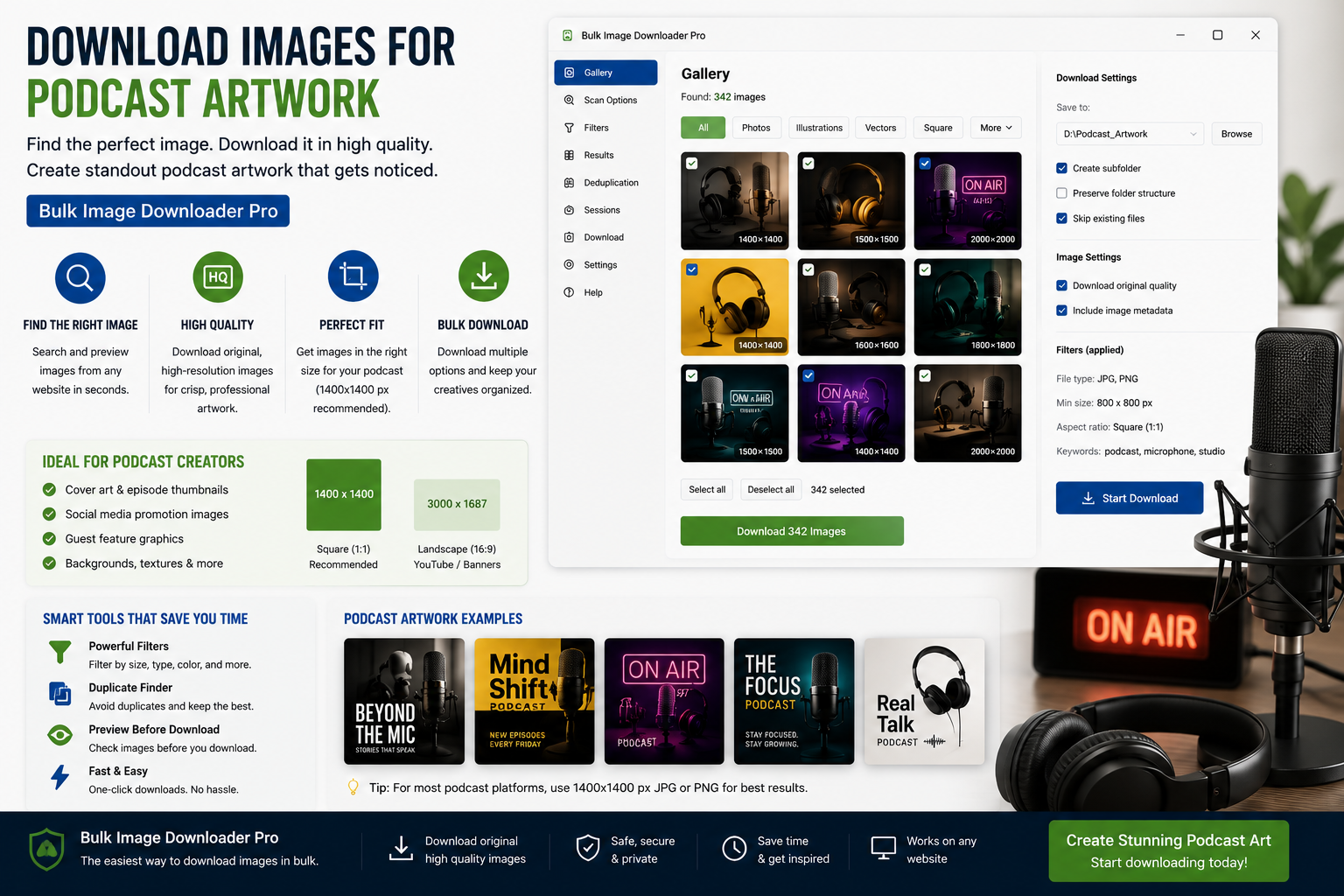
Podcast directories reject or downscale cover art that arrives at the wrong dimensions or as a bloated export. If you publish weekly, you need a repeatable way to download images for podcast artwork (or process files you already own) at the sizes Apple Podcasts, Spotify, and other hosts expect—without sending unreleased branding through a cloud converter.
Bulk Image Downloader From URL List handles both scraped reference shots and local master files through one Chrome-side pipeline: resize, convert, watermark, and rename in a single pass.
Step 1: know the square spec before you export
Most directories want a square image in JPEG or PNG. Apple Podcasts currently lists 1400×1400 to 3000×3000 pixels; Spotify and other hosts follow similar square rules. Episode-level artwork often uses the same frame. Write your target width and height down once—for example 3000×3000 for show art and 1400×1400 for episode thumbnails—and reuse those numbers every release.
If you are collecting reference images (color palettes, typography, layout ideas), scrape only from pages you are allowed to view. This tool gathers files; it does not grant reuse rights for someone else’s photography.
Step 2: process your own artwork with Upload Mode
Commissioned show art and episode graphics usually live on your machine first. Open Upload Mode, drag the masters in, and run the same resize/convert pipeline as URL downloads. Files stay in local IndexedDB; processing runs in Web Workers inside Chrome—nothing uploads to a server.
For a batch of episode variants exported from your design tool, enable resize while downloading (Licensed PRO processing) with exact width and height. Choose a fit mode that matches your source:
- inside — scales down to fit within the square without cropping (safe when art is already square)
- cover — fills the square and crops edges (useful when a rectangular photo must become square art)
- fill — stretches to exact dimensions (only when distortion is acceptable)
Hold quality around 85–100% when resizing JPEG output so type and logo edges stay crisp after a directory recompresses the file.
Step 3: pick resize or convert—not both on one task
Resize and convert are mutually exclusive per task. Typical podcast workflow:
- one task resized to your directory square (JPEG at 90% quality)
- a separate task that only converts PNG masters to JPEG if the host prefers JPEG and you do not need dimension changes
Output formats are JPEG, WebP, and PNG. There is no AVIF conversion output. Enable EXIF strip so camera metadata from reference photos never ships with public cover art.
Step 4: brand variants with a PNG watermark
When several episode covers share one network mark, upload a PNG watermark image (the tool does not add text watermarks). Set opacity and corner position once, save watermark settings, and reuse them across the season so every cover lines up visually in podcast apps.
Step 5: name episodes and dedupe exports
- Filename Constructor with auto-incrementing sequences numbers covers in release order
- Licensed PRO bulk CSV import can map each row to an episode title when you maintain a spreadsheet
- perceptual duplicate finder catches near-identical exports from iterative design rounds
- save the task (resize dimensions, quality, naming) so next week’s episode is a duplicate-and-run step
For lazy-loaded inspiration galleries, Deep Scan on the side panel pulls images a quick scan would miss; filter by minimum width and aspect ratio so you keep square candidates only.
Tier note
Basic (Free) supports URL-list downloads. Resize, convert, watermark, and other processing require Try PRO or Licensed PRO. Try PRO limits each task to one URL for full-feature testing; Licensed PRO removes that cap for production episode batches.
Install Bulk Image Downloader From URL List when show art should hit directory specs on the first upload, every week.
Continue reading: Download Images for Newsletters.
Get Bulk Image Downloader From URL List on the Chrome Web Store, watch the tutorial video, or visit our YouTube channel for more podcast artwork workflow tips.