
Archive Website Images Before Redesign — Bulk Image Downloader Pro
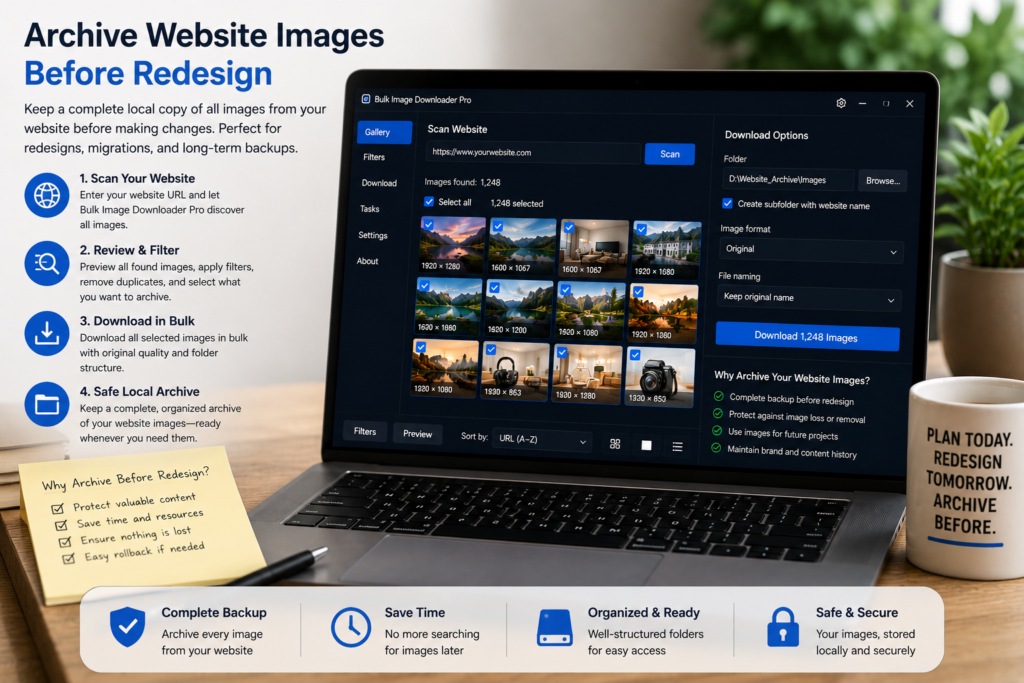
CMS migrations drop media libraries quietly. Theme swaps break paths. Staging copies miss files the live site still serves. Archive website images before redesign by pulling a deduplicated copy of the image set while the old site is still reachable.
Bulk Image Downloader Pro assembles that archive client-side in Chrome—no remote upload of your URL lists.
Step 1: inventory pages with the most media
Prioritize galleries, product grids, portfolio pages, blog indexes, and the home page. Export a sitemap or crawl list as page URLs (not direct image URLs yet). Split very large sites into chunks—bulk URL scrape handles up to 500 page URLs per run with a minimum 500 ms delay between fetches.
Step 2: scrape pages into one growing collection
- paste page URLs into bulk URL scrape or paginate with Stack Mode (max 100 pages per pagination run)
- run Deep Scan on heavy gallery pages so lazy-loaded assets appear
- use Area Scan when a template repeats navigation images outside the content region
Send merged results to a download task for review on the options page.
Step 3: dedupe shared sitewide assets
Logos, hero banners, and footer graphics repeat on every page. Run URL deduplication, then the perceptual duplicate finder (Licensed PRO up to 600 URLs per scan; Try PRO limited to one URL or source). Review groups before removal so you keep the highest-resolution copy.
Step 4: name, folder, and ZIP the archive
Use the Filename Constructor with sequence numbers to prevent collisions. Auto Folders can mirror site sections. Enable per-task ZIP for a single portable handoff file. Enable Queued Download on large runs to pace the host you are about to migrate.
Step 5: validate links before you rely on the backup
Paste collected image URLs into the 404 checker (HEAD with GET fallback) and redirect checker (up to 20 hops). Copy cleaned final URLs into your task manually—checkers do not auto re-import. Flag broken assets now so the rebuild team knows what was already missing.
You must have permission to archive the site (your own property, client contract, or explicit scope). The extension cannot log into admin panels or bypass access controls. Install Bulk Image Downloader Pro before the cutover so old media is recoverable if the migration goes sideways.
Continue reading: Download Images For Print On Demand.
Get Bulk Image Downloader Pro on the Chrome Web Store, watch the tutorial video, or visit our YouTube channel for more website archive tips.