
Collect print-on-demand design references
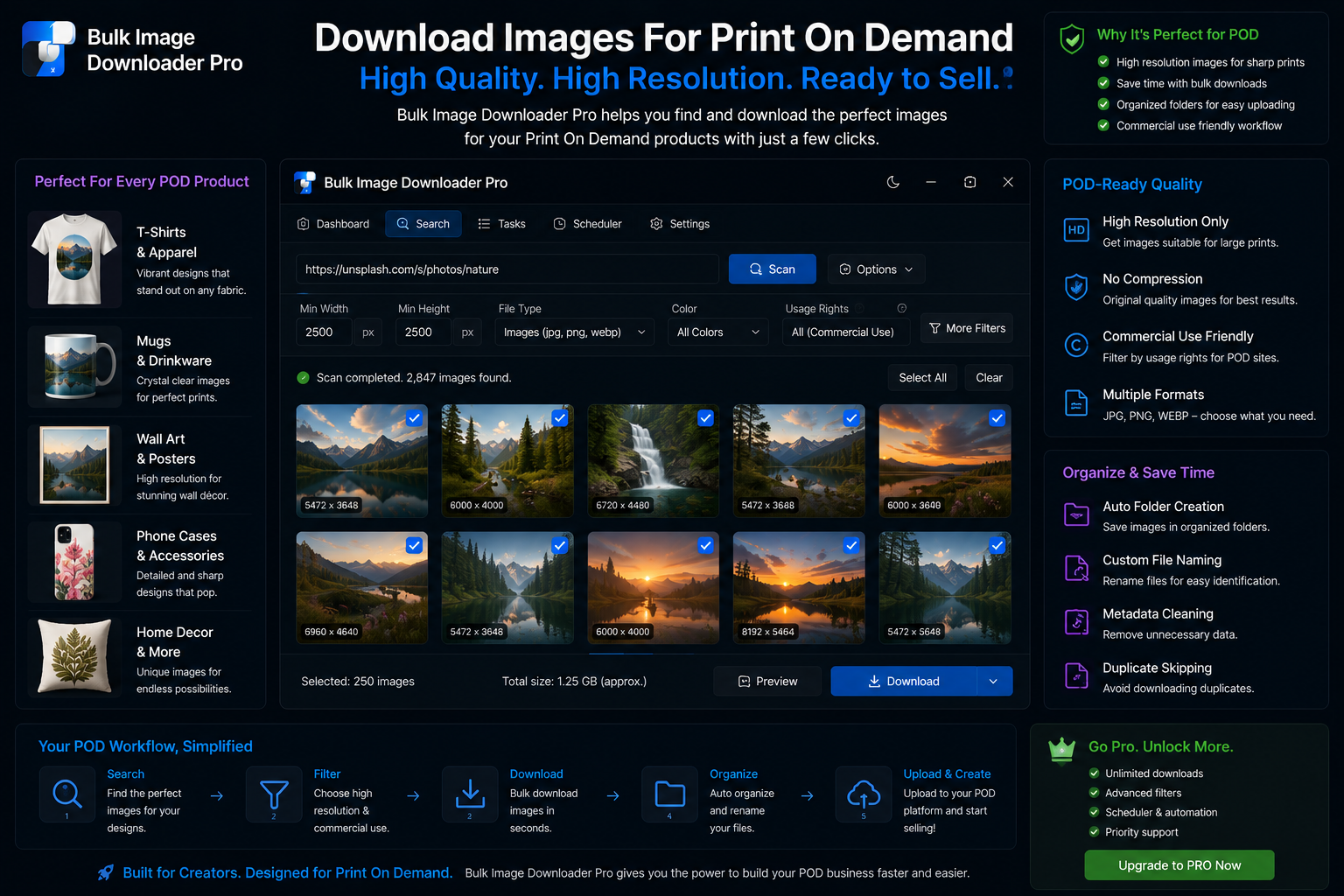
Collect print-on-demand design references is simpler when you collect the links first, then download them in one pass with Bulk Image Downloader From URL List.
Print-on-demand shops live on art libraries—reference shots, pattern tiles, mockup bases, and seasonal drops. When you download images for print on demand, the bottleneck is not printing; it is collecting clean, high-resolution files with consistent names across hundreds of SKUs. Bulk Image Downloader From URL List runs a scrape-and-prep pipeline locally in Chrome.Step 1: capture full galleries, not just above-the-fold thumbs
Supplier and inspiration pages often lazy-load previews. Run Deep Scan on gallery pages. For a spreadsheet of product or moodboard URLs, use bulk URL scrape (delay min 500 ms, up to 500 URLs per run). Area Scan isolates one pattern grid when a page mixes unrelated thumbnails.Step 2: filter to print-ready resolution early
In the side-panel scraper, set minimum width and height so 300 px previews never enter your library. Add aspect-ratio filters to separate square pattern tiles from tall poster art. Restrict file types to what your design toolchain accepts. Send only the filtered set to a download task.Step 3: normalize format on download (pick one mode)
Per task, choose either Resize or Convert—they are mutually exclusive. Convert outputs JPG, PNG, or WebP (no AVIF conversion). Resize supports fit-inside or cover modes with quality 1–100. Enable Strip EXIF on download-only tasks when neither resize nor convert is active. Processing runs client-side in Web Workers.Step 4: name by SKU and drop duplicates
Use the Filename Constructor with sequence tokens, or Custom Filenames from File / bulk CSV import (Licensed PRO) for SKU-aligned names. Run the perceptual duplicate finder before upload so the same artwork at different sizes does not become three near-identical listings.Step 5: make seasonal drops repeatable
- save scraper presets as Saved Rules
- Export Tasks CSV after the first successful drop (all tiers)
- re-import on Licensed PRO when the next collection launches
- enable per-task ZIP or Auto Folders for handoff to your design team
Match the output to the print pipeline
Print work has less tolerance for surprises than web work. Convert on download to the format your design toolchain expects rather than converting later and hoping nothing shifts. Resize and convert are options on the task, so the files arrive in the format the next step is built around.
Keep the references separate from production files
Reference gathering and production preparation are different jobs with different quality bars. Keep collected references in their own folders rather than mixing them with files headed for print. That way a reference image that is only good enough to inspire never ends up mistaken for a production asset.
Watermark proof copies, not masters
Watermarking is a per-task option and it needs a PNG watermark set before a download will run with it on. Apply it to the copies you send for review, and keep the unwatermarked output for production. The two are different deliverables and worth separating at the task level.