
Download Images Only When URL Contains Text — Bulk Image Downloader Pro
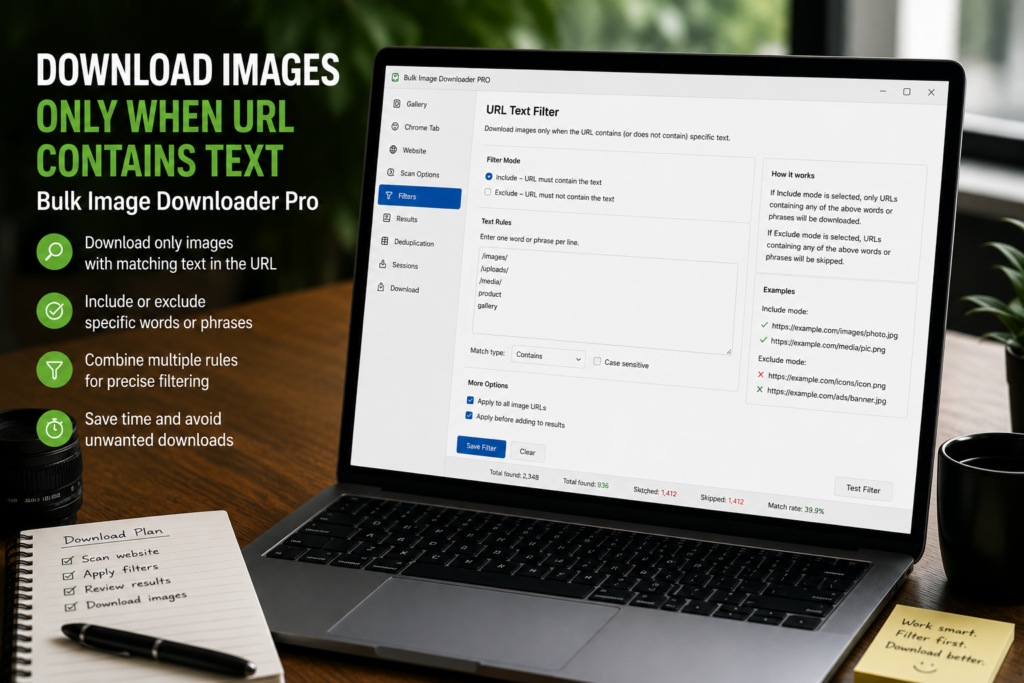
Scraped image lists are rarely clean. One task may contain product photos, thumbnails, icons, tracking pixels, and CDN variants all mixed together. If the useful links share text in the URL, you can download images only when URL contains text instead of manually deleting everything else.
Bulk Image Downloader Pro handles this with Download IF URL on the options page. The rule is saved on the task and evaluated when the download runs.
Use URL rules without destroying the original list
Download IF URL does not require you to edit the textarea by hand. Your original pasted URL list can stay intact while the task checks each URL against the rules during download.
This is useful when you want to try a narrow run now but keep the full list for later adjustment.
Start with Contains
Contains is the simplest rule: the URL must include the text you enter. Use it when good images share a folder, keyword, product code, domain fragment, size marker, or naming pattern.
For example, if useful images live under /products/, a Contains rule for that path can keep the task focused on product assets.
Exclude clutter with Not Contains
Not Contains works the other way. It skips URLs that include unwanted text. Use it for patterns such as /thumb/, /icons/, sprite, logo, or any source path that consistently marks images you do not want.
This is often cleaner than deleting those URLs from the list, especially when you may want to change the rule later.
Use Regex only when text rules are not enough
Regex is available for structured URL patterns. It can match more complex rules than plain Contains, such as file extensions, ID formats, or specific path structures.
Use regex carefully. A bad pattern may match nothing or skip images you intended to keep.
A practical URL-contains workflow
- Paste or import the full image URL list into a task.
- Enable Download IF URL.
- Add a Contains rule for the text good URLs share.
- Add Not Contains rules for obvious clutter if needed.
- Use Regex only for patterns that simple text cannot express.
- Draft Save, then run a small test before a large batch.
For multiple rule logic, read filter image downloads with URL rules. For broader task setup, see bulk download settings.