
Download Images for Scientific Figures — Bulk Image Downloader Pro
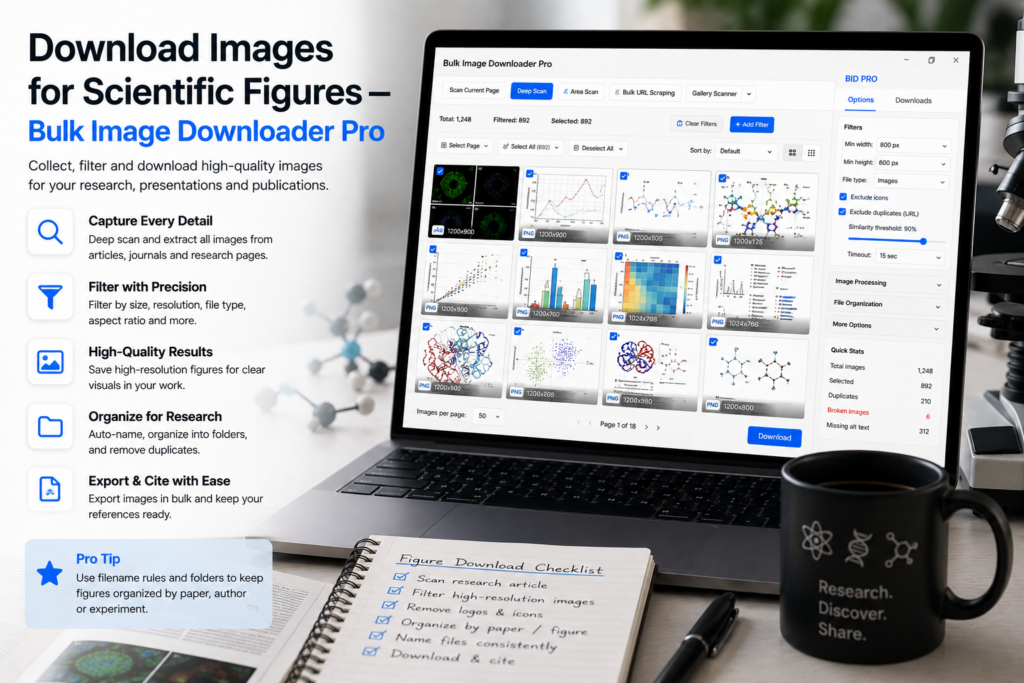
A multi-panel figure is only as defensible as the provenance behind each panel. Reviewers ask where an image came from, whether reuse is permitted, and whether resolution survives print—a folder of image(3).jpg files answers none of that. To download images for scientific figures properly, treat collection as documentation: manifest first, verify links, filter resolution, dedupe with human judgment, and name every file so it maps back to a citable source.
Bulk Image Downloader Pro keeps sourcing, filtering, and naming in one local Chrome workflow—unpublished or embargoed material never uploads to a server.
Step 1: build a source manifest before downloading
Scan each repository page from the side panel. Use Deep Scan when supplementary figures lazy-load; use Stack Mode when results span paginated indexes. Review the grid, deselect navigation graphics, then export the results table to CSV. That file is your citation backbone: URL, page title, and collection date per panel.
Save a scraper session for each collection round so the pull is documented and resumable. Session compare later shows what changed if an online source is revised between draft and submission.
Step 2: verify links before they enter your figure folder
Paste your URL list into the 404 checker (HEAD requests with GET fallback). Copy the reachable list into a new download task—there is no automatic re-import. Run the redirect checker on survivors to record final CDN endpoints in your manifest when sources chain through redirects.
Step 3: enforce resolution and file-type standards
Journal figures need print-grade pixels. Before download, set filters:
- minimum dimension so only panels that survive print scaling pass through
- file type to separate photographs from chart exports or vector placeholders
- domain include/exclude to scope pulls to repositories you trust (institutional pages, preprint servers, public databases)
- text in URL to isolate a specimen, assay, or dataset identifier when URLs encode it
Step 4: dedupe mirrored copies with human review
Preprint servers, lab pages, and databases often mirror the same gel or micrograph. URL deduplication strips exact repeats; the perceptual duplicate finder flags visual twins at different sizes. Start at Balanced sensitivity and inspect every group before removing files—two lanes on the same gel can look nearly identical but represent different samples. Keep one highest-resolution canonical copy per distinct source; never let automation delete material without a glance.
Step 5: process conservatively
Scientific panels may be measured or annotated later. When you must process on download:
- convert to PNG in a dedicated task for lossless panels you will quantify
- resize only when a journal template requires exact dimensions—resize and convert are mutually exclusive per task
- hold JPEG quality high when resizing; avoid aggressive compression on data-bearing images
- skip EXIF strip when embedded metadata documents acquisition conditions you need to preserve; strip it when consistency or privacy requires removal
Output formats are JPEG, WebP, and PNG; there is no AVIF conversion output.
Step 6: name for traceability and license audit
- Filename Constructor tokens like
fig2-panelB-01map files to manuscript labels - record license, attribution, and fair-use notes beside each URL in your CSV manifest
- save scan filters and naming as a Saved Rule for repositories you revisit each project
Respect each source’s copyright, terms of use, and embargo rules. This article describes a collection workflow, not legal or ethics advice for your institution.
Tier note
Basic (Free) supports URL-list downloads and CSV export. Link checkers, duplicate finder at scale (Licensed PRO up to 600 URLs per scan), and processing features require Try PRO or Licensed PRO.
Install Bulk Image Downloader Pro when figure material should survive peer review with clear provenance.
Continue reading: Download Images for Legal Evidence.
Get Bulk Image Downloader Pro on the Chrome Web Store, watch the tutorial video, or visit our YouTube channel for more scientific figure workflow tips.