
Preserve legal-evidence images from a prepared URL list
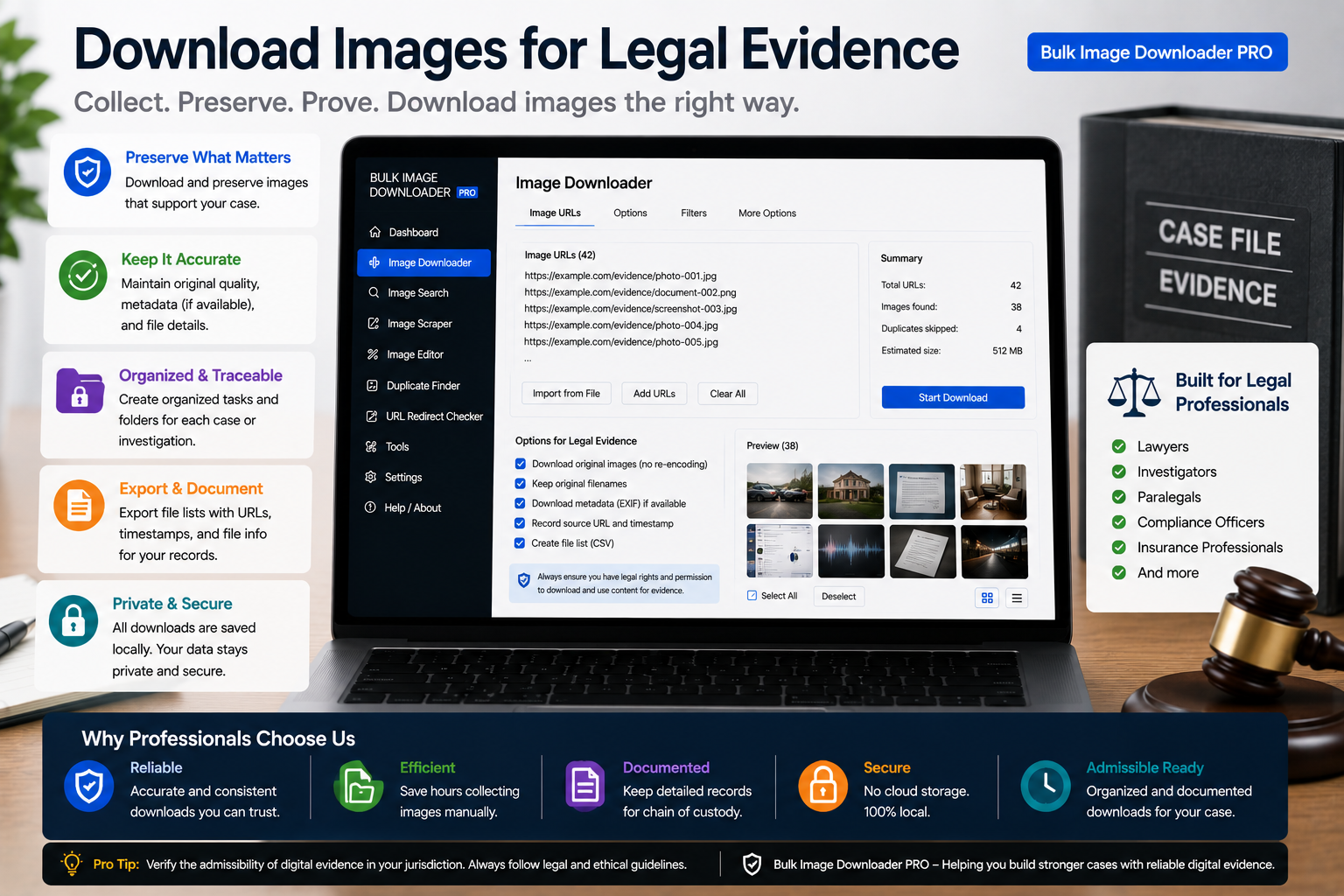
Preserve legal-evidence images from a prepared URL list is quicker when the links are gathered first, then downloaded in one pass with Bulk Image Downloader From URL List.
Whether a web image helps in a dispute depends on jurisdiction, preservation rules, and how it was obtained—questions for qualified counsel, not a Chrome extension article. This page describes a documentation workflow for people who need to download images for legal evidence from pages they already lawfully view: record the source, verify the link, preserve the file, and organize it so a reviewer can follow the trail. This is not legal advice. Admissibility, chain-of-custody requirements, and authentication standards vary by court and matter type. Confirm requirements with a licensed attorney before relying on anything you collect. Bulk Image Downloader From URL List helps with provenance documentation. It processes files locally in Chrome—nothing uploads to a third-party server.Step 1: record the source before you save anything
The value of a captured image rests on knowing exactly where and when it came from. On each relevant public page you are permitted to access, run the side-panel scraper and export the results table to CSV before downloading. That manifest lists the exact image URLs on the page at collection time. Pair the CSV with your own contemporaneous notes: page URL, date and time of access, and why the image matters to the matter. Deep Scan surfaces lazy-loaded images a single screenshot might miss when a page renders more files as you scroll.Step 2: verify URLs with 404 and redirect checkers
Links move. Paste your URL list into the 404 checker, which issues HEAD requests and falls back to GET when a host blocks HEAD. Copy the reachable and unreachable lists separately—there is no automatic re-import, so paste verified URLs into a download task manually. Run the redirect checker on survivors to see 301/302 chains. Record the final destination URL in your notes so your manifest reflects the canonical endpoint, not a shortlink that later redirects elsewhere.Step 3: preserve originals—process working copies only
For evidence you may need to explain later, download the unmodified file first. On that primary task:- leave resize and convert disabled
- do not enable EXIF strip if embedded metadata may be relevant
- avoid watermarks on files you treat as primary records
Step 4: organize for an auditable folder structure
- Filename Constructor tokens can encode a matter reference, date, and sequence (
matter42-2026-03-15-img-01) - Auto Folders sorts captures into per-matter subfolders
- store the CSV manifest beside the files, not in a separate undocumented location
- save a scraper session so the collection round is timestamped; export session JSON as a backup snapshot you can reopen
Step 5: stay within lawful, ethical bounds
- collect only from pages and accounts you have a lawful right to access
- do not use any tool to bypass logins, paywalls, or technical access controls
- respect site terms of service and applicable copyright
- privacy laws may apply to images of identifiable people—treat those captures with extra care