
Fatkun Alternative — Bulk Image Downloader Pro
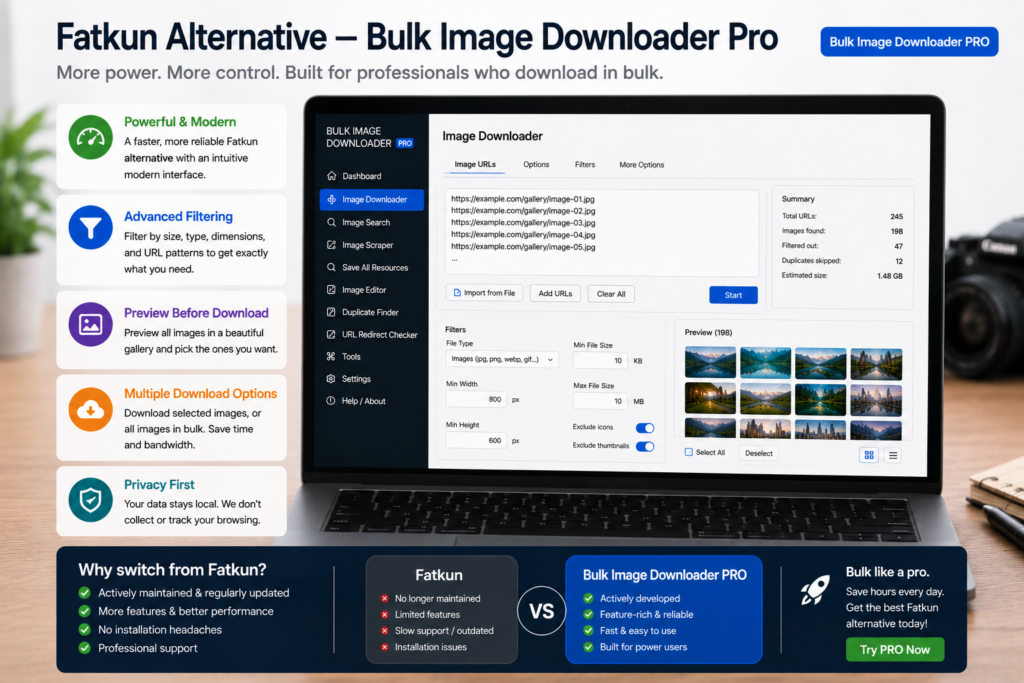
Fatkun earned a loyal audience for fast multi-tab product grabs, resolution filters, ZIP output, and grouped downloads. If you are comparing a Fatkun alternative, you usually want similar speed with a different workflow, tighter control, or less broad tab access.
Bulk Image Downloader Pro takes a URL-list and task-based approach instead of reading every open tab. That trade-off matters for privacy, repeat jobs, and pages where images load only after scroll.
What Fatkun does well
Credit the strengths people actually use:
- grabbing images across multiple open tabs quickly
- resolution and type filters for catalog research
- ZIP packaging and auto-grouping for e-commerce sweeps
- WebP-to-JPG style conversion for quick handoff
If your workflow is already open tabs plus one-click download, Fatkun can be a good fit.
The trade-off: tab access vs URL lists
Multi-tab grabbers need permission to read open tabs. Fatkun has faced public reports about security and permission scope. Evaluate that against your own risk tolerance, especially on client or internal sites.
Bulk Image Downloader Pro generally works from URLs you paste or scrape into tasks, plus the active page in the side panel. You choose what enters the pipeline instead of sweeping all open tabs.
Where this extension diverges
- Deep Scan scrolls and waits for lazy-loaded or AJAX images a tab snapshot can miss
- URL-list scraping handles many product pages without keeping every tab open
- Saved tasks + CSV export make repeat catalog pulls restorable
- On-download processing (resize, convert to JPEG/WebP/PNG, optional EXIF strip, PNG watermark) runs locally in Web Workers
- Perceptual duplicate finder groups visual copies across different URLs
- 404 and redirect checkers clean lists before download
Tasks and settings live in chrome.storage.local; upload-mode files use IndexedDB. Image bytes are not uploaded to a server for processing.
Feature comparison
| Capability | Fatkun | Bulk Image Downloader Pro |
|---|---|---|
| Multi-tab grabbing | Core feature | URL lists + side-panel scrape instead |
| Resolution / type filters | Yes | Yes, plus aspect ratio and Download If URL rules |
| ZIP output | Yes | Per-task ZIP toggle |
| Format conversion | WebP to JPG (among others) | JPEG, WebP, PNG on download (no AVIF output) |
| Lazy-load / infinite scroll | Limited | Deep Scan |
| Visual duplicate removal | No | Perceptual duplicate finder |
| Dead-link / redirect checks | No | 404 checker + redirect checker |
Who should switch
Stay with Fatkun if multi-tab grabbing matches your habit and you trust the access model.
Consider Bulk Image Downloader Pro when you need URL-list automation, scroll-heavy pages, precise filenames and folders, duplicate cleanup, and processing that stays on your machine.
For another popular grabber comparison, read Bulk Image Downloader vs Image Downloader.
Install Bulk Image Downloader Pro and judge the workflow on a real catalog pull, not feature bullets alone.
Continue reading: Imageye Alternative.
Get Bulk Image Downloader Pro on the Chrome Web Store, watch the tutorial video, or visit our YouTube channel for more alternative comparisons.