
AVIF Image Conversion Limitations
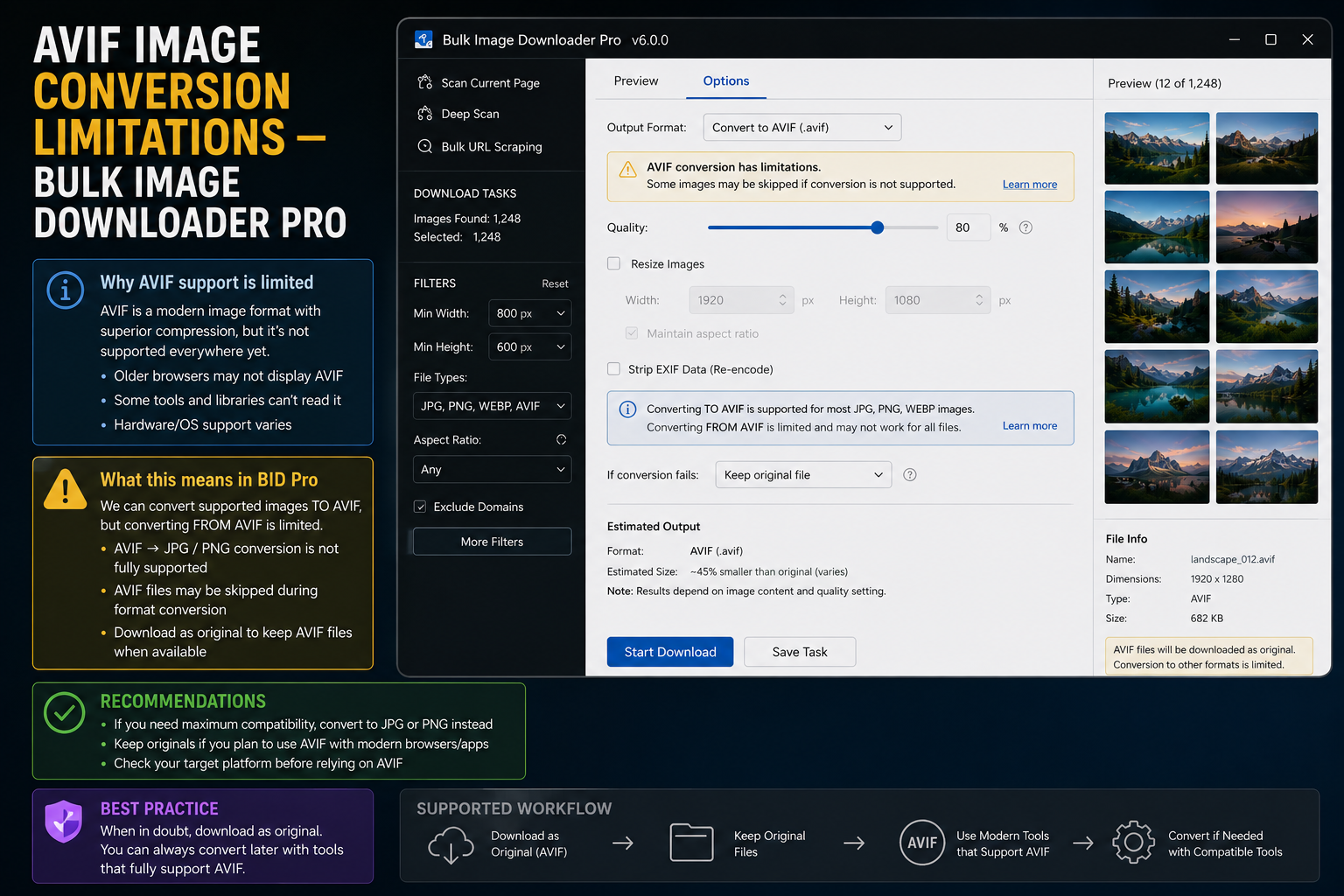
AVIF is efficient and increasingly common on the web. If you expected to convert every download to AVIF inside your browser extension, you need the honest boundary first: AVIF image conversion limitations in the tool come from the Canvas-based processing pipeline, not from a missing toggle you can turn on later.
What is not supported
When a task uses Resize or Convert, images are redrawn and re-encoded through Canvas inside Web Workers. That pipeline outputs:
- JPEG
- WebP
- PNG
AVIF is not supported as an output format from this Canvas step. You cannot resize to AVIF, convert to AVIF, or rely on the quality slider to produce AVIF files during on-download processing.
What still works with AVIF sources
The limitation is about processing output, not about ignoring AVIF on the web.
- Download AVIF as-is: if the URL points to an AVIF file and your task file-type filters allow AVIF, you can download the original file without enabling Resize or Convert
- Filter AVIF in the task: AVIF appears in the file-type checklist alongside JPG, PNG, WebP, and others
- Process to a supported format: enable Resize or Convert to produce JPEG, WebP, or PNG from a source the browser can decode, then handle AVIF encoding outside the extension if you truly need it
Do not plan a workflow that depends on in-extension AVIF encoding. That step is outside what Canvas export supports here.
Practical workarounds
- Target WebP instead. WebP is fully supported for resize/convert output and usually delivers strong compression for web delivery.
- Download originals, convert elsewhere. Use the extension for URL collection, filtering, naming, and folder structure; run a dedicated AVIF encoder afterward if required.
- Match format to purpose. Many archives and handoffs work well with high-quality JPEG or PNG without AVIF at all.
How this fits other processing features
Features that pass through Canvas re-encoding follow the same format set: resize dimensions, convert format, and the quality slider on JPEG/WebP output. Watermarking uses a PNG image overlay, not text generation inside the stamp step.
For quality tuning on supported outputs, read adjust image quality when downloading. For resize behavior, see resize images while downloading.
Why the docs say this plainly
Claiming AVIF conversion and silently falling back would waste your time on a large batch. Knowing the boundary lets you choose WebP, download originals, or plan an external AVIF step before the job starts.
Install the Chrome extension and design around JPEG, WebP, and PNG for on-download processing, with AVIF handled deliberately when you really need it.
Where AVIF sits in the file-type list
AVIF is treated as a source format rather than a target. It can be downloaded when it is already the file type, so an AVIF image saves without conversion. What it cannot do is appear as a convert-to option alongside JPEG, PNG, and WEBP, which is the whole limitation in one sentence.
File types also has a default that makes this easier to test: All Formats is on unless you limit the list, and the common types such as JPG, PNG, GIF, WEBP, and SVG sit in it with others. Narrowing to a supported set is the deliberate step; AVIF files that arrive from the source still pass through as themselves.
Continue reading: Save Watermark Settings for Bulk Images.