
Bulk Download Images Instead of Save Image As
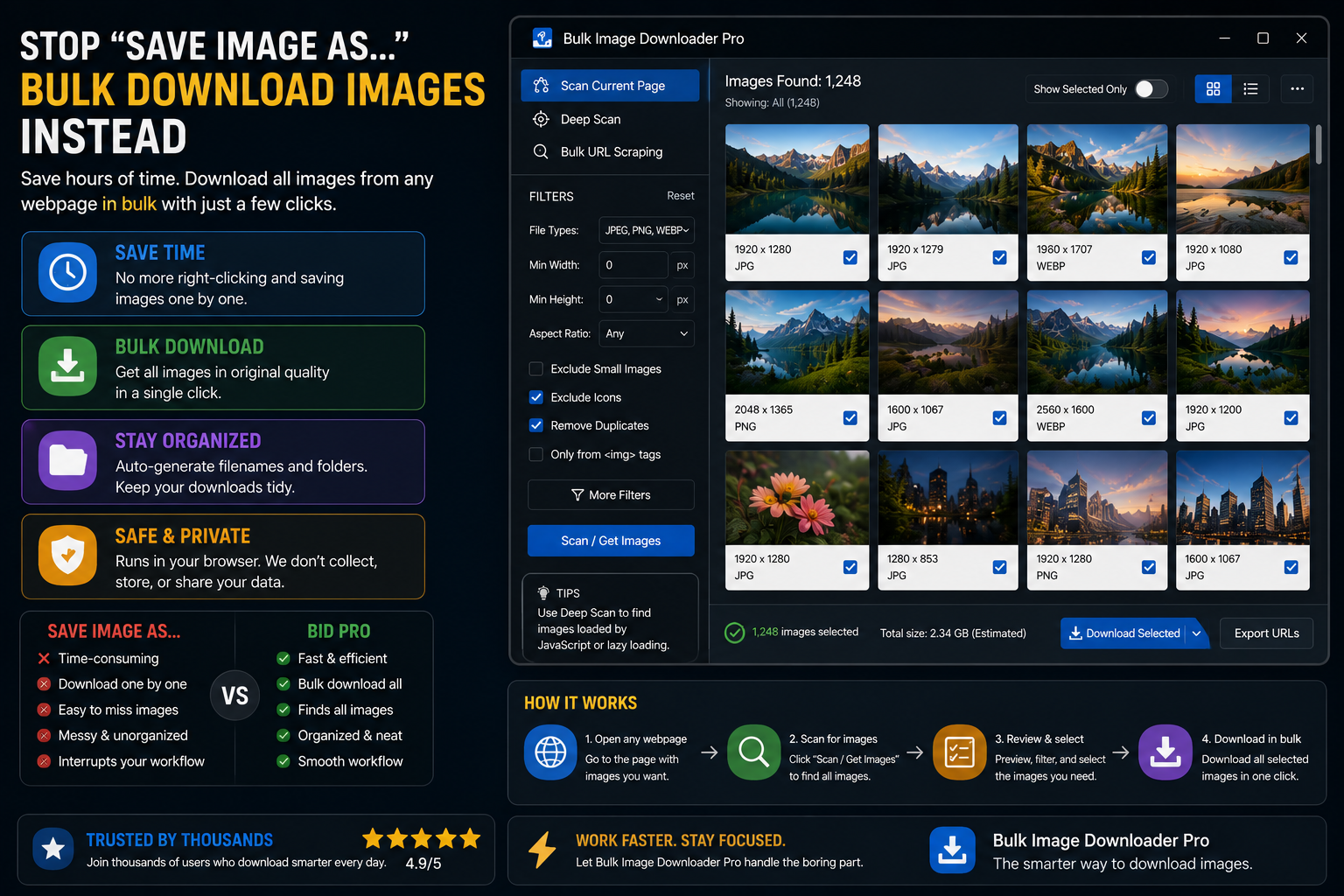
Right-click → Save Image As is fine for one picture. It falls apart when you need dozens or hundreds. People search for ways to bulk download images instead of Save Image As when the click count, inconsistent filenames, and second-pass resizing become the real bottleneck.
Bulk Image Downloader From URL List replaces the manual loop with scan → filter → name → download → optional processing in one repeatable task.
Where Save Image As breaks down
- every image needs its own right-click and folder confirmation
- browser default names like
image (47).jpgare useless for search later - lazy-loaded images never appear until you scroll them into view manually
- paginated galleries mean repeat the same steps on every page
- resize, convert, and metadata cleanup require a separate editor afterward
None of this is a flaw in the browser. Save Image As was never designed for catalog-scale work.
What a bulk workflow replaces it with
- Deep Scan auto-scrolls to collect lazy-loaded and infinite-scroll images
- side-panel filters trim by size, type, aspect ratio, URL text, or domain
- perceptual duplicate finder removes visual copies before download
- Filename Constructor tokens (domain, path segments, sequences) for consistent names
- auto folders build nested paths from URL structure
- on-download resize or convert (JPEG/WebP/PNG), EXIF strip, PNG watermark (PRO)
- saved tasks, Saved Rules, and CSV export for jobs you run again next week
Before and after
| Step | Save Image As | Bulk workflow |
|---|---|---|
| Collect hidden images | Manual scroll | Deep Scan |
| Name files | One at a time | Filename tokens + sequences |
| Remove duplicates | By eye | Visual duplicate finder |
| Resize / convert | Separate app | On download (PRO) |
| Repeat next week | Start over | Reload saved task or rule |
When manual save is still right
One image, no naming rules, no repeat job: right-click and save. No tool required.
The switch makes sense around the tenth image of a recurring task, or the first time you need consistent dimensions and filenames across a gallery.
Responsible use reminder
Bulk downloading does not grant rights to reuse images. Check site terms, copyright, and licensing before publishing or reselling files you collect.
Install the extension when Save Image As has become a part-time job.
Continue reading: Image Downloader vs gallery-dl.
What the manual loop costs you
Save Image As is a fine tool for one picture and a poor one for a catalogue. The cost is not any single click; it is that the work does not accumulate. Every image starts from zero, filenames stay unpredictable, and resizing or cleaning metadata happens later in a different application. A list-driven job does that work once and repeats it.
When Save Image As is still the right answer
For one image from a page you will not revisit, right-click and save. Standing up a task for a single file is slower, and not every job deserves a pipeline. The bulk workflow earns its place when the count is high, the filenames matter, or you will need the same job again next month.
Validate the list before the batch runs
A long manual save session fails one image at a time, which is annoying but visible. A long batch fails quietly, leaving gaps you notice when you open the folder. Running the 404 checker over the URL list first confirms each link still returns a real image, so the batch does not lose files partway.