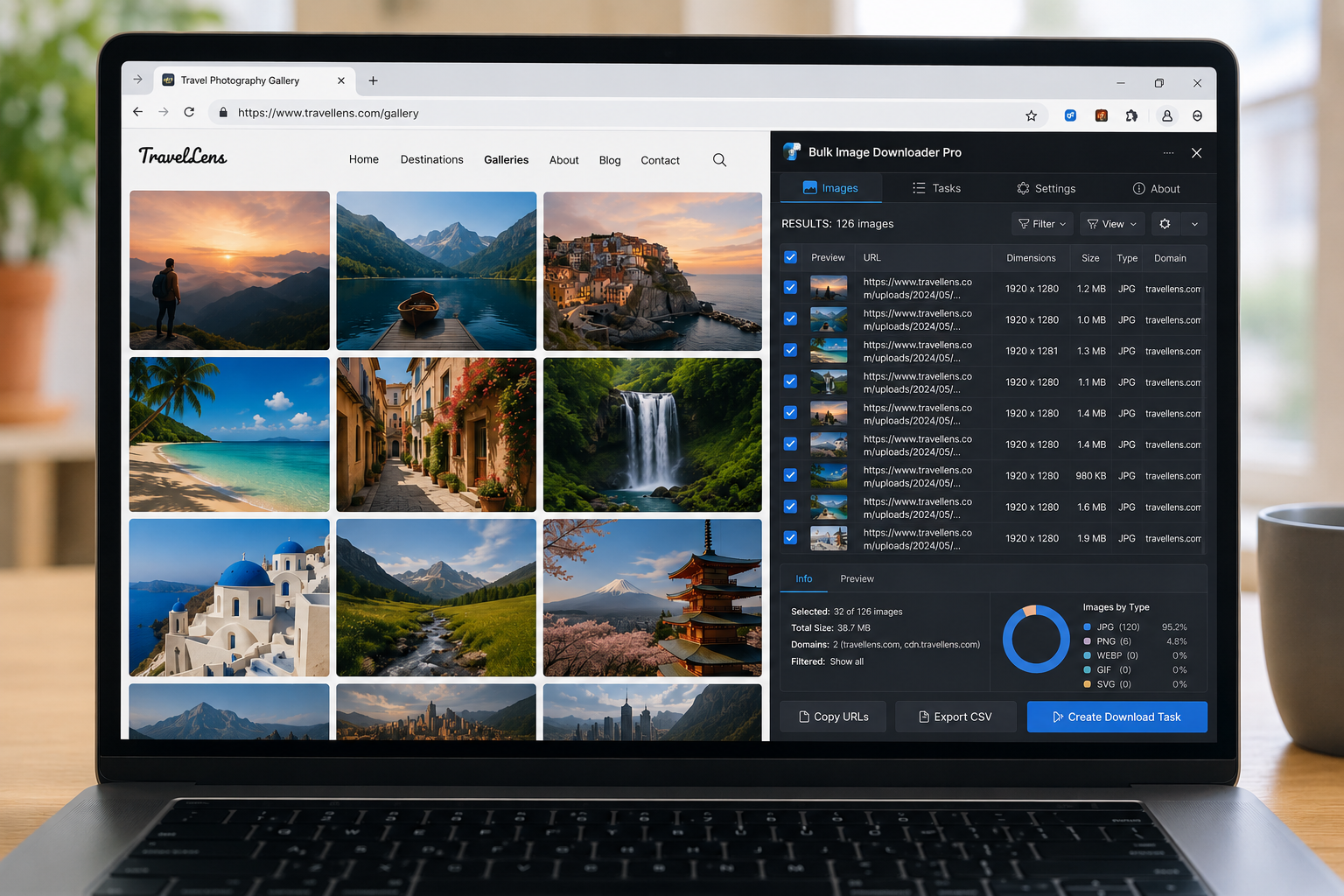
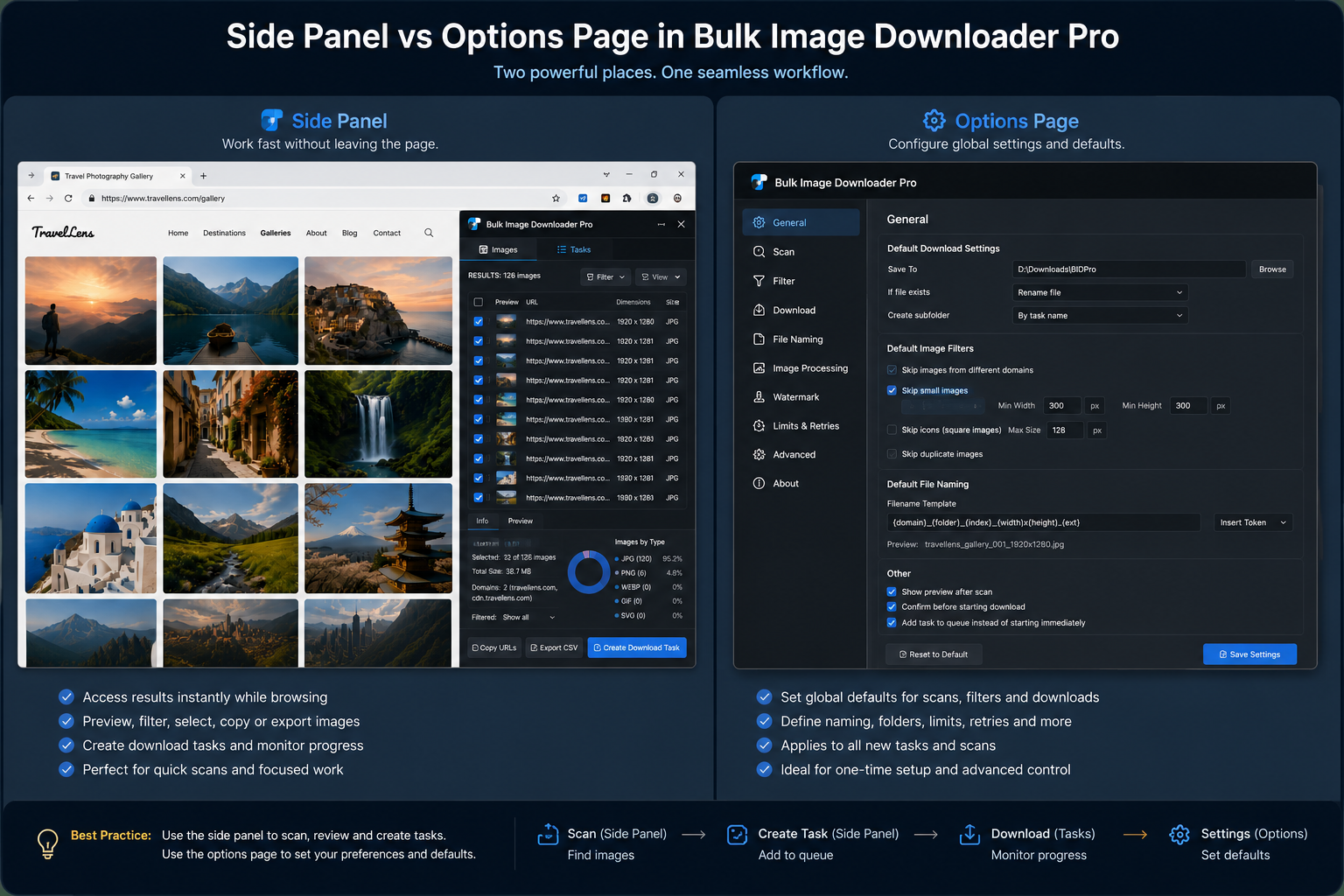
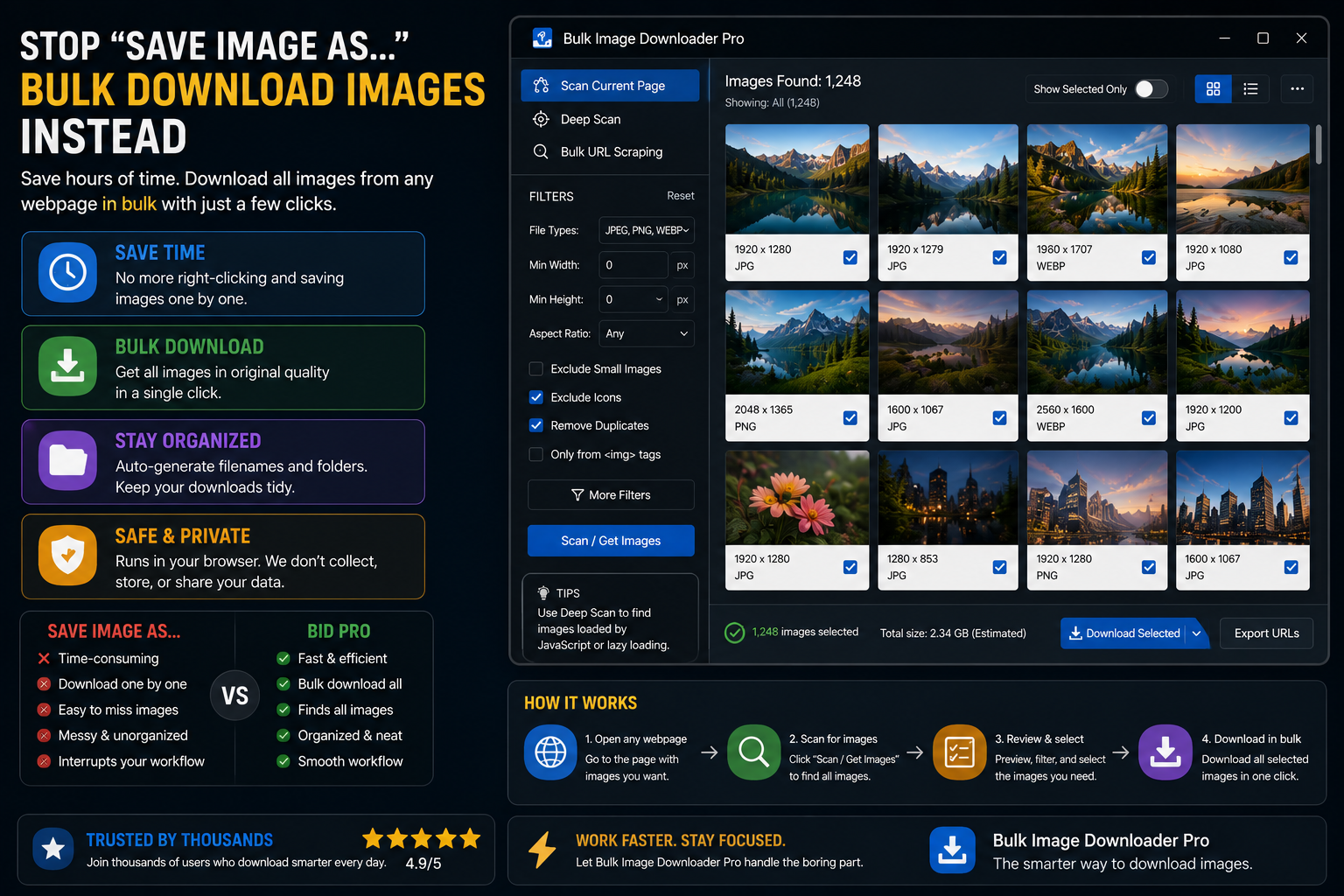
Understand the Bulk Image Downloader From URL List workflow: the side panel finds and prepares image URLs, while the options page downloads, processes, and manages tasks.
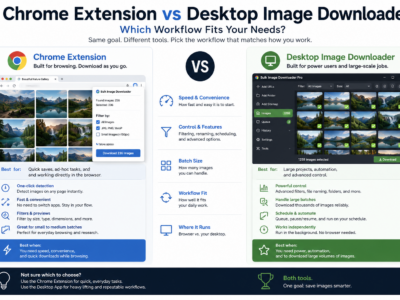
Compare a Chrome extension vs desktop image downloader for bulk image workflows, including logged-in pages, browser scanning, processing, privacy, and scale trade-offs.
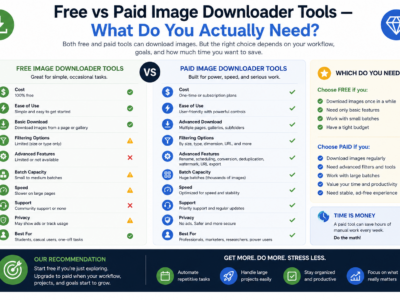
Compare free vs paid image downloader tools by looking at real limits: URL count, task reuse, processing, duplicate review, CSV import, support, and scale.
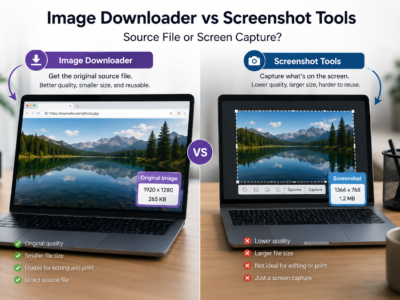
Compare an image downloader vs screenshot tools by quality, resolution, format, metadata, batch scale, and whether you need the original file or just the visible page.
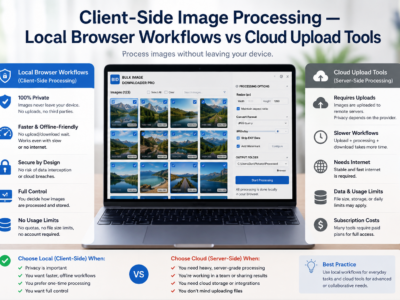
Client-side image processing keeps resize, convert, EXIF cleanup, and watermark work in your browser instead of uploading files to a remote service for processing.
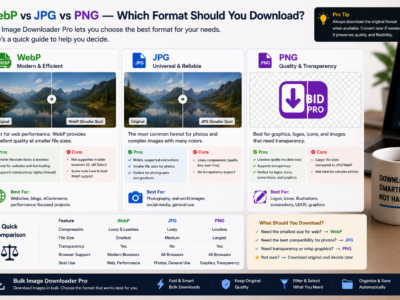
WebP vs JPG vs PNG images compared by compression, transparency, and compatibility so you can choose the right download format and convert mixed batches when needed.
Bulk Image Downloader From URL List features on the options page include filters, filename rules, folder naming, resize and convert, EXIF cleanup, PNG watermarking, duplicate review, and URL checkers.
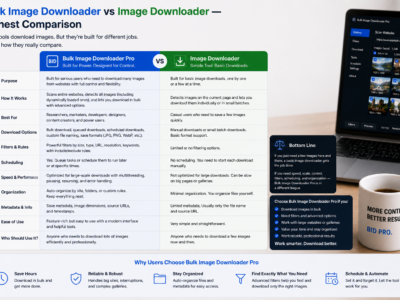
Generic Image Downloader extensions excel at quick single-page picks. Bulk Image Downloader From URL List adds URL lists, deep scanning, and on-download processing for repeat jobs.