
Renew Image Downloader License — Keep PRO Features Active
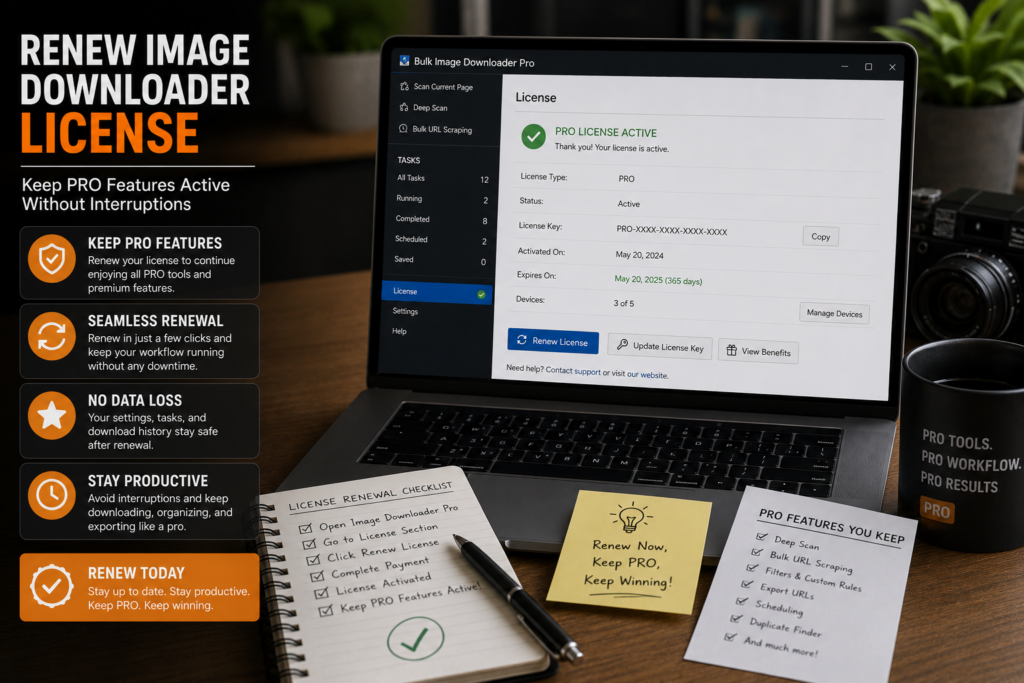
An expired license does not erase your saved tasks, but it does lock the advanced options-page controls you rely on for filtered, renamed, and processed downloads.
If you use Licensed PRO regularly, knowing how to renew image downloader license access before a deadline is part of the workflow.
Where renewal happens
Renewal starts in the extension, not in a separate desktop app. Open the Get License panel on the options page and check:
- License key
- Status: Active, Expired, or No License
- Expiration date in your local timezone
If the license is expired or missing, click Get License, choose a plan on the shop page, complete checkout, then return to the extension. Activation should refresh automatically after purchase.
Licensed PRO activation requires you to be signed in.
What renewal keeps working
Staying on Licensed PRO preserves the full download-task toolkit:
- Unrestricted URL counts per task
- Filters, filename rules, folder naming, and Download IF URL rules
- Resize, convert, EXIF cleanup, and PNG watermarking on tasks
- Duplicate review plus 404 and redirect checking
- Bulk CSV task import
Your existing tasks, drafts, saved rules, and sessions remain in local browser storage. Renewal restores access to the controls, not a blank install.
Renew before the big batch
The worst time to notice expiration is halfway through a large job, when advanced controls suddenly lock and a tuned task cannot run as configured.
A simple habit helps:
- Check license status in the top status area before starting
- Renew early when expiration is near
- Export task CSV backups so settings are safe regardless of license state
If access drops before you renew
When a license lapses, the extension behaves closer to Basic (Free) on the options page: URL-list downloading may still work, but advanced tabs and processing controls lock until PRO access returns.
After renewal, sign in if needed and confirm status shows Active before running PRO-only workflows such as CSV import or unrestricted multi-URL tasks.
If renewal completes but the extension still shows the wrong tier, a clean reinstall after exporting backups can refresh local license state without losing your account purchase.
Continue reading: try pro image downloader.
Get Bulk Image Downloader From URL List on the Chrome Web Store, watch the tutorial video, or visit our YouTube channel for more image download workflows.
For a repeatable setup, save the rules once in Bulk Image Downloader From URL List, then reuse them the next time you face a similar URL list.
Bulk Image Downloader From URL List keeps this workflow inside Chrome so you can filter, rename, and download from one place.