
Save Image Scraping Sessions
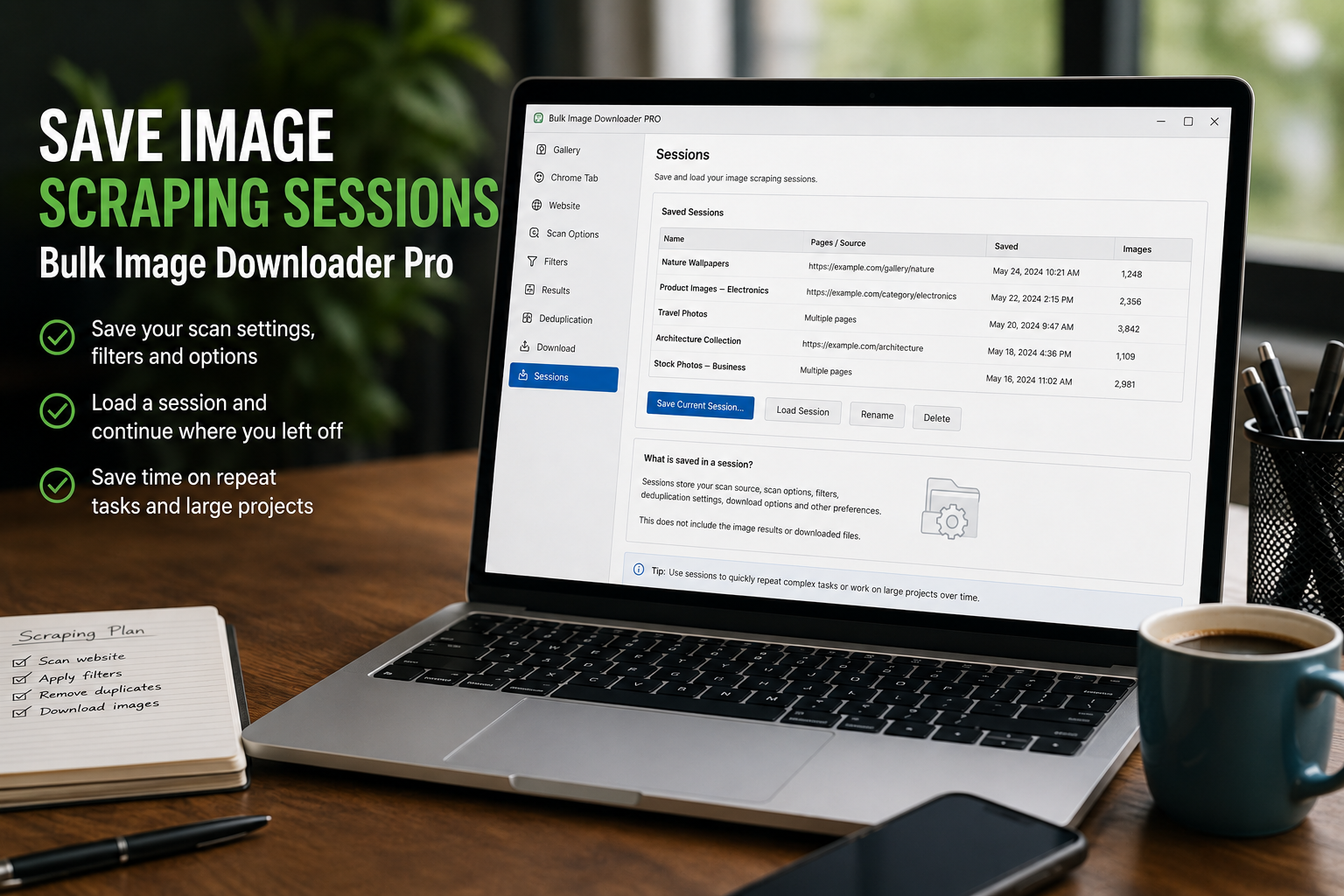
Image scraping is not always finished in one pass. You may scan a page, filter the results, check a few URLs, compare sources, then come back later before downloading anything. When the work is worth keeping, save image scraping sessions instead of rebuilding the same result list from memory.
Bulk Image Downloader From URL List includes Sessions in the side panel. A session is a named snapshot of scraper work: results, source URL, timestamp, selected settings, and metadata that help you find the work again later.
What a saved session contains
A saved session can include the image results collected by the scraper, the page URL, timing information, filters, pagination settings, and basic result stats. That makes it useful for pausing a research job or preserving a scan before further cleanup.
Think of it as a saved workspace snapshot, not a promise that the original website will still behave the same way later.
When saving a session helps
Save a session when the result set took time to build, when you want to compare it with another scan later, or when you need a record of what the scraper found at a particular moment.
It is especially useful for long galleries, product pages that change over time, research folders, content audits, and recurring sources you revisit.
What sessions do not guarantee
Sessions are not automatic crash recovery and they do not guarantee that remote images will stay available forever. If a site removes an image, changes a URL, blocks access, or updates its layout, the saved session still preserves your previous result list, but the live source may differ.
For important work, save the session deliberately once the result set looks useful.
Use history to find and load older work
The session history lets you search by name or URL, review saved sessions, load a previous result set, or delete old sessions. Loading a session brings the saved image results back into the side-panel results area and restores saved settings where available.
Use clear names. A session called supplier-gallery-july is easier to trust later than test 3.
A practical session workflow
- Scan or scrape the source page.
- Filter and review the result list.
- Save the current session with a descriptive name.
- Use View History later to search by name or URL.
- Load the session when you need the saved results again.
- Compare sessions if you want to see what changed between two saved scans.
For comparing two saved scans, read compare image scraping sessions. For repeat site setups, see save image scraping rules for websites.
When this becomes a regular task, Bulk Image Downloader From URL List keeps the URL list, filters, and settings in one place in Chrome.
The extension keeps filtering and renaming beside the download, so nothing is handed to a separate desktop program.
The two toggles that decide what a session covers
A session is shaped by whether it stands alone. Keep scanning and Add to previous scan stay on until you turn them off, so a later scan can extend an earlier one instead of replacing it. Leave them on and the saved session is cumulative; turn them off and it reflects the visit you just made.
Both options exist for good reasons, which is why noticing them matters more than choosing a default. Before saving a session you intend to compare against another, switch both off so the record matches the page rather than the running total.