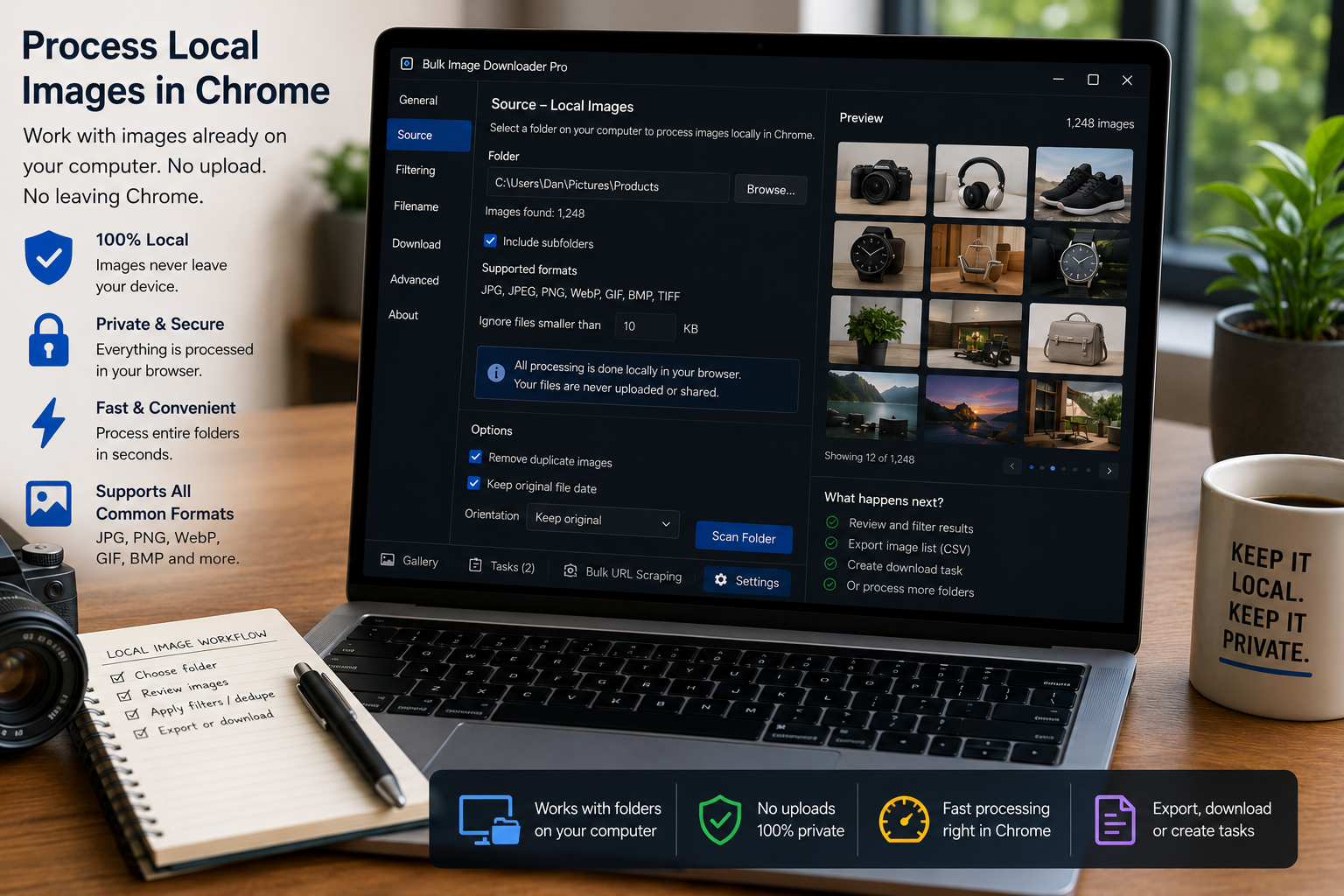
Process local images in Chrome by switching a task to Upload Mode, adding files from your computer, and using resize, convert, EXIF cleanup, watermark, and filename tools.
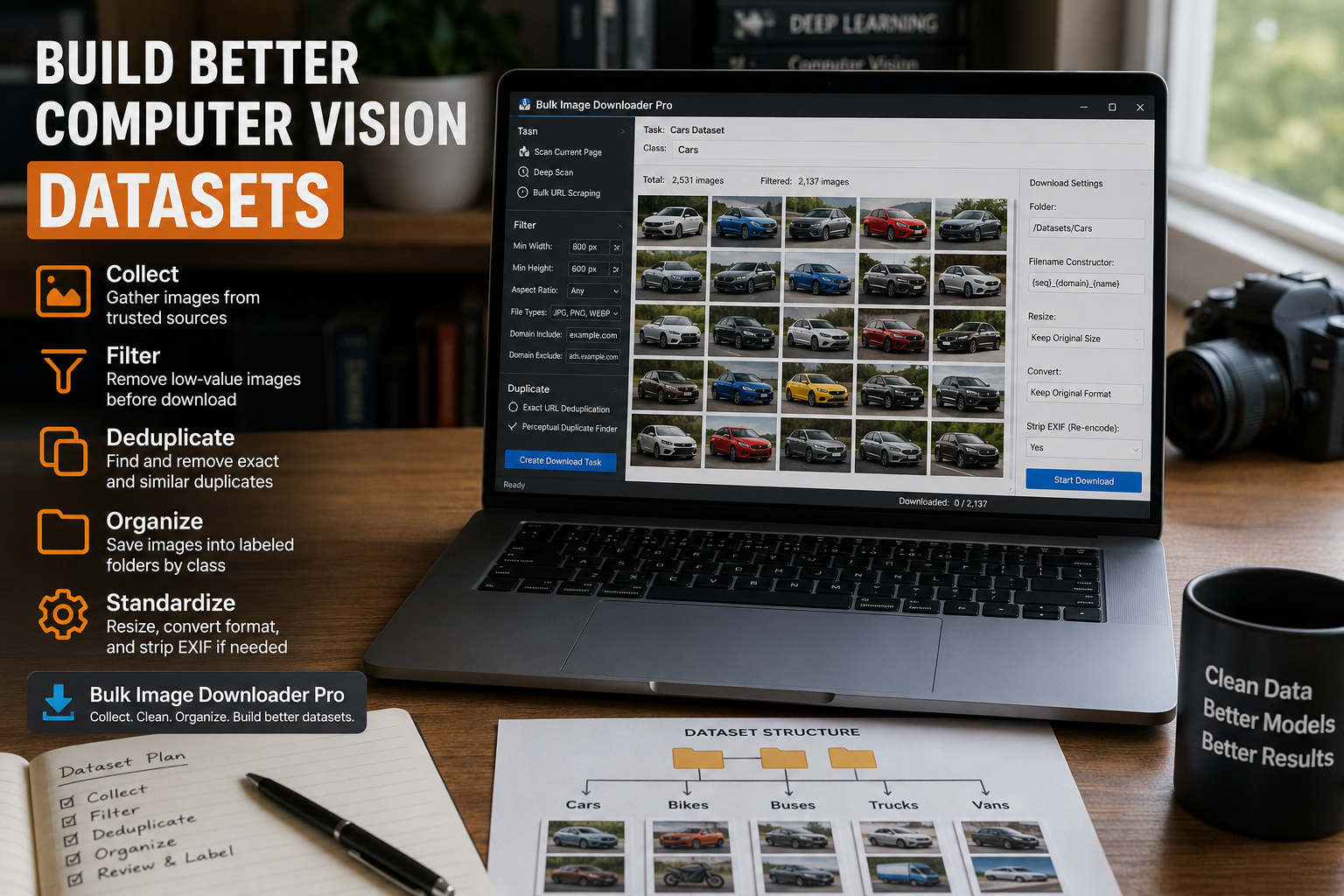
Collect an image dataset for machine learning by gathering candidate images, filtering low-quality results, removing duplicates, and saving organized folders.
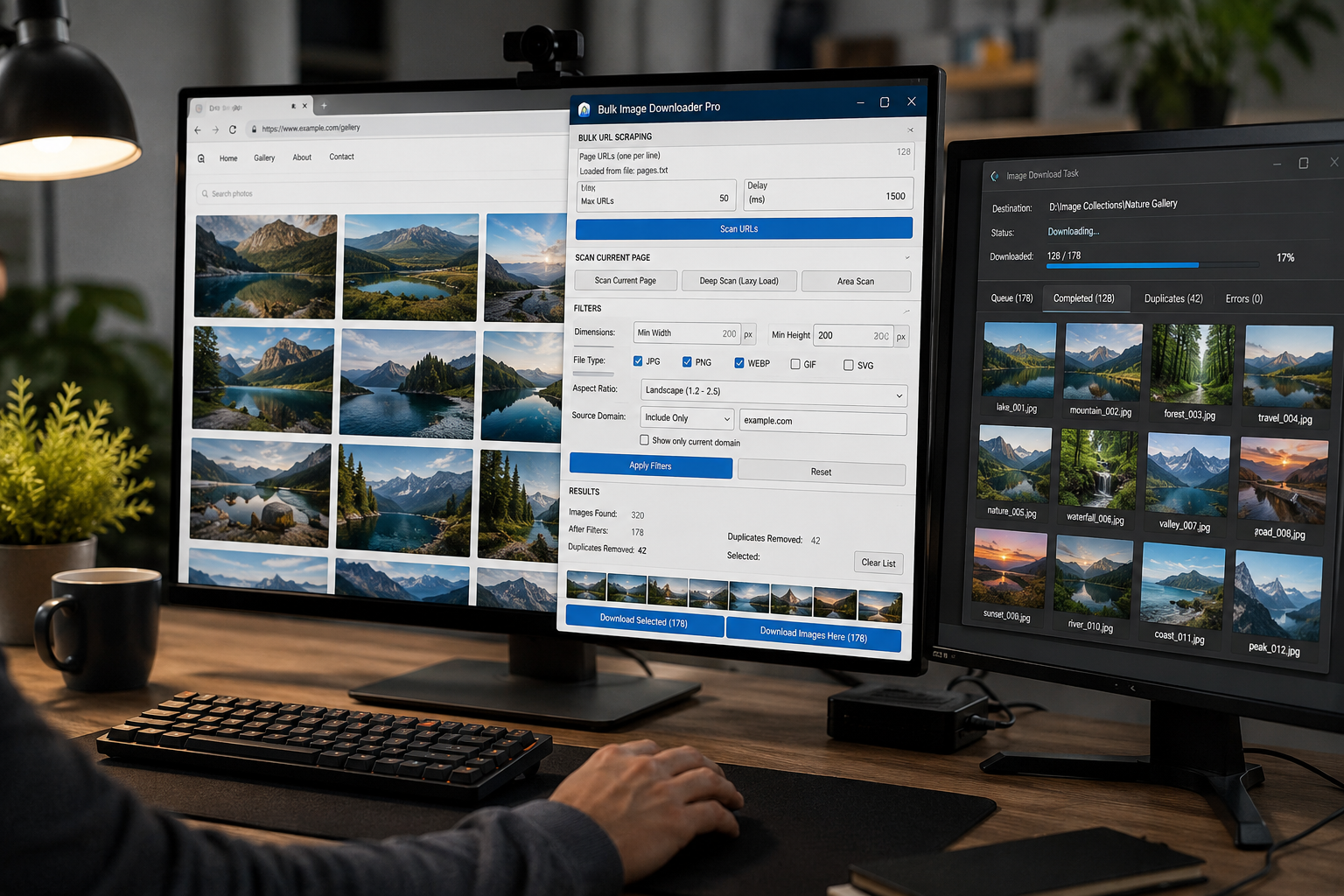
Bulk download images for web scraping projects by scanning page lists in Chrome, filtering noisy results, removing repeats, and sending clean URLs to download tasks.
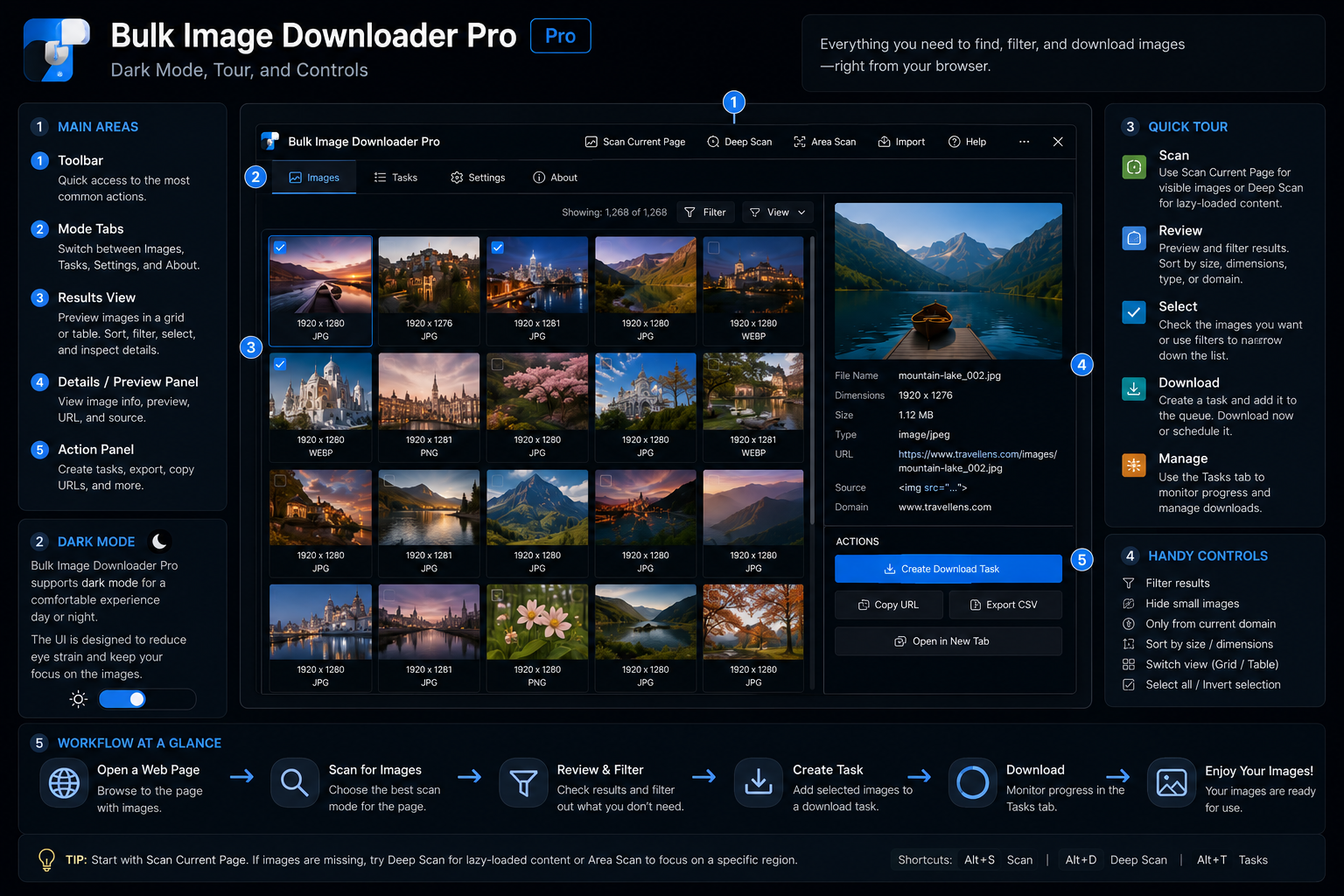
A practical guide to the Bulk Image Downloader From URL List interface, including dark mode, the options-page onboarding tour, Hide Controls, and the essential info bar.
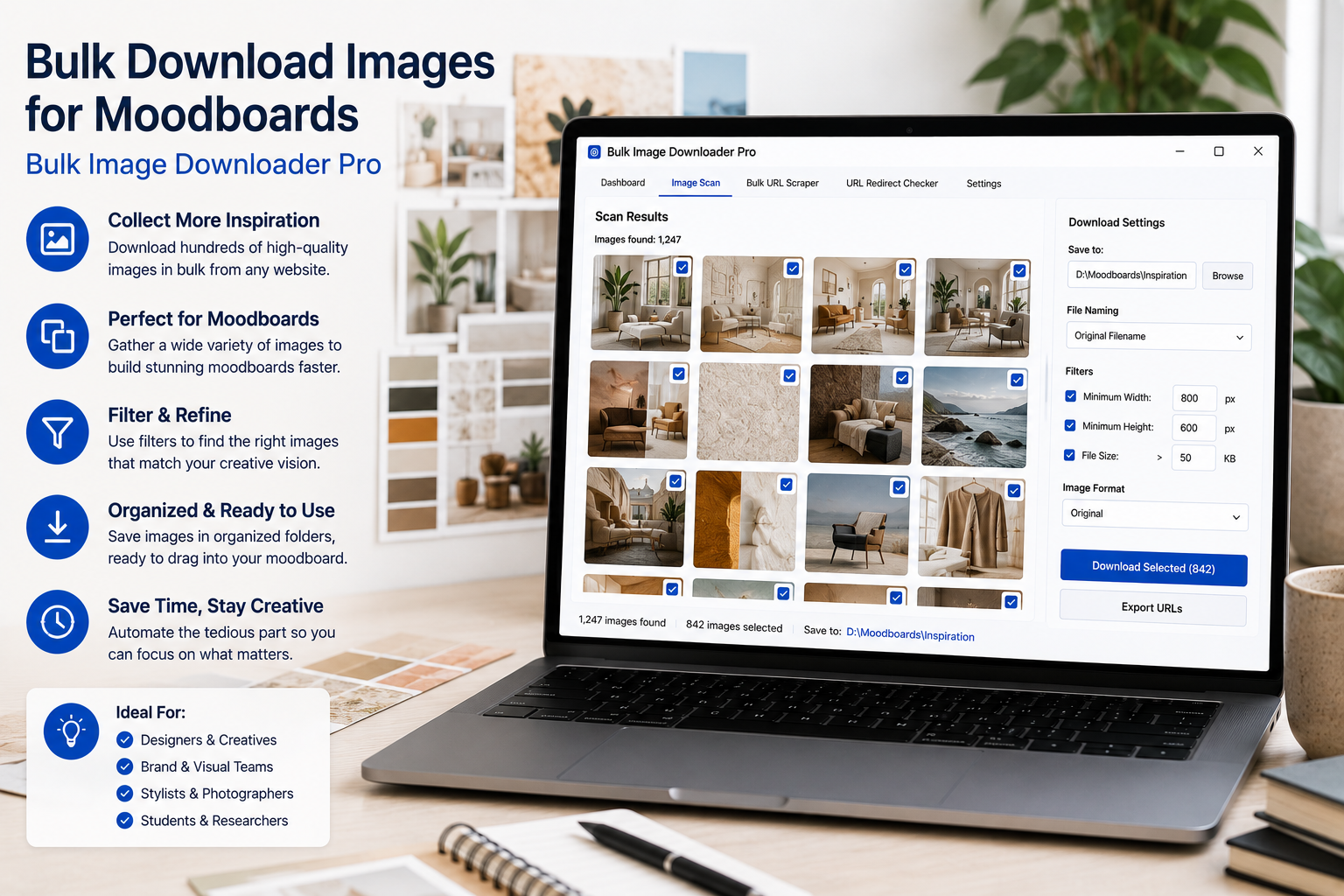
Bulk download images for moodboards by scanning inspiration pages, filtering useful references, removing repeats, and saving organized folders by theme or project.
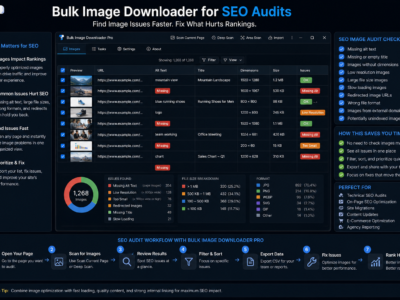
Use a bulk image downloader for SEO audits to inventory image URLs, review dimensions, check broken image links, trace redirects, and collect assets for cleanup.
A bulk image downloader for graphic designers helps collect references, filter by size and aspect ratio, organize folders, convert formats, and prepare client-safe previews.
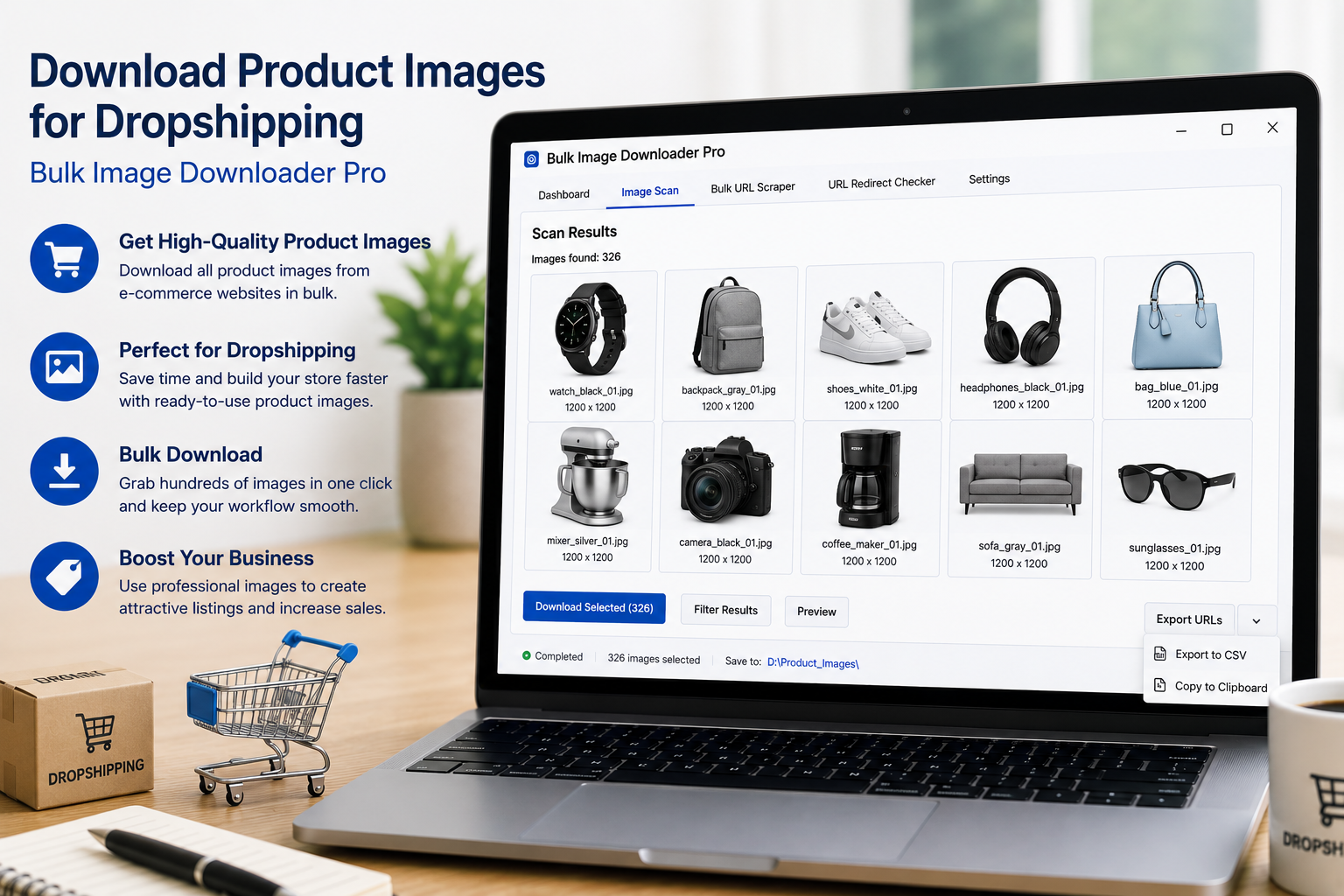
A bulk image downloader for digital marketers helps collect approved visual assets, filter by campaign needs, organize folders, rename files, and prepare clean handoffs.
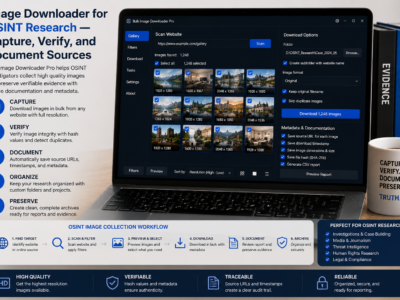
An image downloader for OSINT research helps collect browser-visible images, export source URLs, save sessions, check redirects, and document visual evidence responsibly.