
Collect PowerPoint deck images without manual saving
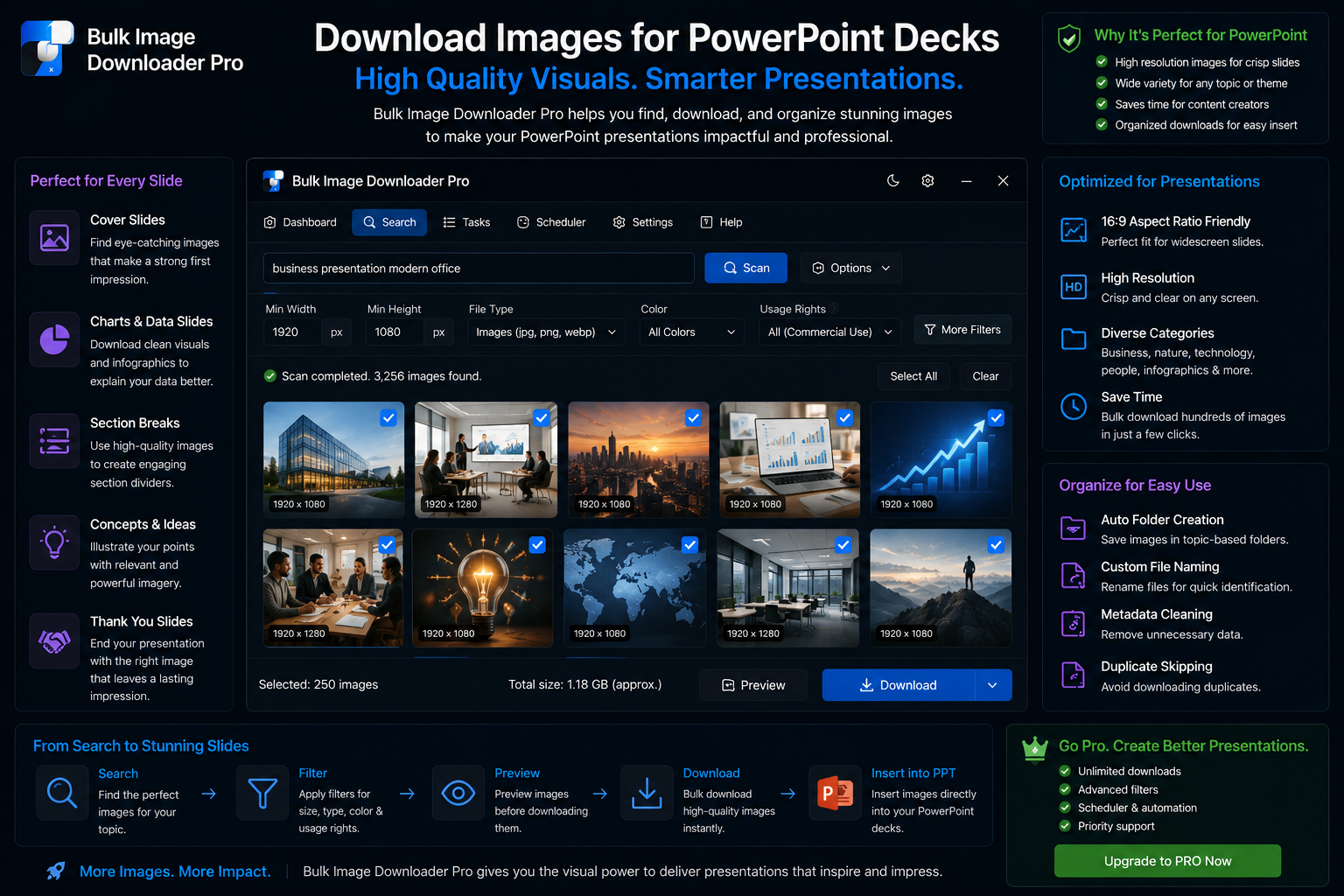
Collect PowerPoint deck images without manual saving runs as one pass once the links are gathered, downloading with Bulk Image Downloader From URL List.
Presentation decks pull photos from press kits, reports, product pages, and conference recaps. Searching how to download images for powerpoint decks usually means you need many visuals fast, with consistent sizing so the .pptx stays email-friendly. Bulk Image Downloader From URL List collects, filters, resizes, and names images in one browser workflow instead of dozens of Save Image As clicks.Step 1: collect from your sources
- Scan Current Page for a simple visible gallery
- Deep Scan when images load on scroll or via AJAX
- Bulk URL scrape when your source list spans multiple article or product URLs
- use grid view to pick slides visually; table view to scan dimensions quickly
Step 2: filter out deck clutter
Source pages mix hero photos with logos, icons, and tracking pixels. Before download:- set a minimum width/height to drop tiny UI graphics
- filter by file type (JPEG, PNG, WebP) and aspect ratio
- use URL text filters when charts share a path fragment like
/charts/ - run the perceptual duplicate finder to remove near-identical copies
Step 3: resize for slide-friendly file weight
Full-resolution originals bloat deck files. On the options page, enable resize while downloading (Licensed PRO processing):- set max width or height (for example 1920 px on the long edge)
- use fit: inside to preserve aspect ratio
- adjust the quality slider (default around 82) for sharpness vs file size
Step 4: name and pack for handoff
- Filename Constructor sequence tokens (
{sequence}) keep slide order obvious in File Explorer - per-task ZIP packages a clean folder for designers or shared drives
- save the task or scraper session so next quarter’s update reruns the same filters and sizing
Copyright reminder
Downloading for an internal draft is different from publishing someone else’s photos. Check licensing, attribution rules, and brand guidelines before presenting third-party images. Install the extension when deck deadlines outgrow right-click saving. Continue reading: Download Images for WordPress Migration.Size for the deck, not for the web
A presentation stays email-friendly when the images are sized for the slide rather than kept at full resolution. Resizing during download, with a fixed maximum width or height, is easier than shrinking each image afterwards in a slide editor. Decide the target size before the batch so every slide image matches.
Pack the deck images as one file
If the images are being sent to someone else to assemble, a per-task ZIP keeps the set together and avoids a scatter of attachments. Use loose files instead when the next step is a local tool that expects a folder.
Drop near-duplicates before they reach the deck
Press pages and product galleries often carry several versions of the same photograph. The perceptual duplicate finder groups them by appearance rather than URL, so you keep one slide-worthy version instead of discovering the repeats while building the deck.