
Safe Bulk Image Downloader
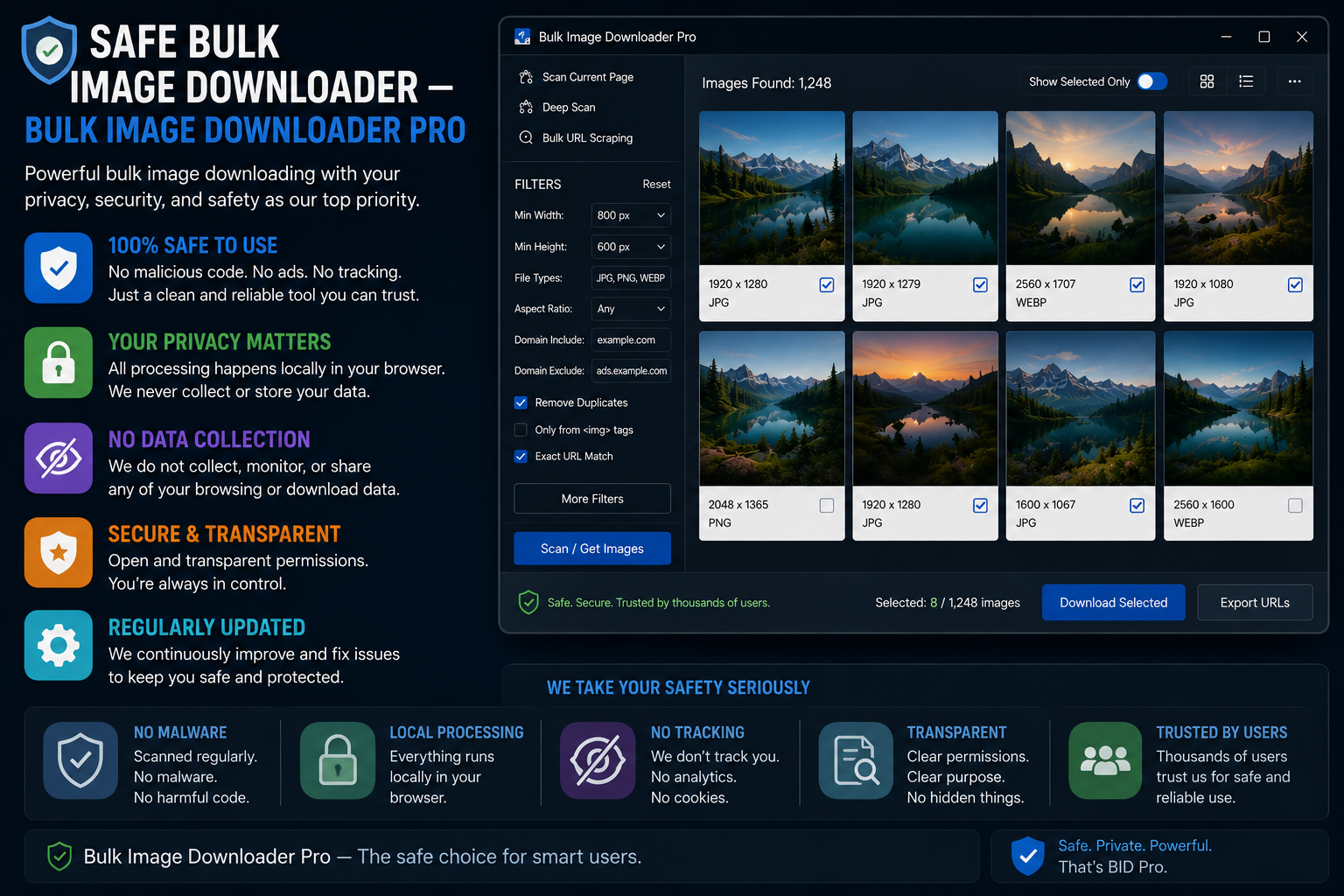
People search for a safe bulk image downloader when images are sensitive: client work, research material, or unpublished product shots. Safety is less about marketing claims and more about architecture: where files go during processing, what the extension can read, and whether you can audit or export your data.
Bulk Image Downloader From URL List is designed around local-only image handling. This page explains the criteria to evaluate any downloader, and how this extension maps to them.
What “safe” means for downloaders
Two risks matter most:
- Data exposure: does the tool upload your images to a remote server to resize, convert, or scan them?
- Access scope: what host permissions does the extension request, and can you see when it touches a site?
A safe tool minimizes both. Local processing means a third-party outage or breach cannot expose files that never left your machine. Narrow, reviewable permissions mean you understand what browsing data the extension can reach.
How Bulk Image Downloader From URL List handles images
- resize, convert (JPEG/WebP/PNG), EXIF stripping, and PNG watermarking run client-side in Web Workers
- no server upload step for your downloaded or uploaded images during processing
- tasks and settings live in chrome.storage.local
- Upload Mode files are stored in IndexedDB on your device
- task CSV export gives you a backup snapshot you control
- resize and convert are mutually exclusive per task (pick one processing path)
License validation uses an auth session cookie against the vendor site; it does not require uploading your image task lists for basic operation.
Safety checklist for any extension
- Does it upload images anywhere, or process them inside the browser?
- Which host permissions does the Chrome Web Store listing request?
- Where are tasks stored, and can you export them?
- Can you strip EXIF (GPS, camera data) before files leave the browser?
- Does the privacy policy match what the code actually does?
Install count and star rating measure popularity, not safety. Run the checklist before trusting confidential images to any grabber.
Practical privacy actions
EXIF stripping removes embedded location and camera metadata before you publish or forward files. CSV task export means your workflow backup sits on your drive, not only inside extension storage. For client deliverables, those two features often matter as much as the download itself.
Honest limits
No extension is risk-free. You still choose which sites to scan, and broad host permissions should be reviewed in the listing before install. This tool does not claim encrypted cloud vault storage or anonymous proxy downloading. It claims local processing and local storage you can export.
Install the extension when local control over image processing is a requirement, not a nice-to-have.
What the privacy panel can and cannot reach
The extension states its data behaviour plainly: downloads, drafts, and AI files stay on this computer, and the service does not record what you download. Signing in is only used to check your license. Your prompt in AI Studio is sent through the extension’s server to the AI provider, and prompts and images are not stored there.
The one thing to know about cleanup is its boundary. Clearing AI data removes local AI batches, library files, and queued AI data, but only for the current Chrome profile. Incognito and other profiles keep their own copies, so on a shared machine a cleanup in your profile is not a cleanup of someone else’s.
Continue reading: Bulk Image Downloader vs Scraper Extensions.