
Save Image Download Task Drafts
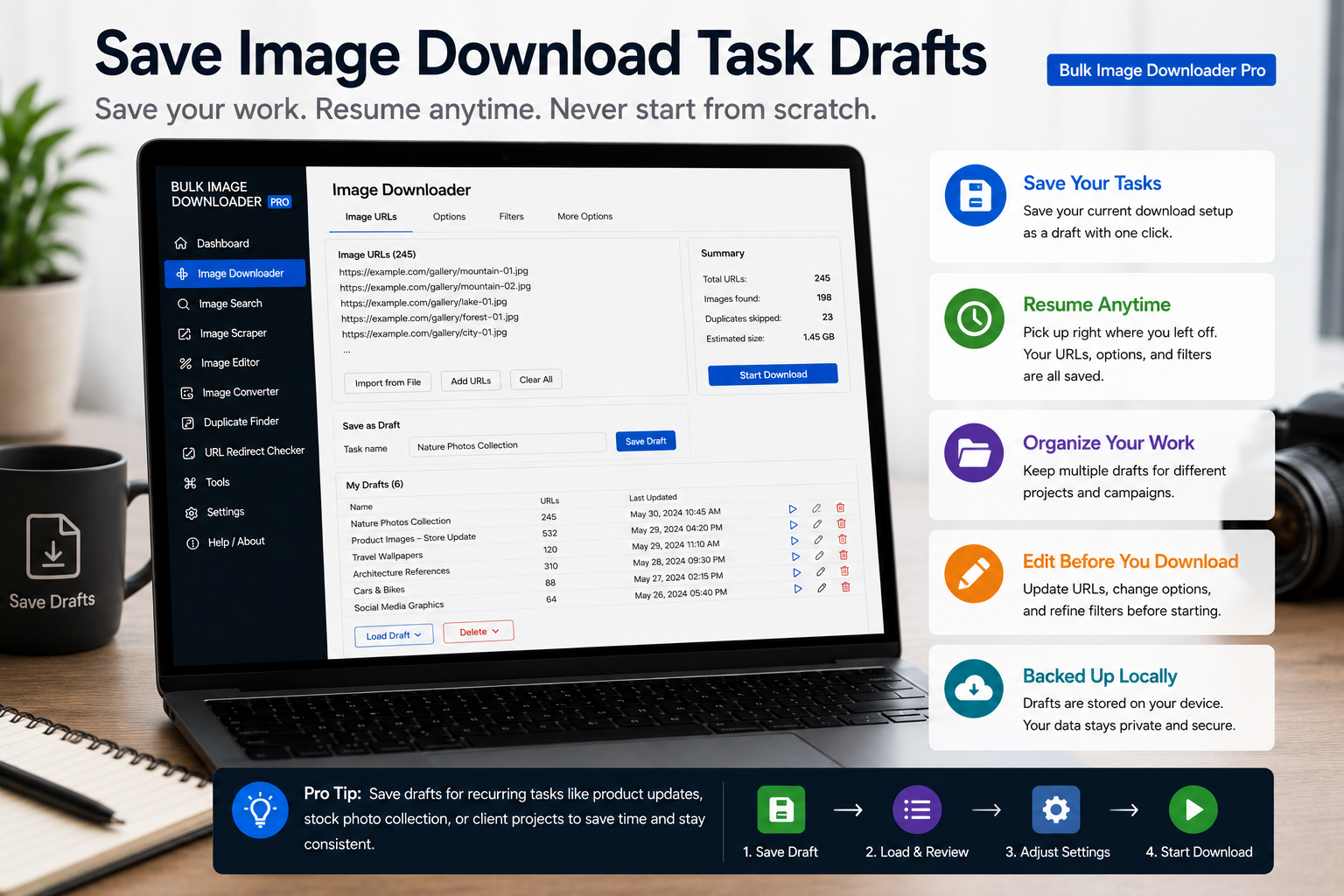
You pasted three hundred URLs, set filters, and started a filename template. Then the tab refreshed or the laptop slept. Without a saved checkpoint, that setup is gone. To save image download task drafts, you need one action you can hit while still editing, not only when the list is perfect.
On the options page in the tool, Draft Save (All) and Ctrl/Cmd + S write your tasks to browser storage without starting a download.
Save while you are still typing
Most shortcuts are ignored inside text fields so normal typing is not interrupted. Draft save is an intentional exception: Ctrl/Cmd + S works even when your cursor is in a URL textarea. That makes it practical to save after every paste or filter change, the same way you would save a document mid-sentence.
The top Draft Save button, essential-info Draft Save, and docked save button all run the same draft save path.
What a draft actually stores
A draft is not just the URL text. Saving captures the task as configured, including:
- the URL list as pasted or imported
- download folder, file-type filters, and Download If rules
- resize, convert, watermark, ZIP, and filename options enabled on that task
- schedule time when scheduling is configured
- draft status so the task is clearly not finished yet
Licensed PRO draft save persists all tasks on the page. On Try PRO, saving more than one task requires a valid license. In Basic download-only mode, draft save is not available; switch to Try PRO or Purchase PRO to use it.
Why draft status matters
Draft is a real lifecycle state, not a cosmetic label. A task marked draft means review before download. Sidepanel handoff into an existing task also marks the target as draft so you can inspect URLs before Save & Download.
That pairs with deliberate workflows: scrape broadly, save a draft, clean up in Advanced Image Filter or the duplicate finder, then download when the list is right.
Habits that prevent rebuilds
- paste a chunk of URLs, then save
- change filters or filename settings, then save again
- park several half-built tasks as drafts and finish whichever is ready first
- export tasks to CSV occasionally for an offline backup
Everything is stored locally in your browser. A draft should survive a normal tab close, but browser data clears and reinstalls can still remove it. Treat draft save as frequent checkpoints and CSV export as insurance.
For keyboard bindings, read image downloader keyboard shortcuts. For the status bar that shows license and queue state while you work, see manage image download tasks.
Install the extension and make Ctrl/Cmd+S part of every long editing session.
The save shortcut has two meanings
Ctrl or Cmd + S saves a draft, and the behaviour differs by task type. For a WordPress download it saves the draft without updating the website — the extension prepares the file and WordPress changes only when you import a return ZIP. For an ordinary link-list task, the draft is simply the saved state you can return to.
That distinction is the reason the shortcut is safe to press casually. Saving a draft is not the same as running a download, and it is not publishing anything. If you are mid-setup and want to stop, save the draft and come back without any output being produced.
Continue reading: Manage Image Download Tasks.