
Collect architecture moodboard references
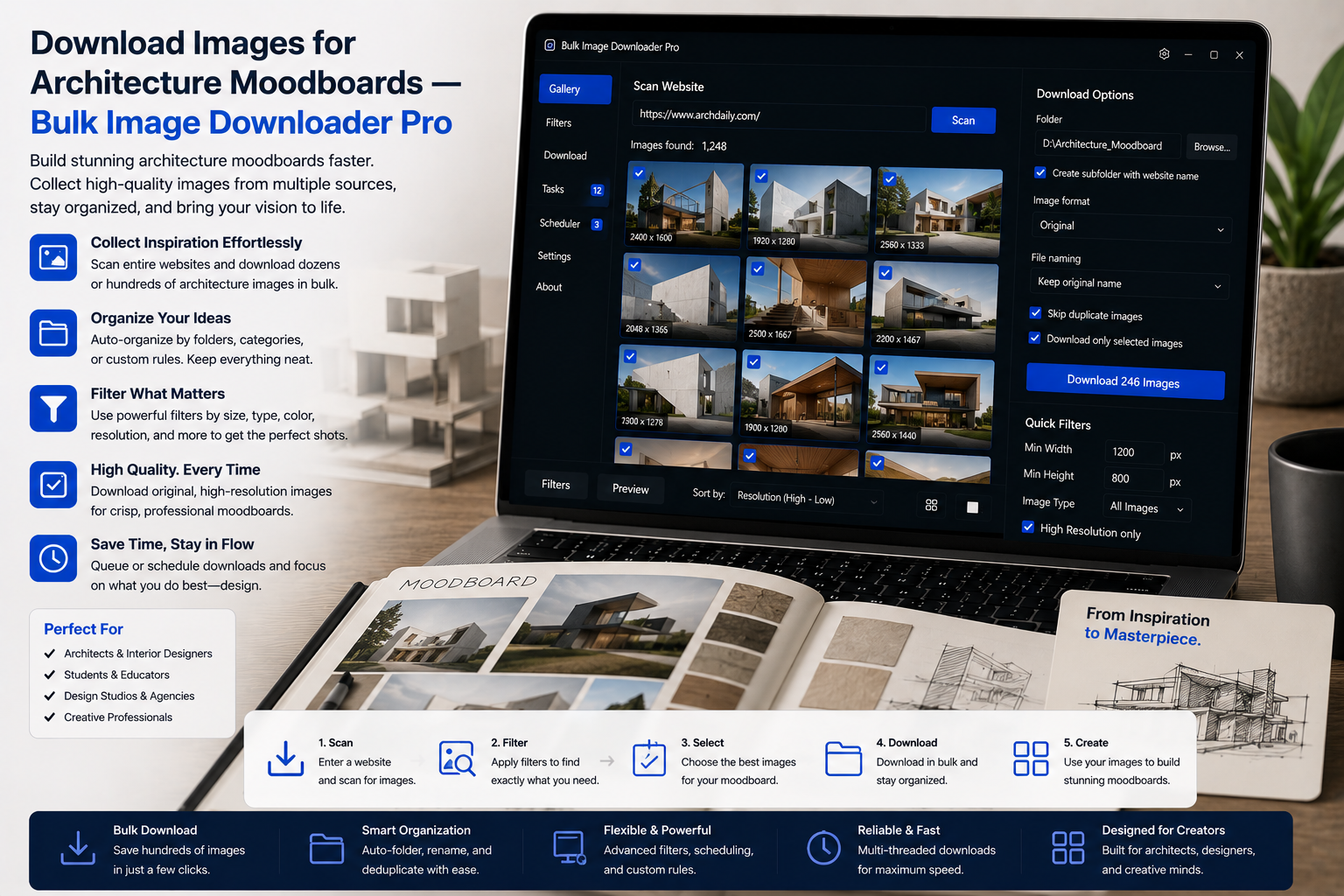
An architecture moodboard is an argument in pictures. Weak boards come from low-resolution grabs, mixed scales, and references you cannot find again next week. Learning to download images for architecture moodboards systematically keeps presentations crisp and client folders traceable.
Bulk Image Downloader From URL List deep-scans project galleries, filters by dimensions, and organizes references by client or source site inside your browser.
Step 1: capture full project sets
Architecture portfolios lazy-load: you see two facade shots until you scroll the rest.
- Deep Scan auto-scrolls AJAX and infinite-scroll galleries
- pagination walks numbered project pages (auto-detect or manual range, up to 100 pages)
- Stack Mode merges facade, interior, and detail pages into one review grid
- Bulk URL scrape processes a studio’s project URL list with delay between requests
Step 2: filter to presentation-grade resolution
Switch to table view to read width and height before download. Then:
- set minimum dimensions so tiny crops never reach the board
- use aspect-ratio filters to separate wide elevations from tall stairwell shots
- URL text filters isolate one project when images share a path fragment
A board reads professional when every tile is large enough to survive a 4K review screen.
Step 3: save rules for publications you revisit
Designers return to the same material libraries and architecture media sites. Saved Rules store filter presets plus custom CSS selectors when a gallery needs a specific selector to expose its grid. Pair rules with sessions so each client pull is saved with history.
Use compare sessions to see which references you added between concept and client presentation.
Step 4: organize by client and dedupe
- auto folders build nested paths from domain and URL fragments
- perceptual duplicate finder removes the same building photo at different sizes across sources
- export scrape results as CSV to log sources for attribution slides
- export a session as JSON to hand a reference set to a collaborator
Step 5: normalize size on download
Mixed 6000-pixel renders and 400-pixel crops look careless side by side. Enable resize while downloading with a sensible long-edge cap and fit: inside. Convert to JPEG or PNG if your layout tool prefers one format; resize and convert are mutually exclusive per task (JPEG/WebP/PNG output only; no AVIF conversion).
Attribution and rights
Reference images support design development. They do not replace photo credits, client approvals, or licensing for published work. Collect only what site terms allow and note sources in your presentation appendix.
Install the extension when the next project should start from a saved rule, not a blank tab.
Let the link path build the folders
Folders is the control that groups files by their link path. Rather than renaming moodboard references by hand after a batch, you let the source structure decide the grouping, so images from one publication or project land together. That is useful when a moodboard pulls from several sites and you want the divisions to follow where the pictures came from.
It pairs well with saved rules if you revisit the same publications. Set the folder grouping once alongside your filter and pagination choices, then re-apply it by domain on the next round instead of rebuilding the structure for each new project.
Continue reading: Download Images for Fashion Trend Research.