
Export site images before a WordPress migration
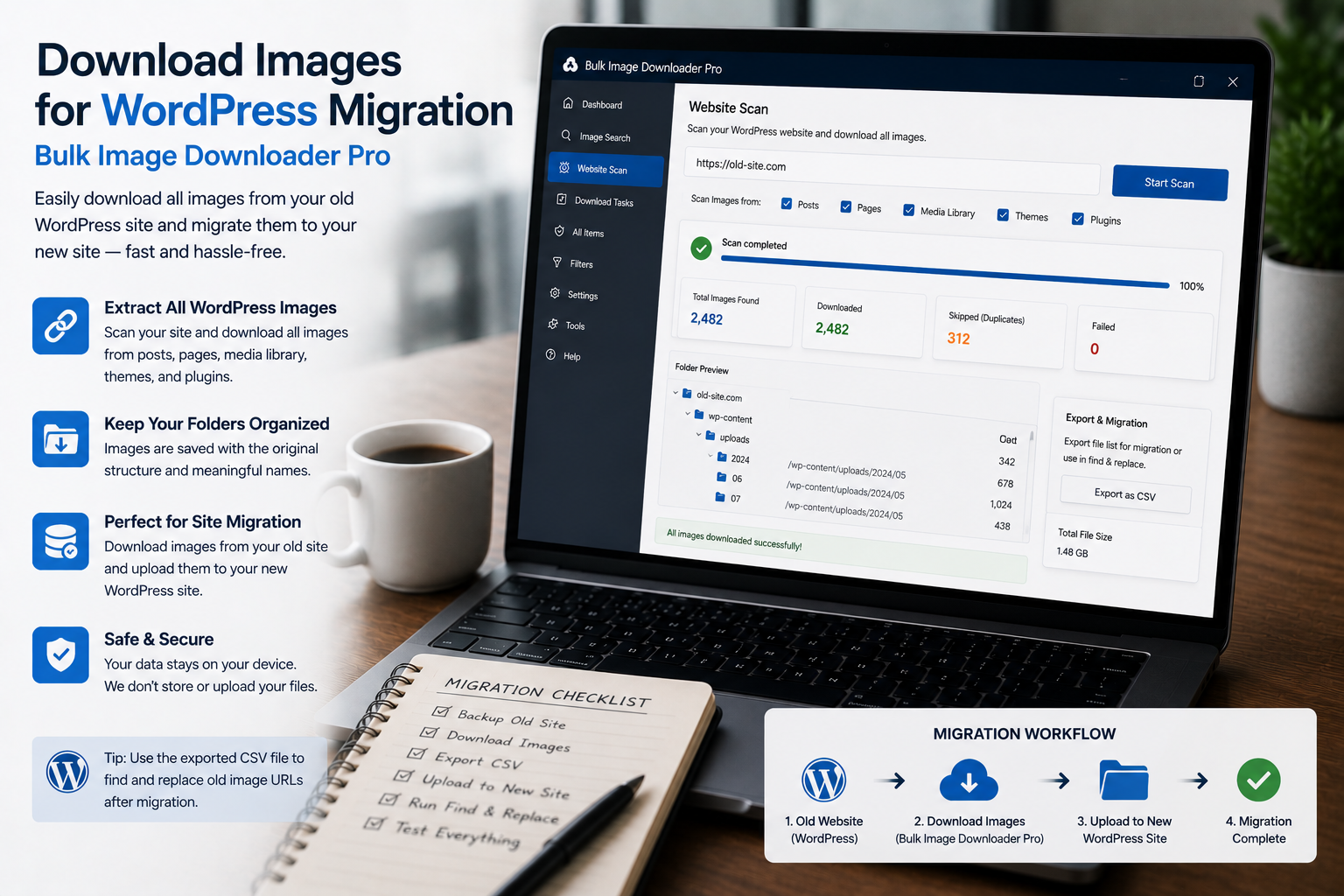
WordPress migrations fail quietly in the media library: posts import fine, but images 404 because files were never collected, links rotted, or filenames changed. Planning to download images for WordPress migration before cutover closes that gap.
Bulk Image Downloader From URL List crawls pages in Chrome, validates URLs, and downloads with folder and naming rules that mirror the old /wp-content/uploads/ structure.
Step 1: crawl the old site completely
- paste a sitemap or archive URL list into Bulk URL scrape (up to 500 URLs per run with configurable delay)
- enable Stack Mode to merge images from every page into one collection
- run Deep Scan on gallery and archive templates with lazy-loaded thumbnails
- use side-panel pagination when posts span numbered archive pages
Respect the origin server: set scrape delays and avoid hammering a site you are about to decommission.
Step 2: validate URLs before download
Run the 404 checker on your URL list. It tries a fast HEAD request first, then falls back to GET when needed, and groups reachable image URLs separately from dead links. Copy the reachable list for your download task.
Run the redirect checker when old CDN paths may have moved. Note each image’s final URL so imports reference live files.
Step 3: preserve filenames and folder paths
- use the Filename Constructor
Filenametoken to keep the original name from each image URL - enable auto folders with domain and URL fragment tokens so nested paths resemble the old uploads tree
- avoid random renames that break embedded image references in post HTML
Step 4: dedupe and stage for import
- remove exact URL duplicates from the side-panel collection
- run the perceptual duplicate finder when the same hero appears at multiple sizes or URLs
- export scraper sessions to compare a pre-migration crawl with a post-cutover rescan
- save the task as CSV so you can rerun the same pipeline if migration slips a week
What this does not replace
This tool does not export the WordPress database or regenerate attachment IDs. You still need a proper migration plugin or import process. The goal is a complete, verified media folder that matches what posts expect.
Install the extension before media becomes the long tail of your migration project.
Continue reading: Download Product Images in Bulk.
Inventory before you export
List the image URLs the live site actually serves, then compare that list with the media you have in the export. The gap is the useful output: files still referenced by pages but missing from the library. Running this check before you migrate is much cheaper than finding the gap after the old site is gone.
Check what the export points at, not just what it contains
Run the 404 checker over the URL list to find images that no longer resolve, and the redirect checker to catch paths that have moved to a CDN. A media library can look complete while its pages point at URLs that will break the moment the old host is retired.
Find the oversized originals first
Dimension filters surface the images that are far larger than their placement requires. On a migration, those are the files worth reviewing first: they drive transfer time, and they are the ones most likely to be replaced by a smaller variant during a redesign.