
Gather Etsy product photo references in bulk
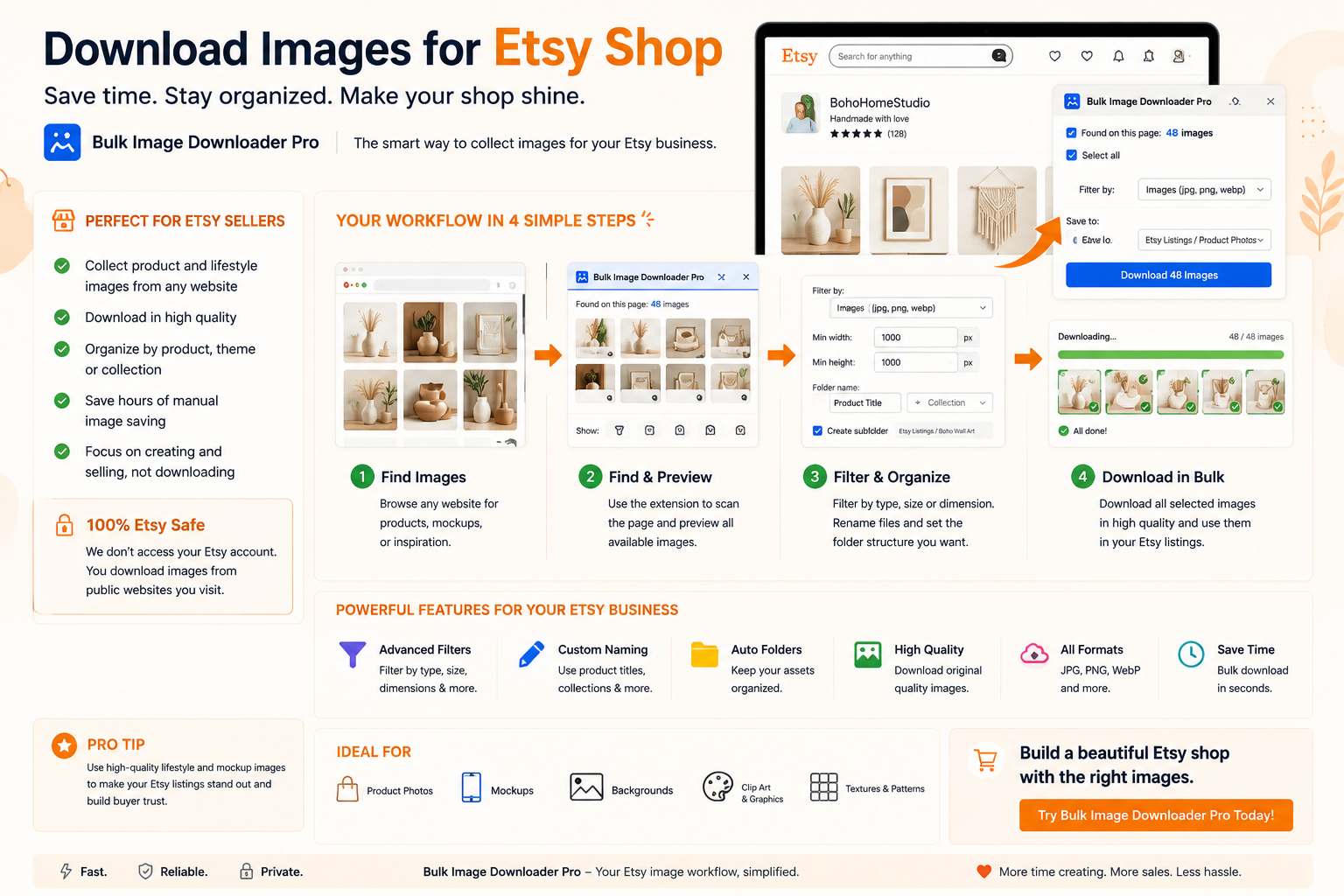
Gather Etsy product photo references in bulk takes less setup when the links are gathered up front, then downloaded in one pass with Bulk Image Downloader From URL List.
Etsy shops look uneven when listing photos vary in size, format, and crop. Sellers searching how to download images for Etsy shop workflows usually need batch prep: consistent squares, clean filenames, and optional branding, without uploading unreleased product shots to a remote server. Bulk Image Downloader From URL List processes your own camera files in Upload Mode and can scrape reference galleries when you have permission to collect them.Process your own photos locally
Most listing work starts with photos you shot yourself:- drag files into Upload Mode; they stay in IndexedDB on your device
- resize, convert, EXIF strip, and watermark run in Web Workers with no server upload
- save the task so the next product line uses the same dimensions and quality settings
Make listings a consistent square
Etsy listing photos work best as clean, square thumbnails in search results. On the options page:- enable resize while downloading with fixed width and height (for example 2000×2000) and fit: inside to preserve aspect ratio
- filter by aspect ratio in the side panel to flag wide shots that need a different crop first
- convert mixed WebP/PNG exports to JPEG or PNG for predictable uploads (output formats: JPEG, WebP, PNG; no AVIF conversion output)
Brand with a PNG watermark
The watermark tool applies a PNG image only (no text watermark). Set opacity and position once, save watermark settings, and reuse them across listing batches so photo 40 matches photo 1.When you scrape reference images
For staging ideas or packaging references you are allowed to collect:- Deep Scan captures lazy-loaded gallery shots
- minimum size filters drop icons and UI graphics
- filename sequences keep variant order obvious
- perceptual duplicate finder removes near-identical angles
Repeat the recipe
Export the task CSV after you dial in square sizing, watermark, and naming. Next stock arrival becomes import-and-run instead of rebuilding settings from scratch. Install the extension when listing prep should take an afternoon, not a month of one-off edits. Continue reading: Download Images for Affiliate Sites.Keep unreleased photos local
Product photos that have not been listed are the last files you want sitting on someone else’s server. Working in Upload Mode keeps your own images on your device, in IndexedDB, while resize, convert, EXIF stripping, and watermarking run through the browser. Nothing is uploaded for processing.
Repeat the recipe next season
Once a listing size, format, and watermark setup produces the look you want, save the task. The next product line starts from the same dimensions and quality settings rather than from a fresh setup, which is what keeps a shop looking consistent across collections.
Plan for the watermark setting before you save
If watermarking is enabled, a download will not save until a PNG watermark image has been chosen. Set the watermark on the task before starting a long run, or turn the option off deliberately. Finding out at save time wastes the queue you just waited for.