
Collect nonprofit campaign images in organized batches
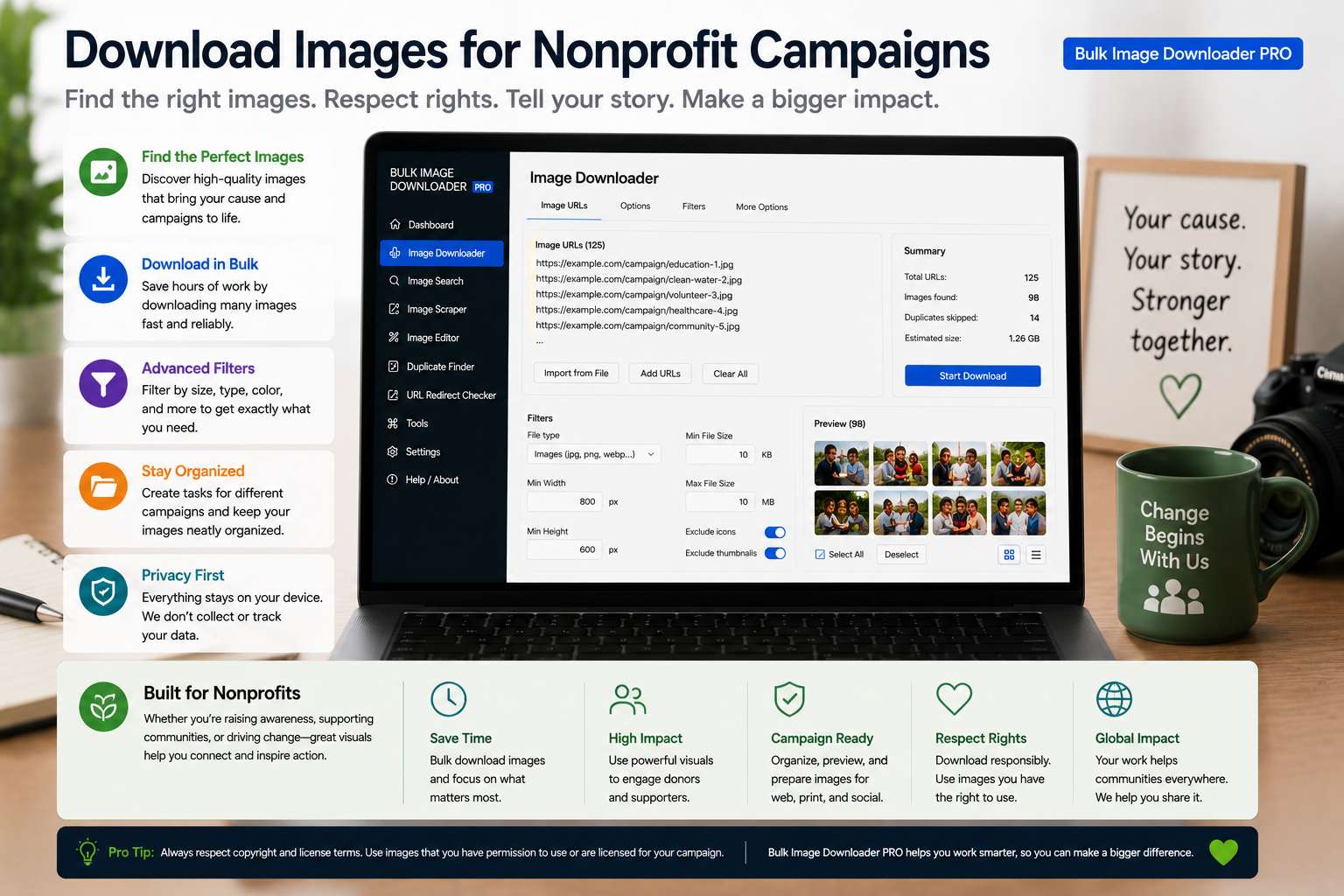
Collect nonprofit campaign images in organized batches runs as one pass once the links are gathered, downloading with Bulk Image Downloader From URL List.
Nonprofit campaigns run on volunteer hours and tight budgets. One coordinator often juggles photo releases, social sizes, and a shared drive that already needs cleanup. Learning to download images for nonprofit campaigns efficiently means a workflow that is private, repeatable, and honest about licensing. Bulk Image Downloader From URL List gathers approved visuals, resizes them for each channel, and processes everything locally in Chrome.Step 1: start from assets you can use
Stay inside permitted sources:- photos your staff and volunteers shot (process via Upload Mode in IndexedDB on your device)
- partner media kits and press pages with explicit reuse rights
- donated or licensed stock URLs listed in your asset spreadsheet
Step 2: resize for every channel from one master set
One hero must become a newsletter banner, an Instagram square, and a Facebook header. Enable resize while downloading (Licensed PRO processing) with exact width and height per task, or percentage scaling with fit: inside.- resize and convert are mutually exclusive per task
- convert to JPEG or PNG when channels need one format (no AVIF conversion output)
- EXIF strip removes GPS and camera metadata from field photos before public posting
Step 3: credit photographers with a PNG watermark
Donated work deserves consistent credit. The watermark tool applies a PNG image only (no text watermark): upload your credit-line graphic once, set opacity and position, and save watermark settings for reuse across the campaign.Step 4: organize so the next coordinator inherits order
- auto folders separate campaigns or channels
- Filename Constructor tokens make handoffs to printers or board members self-explanatory
- perceptual duplicate finder clears repeated event shots before they clutter the drive
- export task CSV so sizing, watermark, and folder rules survive volunteer turnover
Tier note for lean teams
Basic (Free) supports URL-list download workflows. Resize, convert, watermark, and other processing features need Try PRO or Licensed PRO. Try PRO caps each task at one URL for full-feature testing; Licensed PRO removes that cap for production campaign batches. Install the Chrome extension when campaign visuals should be organized, credited, and reusable year after year.What stays locked on the free tier
Basic (Free) covers downloading from a list of links. Filters, a set time, and the extra tools stay locked, and Browser and Pipeline keep you to one download on that plan. For a campaign that needs per-channel treatments, the filtering and timing controls are the parts that push you past the free tier.
Try PRO opens every tool but still allows one link per download, and it keeps the same one-download limit in Browser and Pipeline. Licensed PRO removes the one-link cap and allows more than one download, which is the plan that matches several campaign batches prepared side by side.
Continue reading: Download Images for Podcast Artwork.