
Download All Images Alternative
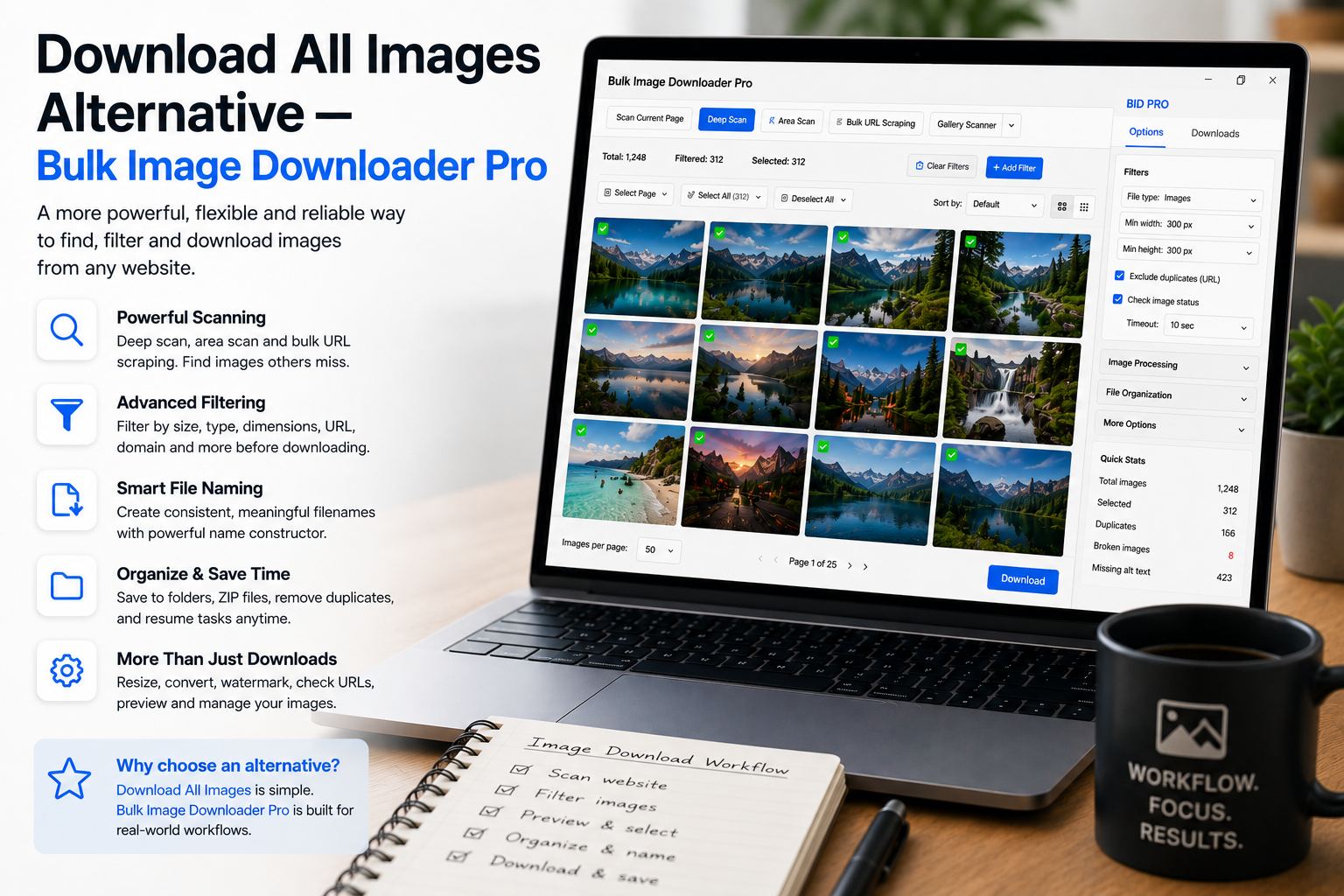
The Download All Images extension popularized a simple promise: one click, current page, ZIP file. For a single article or product page, that is efficient. A Download All Images alternative matters when the job spans many URLs, hides images behind scroll, or needs consistent naming and cleanup.
Bulk Image Downloader From URL List can still ZIP a task, but its core strength is crawling and curating image URLs before download. Fair comparison: keep Download All Images for fast one-page ZIPs.
What Download All Images is built for
Typical strengths of that extension category:
- collect images already visible on the active page
- apply basic size, type, and regex filters
- remove obvious URL-level duplicates
- deliver a ZIP quickly
The design is page-scoped. Pagination, infinite scroll, and multi-page catalogs usually mean manual repetition unless you load everything into view first.
What this alternative adds
- Deep Scan for lazy-loaded and infinite-scroll content
- Bulk URL scrape across many page URLs with delay and max-URL controls
- Download If URL rules (contains, not-contains, regex with AND/OR logic)
- per-task ZIP packaging plus auto folders and filename constructor tokens
- perceptual duplicate finder for visual copies at different URLs
- 404 and redirect checkers before you spend bandwidth
- saved tasks, draft save, and CSV export/import for repeat jobs (bulk CSV import is Licensed PRO)
Comparison table
| Capability | Download All Images | Bulk Image Downloader From URL List |
|---|---|---|
| One-click page to ZIP | Yes | Per-task ZIP option |
| Basic filters + URL dedupe | Yes | Yes + visual dedupe |
| Crawl many page URLs | No | Yes |
| Lazy-load capture | Limited | Deep Scan |
| Rename / resize / convert on download | No | Yes (PRO processing) |
| Link validation tools | No | 404 + redirect checkers |
Repeatability matters
One-click tools excel at ad hoc saves. Recurring catalog or archive work needs saved side-panel rules, scraper sessions, and task CSV backups so next week’s run is not a full rebuild.
Use per-task download icons when you want to rerun one list without waking the entire queue.
Bottom line
Keep Download All Images when one page and one ZIP is the whole job.
Choose Bulk Image Downloader From URL List when the deliverable is a curated, named, deduplicated image set across many URLs.
Install it for workflow-scale downloads, not only single-page grabs.
Continue reading: Image Scraper vs Save All Resources.
Where the one-click approach still wins
For a single article or product page, one-click ZIP is hard to beat. There is no task to configure, no list to build, and the result is exactly what the name promises. If that describes most of your work, the lighter tool is the better fit and switching would only add steps.
Where it stops scaling
The design is page-scoped, so multi-page catalogues, paginated galleries, and infinite scroll all mean repeating the action page by page unless you load everything into view first. The moment a job spans more than one URL, a list-driven workflow earns its place.
Repeatability is the real difference
Repeating a job should take less effort the second time. Saved rules keep the scan setup, saved tasks keep the download settings, and sessions keep the results. On a page-scoped tool, every repeat starts from the same place as the first attempt.