
Image Downloader for Ecommerce — Product Photos Without the Manual Sorting
Ecommerce image work is rarely just downloading. The real problem is keeping product photos tied to the right SKU, folder, variant, supplier, or catalog update after the files arrive.
An image downloader for ecommerce should help with collection, filtering, naming, duplicate review, and output structure.
Start from product or category URLs
Most ecommerce work begins with page lists: product detail pages, supplier pages, category pages, or marketplace listings. Bulk URL Scraping lets you paste or load a list and collect images from those pages in one workflow.
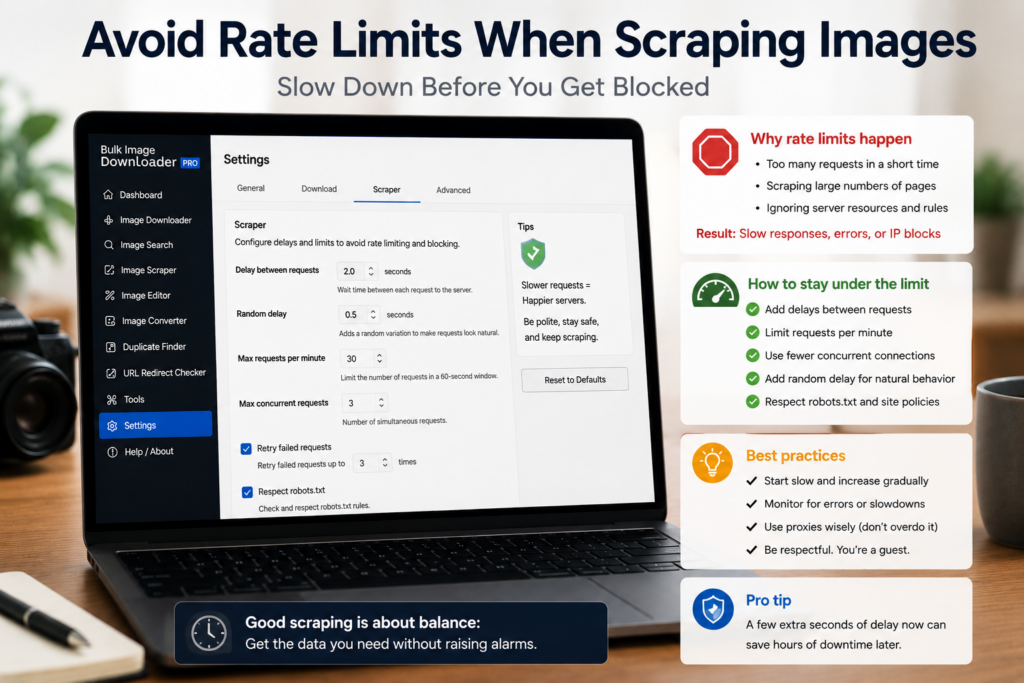
Use request delays and test caps for large supplier lists. If pages lazy-load product galleries, Deep Scan can help collect browser-visible images that appear after scrolling.
Filter out store clutter
Product pages contain more than product photos. Badges, icons, payment graphics, color swatches, thumbnails, review stars, and related-product images can all appear in the scan.
Use minimum dimensions, file type filters, domain filters, and URL text patterns to narrow the result set. Preview before downloading so the final folder contains product images, not every asset on the page.
Name files so they match the catalog
Filenames are where ecommerce workflows win or fail. Use sequence numbers for multi-image products, URL fragments or website names when source tracking matters, and custom filenames from CSV/TXT when names need to match SKUs or product handles.
Keep custom filename lists in the same order as the URLs they belong to. For large CSV task imports, remember that bulk import is a Licensed PRO workflow.
Remove duplicates before upload
Catalogs often repeat hero images across variants or show the same file through different URLs. Strip exact URL duplicates first. Use the Perceptual Duplicate Finder for visual near-matches, but review its groups before removing anything.
Two product shots can look similar while still representing different variants or angles.
Prepare output deliberately
Use folders and ZIP output for clean handoff. Use Convert when a marketplace requires a specific format. Use Resize when dimensions need to change. Use EXIF stripping when metadata should not ship with public product photos.
Keep source originals separate from processed copies when quality or traceability matters.
Continue reading: bulk image downloader for data scientists.
A repeatable setup means saving the rules once; the next similar URL list then takes seconds.
Start from product and category URLs
Most catalogue work begins with a list rather than a page: product detail pages, supplier pages, category pages, or marketplace listings. Working from the list lets one run cover the set, and keeps the source list available when you need to re-run after a filter change.
Confirm full-size shots before download
Sort the scan results by dimensions to separate full-size product images from thumbnails and previews. On a store that serves several resolutions of the same photo, this is the fastest way to keep the large version and drop the rest before anything lands in a folder.
Remove visual twins before upload
Catalogue uploads often reject or duplicate a photo that already exists in another format. The perceptual duplicate finder groups a JPG and its WebP twin, or two crops of one shot, so the clean-up happens before the feed rather than after a sync error.