
Rename Downloaded Images From CSV
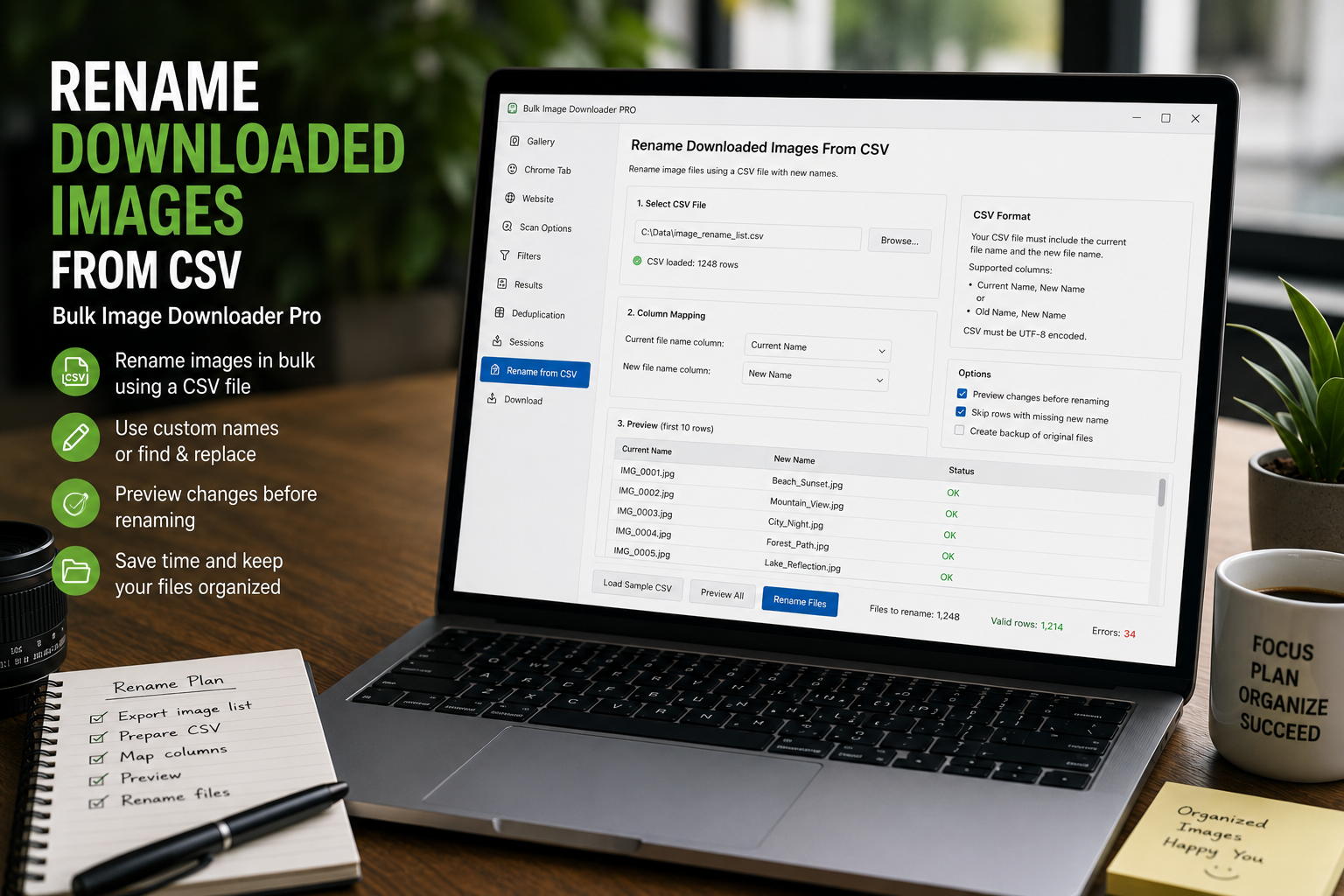
Sometimes automatic filename patterns are not enough. Product images may already have SKU names, migration names, client-approved labels, or spreadsheet IDs. In that case, the cleanest workflow is to rename downloaded images from CSV so each URL receives the exact filename you planned before the download starts.
Bulk Image Downloader From URL List supports this through Custom Filenames from File inside the Filename Constructor on the options page.
Use CSV or TXT when names are already decided
Custom filename files are useful when the filename is not something the extension should generate from a sequence, URL, or website name. You already know the final names, and you want the downloader to apply them in the same order as the task URL list.
The feature accepts CSV or TXT files with one filename per line.
Match the filename count to the URL count
The important rule is count and order. If the task has 80 valid URLs, the uploaded filename file needs 80 filenames. The first filename is applied to the first URL, the second filename to the second URL, and so on.
The extension validates this before the task runs. A mismatch is treated as an error because one missing row would shift the naming for every file after it.
Leave extensions out of the filename file
The custom filename list should contain names without file extensions. The extension adds the output extension automatically, based on the downloaded or processed file.
Keep the names clean too. Avoid characters that are unsafe in filenames, such as slashes, quotes, question marks, pipes, and other reserved symbols.
A practical spreadsheet workflow
- Put the image URLs in one column and the desired filenames in another.
- Sort both columns together so the order stays aligned.
- Paste or import the URLs into a download task.
- Export the filename column as CSV or TXT, one name per row.
- Enable Filename Constructor and add Custom Filenames from File.
- Upload the filename file and fix any validation mismatch before running.
When this is better than generated names
Use CSV-based names when filenames need to match a catalog, a CMS import, a product feed, an affiliate dataset, a client brief, or an existing asset library. Use the regular Filename Constructor when you only need a pattern such as website plus sequence.
For planned names, the CSV or TXT file becomes the source of truth.
For token-based naming, read rename downloaded images automatically. For cleaning final names after construction, see filename cleanup rules.
What makes this hard is not the single save, but cleaning and repeating the job without rework.
With the list prepared, the extension applies naming rules, folders, and filters consistently across the batch.
Restoring names from a task export
There are two ways to bring a decided list of names into a task. You upload a name list on the task itself, which is the direct route when the names are already finalised. The other route is to restore them from a task CSV export, which matters when a task was backed up before a risky edit and you want its naming setup back.
The template files make the first route concrete: custom-filenames-template.csv and custom-filenames-template.txt ship in the extension folder and give you the shape to fill in. Starting from a template avoids the count mismatches that appear when a name list is built from scratch.