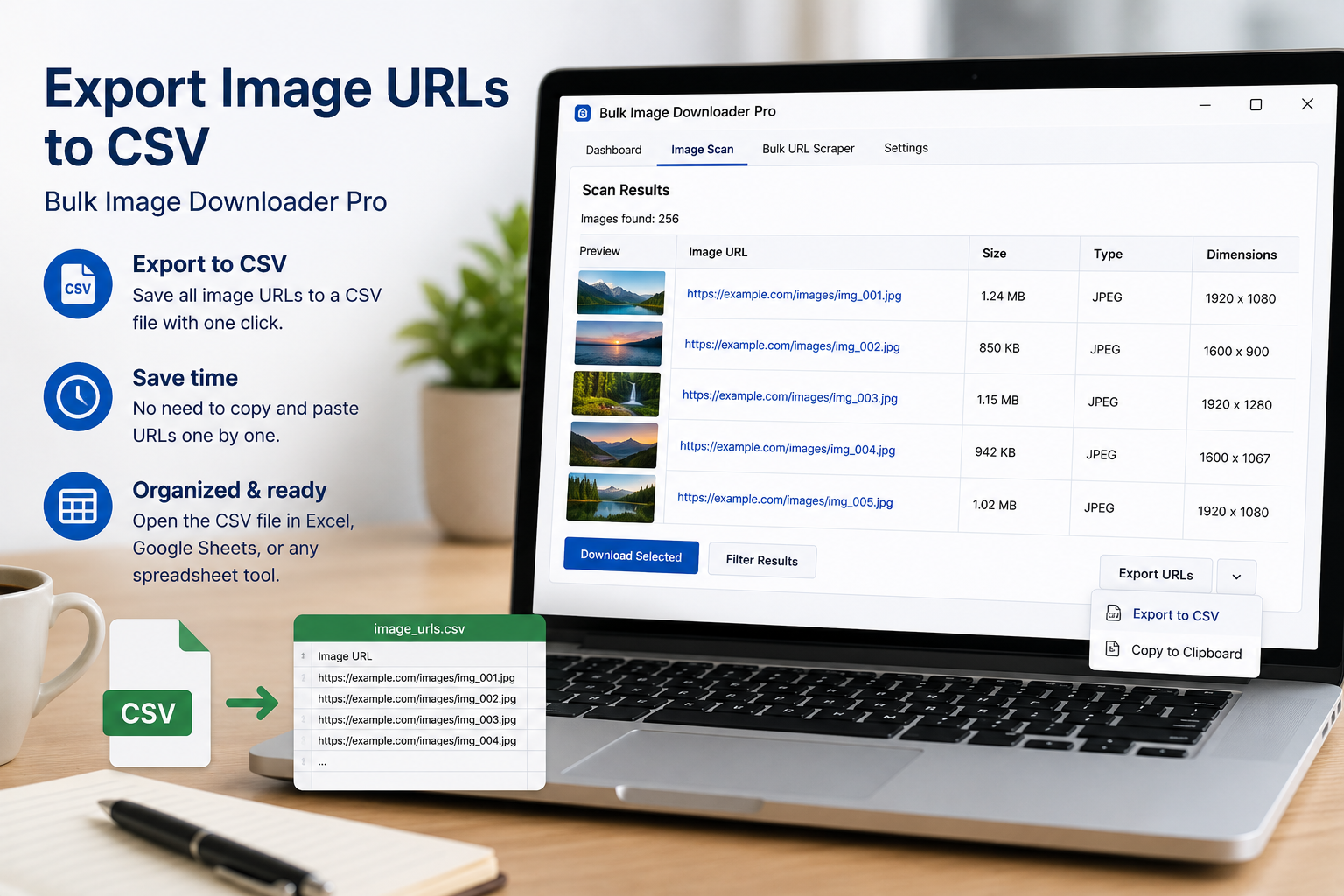
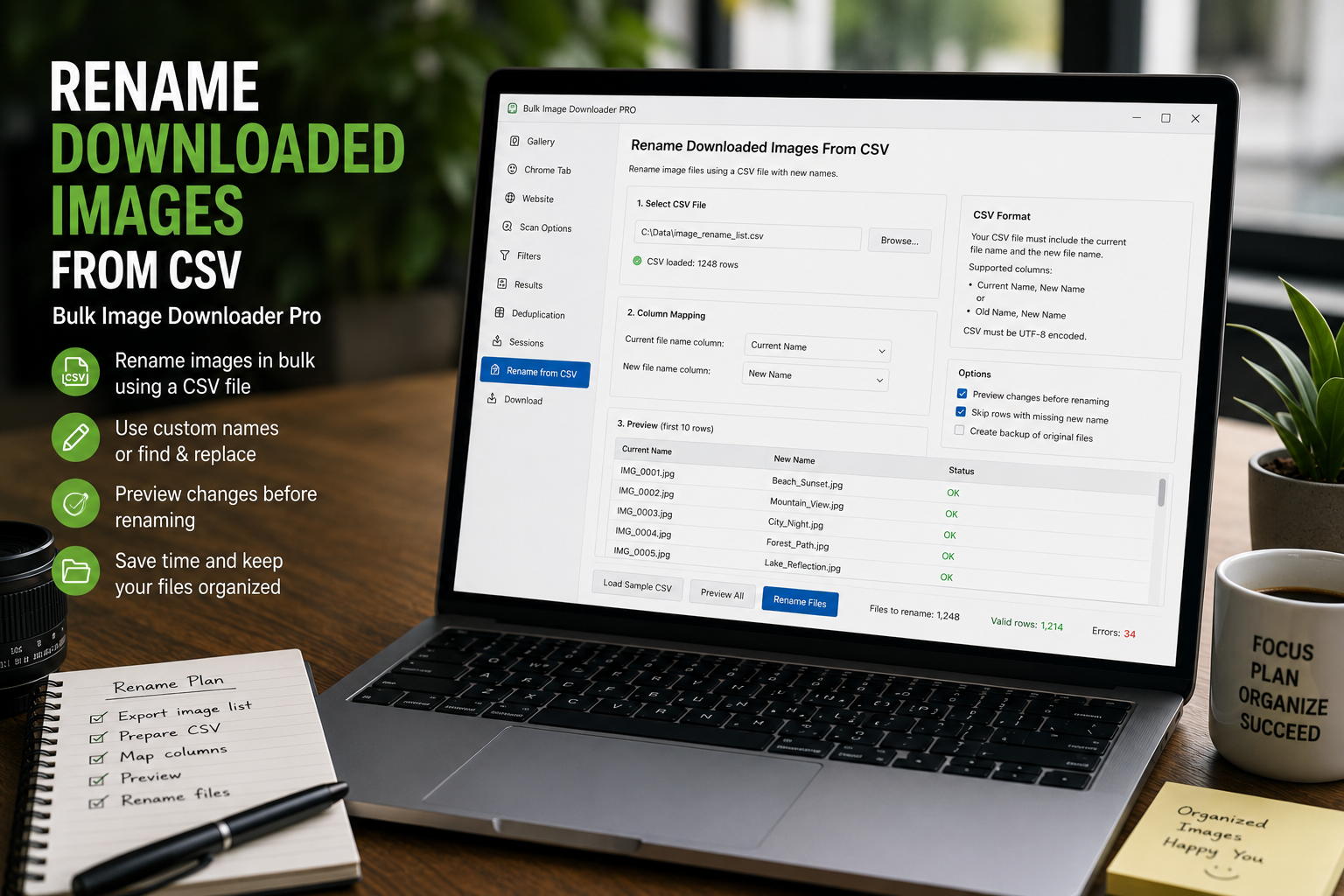
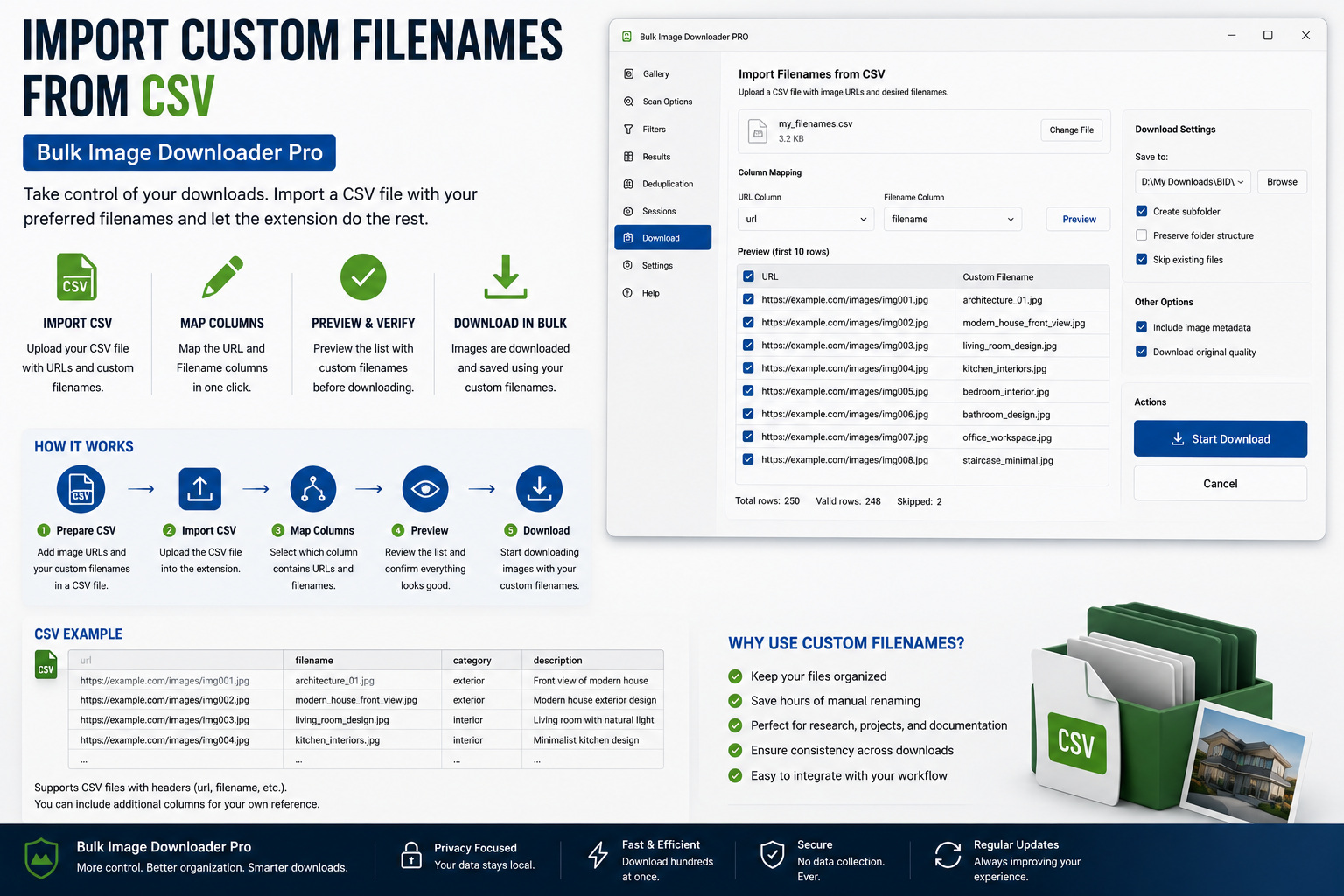
Rename downloaded images from CSV or TXT by uploading one filename per line, matching the filename count to the task URL count, and applying names in order during download.
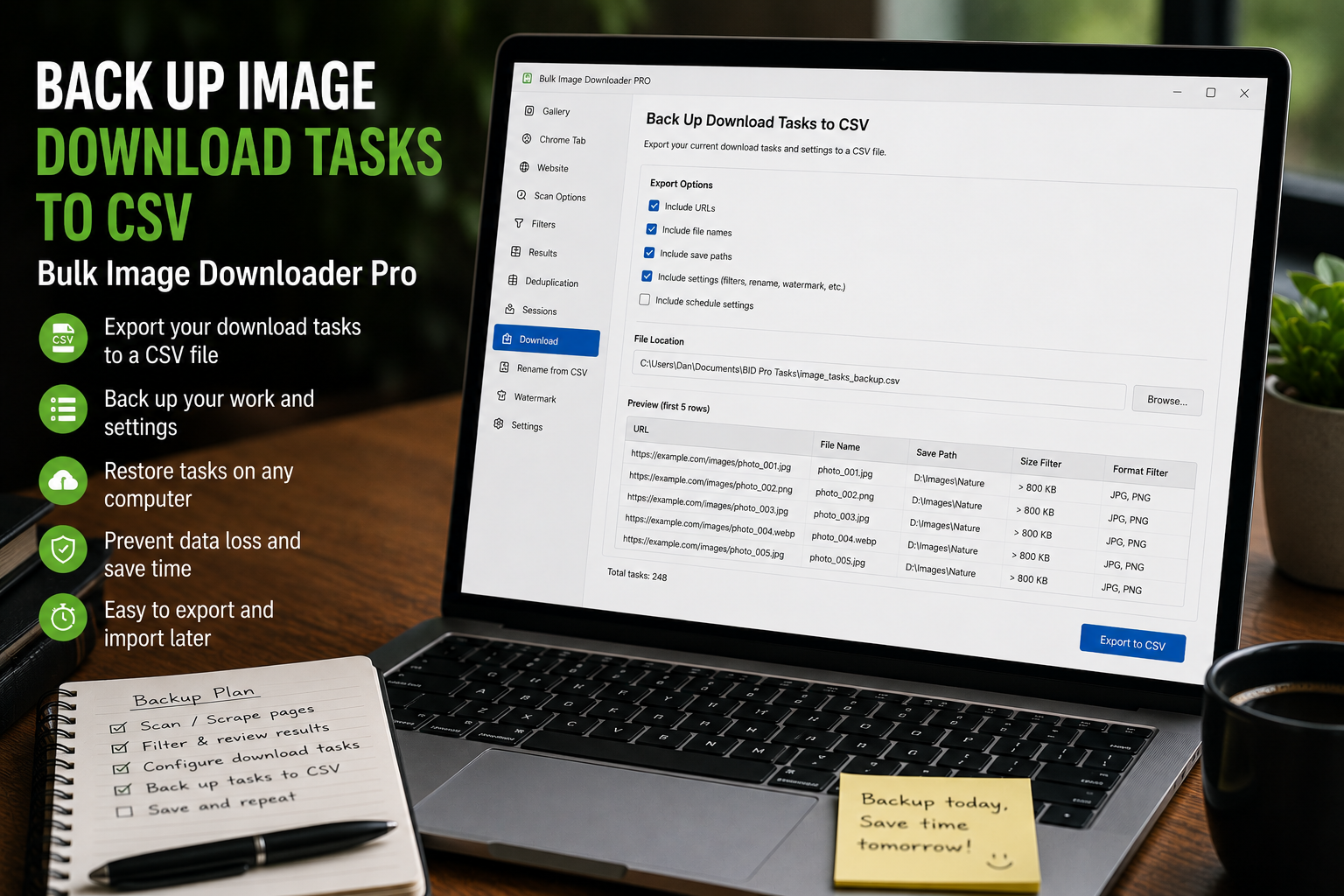
Back up image download tasks to CSV so URL lists, folders, file types, naming rules, processing settings, Download IF rules, and task metadata can be restored or edited later.
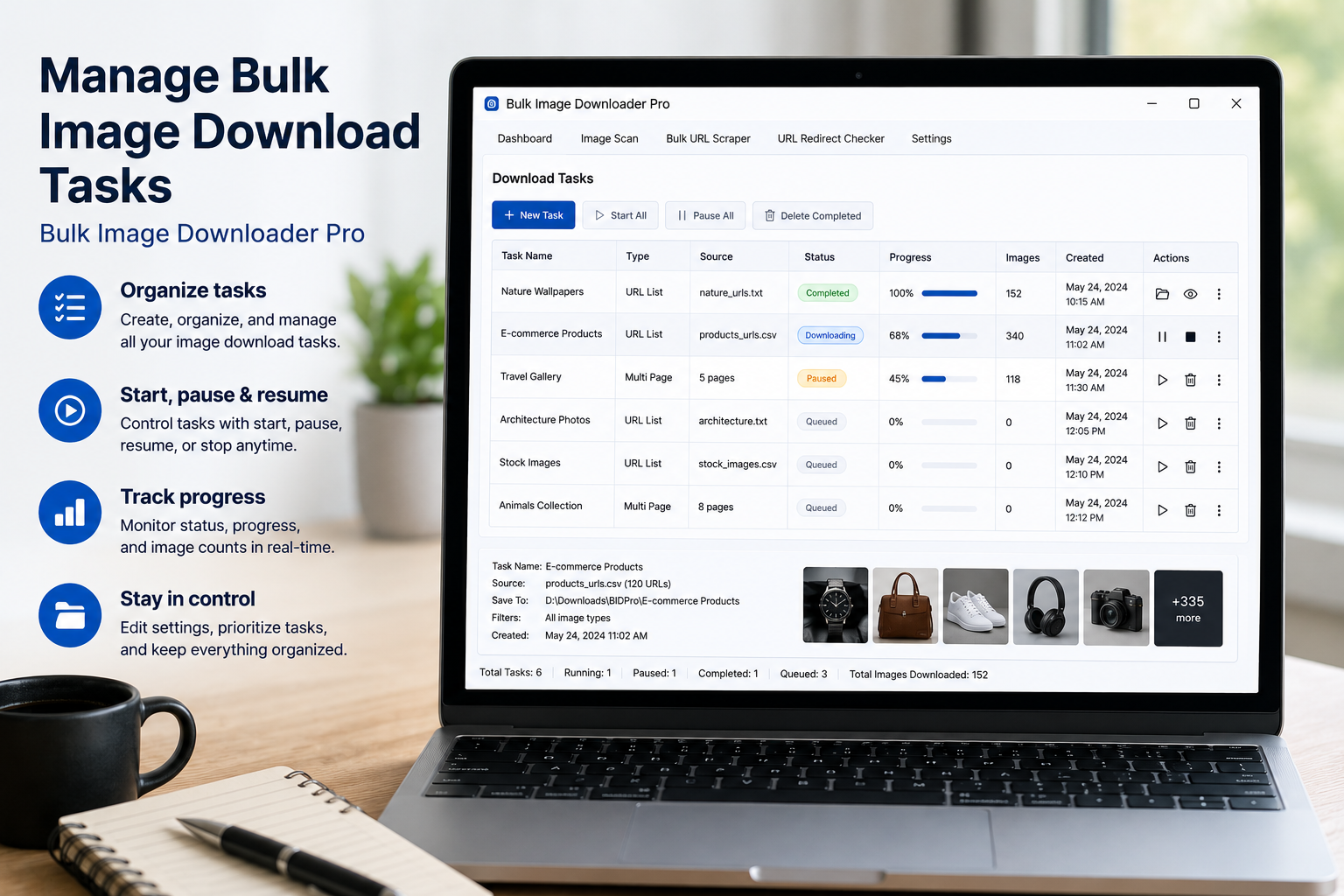
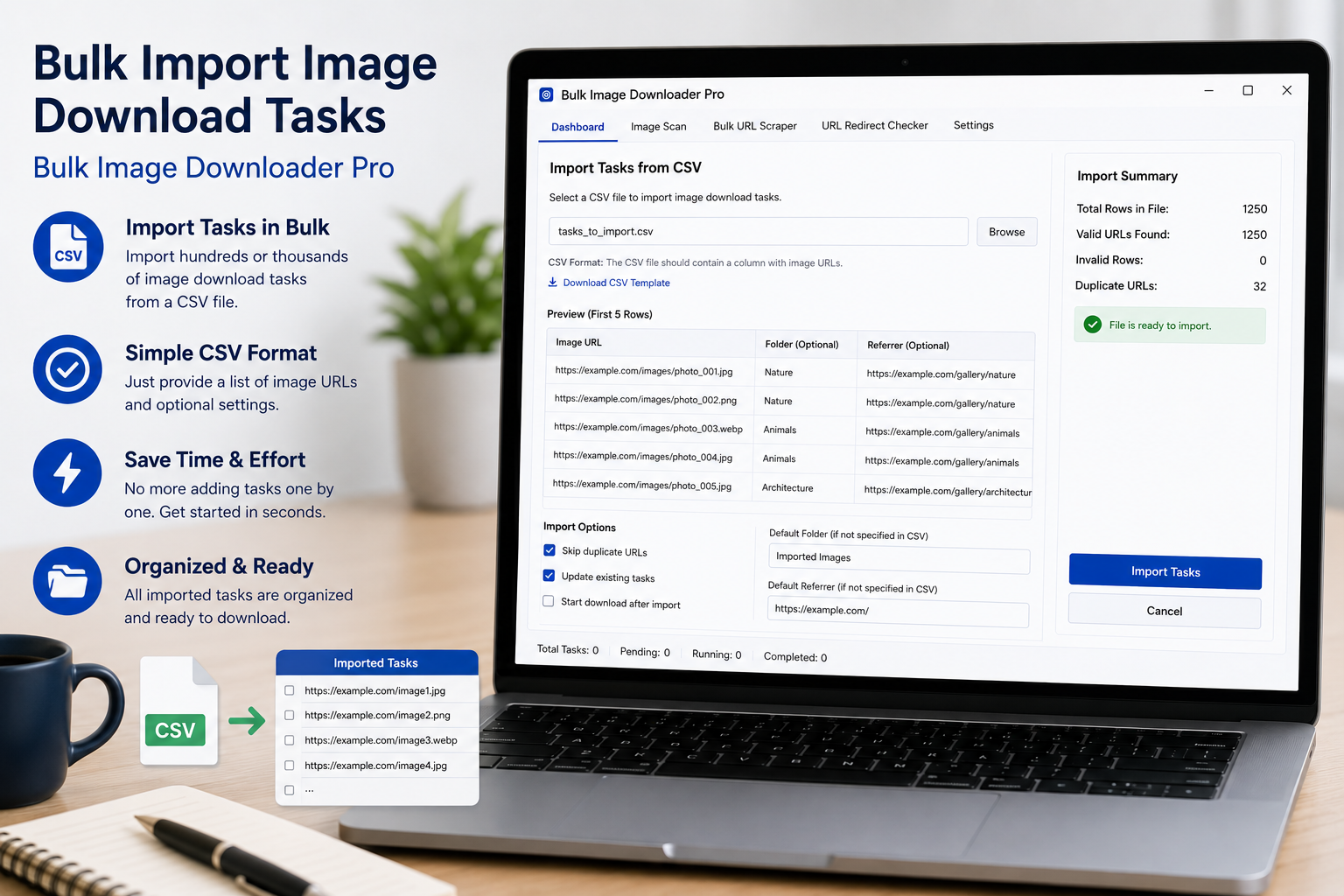
Bulk import image download tasks from CSV by using the template, placing one task per row, and importing URL lists, folders, file types, naming, and processing settings.
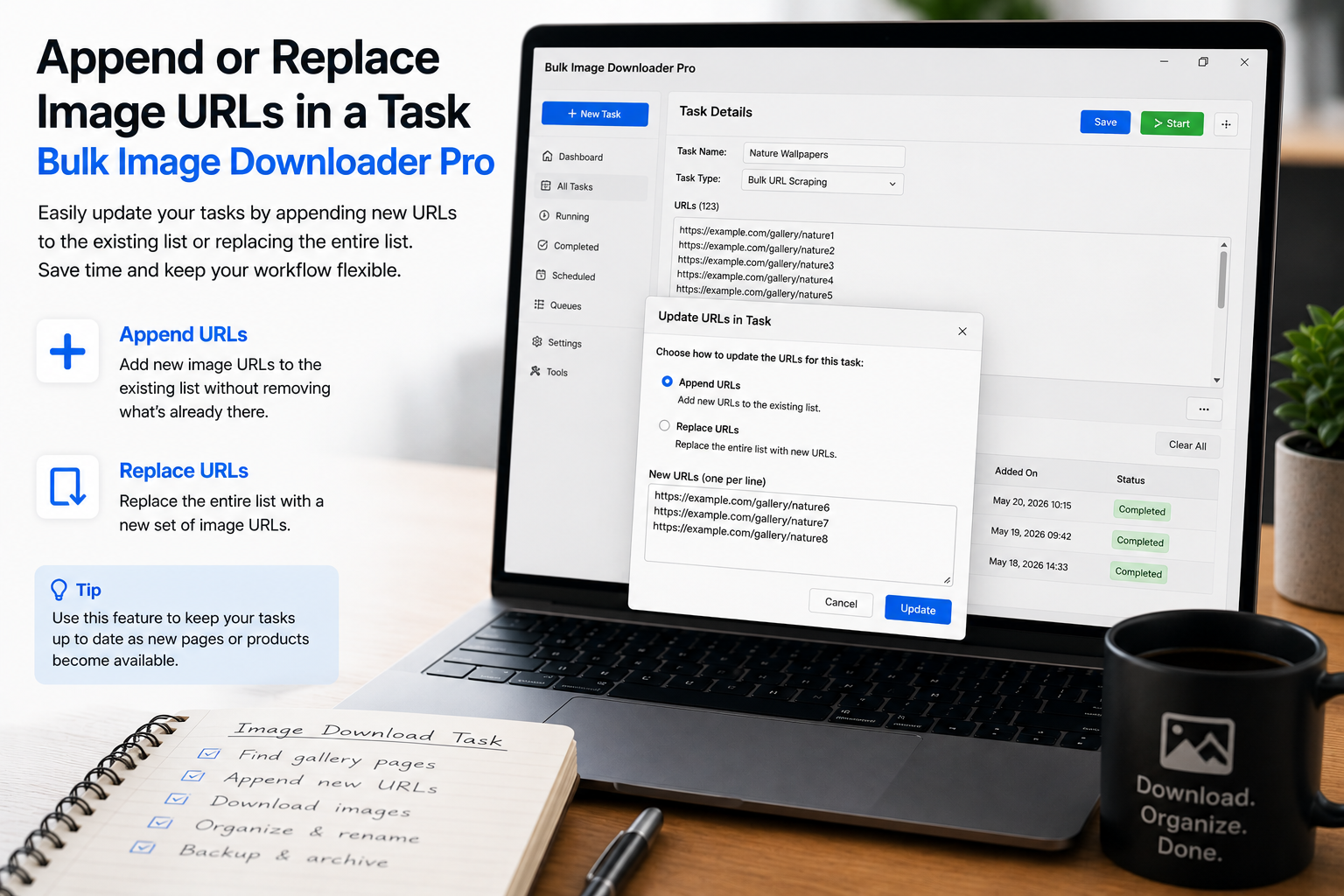
When a task already has URLs, choose append to grow the list or replace to start fresh. Here is when each choice is right and how to avoid duplicate links.