
Manage Bulk Image Download Tasks
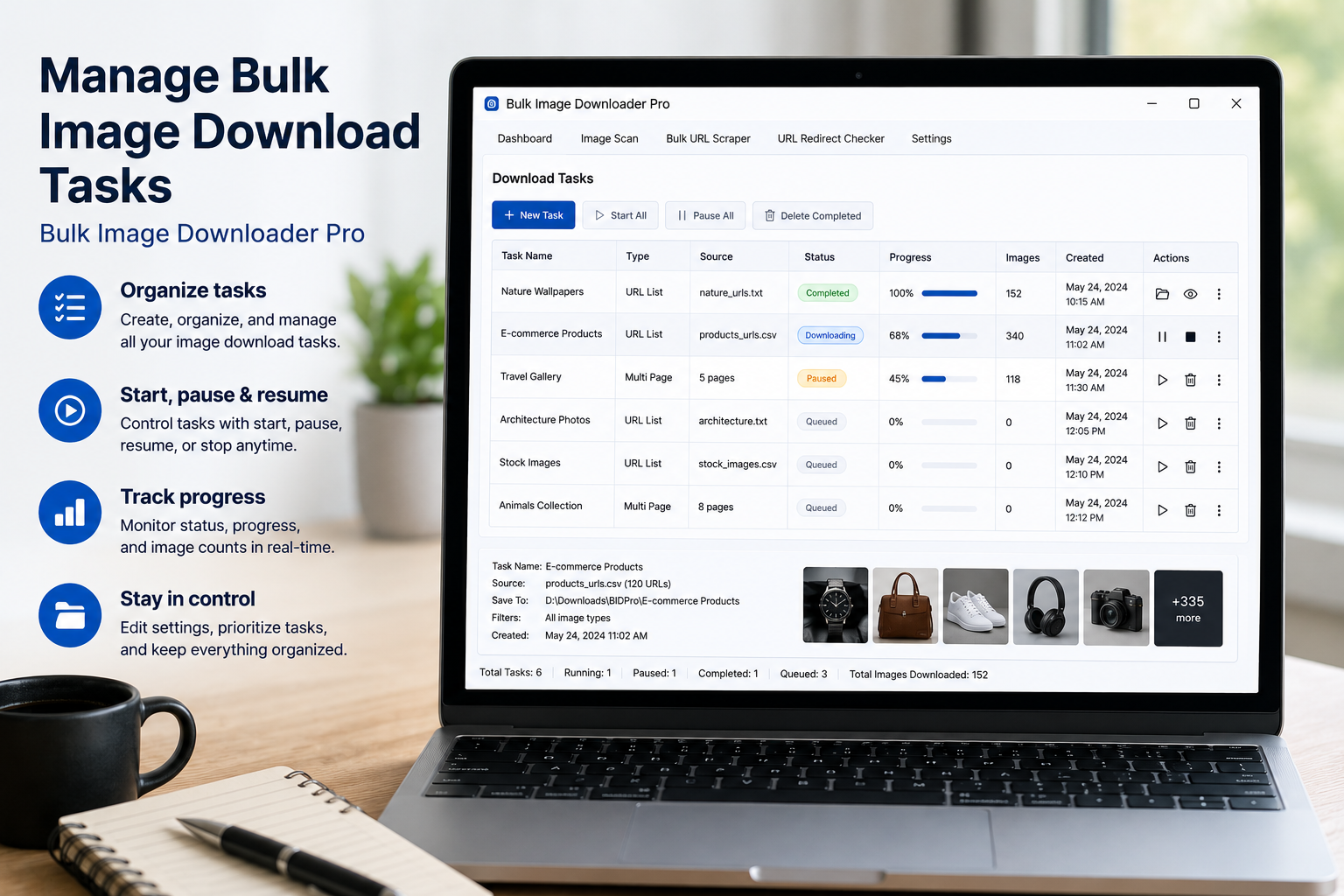
Large image downloads are easier to manage when the important controls stay visible. If you are building several tasks, editing URL lists, checking folders, and preparing a run, you need a workflow to manage bulk image download tasks without losing your place.
Bulk Image Downloader From URL List provides task controls on the options page, plus an essential info row and docked toolbar for common actions.
Know what the essential row shows
The essential info row keeps key state visible: parallel download count, queued mode status, license state, expiration information, Lock Drag, Draft Save, Export Tasks, Dark Mode, and login controls.
Use it as a quick status check before running a long batch.
Use Draft Save before a run
Draft Save stores the current task setup without starting downloads. Use it while building or editing tasks, especially before refreshing, importing, duplicating, or making a risky change.
Save & Download is different: it saves and then starts the configured download run.
Use Export Tasks as a backup or template
Export Tasks creates a CSV snapshot of task settings. That is useful as a backup, as a repeatable template, or as a way to edit structured tasks outside the extension and import them later.
For serious workflows, export before making large changes to many tasks.
Lock drag when task order matters
Task order can matter in queued workflows or when you want a specific visual layout. Lock Drag prevents accidental reordering. Unlock it only when you need to rearrange tasks.
This keeps long task boards from shifting while you are editing URLs or settings.
Stop means stop and reload
When downloads are active, the Stop control appears on the docked toolbar. The implementation cancels by reloading the page after confirmation, so treat it as an interruption control, not a pause/resume feature.
Use it when the current run is clearly wrong: bad folders, wrong URL list, incorrect settings, or an accidental start.
A practical task-management workflow
- Create or import the tasks.
- Check queued mode, parallel count, and license state.
- Lock Drag once task order is correct.
- Use Draft Save while editing.
- Export Tasks before major changes.
- Use Save & Download only when the task board is ready.
For copying similar tasks, read duplicate image download tasks. For per-task output controls, see bulk download settings.
Inside the extension, preview, filter, and export stay together — no jumping between tabs and desktop tools.
Bulk Image Downloader From URL List runs entirely in Chrome, so filtering, renaming, and downloading never leave the browser.
What Home does when a link is already queued elsewhere
The same link can end up in more than one task, and Home can warn you about it rather than letting the overlap sit silently. When it does, you can keep the first copy and remove the same links from the later downloads. That keeps a large batch from fetching the same picture twice into two folders.
This is worth checking during task housekeeping, not only when a warning appears. If you build tasks from overlapping exports, review the rows before a run and let the first task claim the shared links, so the later ones carry only what is genuinely new.