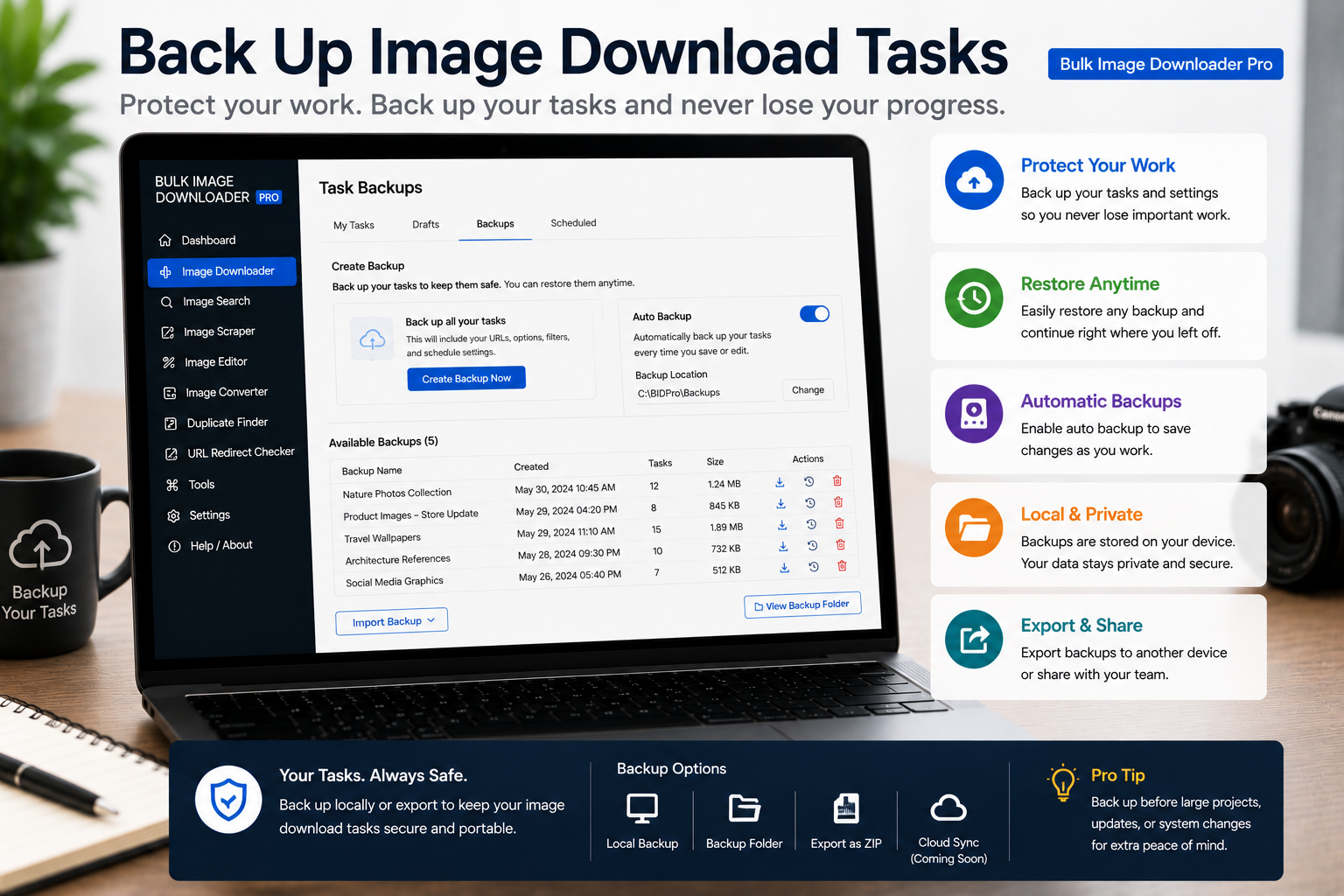
Export image download tasks to CSV so you can back up URLs, filters, folders, filename rules, processing settings, watermark settings, and reusable workflows.
Import image download tasks from CSV to build repeatable jobs with URLs, folders, file filters, schedules, filename rules, ZIP settings, and processing options.
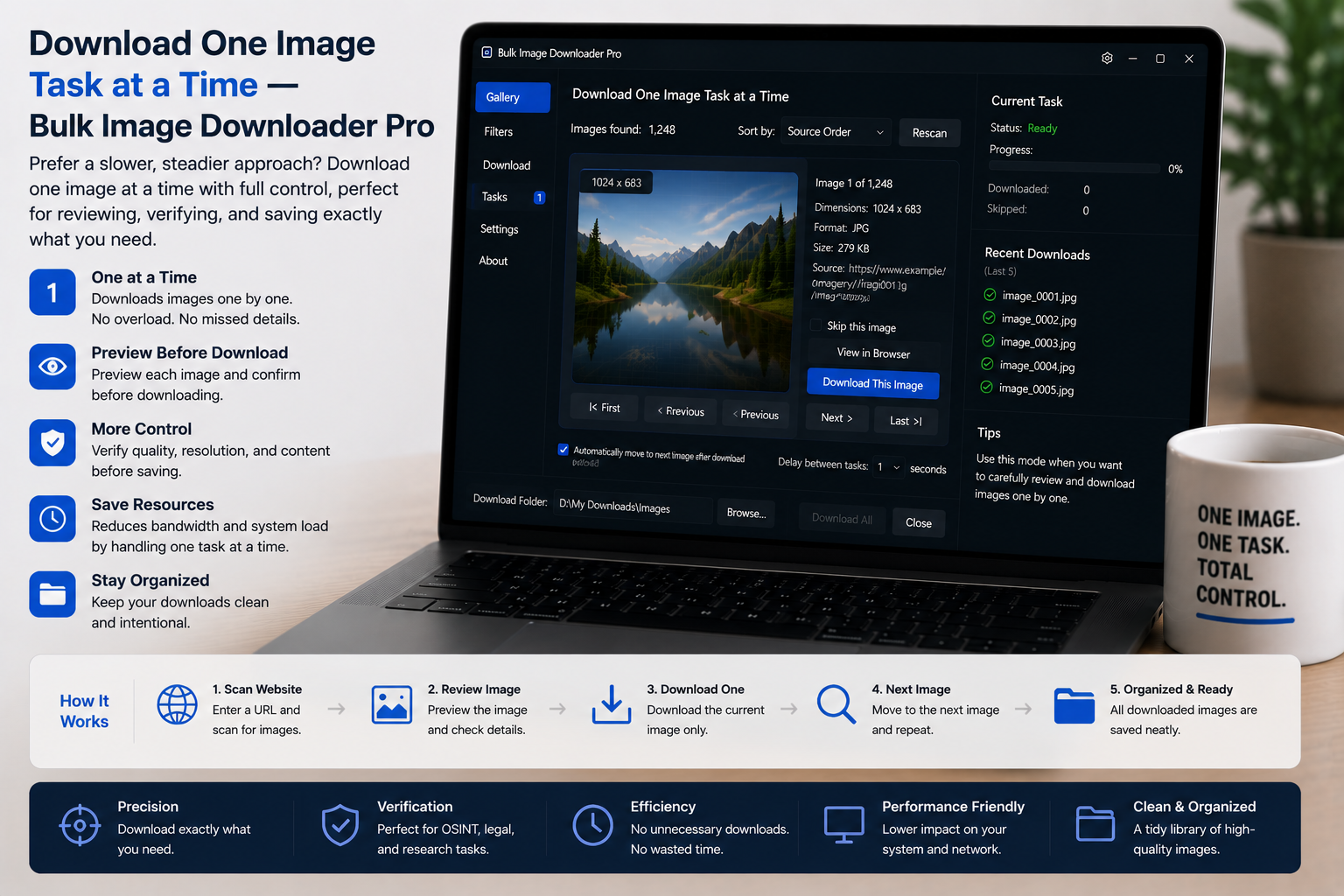
Manage download queues by staging tasks, saving drafts, duplicating similar jobs, reordering tasks, and choosing queued or scheduled execution deliberately.
Save image download tasks in Chrome so drafts, task settings, sessions, rules, and reusable image workflows are available when you return to the extension.
Import URL lists for image downloads by pasting links, loading files, or using CSV task import, then checking whether each URL is a direct image URL or a page URL that needs scanning.