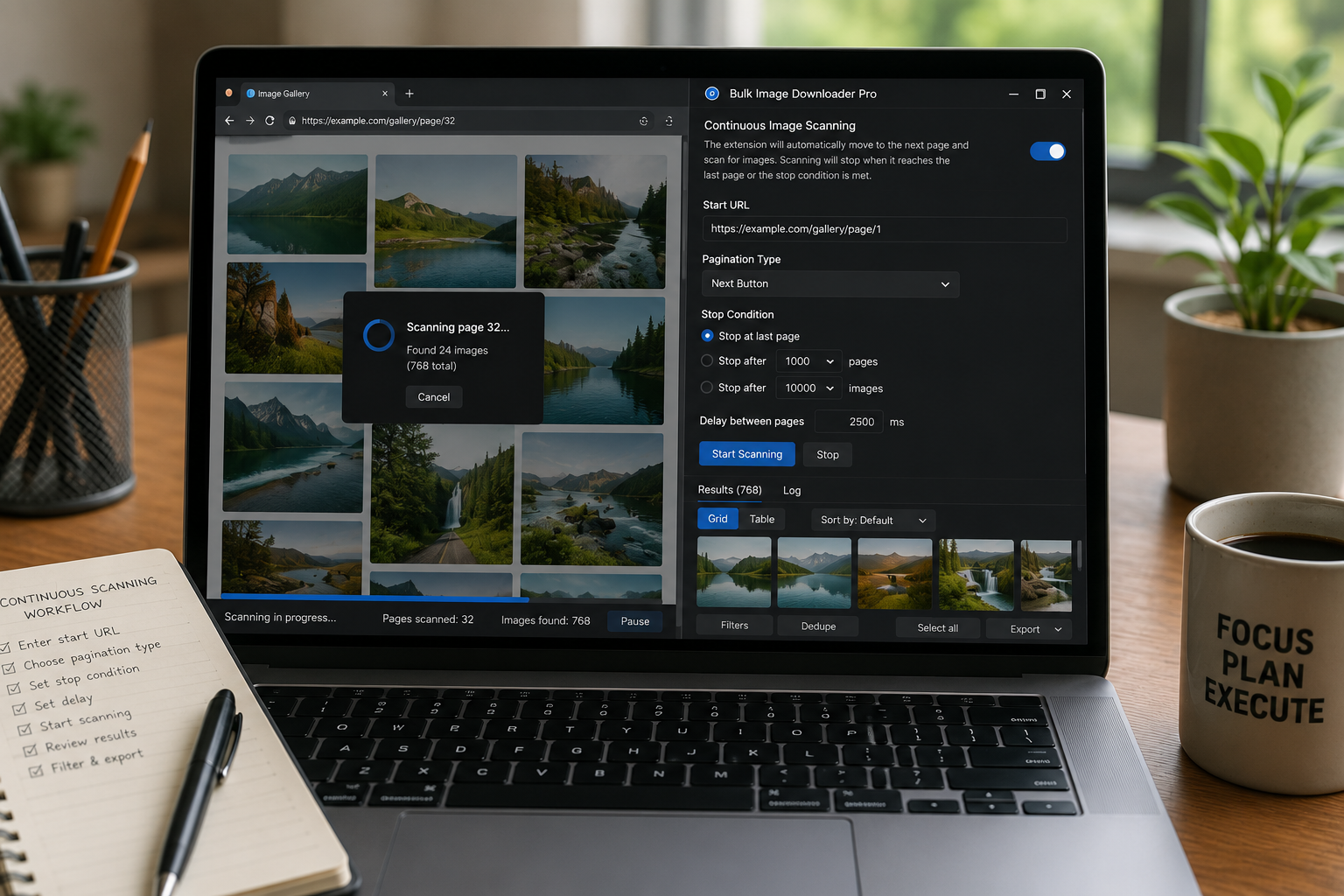
Continuous image scanning watches for newly loaded page images and reruns collection when the page changes, while Stack Mode controls whether results accumulate.
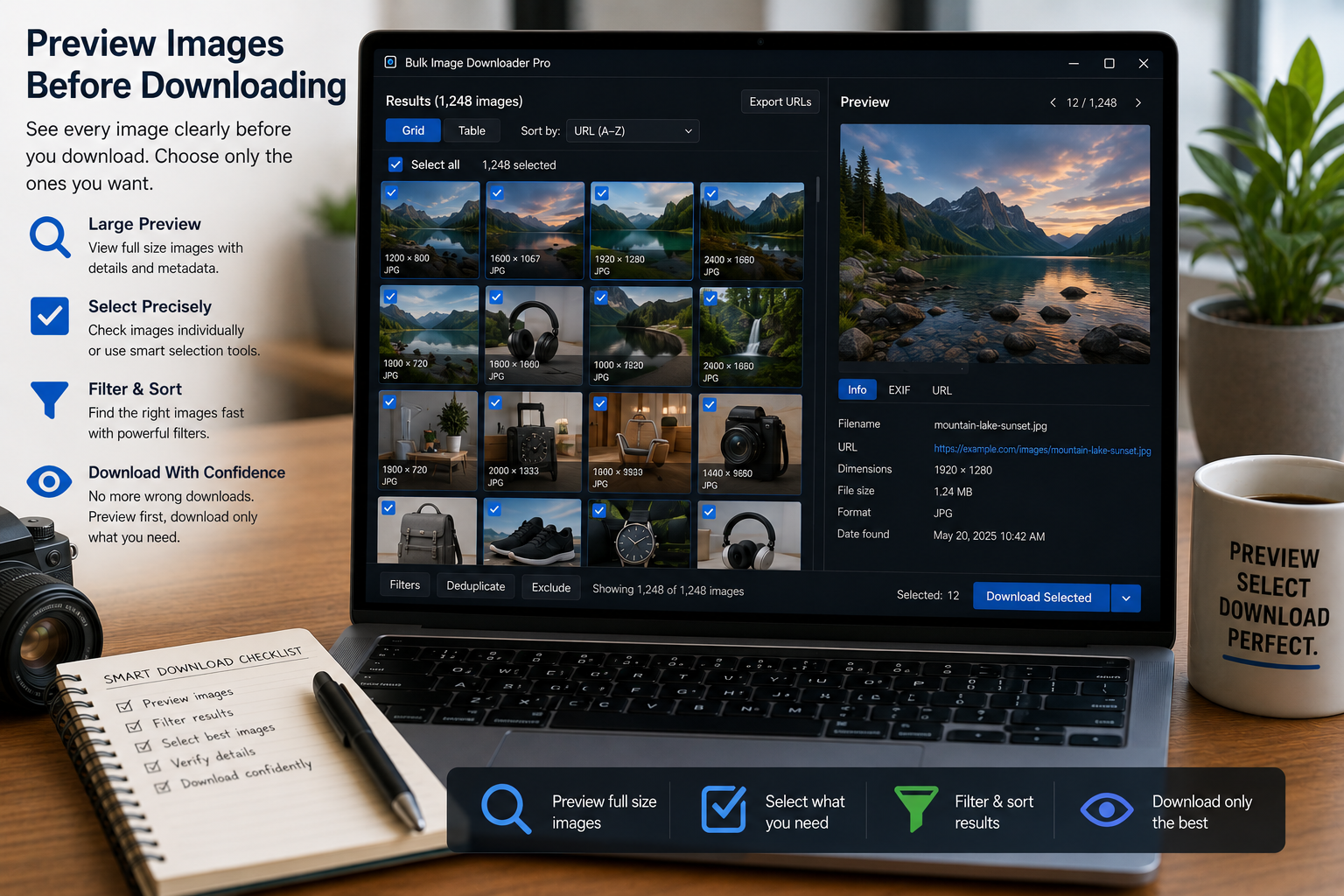
Preview images before downloading with thumbnails, task filters, size and format filters, dimension rules, file size filters, duplicate badges, and bulk removal tools.
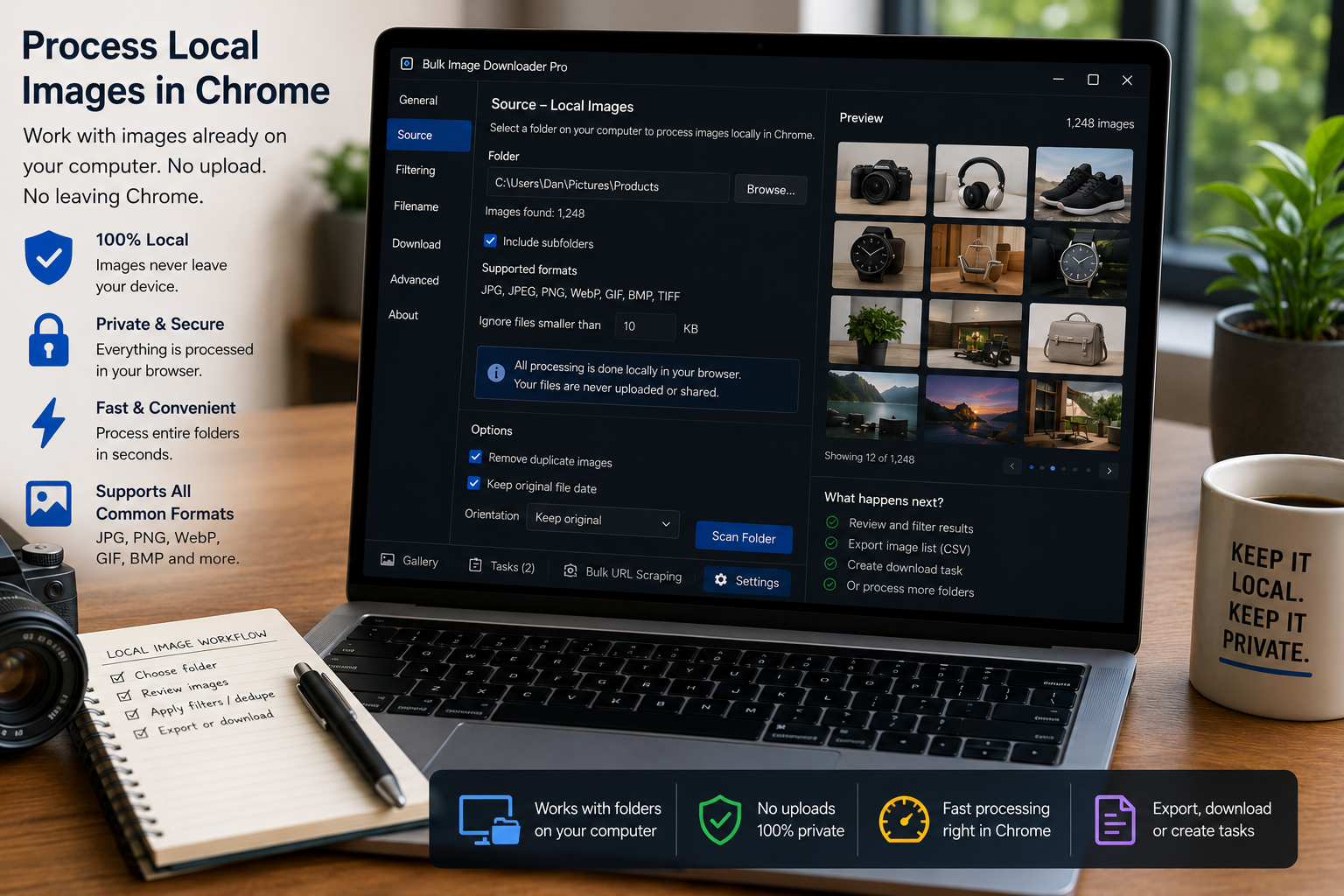
Process local images in Chrome by switching a task to Upload Mode, adding files from your computer, and using resize, convert, EXIF cleanup, watermark, and filename tools.
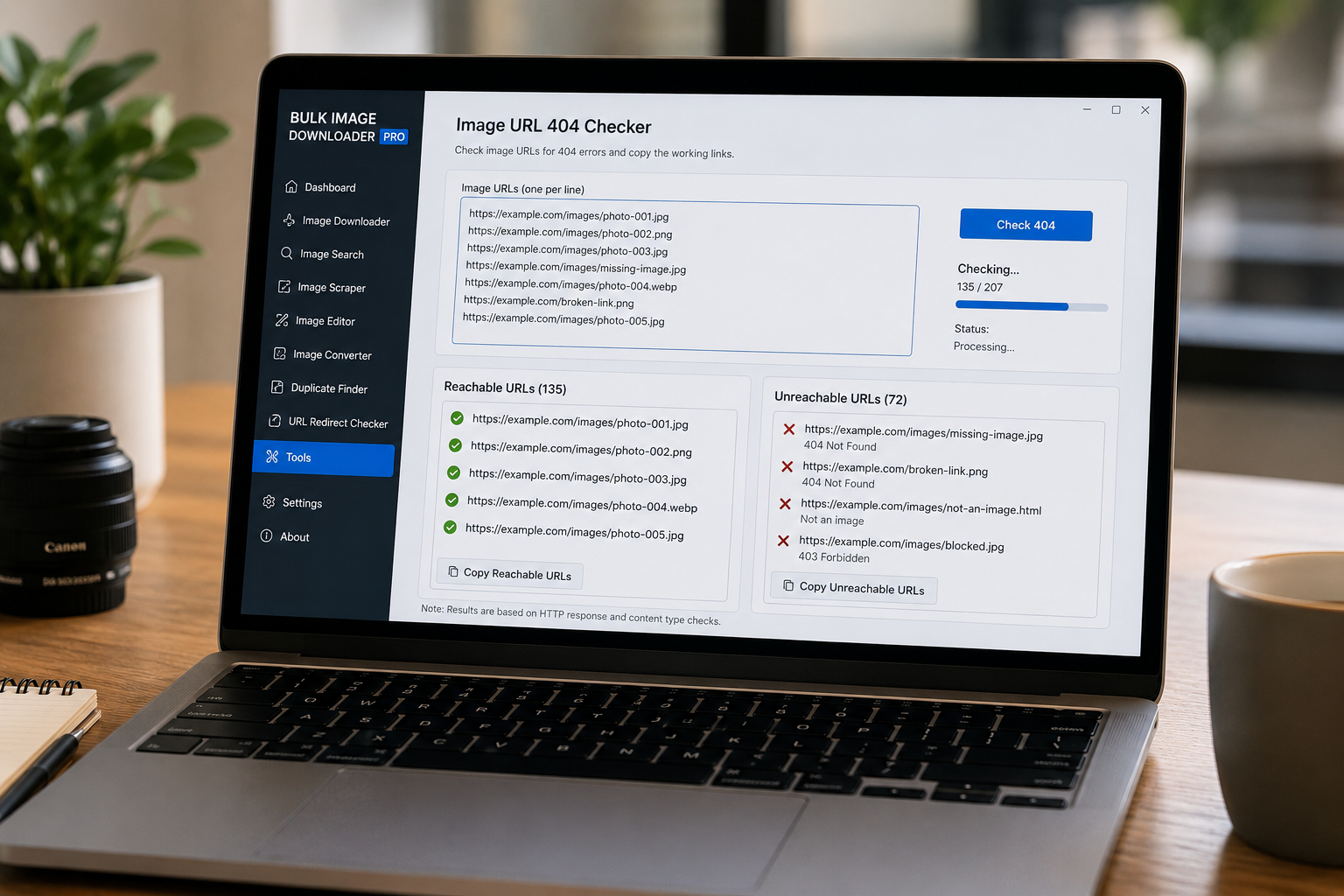
Check broken image links before downloading by testing a URL list, separating reachable image URLs from unreachable or non-image URLs, and copying the clean results.
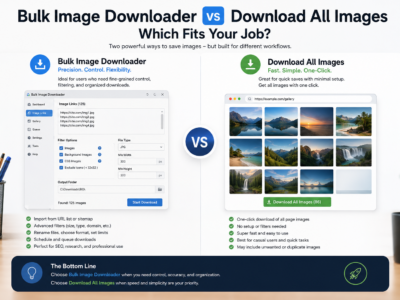
Compare Bulk Image Downloader vs Download All Images for one-page ZIP grabs, deep page detection, URL-list scraping, filename control, and repeatable task workflows.
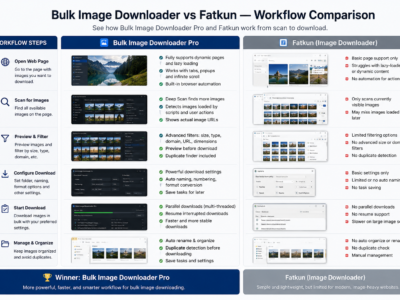
A fair Bulk Image Downloader vs ImageAssistant comparison for users choosing between page image sniffing and repeatable URL-list batch download workflows.
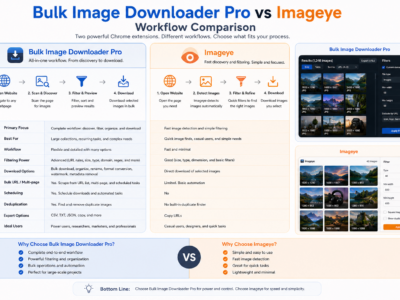
A fair Bulk Image Downloader vs Imageye comparison for users choosing between quick current-page image grabbing and repeatable URL-list download workflows.
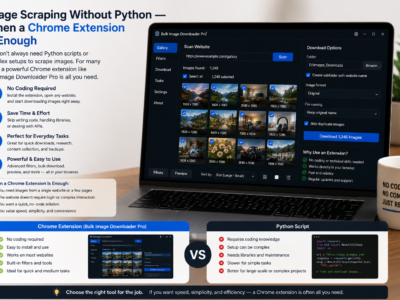
Image scraping without Python can be faster for browser-visible pages, lazy-loaded galleries, and small recurring jobs where you need filtering, preview, and organized downloads.