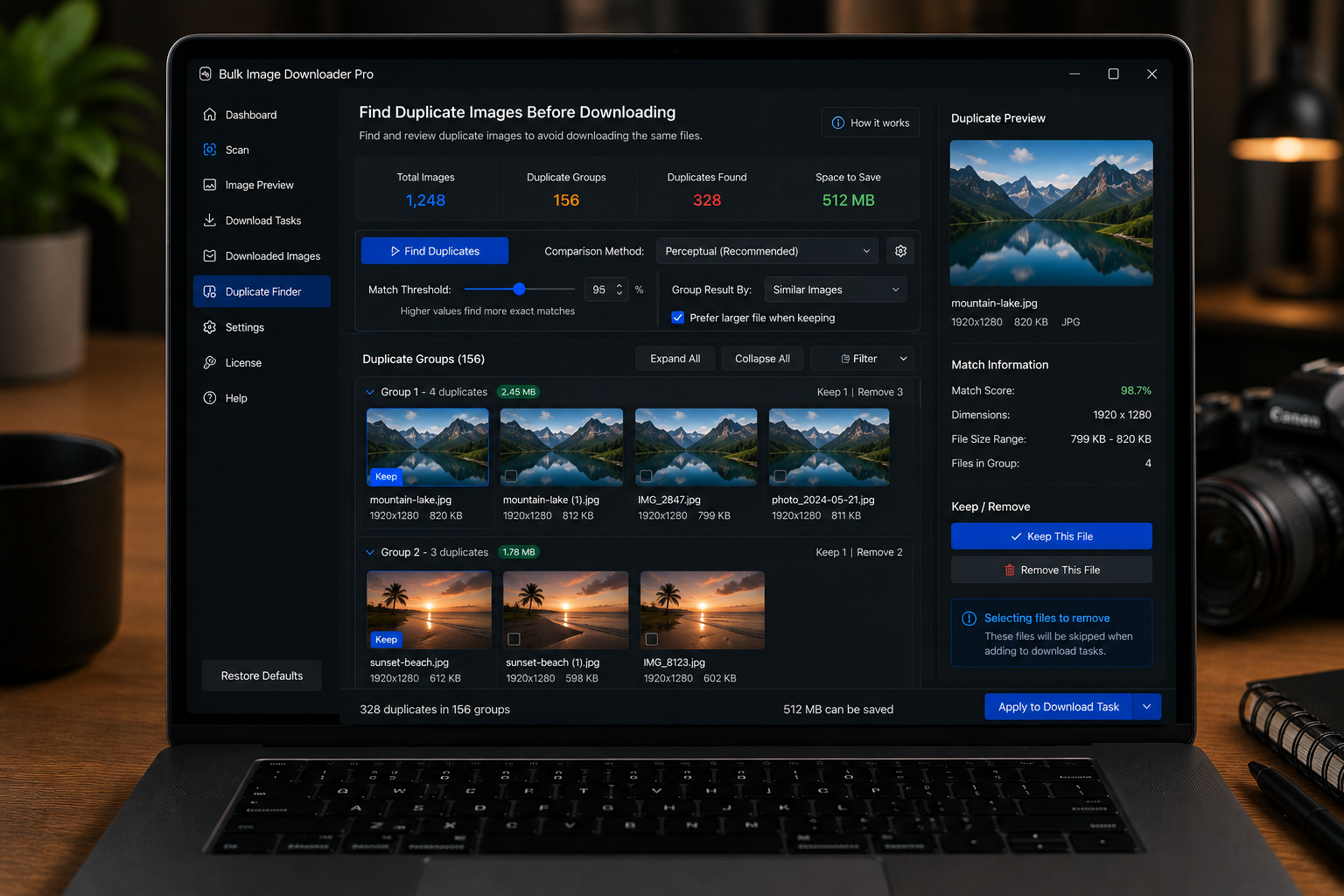
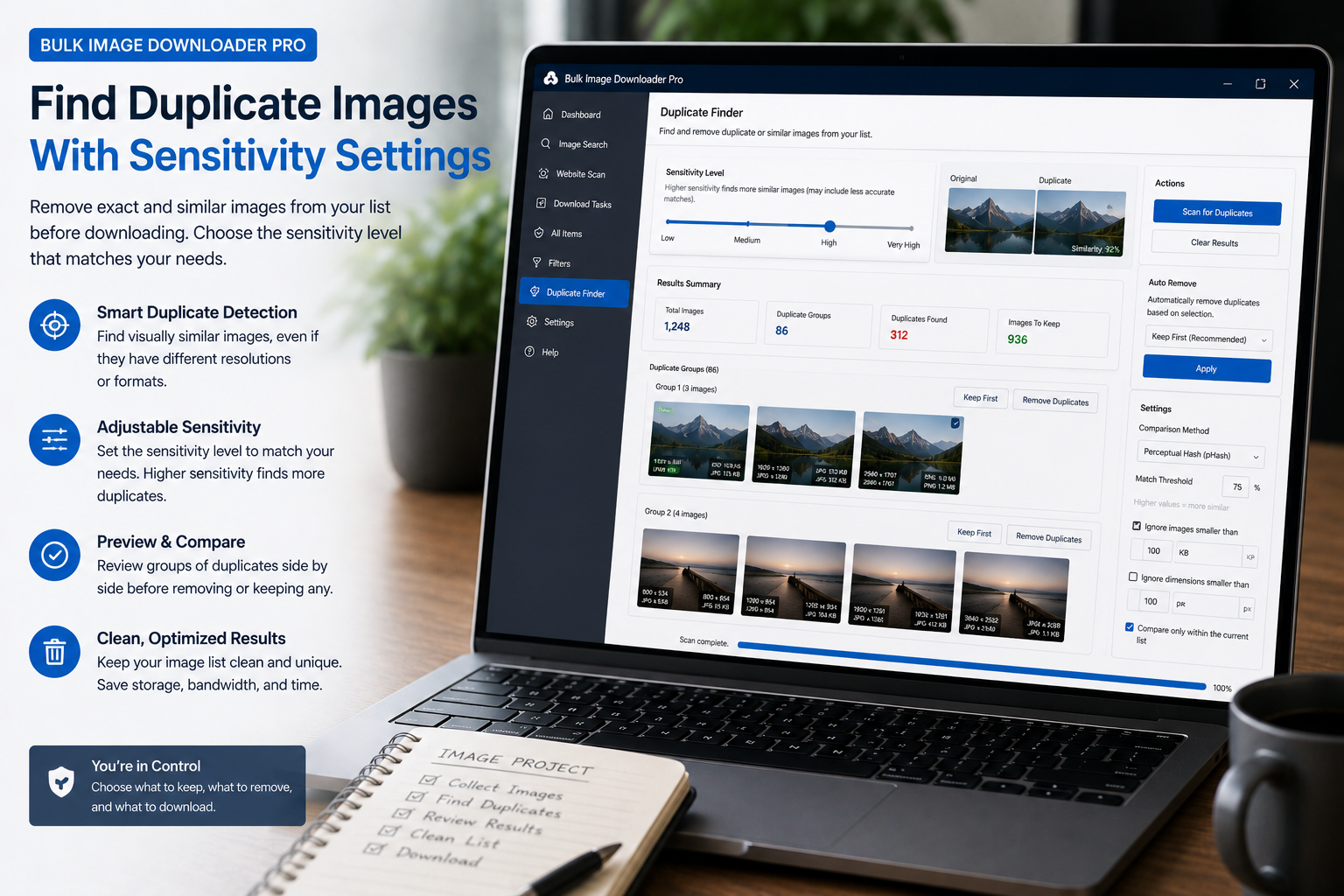
Use keep rules to choose which copy survives, tune signal weights without a full rescan, run per-group actions, and export duplicate URLs from the Duplicate Finder.
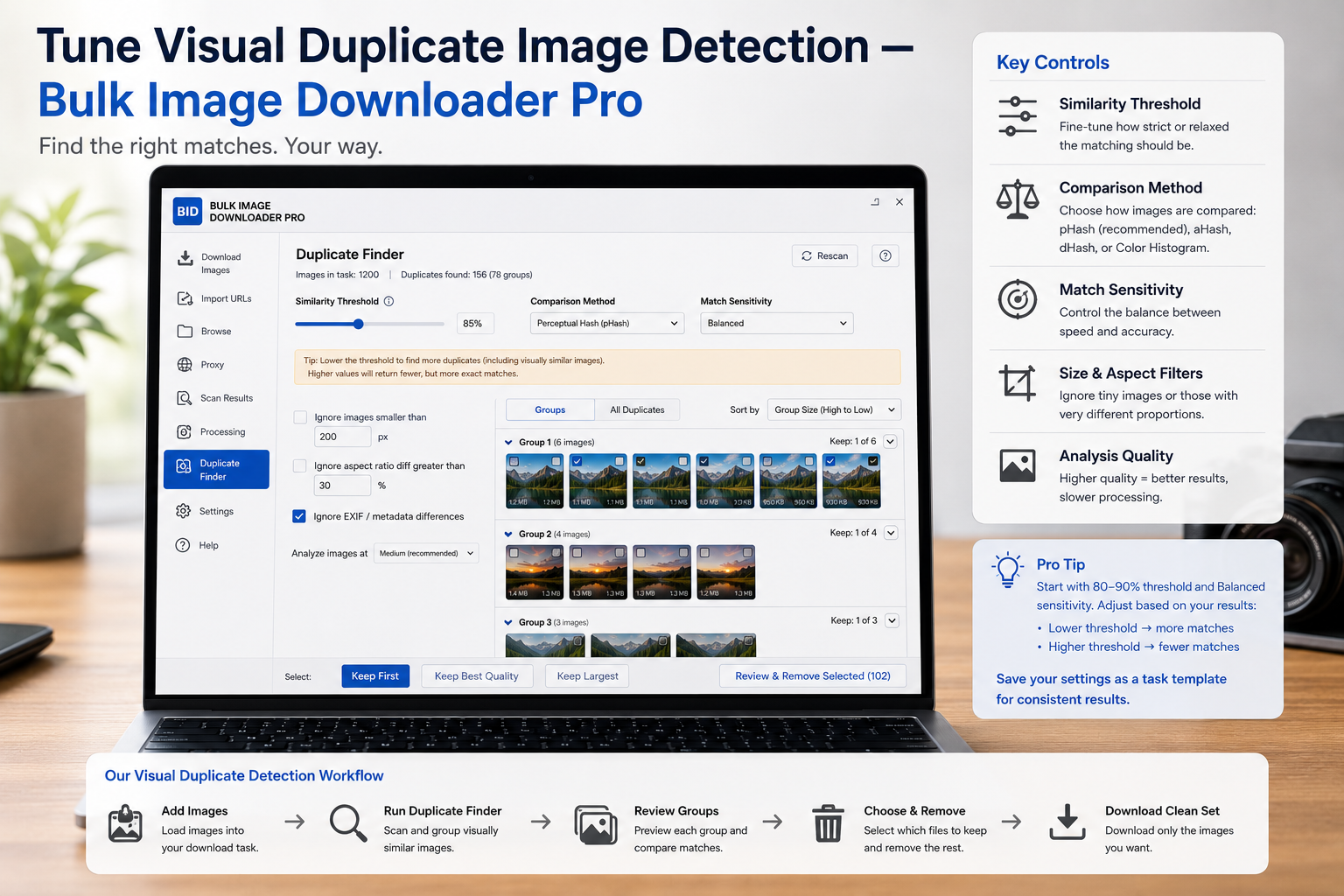
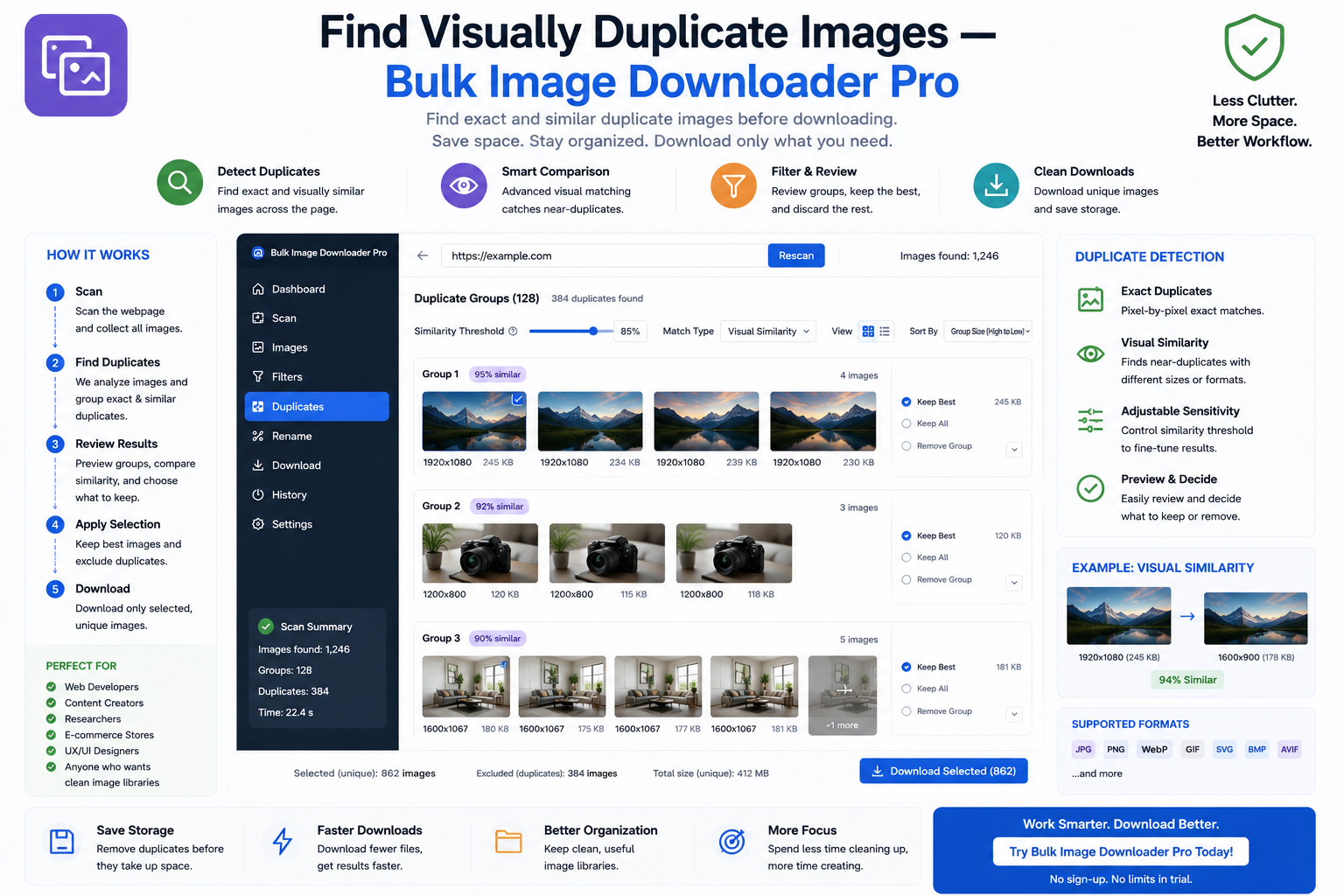
The Perceptual Duplicate Finder scans for visually similar images across tasks using pHash, dHash, and histogram signals, with strict, balanced, and aggressive presets.
A breakdown of the duplicate finder and its 15+ perceptual signals, from dHash, aHash, and pHash to texture, color, and shape measures that catch visual copies.
How the duplicate finder sensitivity presets (Strict, Balanced, Aggressive) change how aggressively visual duplicates are grouped, and which one fits your batch.
A practical guide to tune duplicate finder weights: adjust per-signal importance, re-apply without rescanning, and fix matches that are too loose or too tight.
Avoid duplicate image downloads using the extension's URL deduplication and perceptual duplicate finder, so you keep one clean copy instead of cluttered repeats.