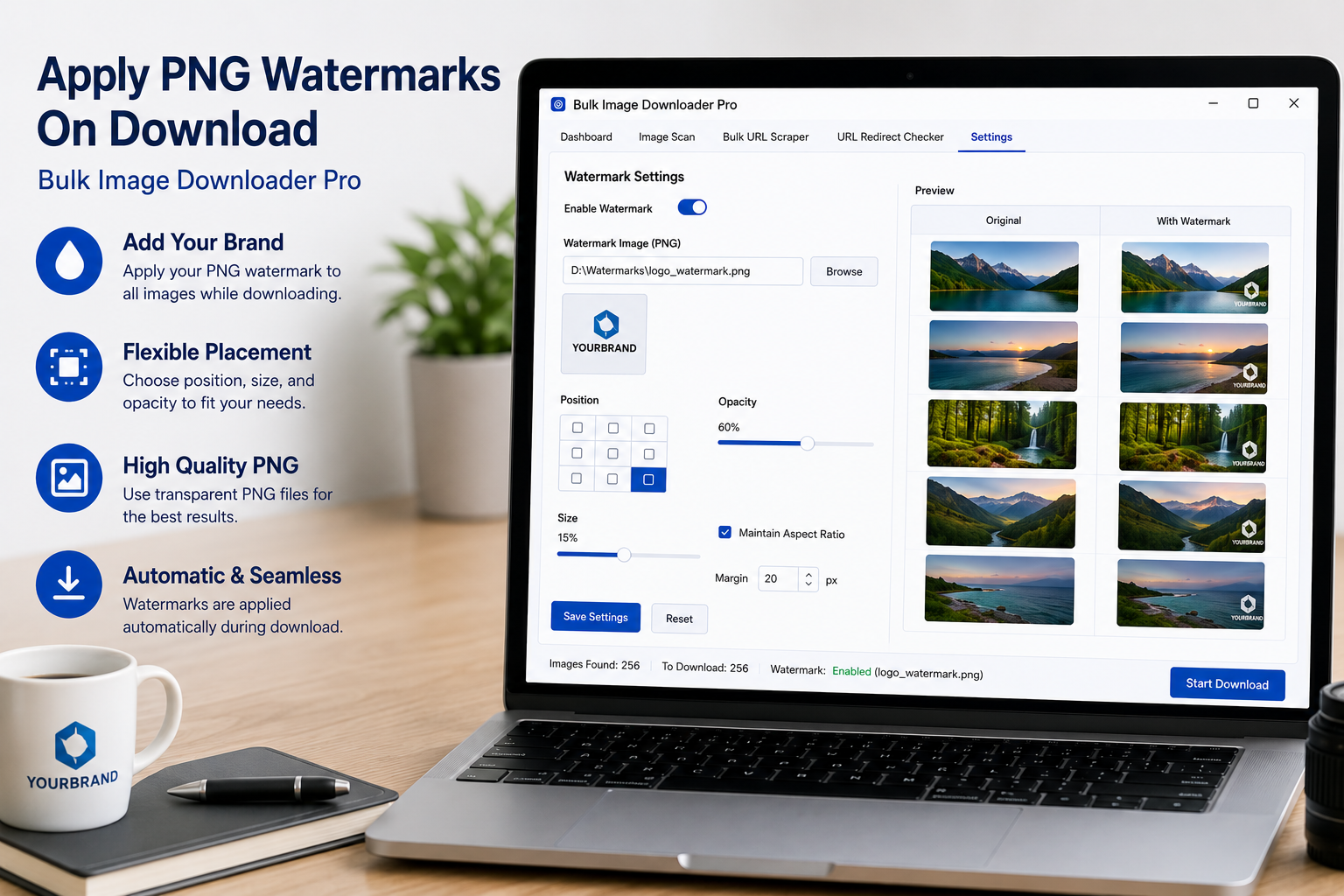
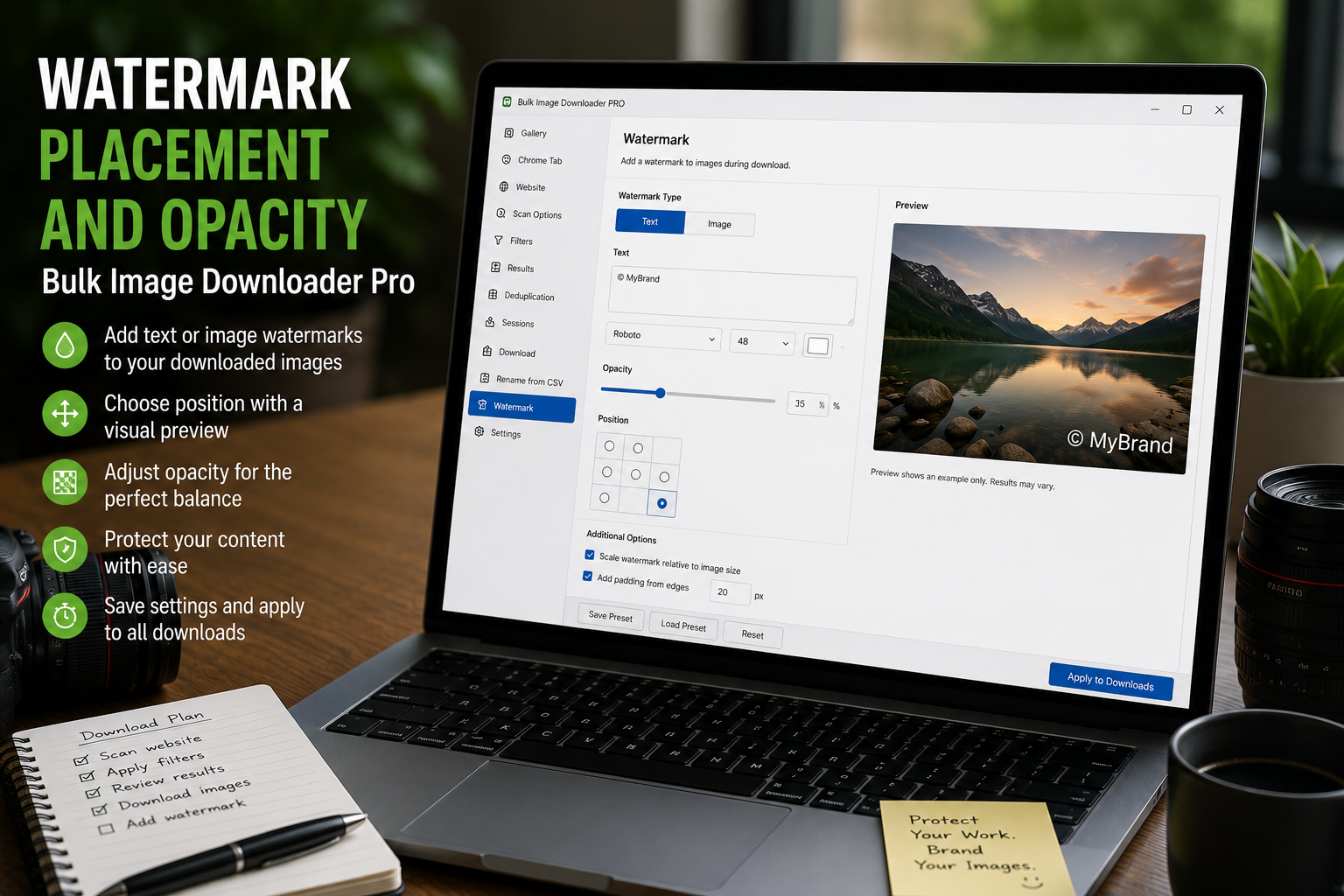
Watermark placement and opacity settings help a PNG logo look consistent across a batch, using nine anchors, margin, max size, and live preview controls.
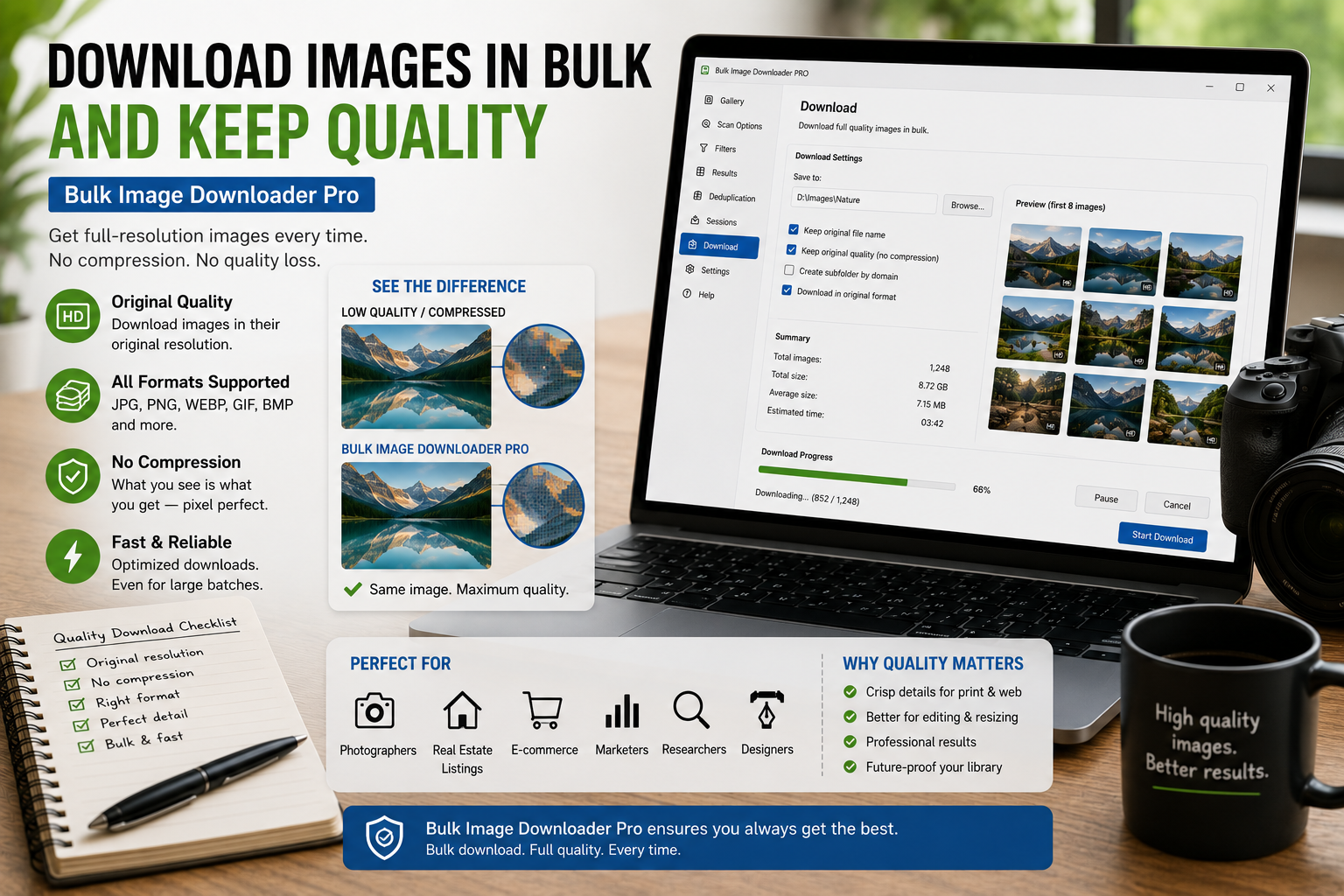
Download images in bulk and keep quality by saving source files where possible, filtering out thumbnails, avoiding unnecessary conversion, and reviewing dimensions before download.
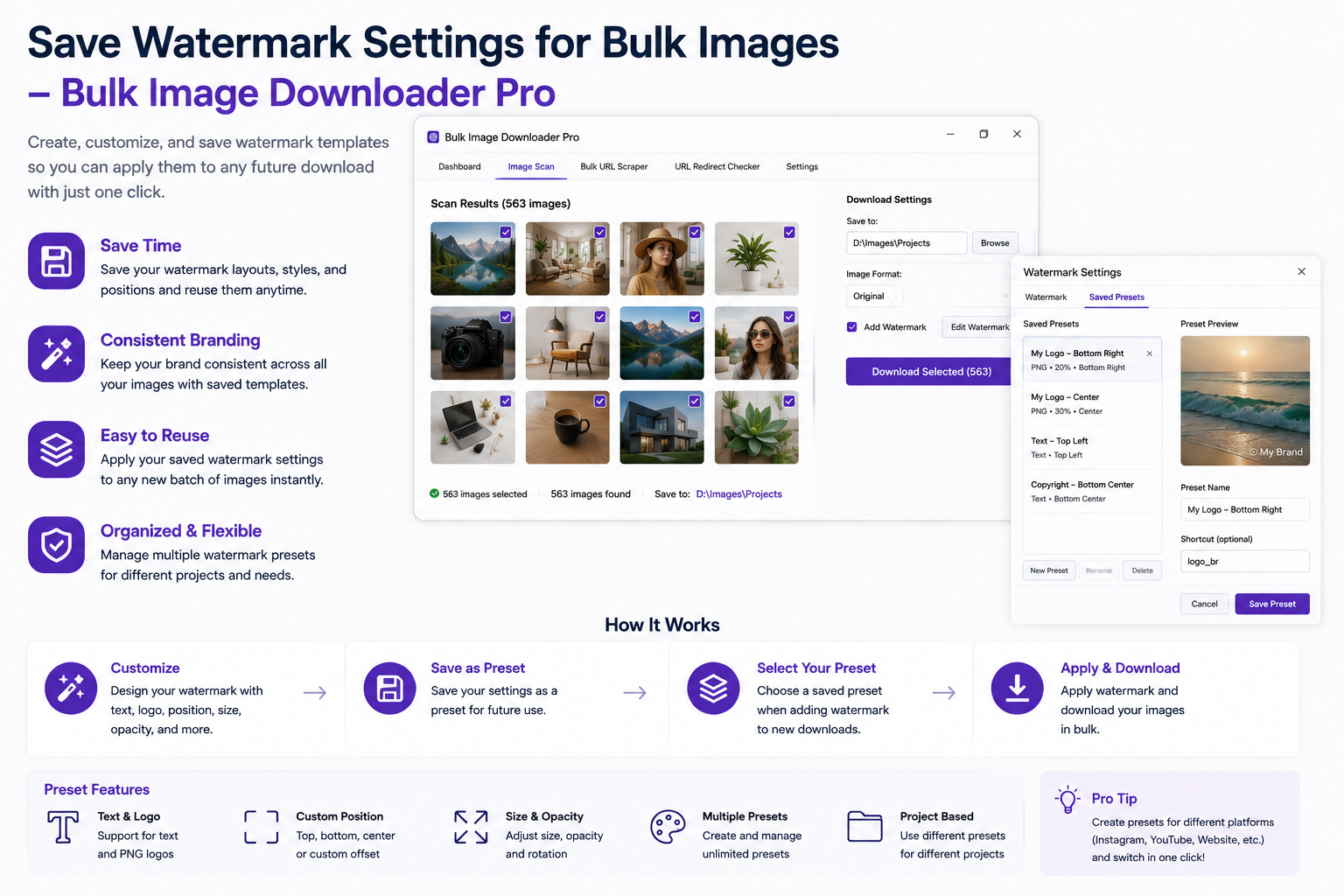
Watermark images for copyright protection by applying a visible PNG logo or mark to approved image batches before sharing previews, proofs, or public assets.
Use custom PNG watermarks in image batches by preparing a transparent watermark, previewing placement, setting opacity and size, and testing output before a full download task.
Watermark positioning affects whether a PNG watermark looks subtle, visible, or easy to crop, so placement, opacity, margin, and max-size settings should be tested before processing a full batch.
Watermark images on download with a configured PNG watermark, opacity, position, margin, and size settings so large image batches come out consistently branded.