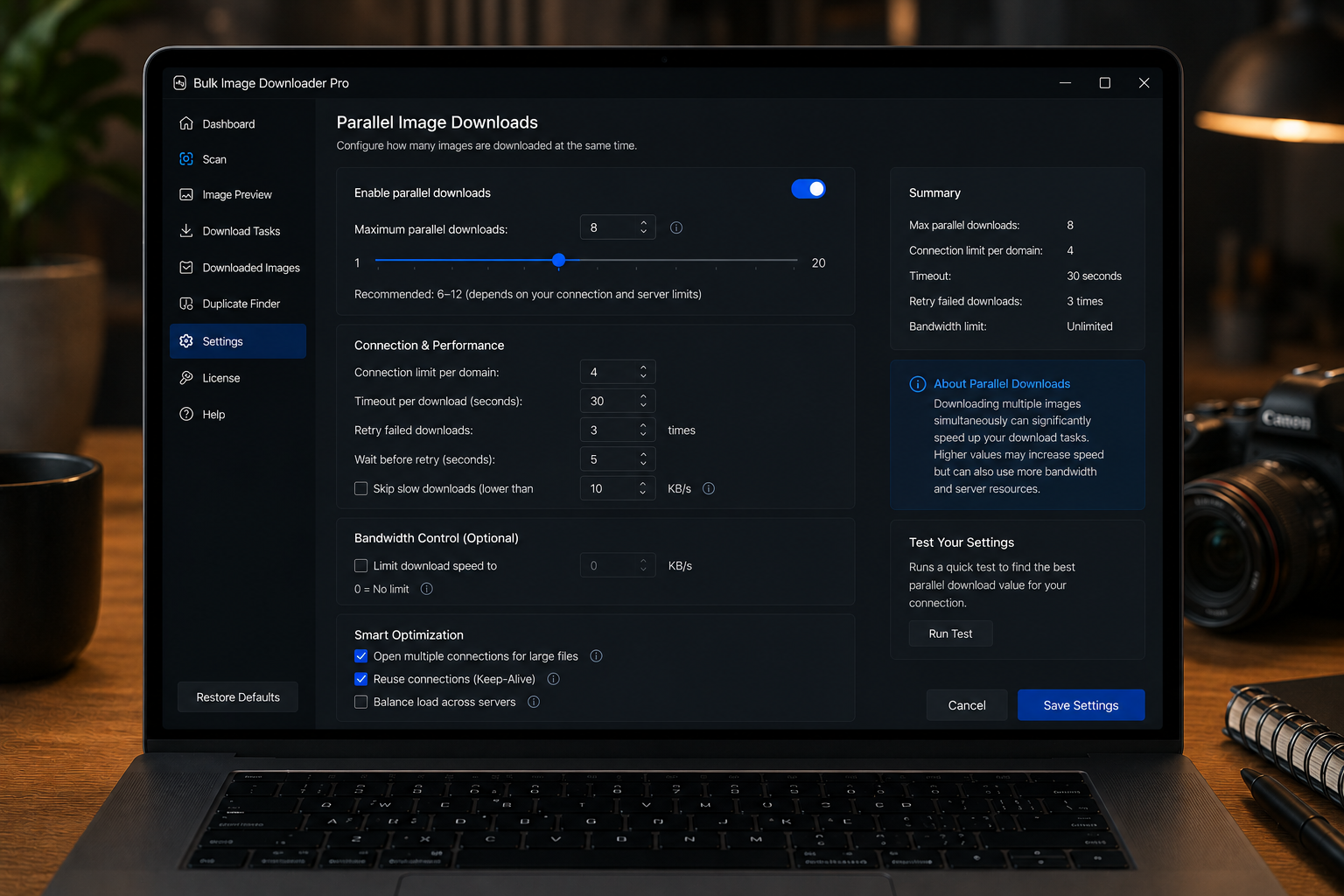
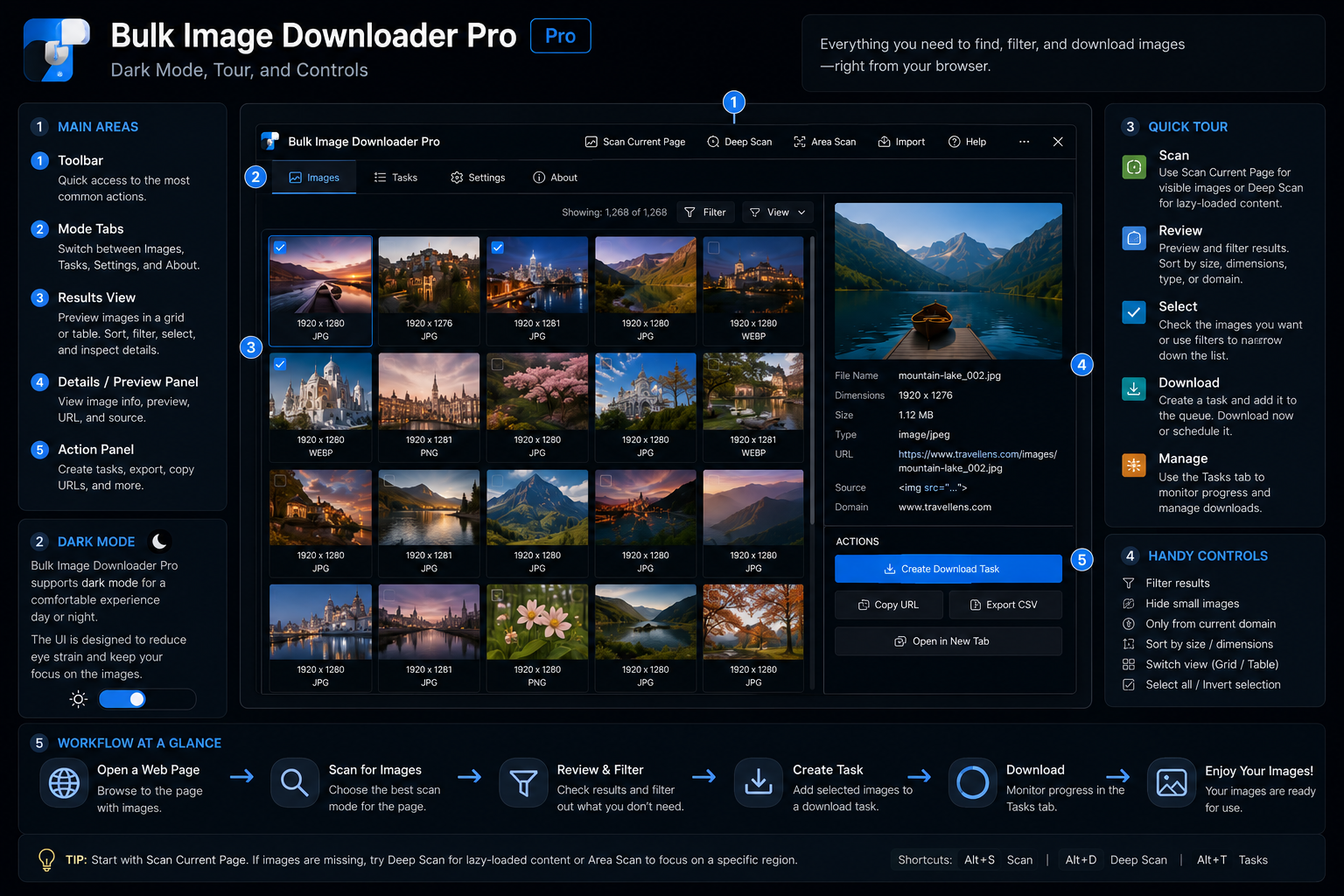
A practical guide to the Bulk Image Downloader From URL List interface, including dark mode, the options-page onboarding tour, Hide Controls, and the essential info bar.
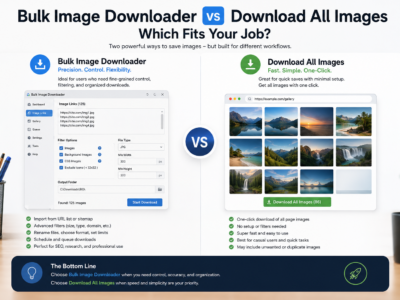
Compare Bulk Image Downloader vs Download All Images for one-page ZIP grabs, deep page detection, URL-list scraping, filename control, and repeatable task workflows.
A fair Bulk Image Downloader vs ImageAssistant comparison for users choosing between page image sniffing and repeatable URL-list batch download workflows.
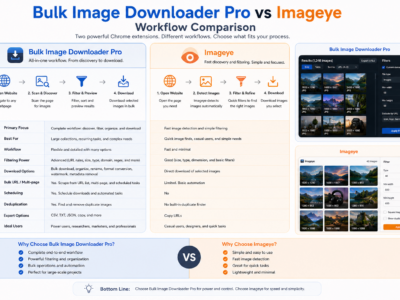
A fair Bulk Image Downloader vs Imageye comparison for users choosing between quick current-page image grabbing and repeatable URL-list download workflows.
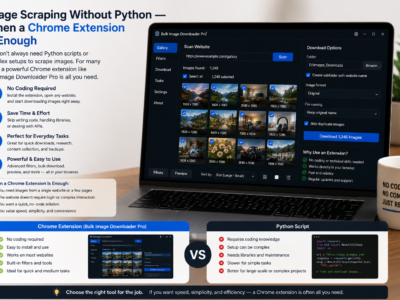
Image scraping without Python can be faster for browser-visible pages, lazy-loaded galleries, and small recurring jobs where you need filtering, preview, and organized downloads.
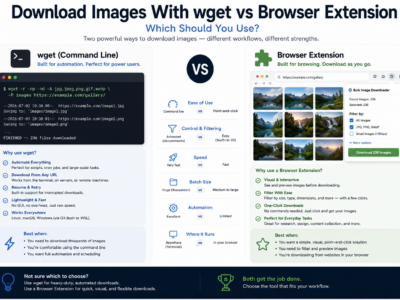
Compare downloading images with wget vs a browser extension for direct URL lists, rendered pages, login sessions, visual filtering, file naming, and repeatable workflows.
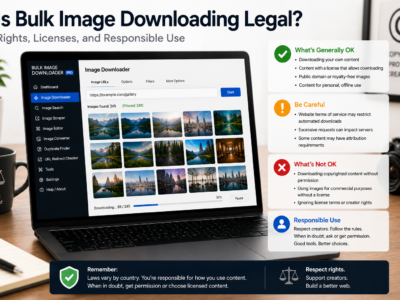
Is bulk image downloading legal? It depends on copyright, licensing, site terms, and how you use the files. This is general education, not legal advice.