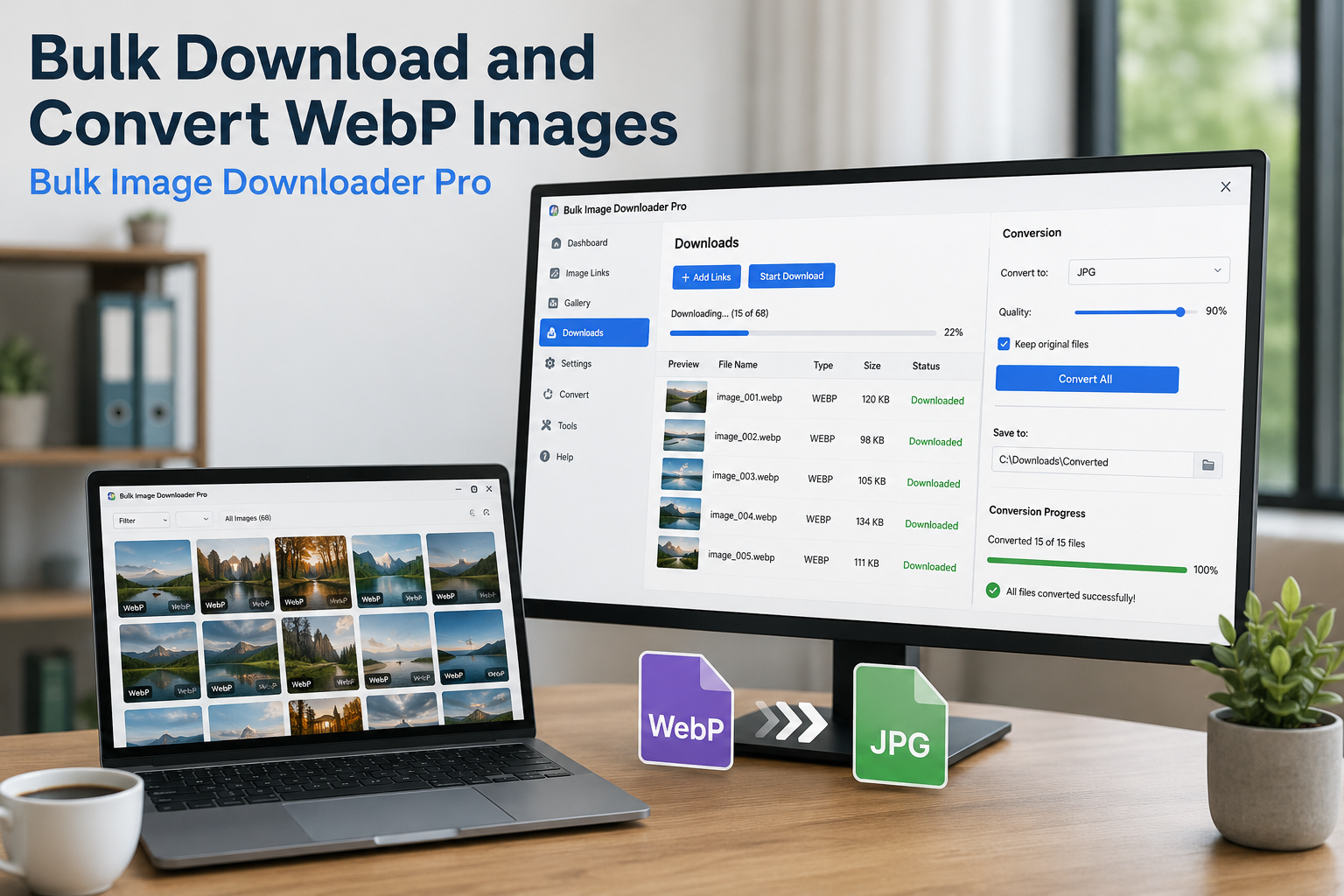
Bulk download and convert WebP images by scanning pages in Chrome, filtering WebP results, choosing JPG, PNG, or WebP output, and converting locally on download.
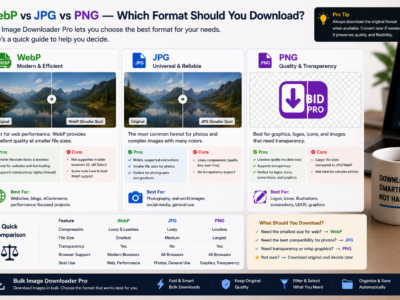
WebP vs JPG vs PNG images compared by compression, transparency, and compatibility so you can choose the right download format and convert mixed batches when needed.
Extract images from complex webpages by scanning loaded content, using Deep Scan for lazy-loaded images, Area Scan for page sections, and preview filters before downloading.
Supported image formats in Bulk Image Downloader From URL List explained clearly: what you can filter while downloading, what the browser can preview, and which formats can be converted during processing.
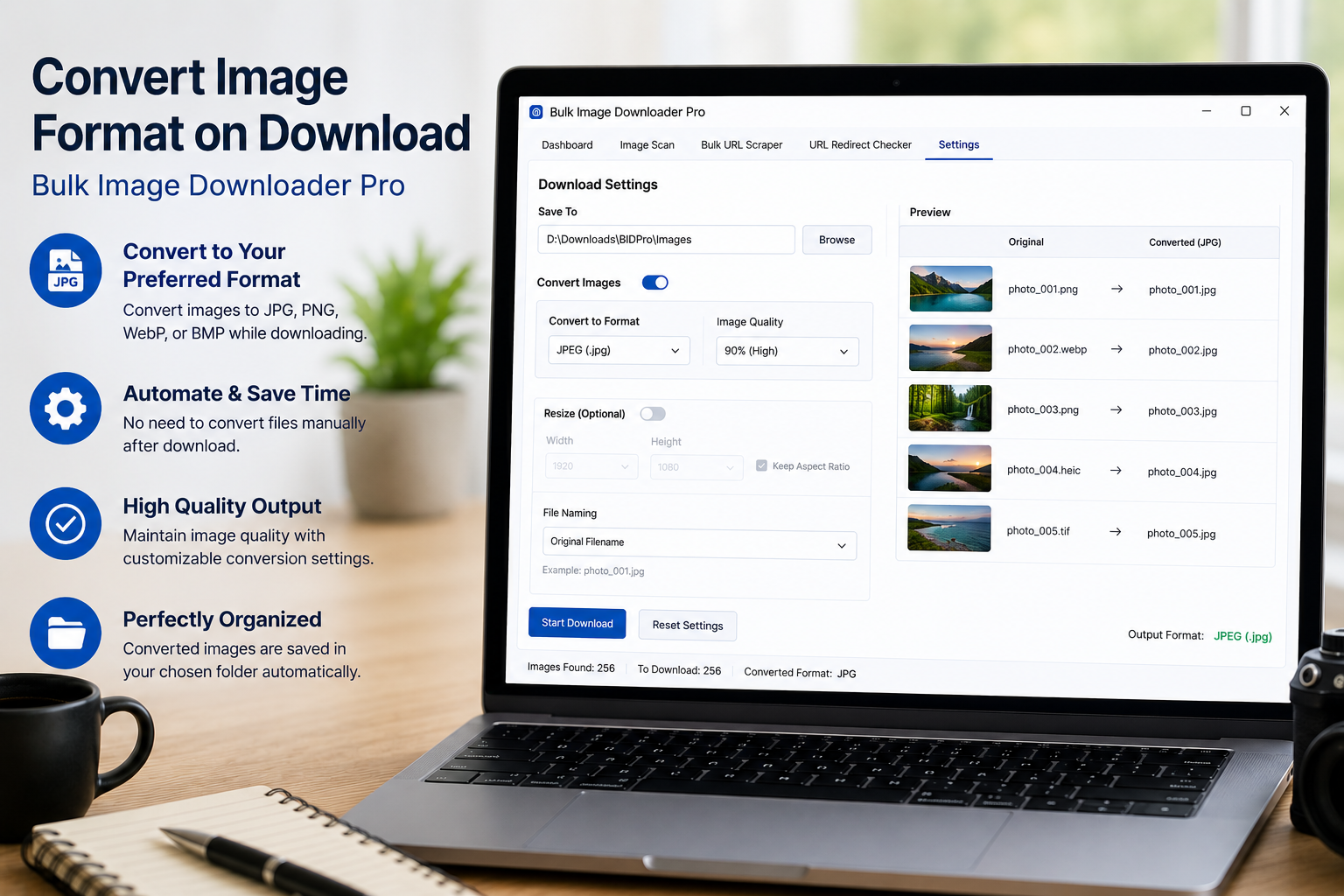
Convert images on download to JPEG, WebP, or PNG during a Bulk Image Downloader From URL List task, with quality settings and sample testing before large batches.
Import URL lists for image downloads by pasting links, loading files, or using CSV task import, then checking whether each URL is a direct image URL or a page URL that needs scanning.
Learn how to extract images from a website with a Chrome workflow that scans pages, handles lazy-loaded images, filters noise, validates URLs, and turns the clean list into an organized download task.