The real bulk image downloader benefits are faster collection, cleaner image lists, fewer duplicates, better filenames, organized folders, ZIP output, and repeatable task workflows.
When a gallery scan returns too few images, lazy loading is often why. Diagnose the gap and use Deep Scan, filters, and cleanup steps before you download.
Export and import image download tasks so recurring URL lists, folders, filename patterns, filters, schedules, and task settings can be backed up or rebuilt from CSV.
Watermark images on download with a configured PNG watermark, opacity, position, margin, and size settings so large image batches come out consistently branded.
Schedule bulk image downloads in Chrome by preparing a task, choosing output settings, setting the run time, and keeping Chrome open when the scheduled task should start.
Learn how to extract images from a website with a Chrome workflow that scans pages, handles lazy-loaded images, filters noise, validates URLs, and turns the clean list into an organized download task.
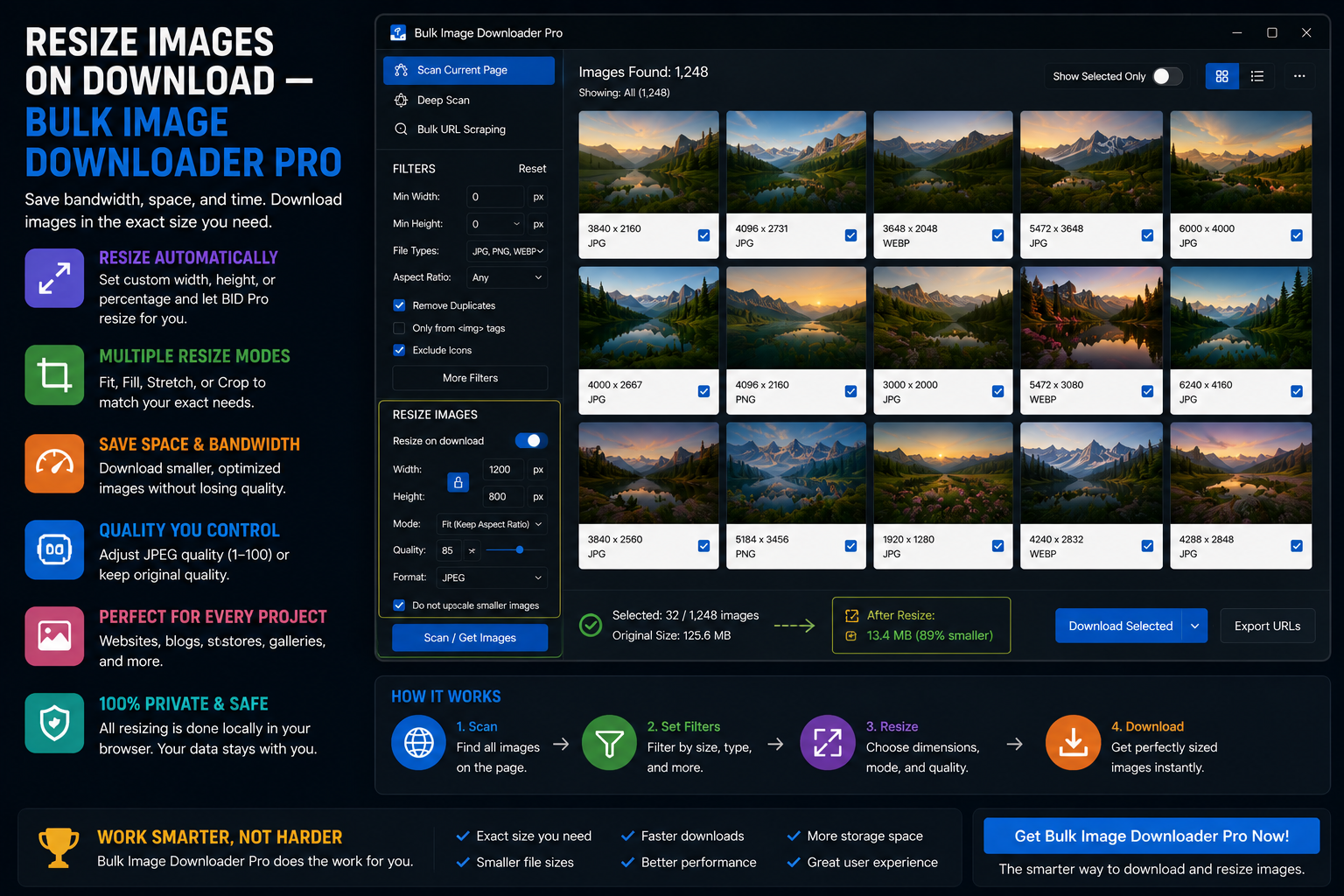
Resize images on download so large batches arrive closer to the size you need, with exact dimensions, fit-to-box resizing, percentage scaling, and optional JPEG/WebP/PNG conversion.
A practical comparison of bulk image downloader extensions for Chrome, including when to choose simple page savers, URL-list downloaders, page scanners, filters, ZIP output, and filename controls.