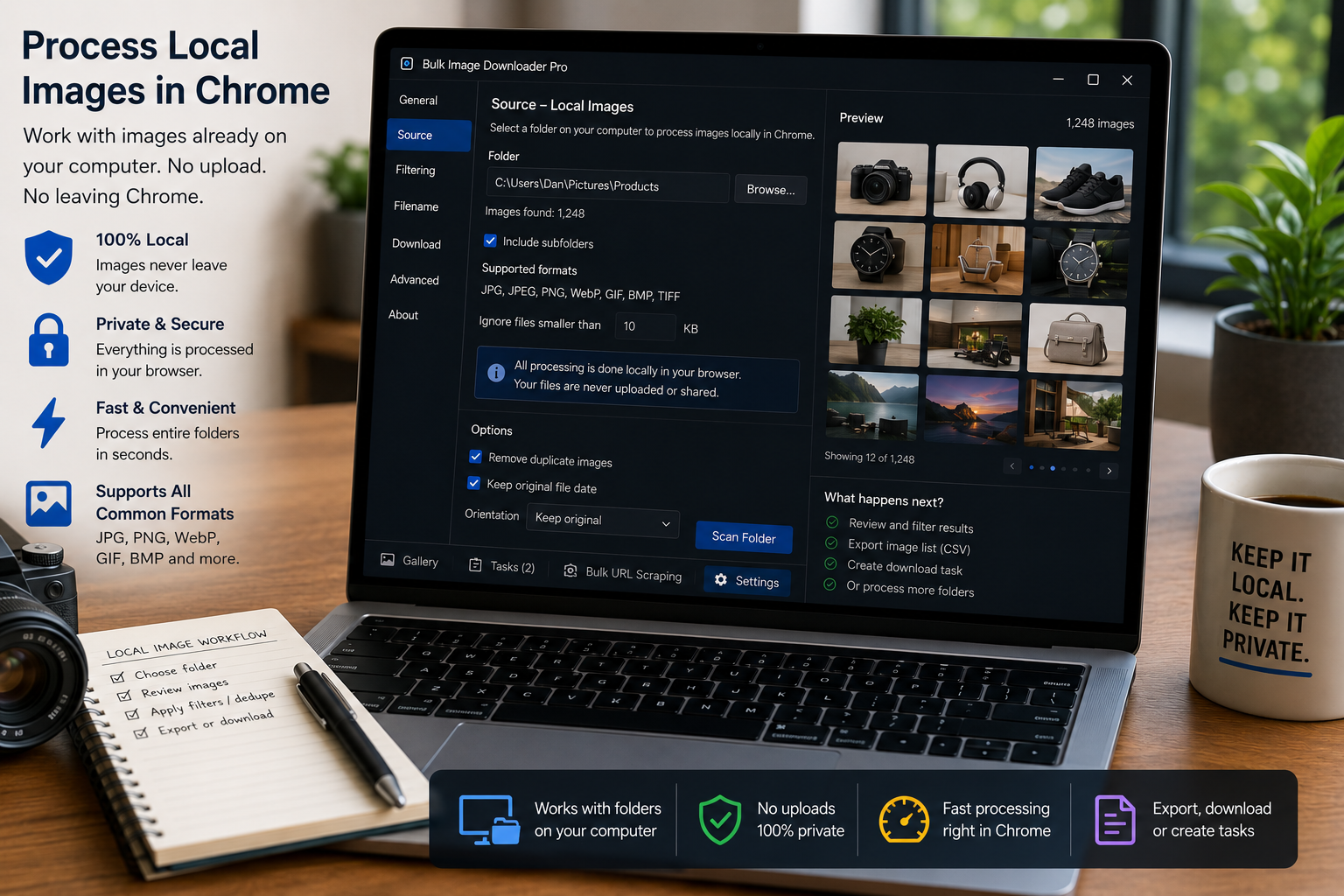
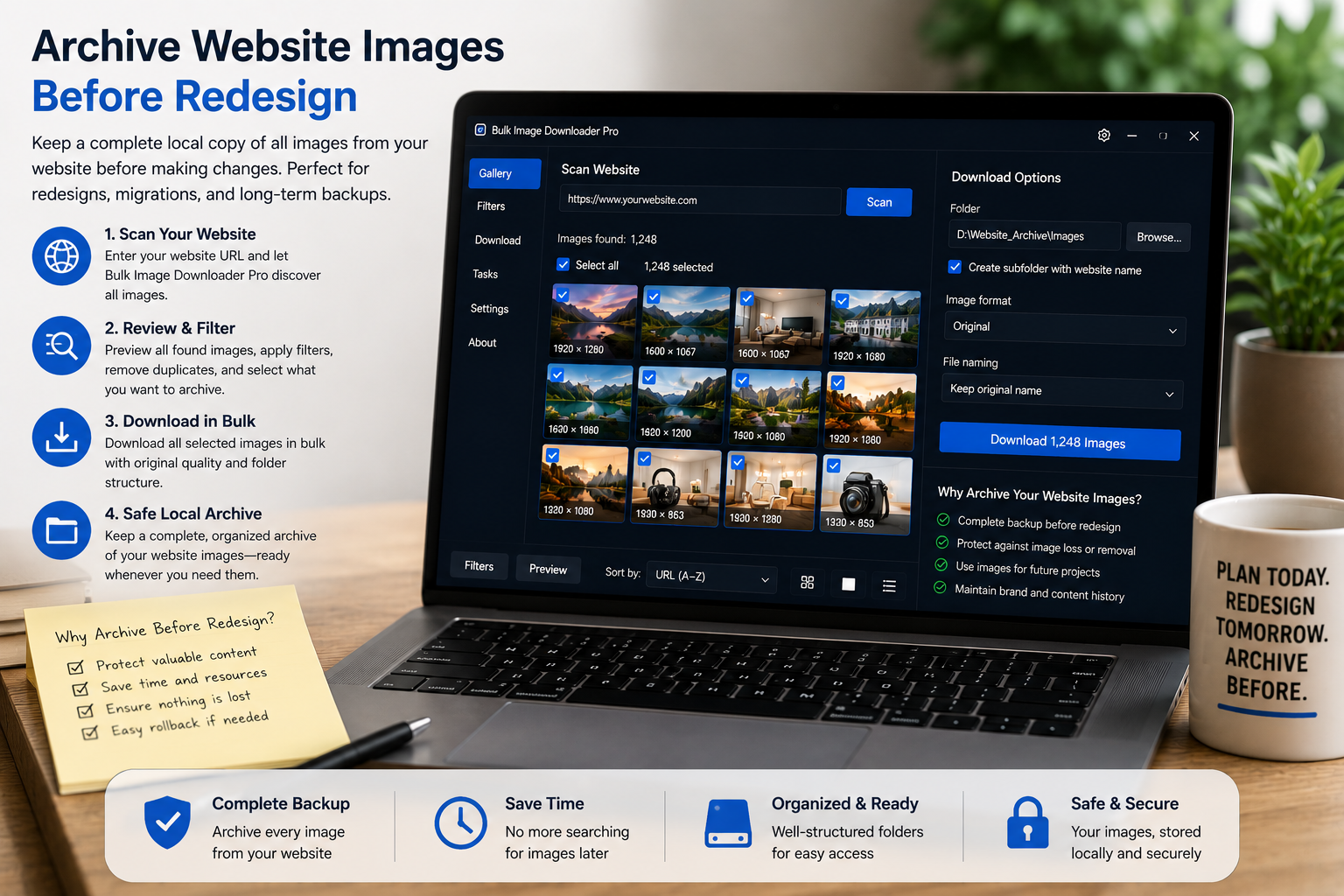
Process local images in Chrome by switching a task to Upload Mode, adding files from your computer, and using resize, convert, EXIF cleanup, watermark, and filename tools.
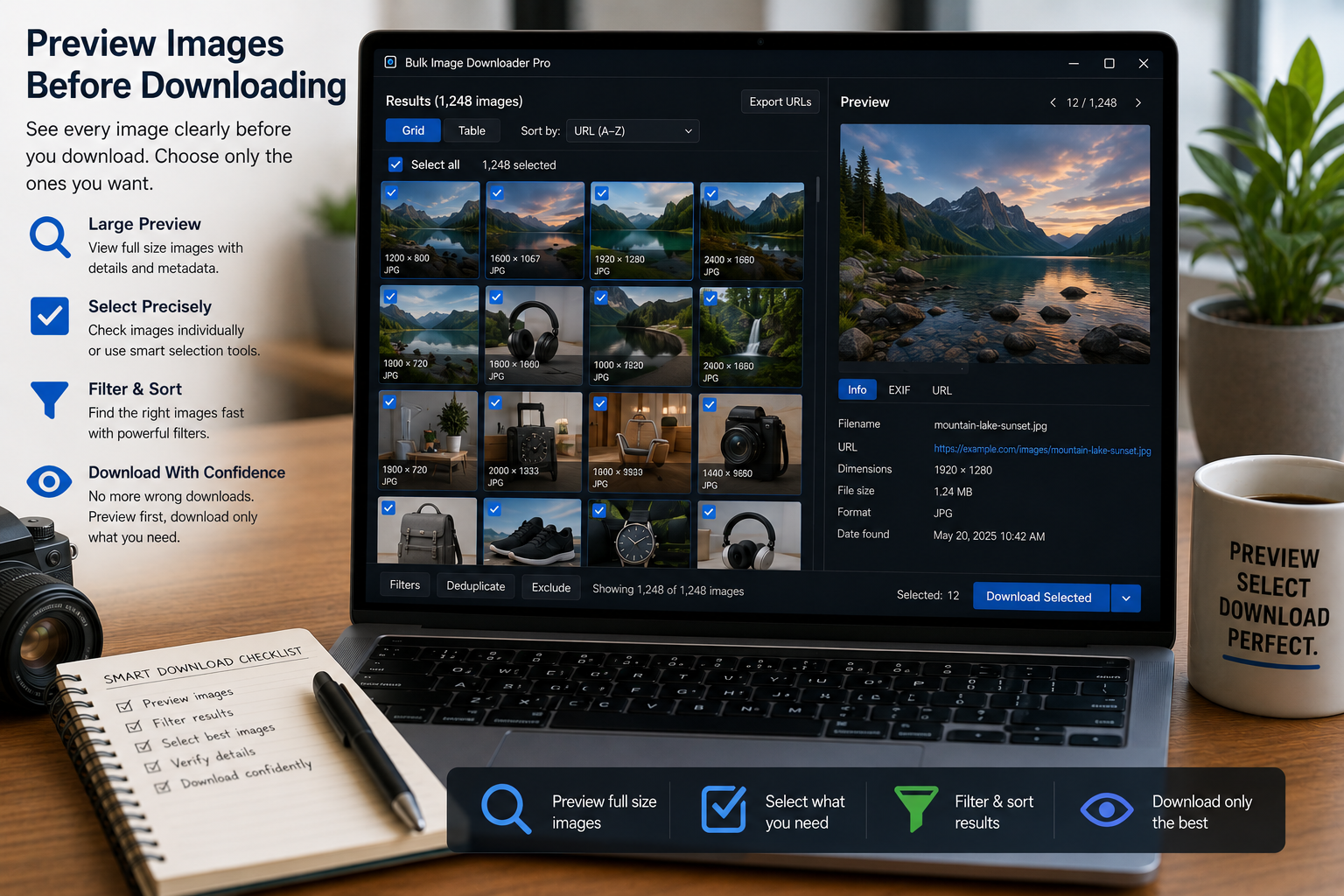
Preview images before downloading with thumbnails, task filters, size and format filters, dimension rules, file size filters, duplicate badges, and bulk removal tools.
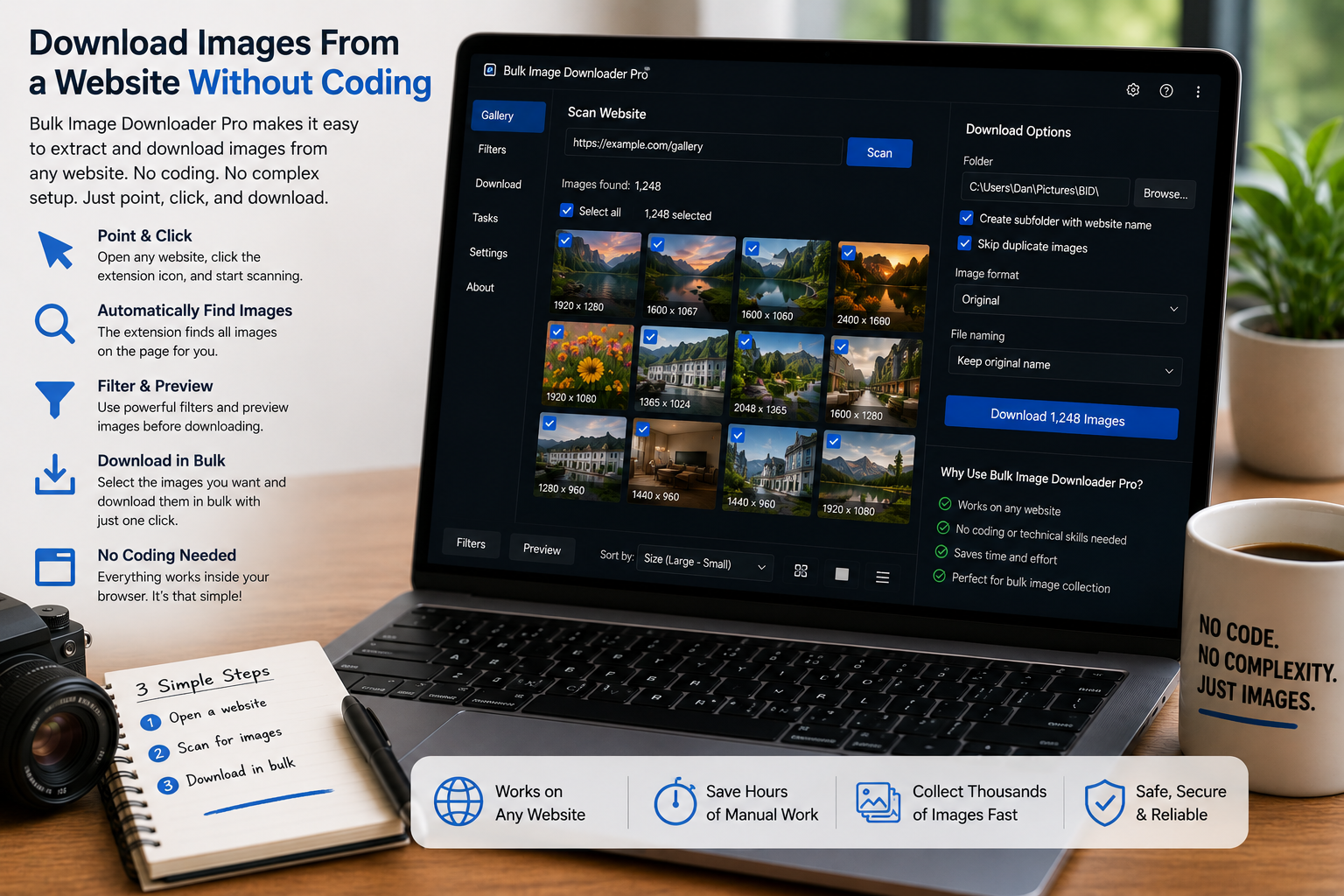
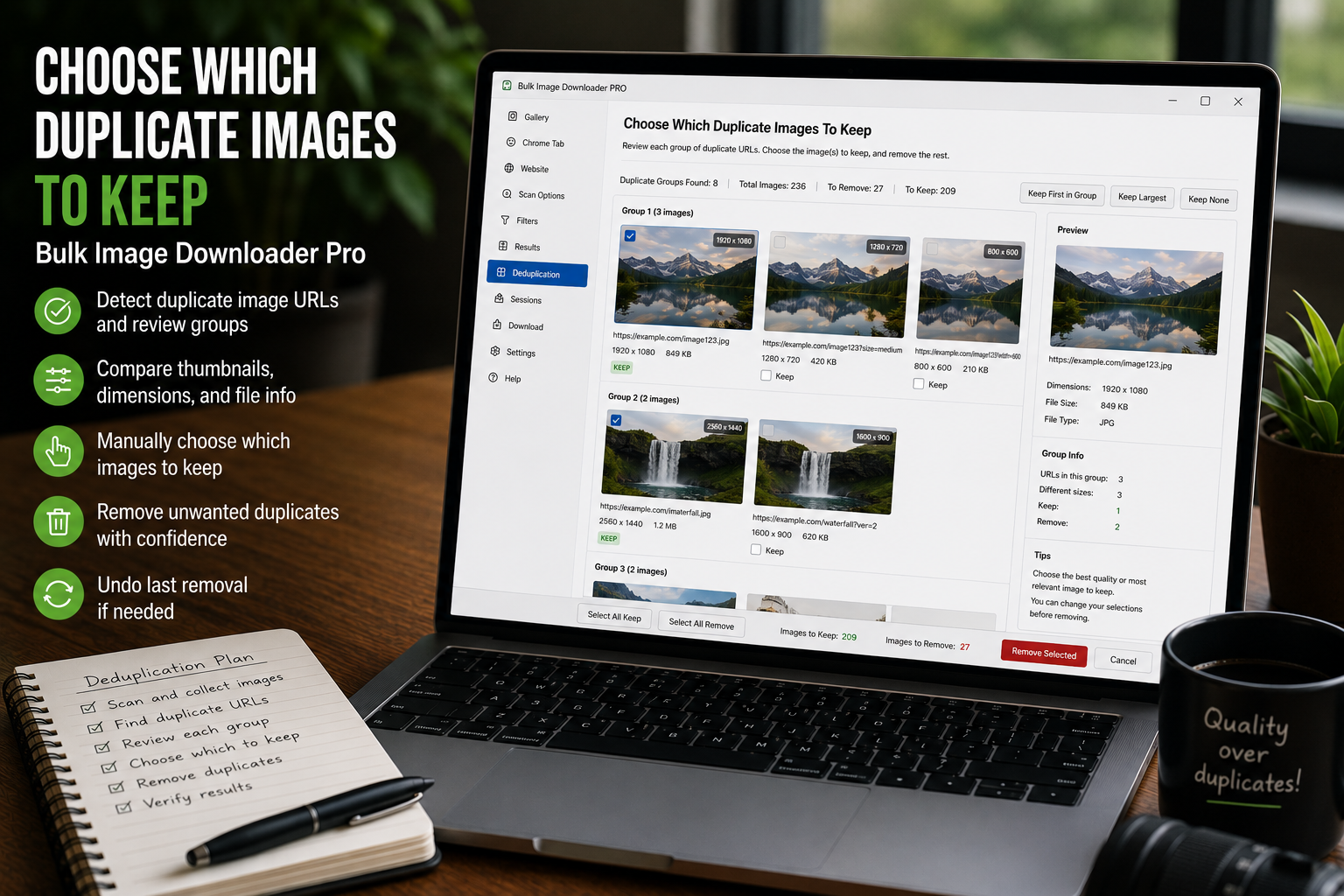
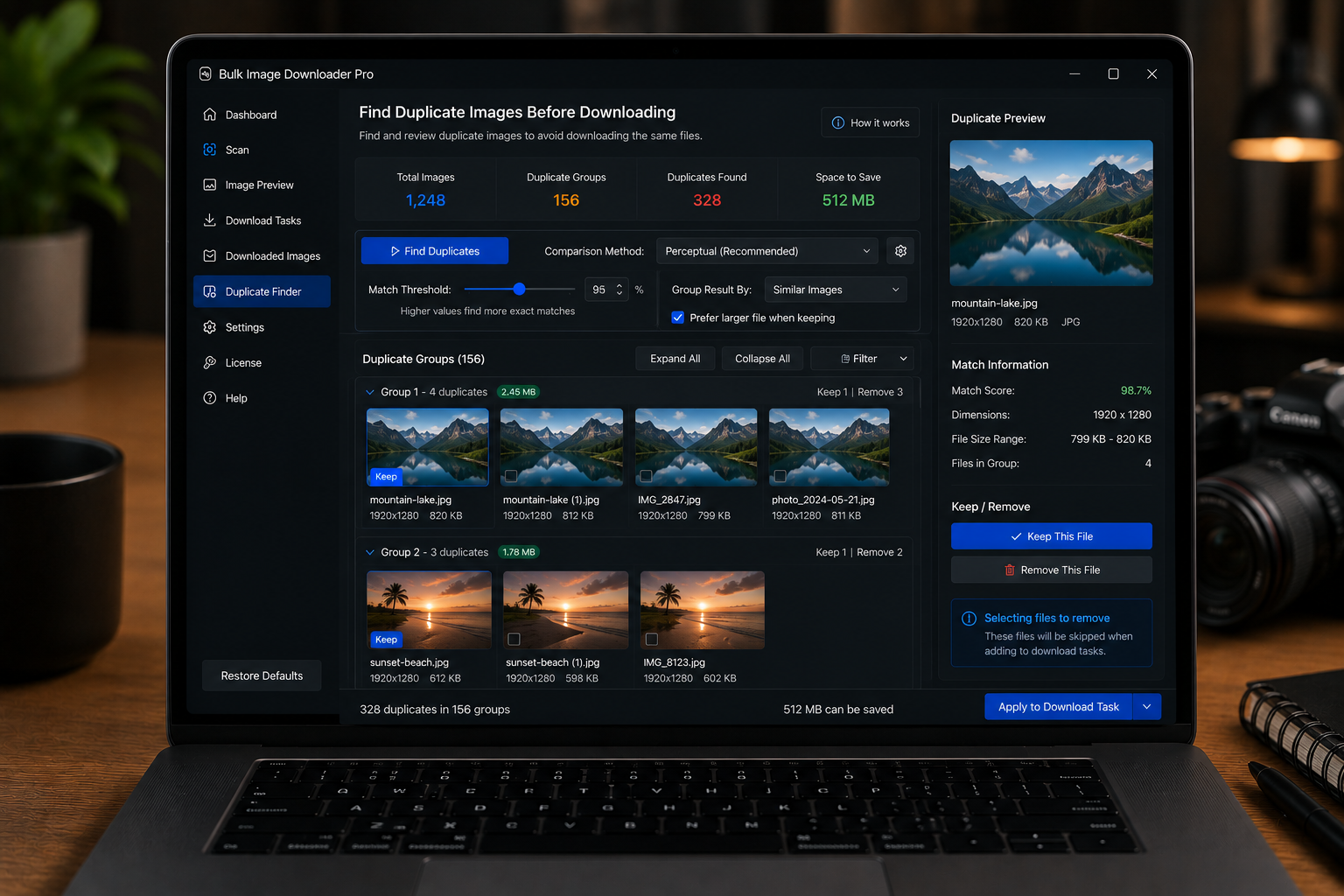
Download images from a website without coding by scanning the page in Chrome, filtering the results, removing repeats, and sending clean URLs to a download task.
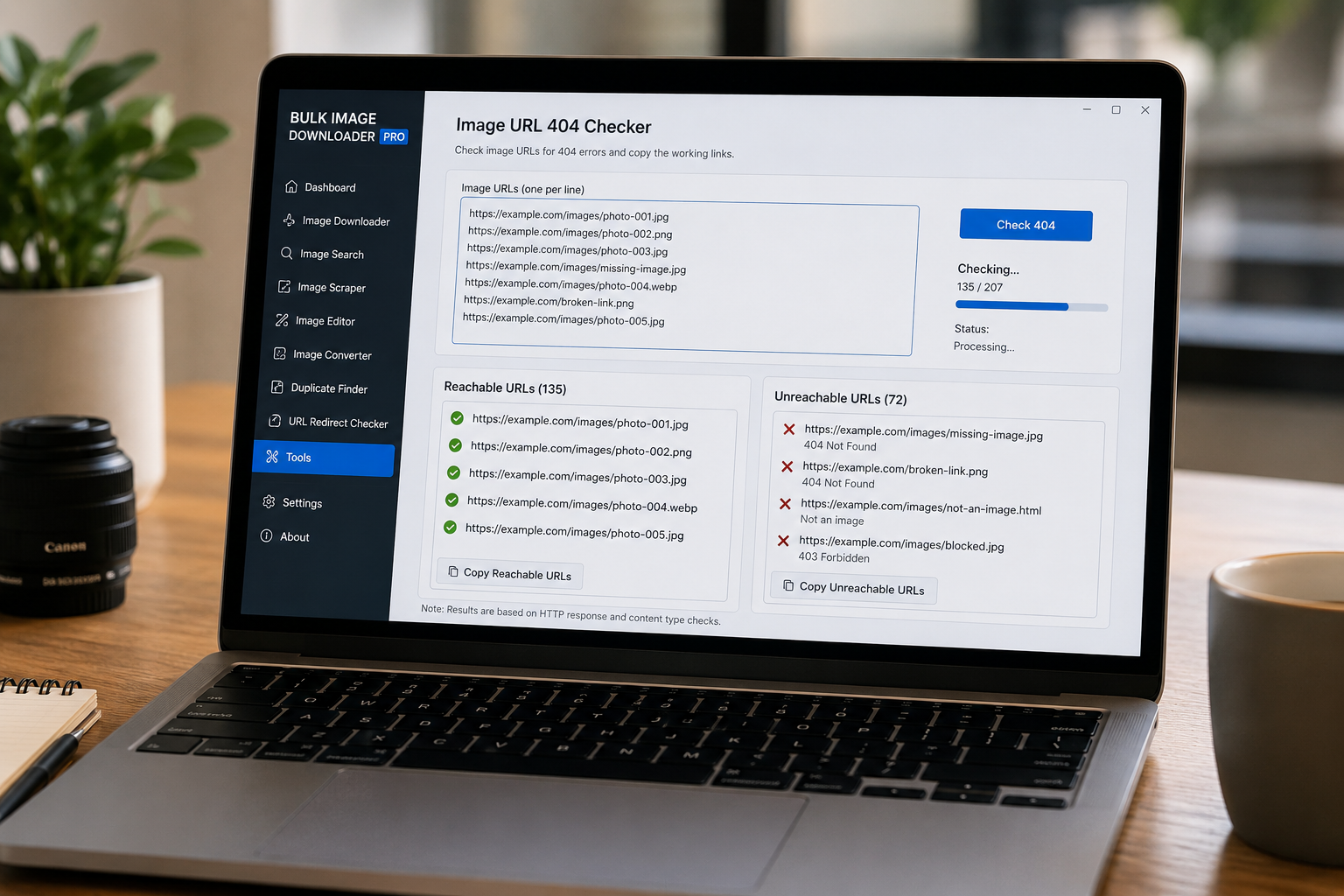
Check broken image links before downloading by testing a URL list, separating reachable image URLs from unreachable or non-image URLs, and copying the clean results.
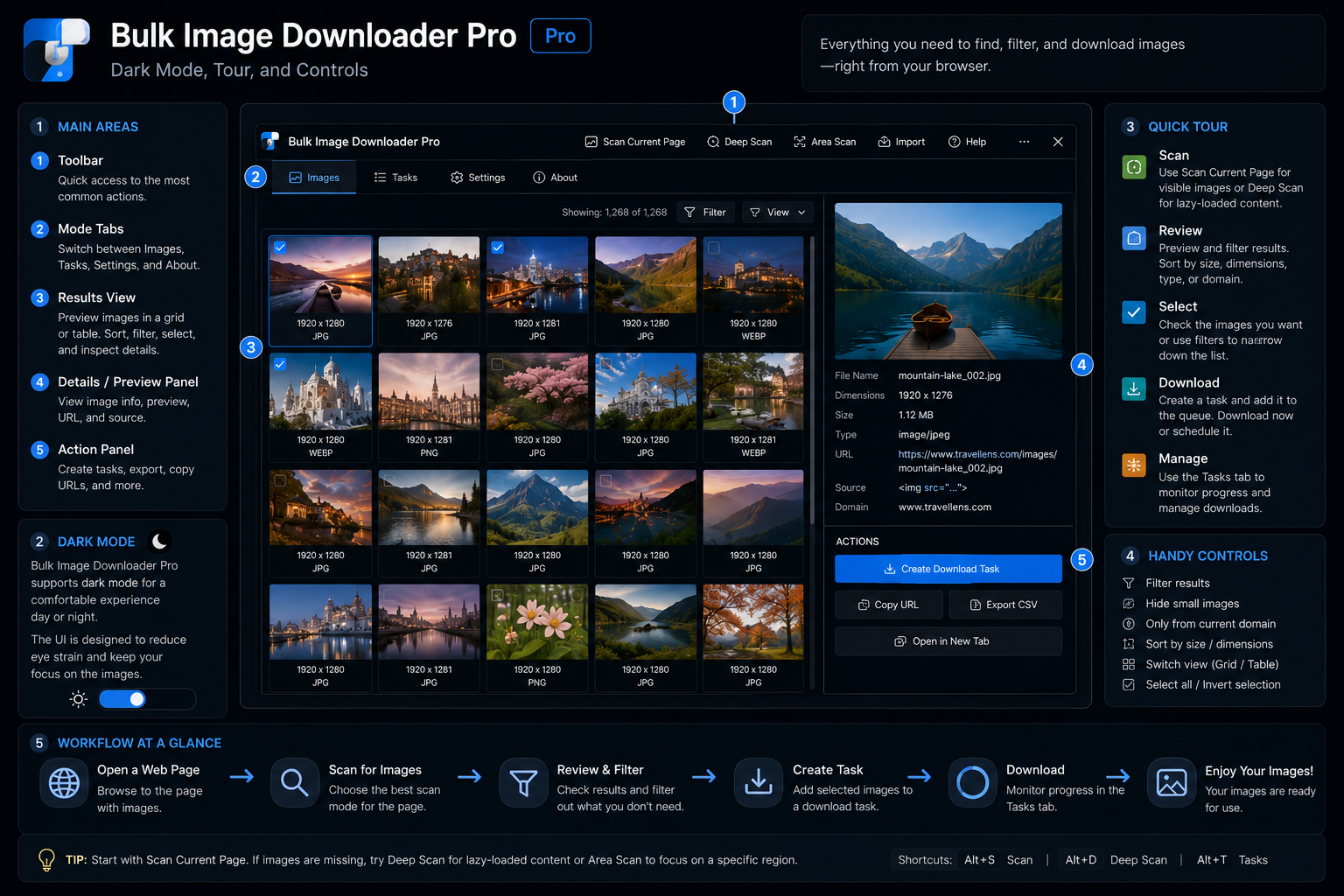
A practical guide to the Bulk Image Downloader From URL List interface, including dark mode, the options-page onboarding tour, Hide Controls, and the essential info bar.
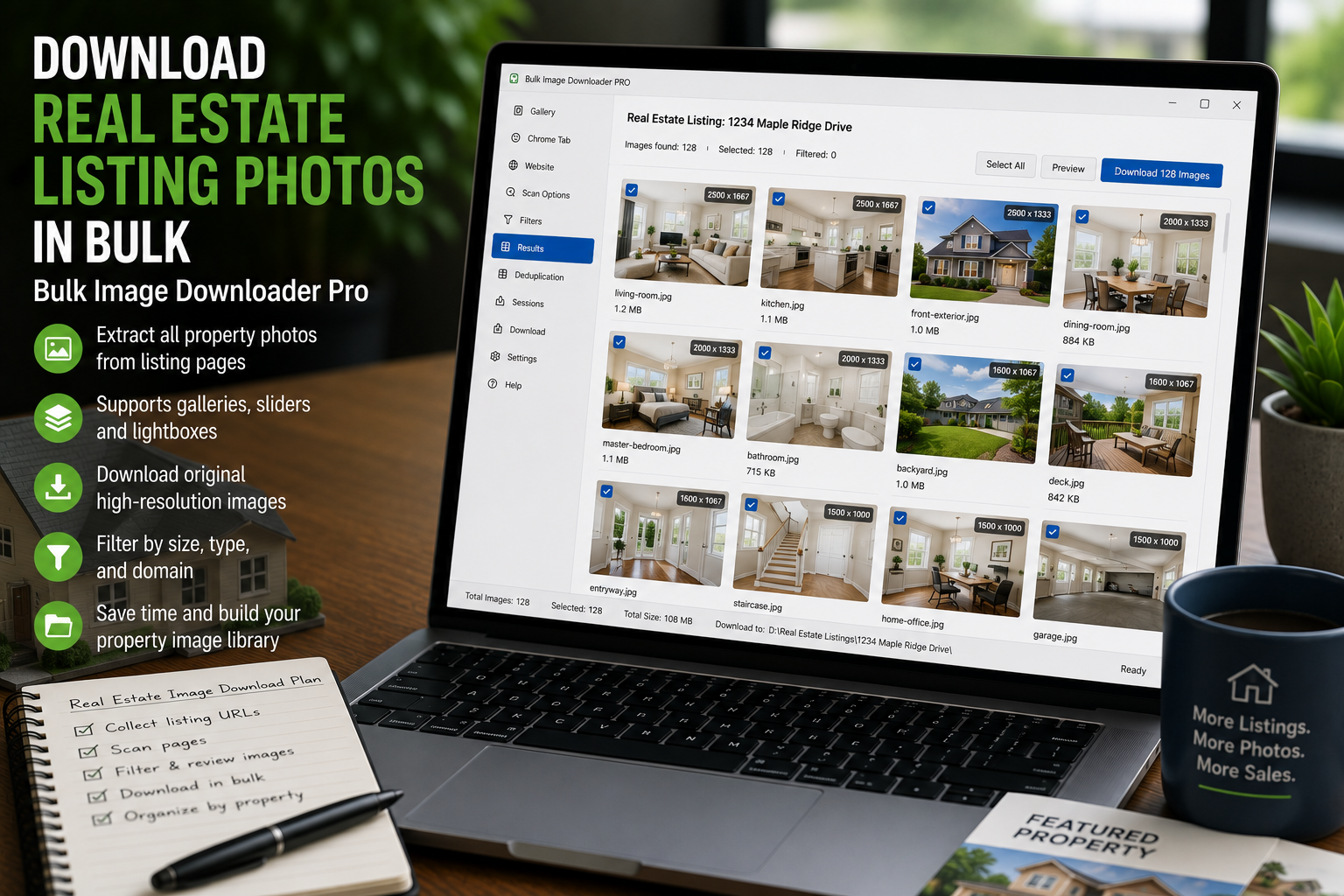
Download real estate listing photos in bulk from authorized listing pages, filter out page clutter, and organize each property photo set into named folders or ZIP files.
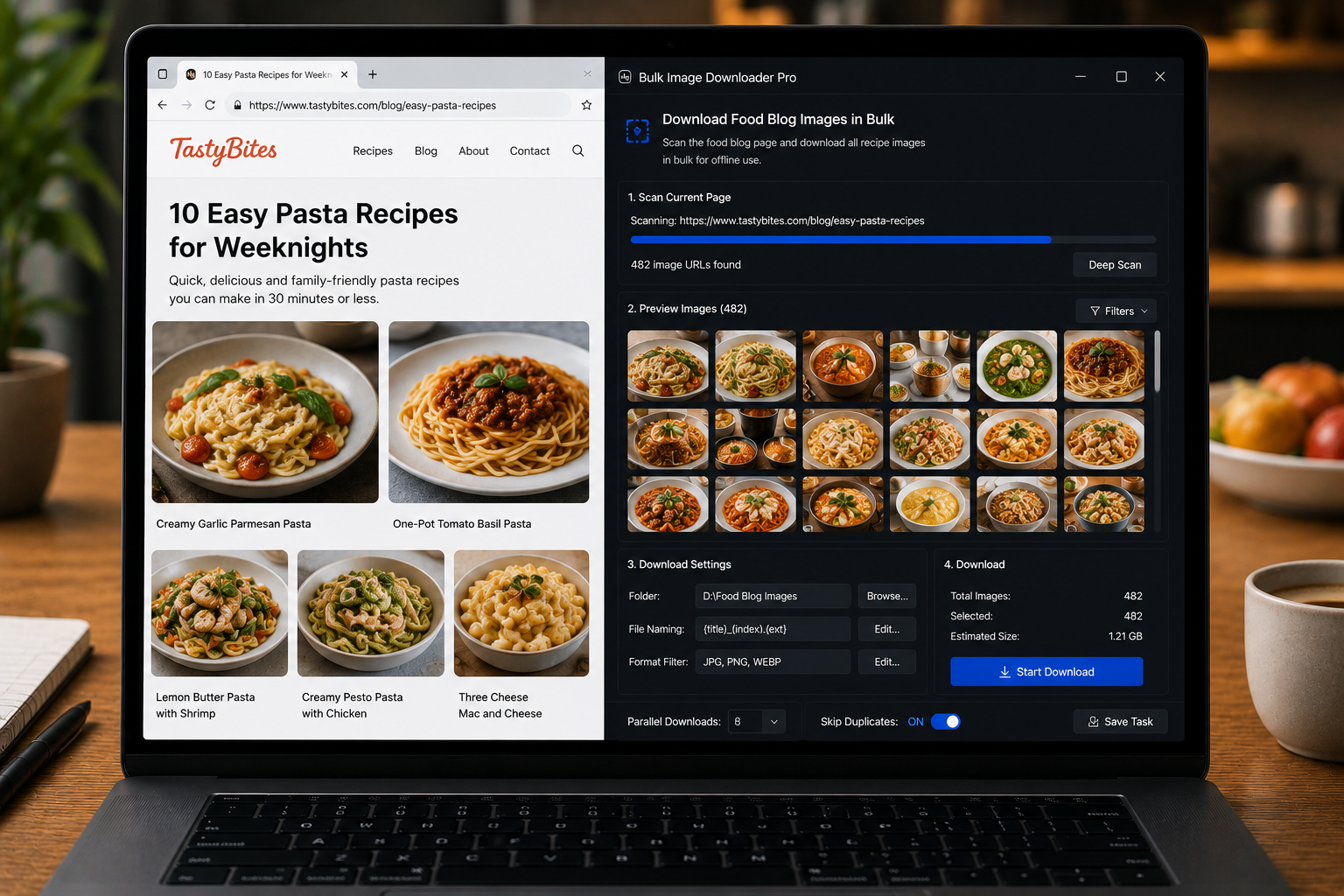
Download food blog images in bulk for authorized archives, media kits, reference libraries, or your own recipe content by scanning, filtering, deduping, and organizing images.