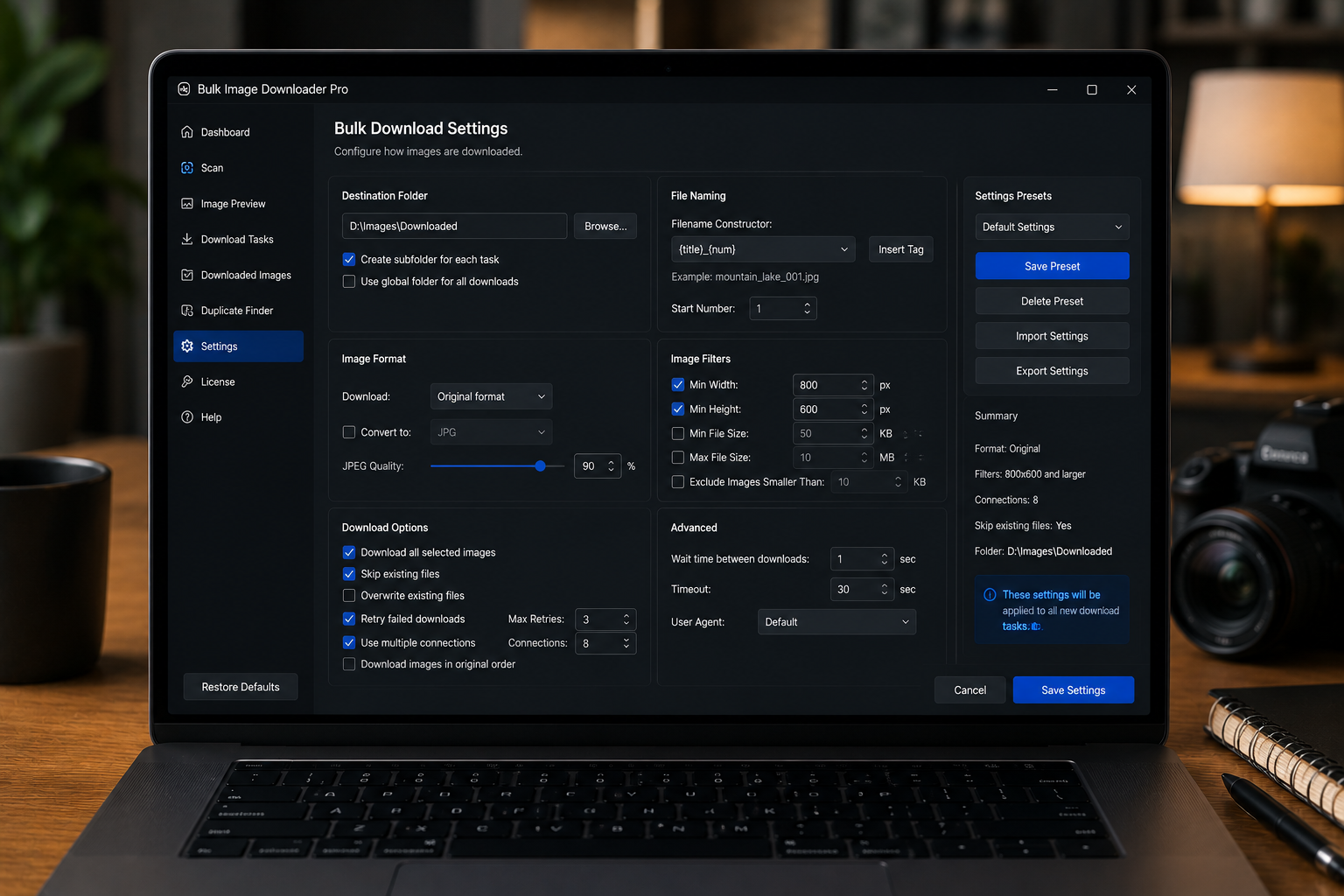
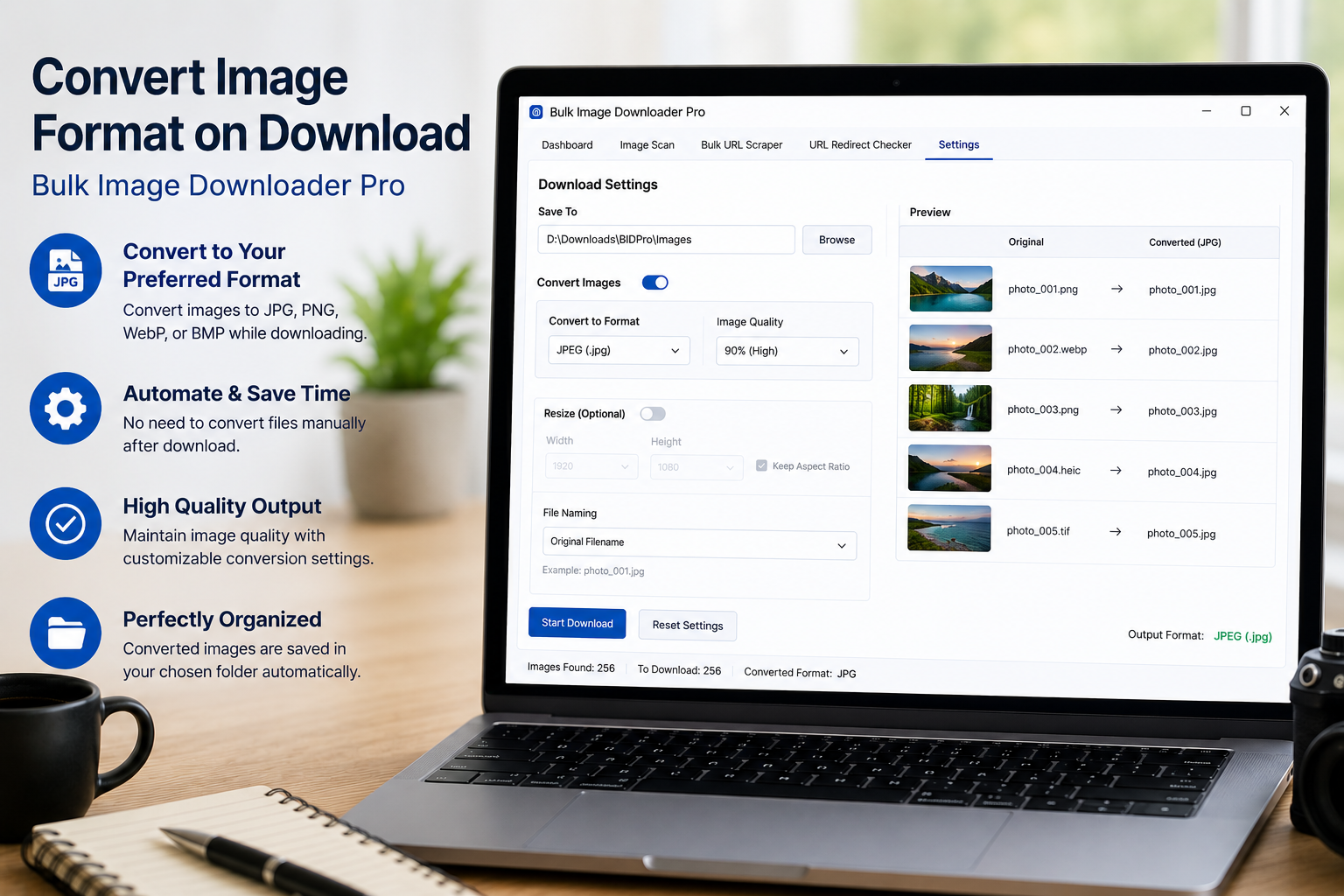
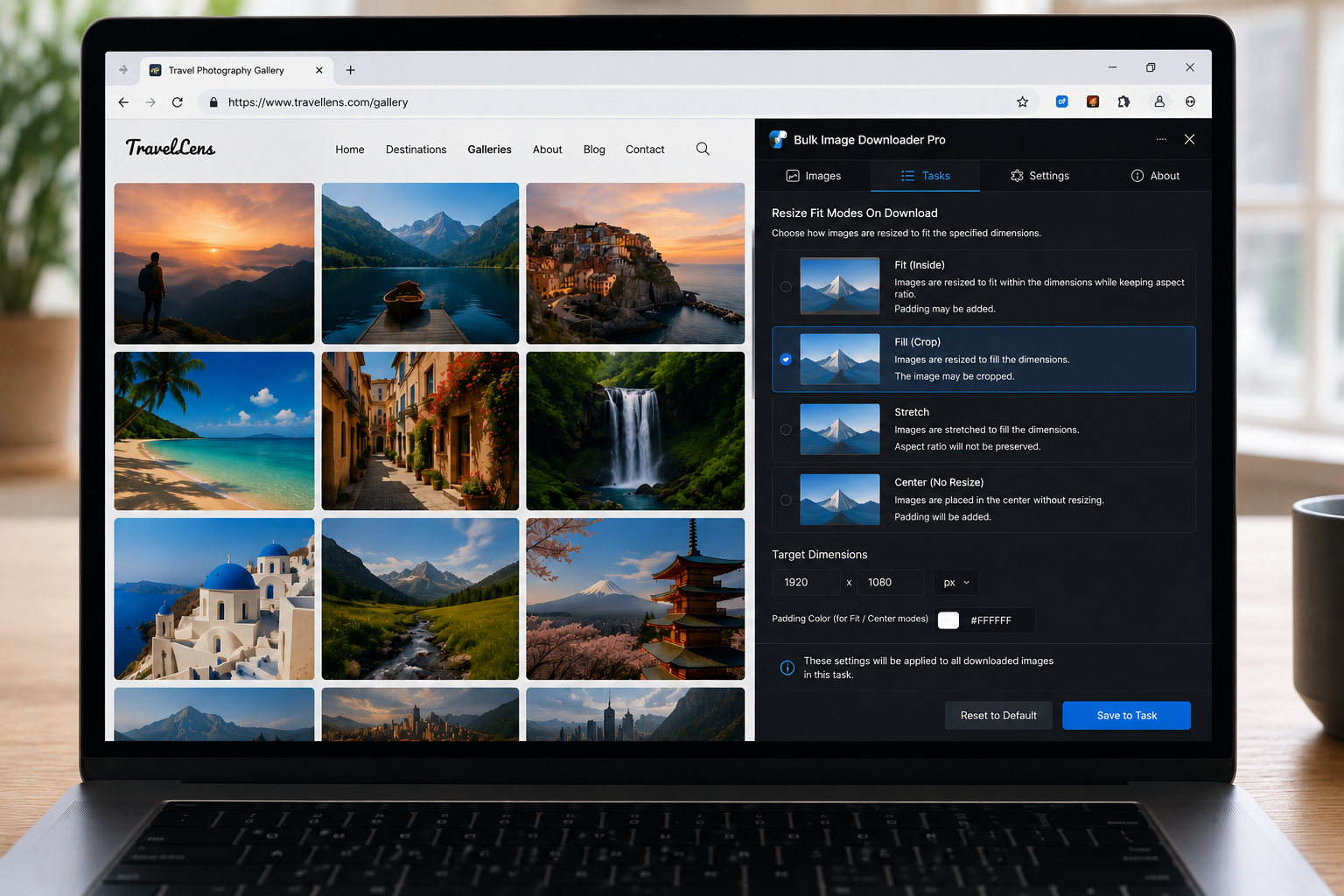
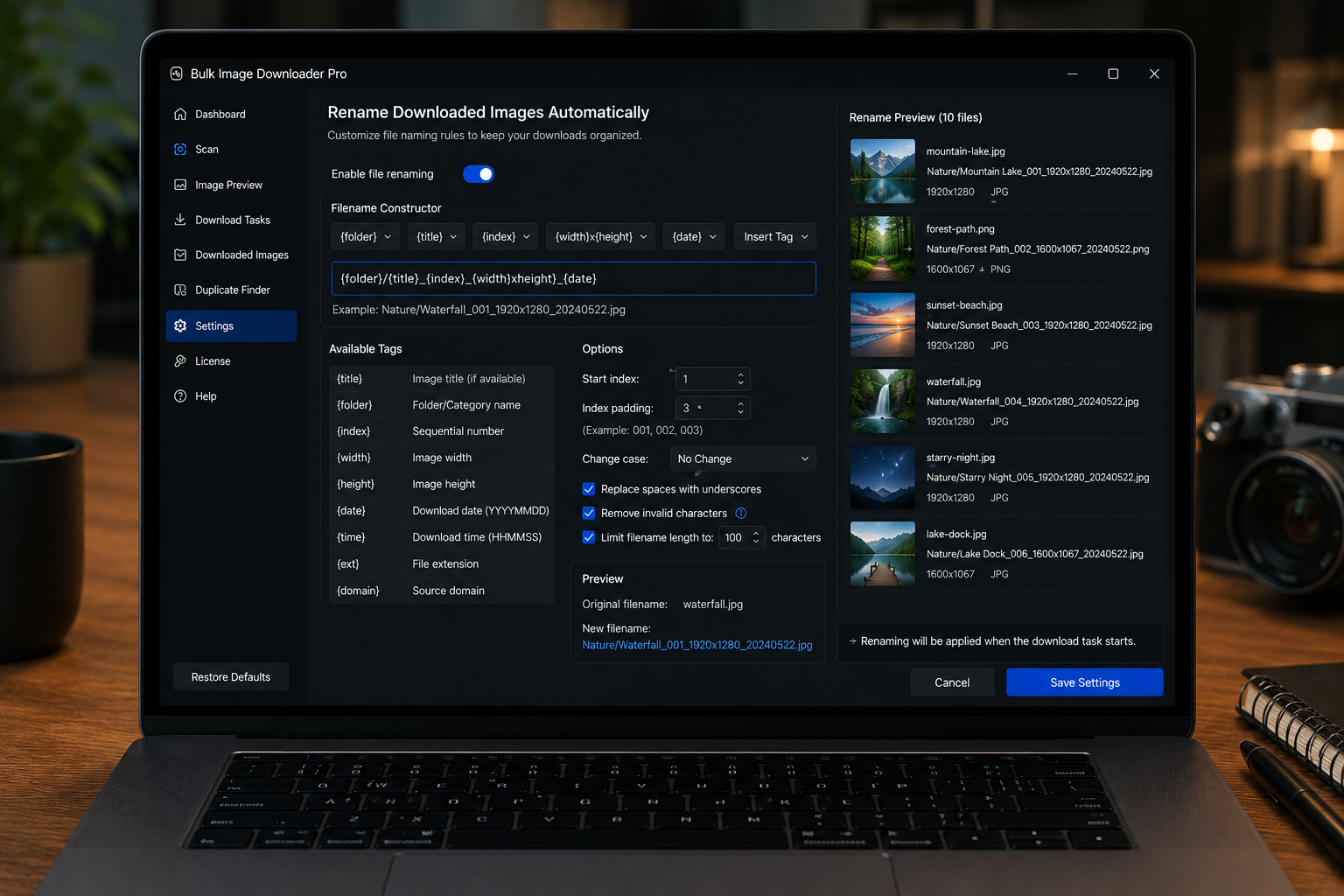
Resize images on download with per-task width, height, fit mode, output format, quality, and processing controls so files arrive closer to the size your project needs.
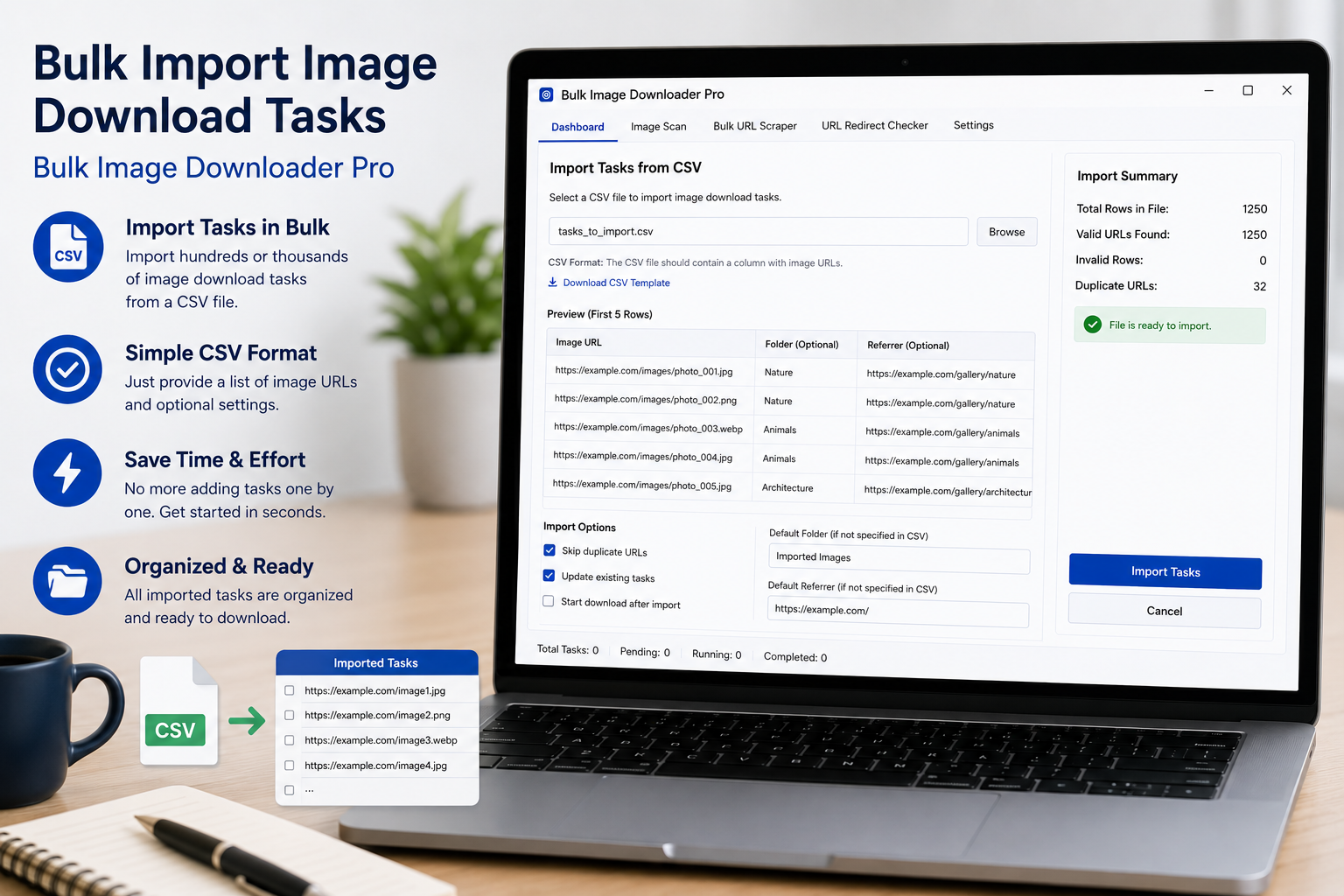
Bulk import image download tasks from CSV by using the template, placing one task per row, and importing URL lists, folders, file types, naming, and processing settings.
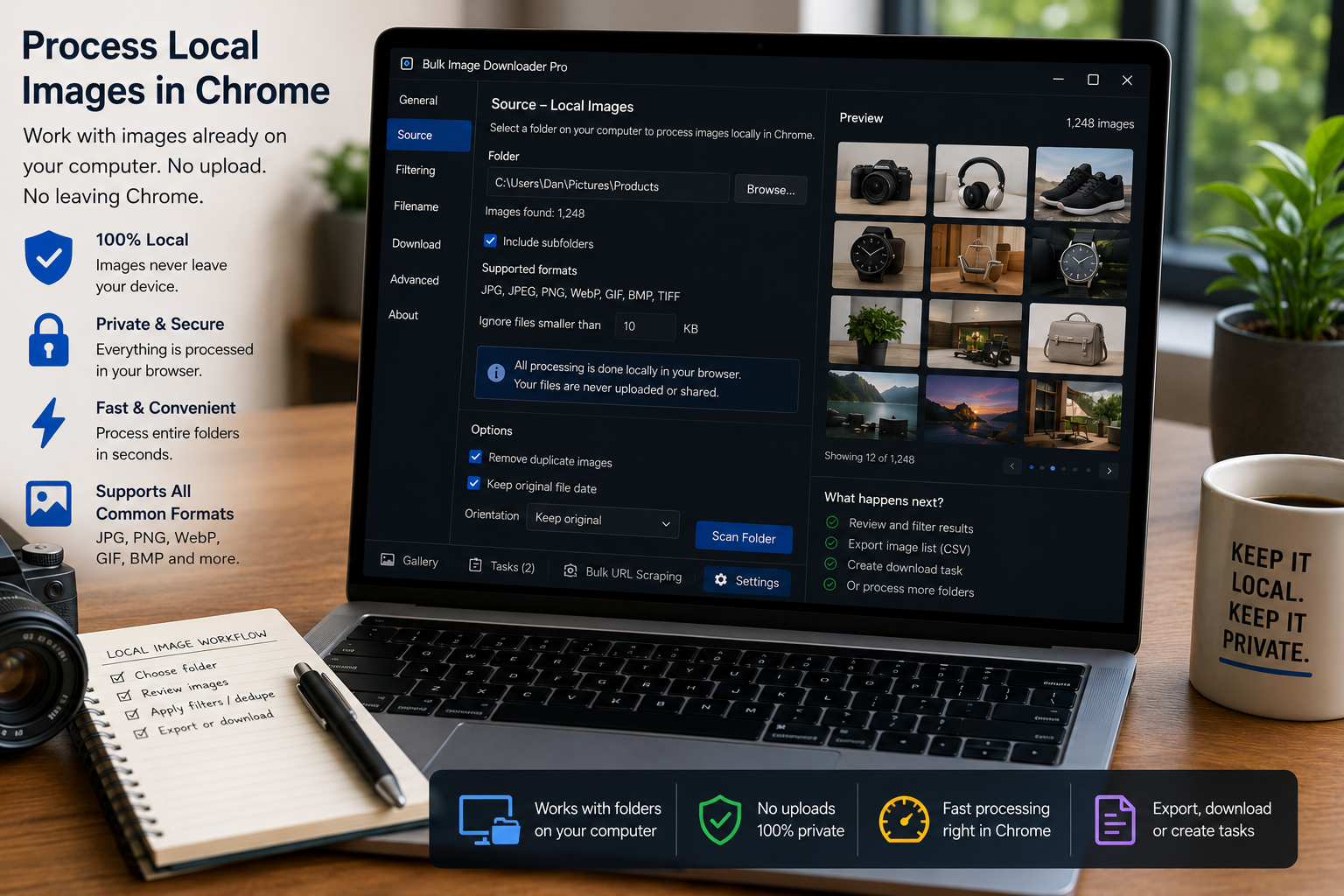
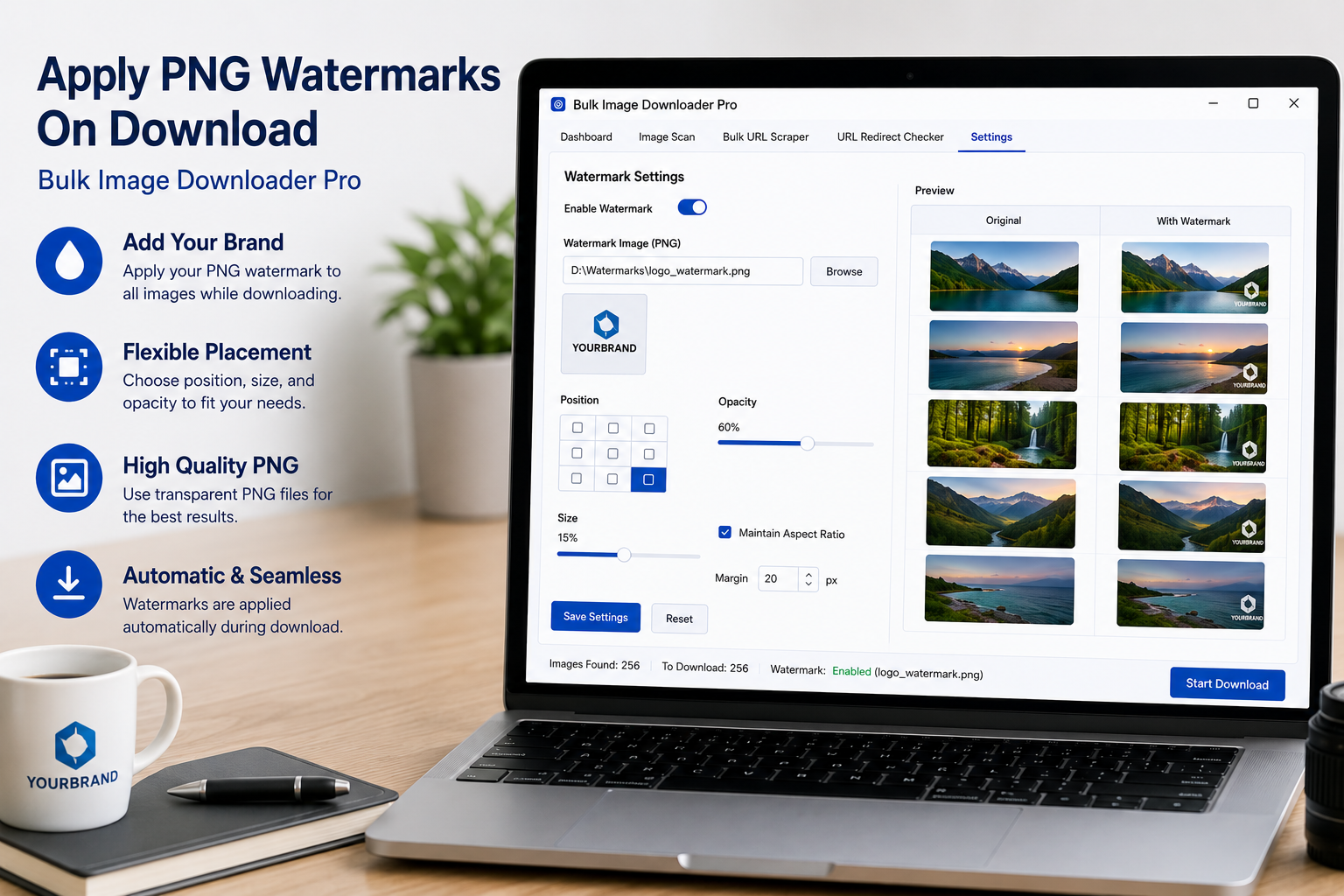
Process local images in Chrome by switching a task to Upload Mode, adding files from your computer, and using resize, convert, EXIF cleanup, watermark, and filename tools.
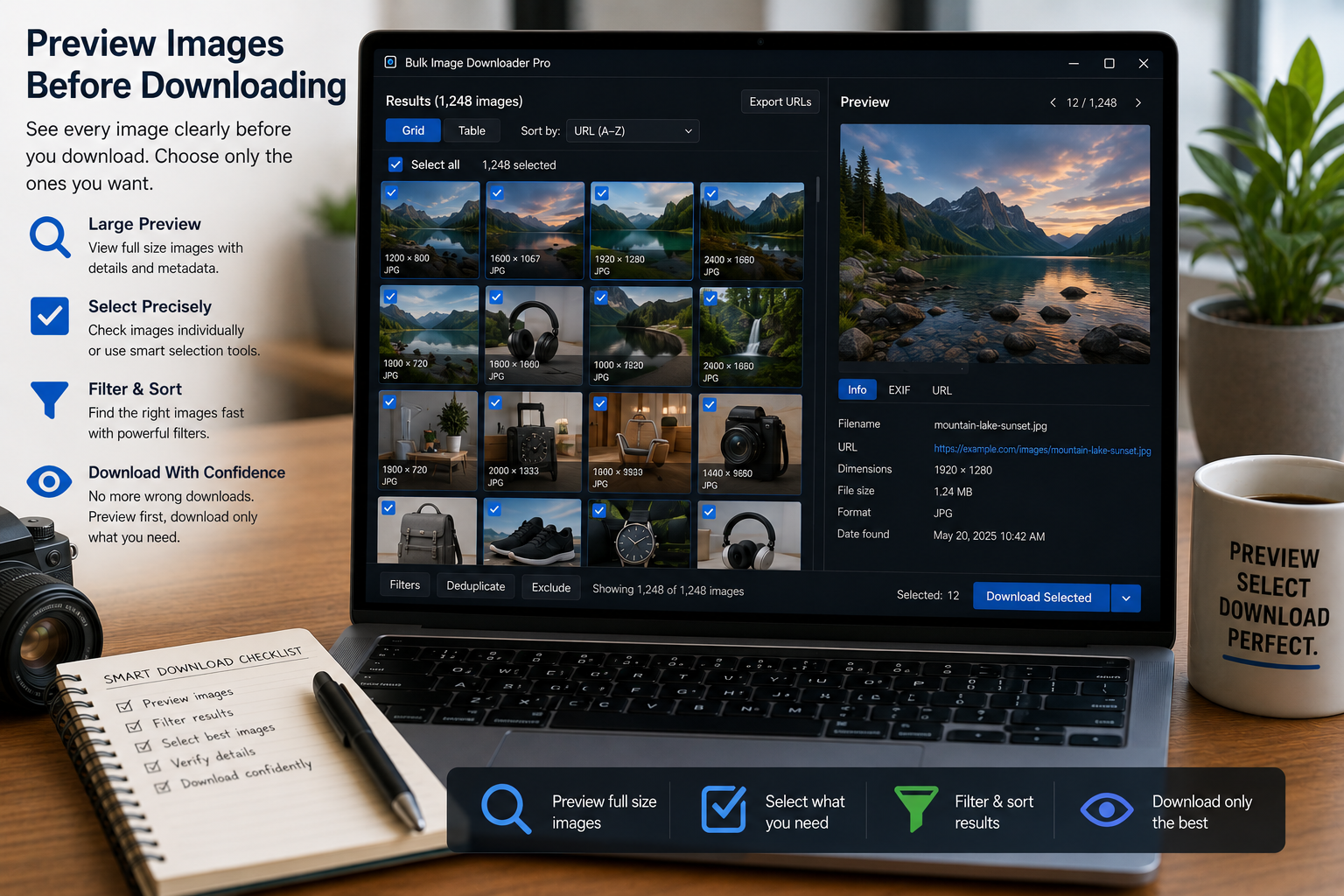
Preview images before downloading with thumbnails, task filters, size and format filters, dimension rules, file size filters, duplicate badges, and bulk removal tools.
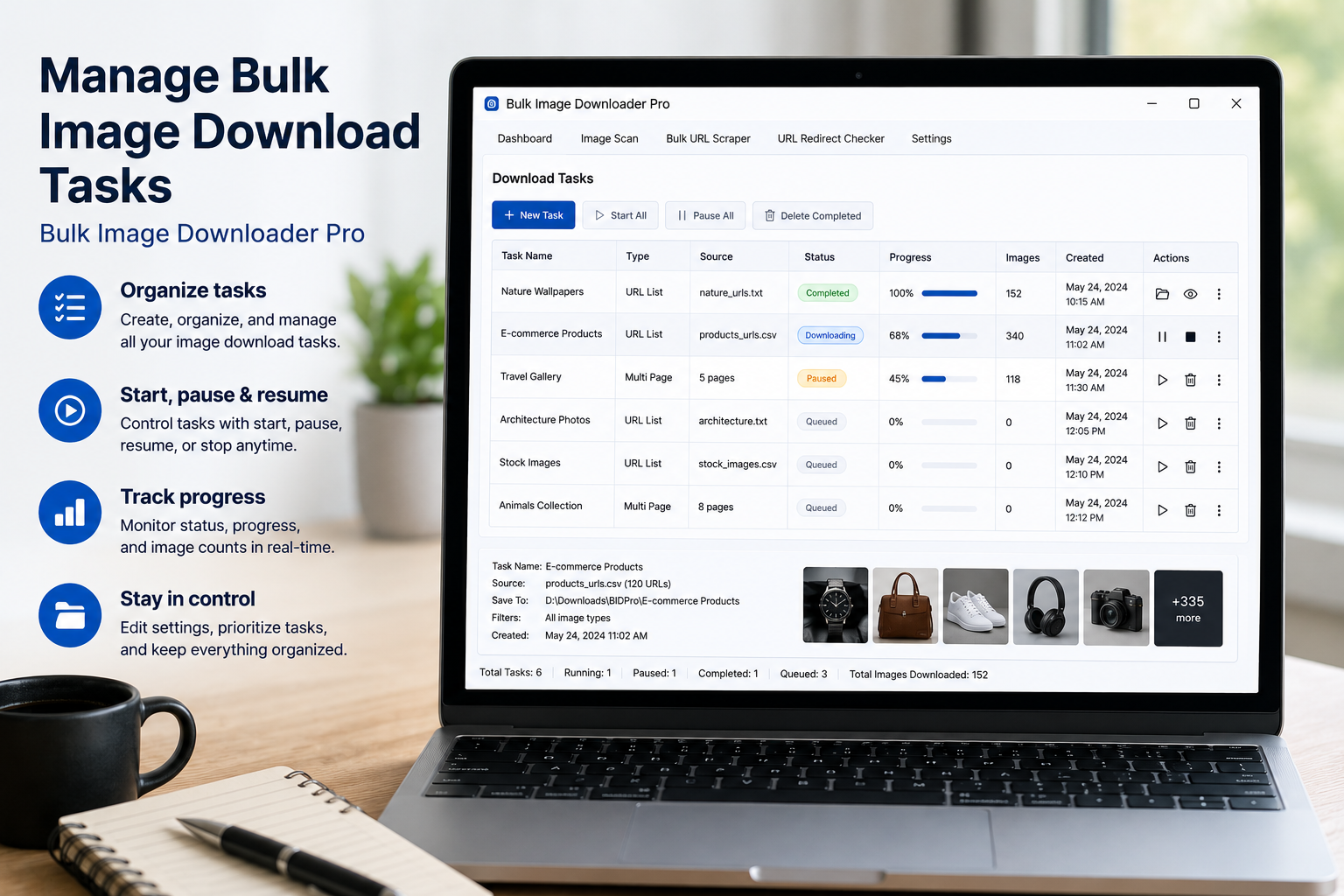
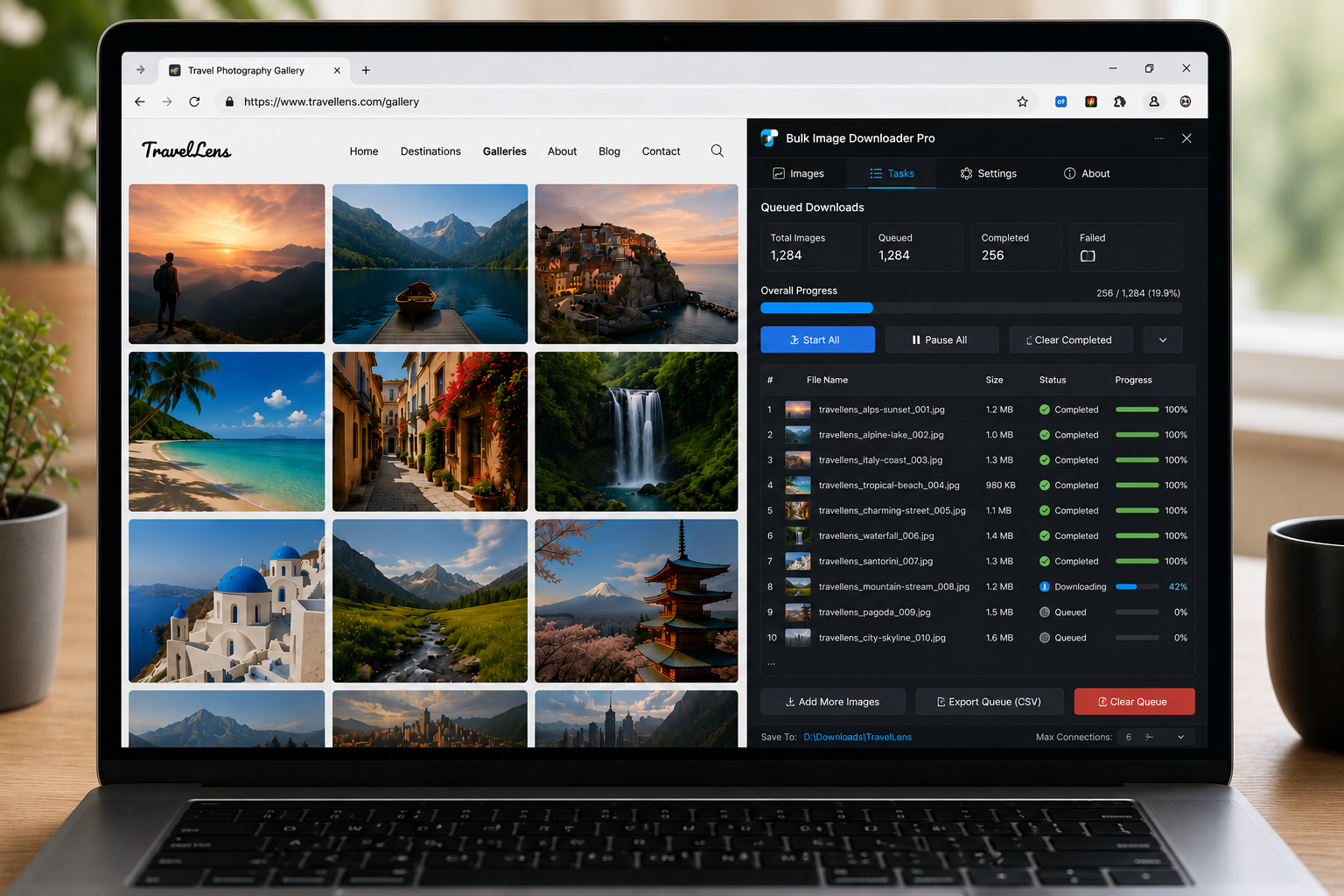
Queued downloads for large batches run pending tasks one after another, helping keep multi-task image jobs controlled instead of starting everything at once.