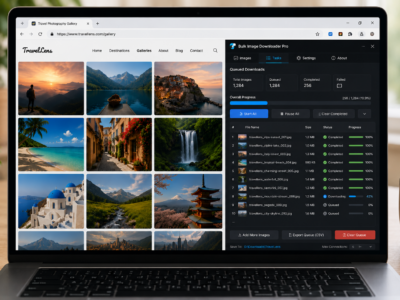
Queued downloads for large batches run pending tasks one after another, helping keep multi-task image jobs controlled instead of starting everything at once.
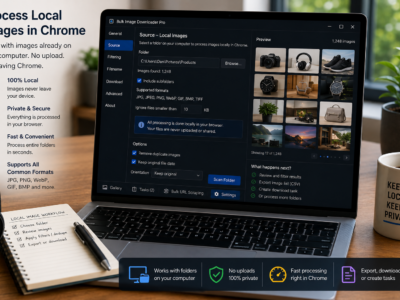
Process local images in Chrome by switching a task to Upload Mode, adding files from your computer, and using resize, convert, EXIF cleanup, watermark, and filename tools.
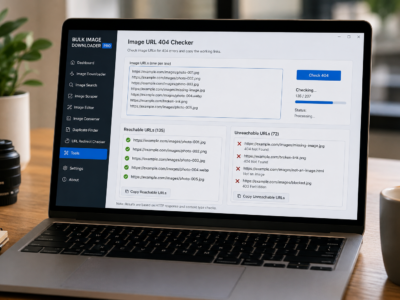
Check broken image links before downloading by testing a URL list, separating reachable image URLs from unreachable or non-image URLs, and copying the clean results.
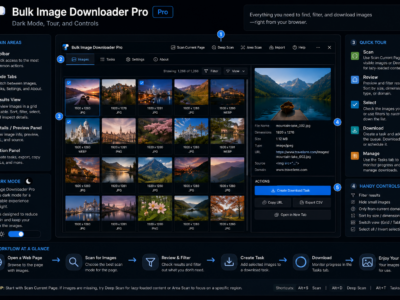
A practical guide to the Bulk Image Downloader Pro interface, including dark mode, the options-page onboarding tour, Hide Controls, and the essential info bar.
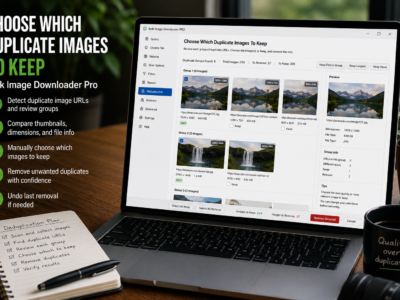
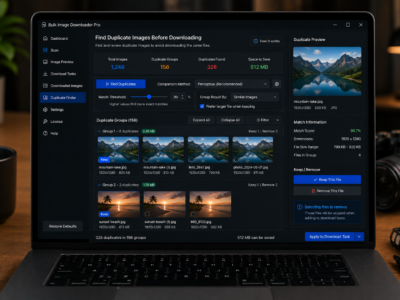
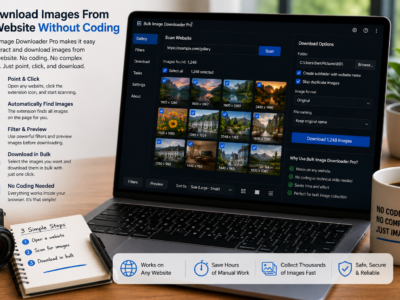
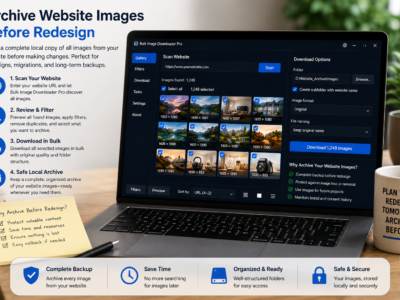
Download images from a website without coding by scanning the page in Chrome, filtering the results, removing repeats, and sending clean URLs to a download task.
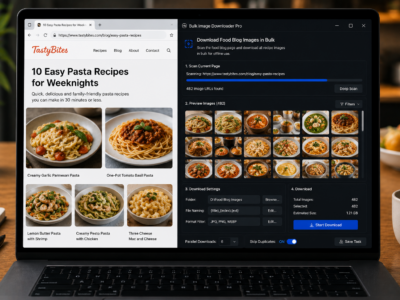
Download food blog images in bulk for authorized archives, media kits, reference libraries, or your own recipe content by scanning, filtering, deduping, and organizing images.
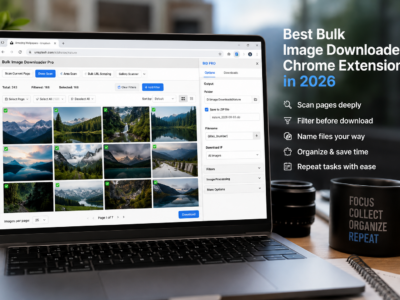
Choose the best bulk image downloader Chrome extension in 2026 by matching the tool to the job: quick page grabs, multi-tab saves, URL-list workflows, or task processing.