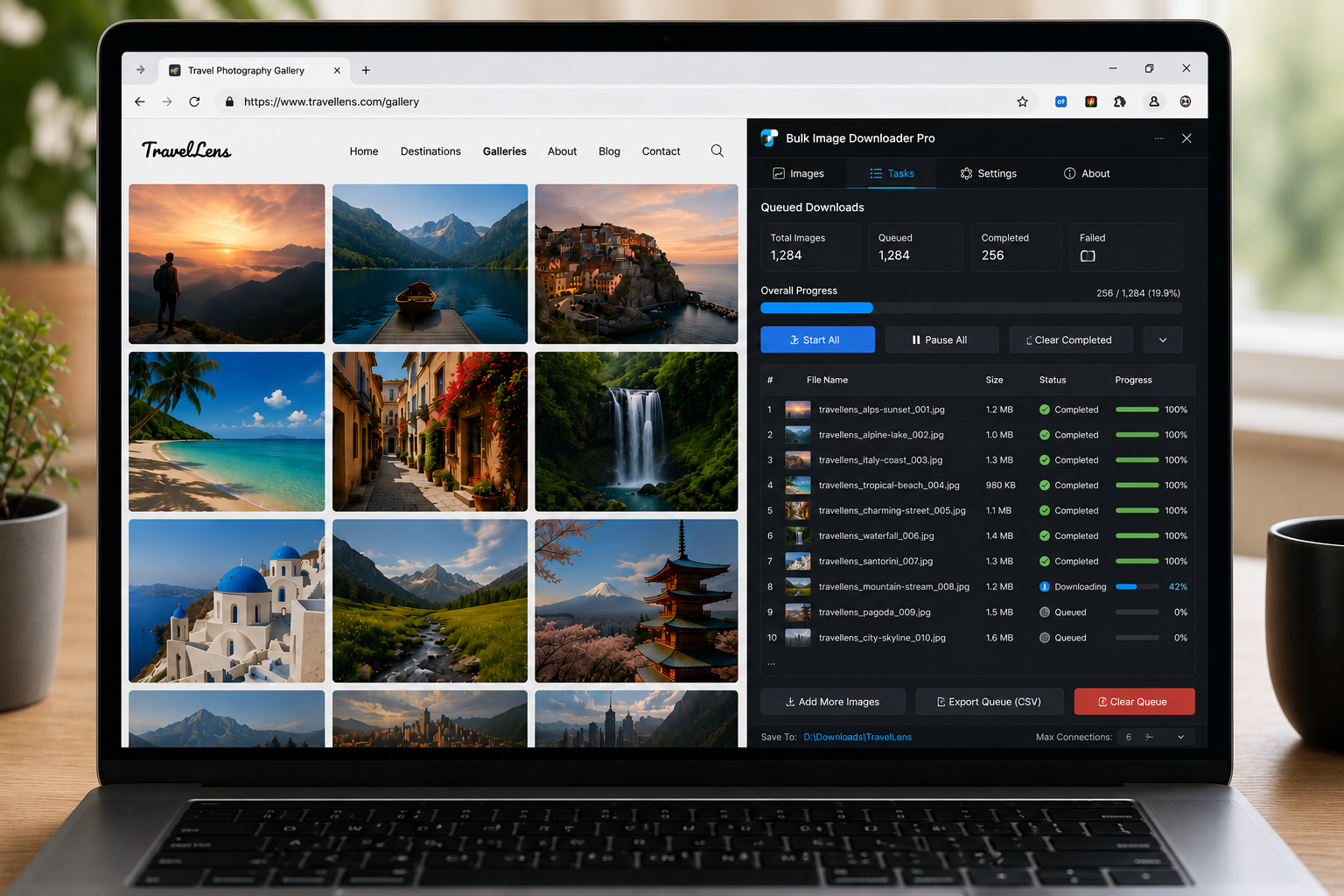
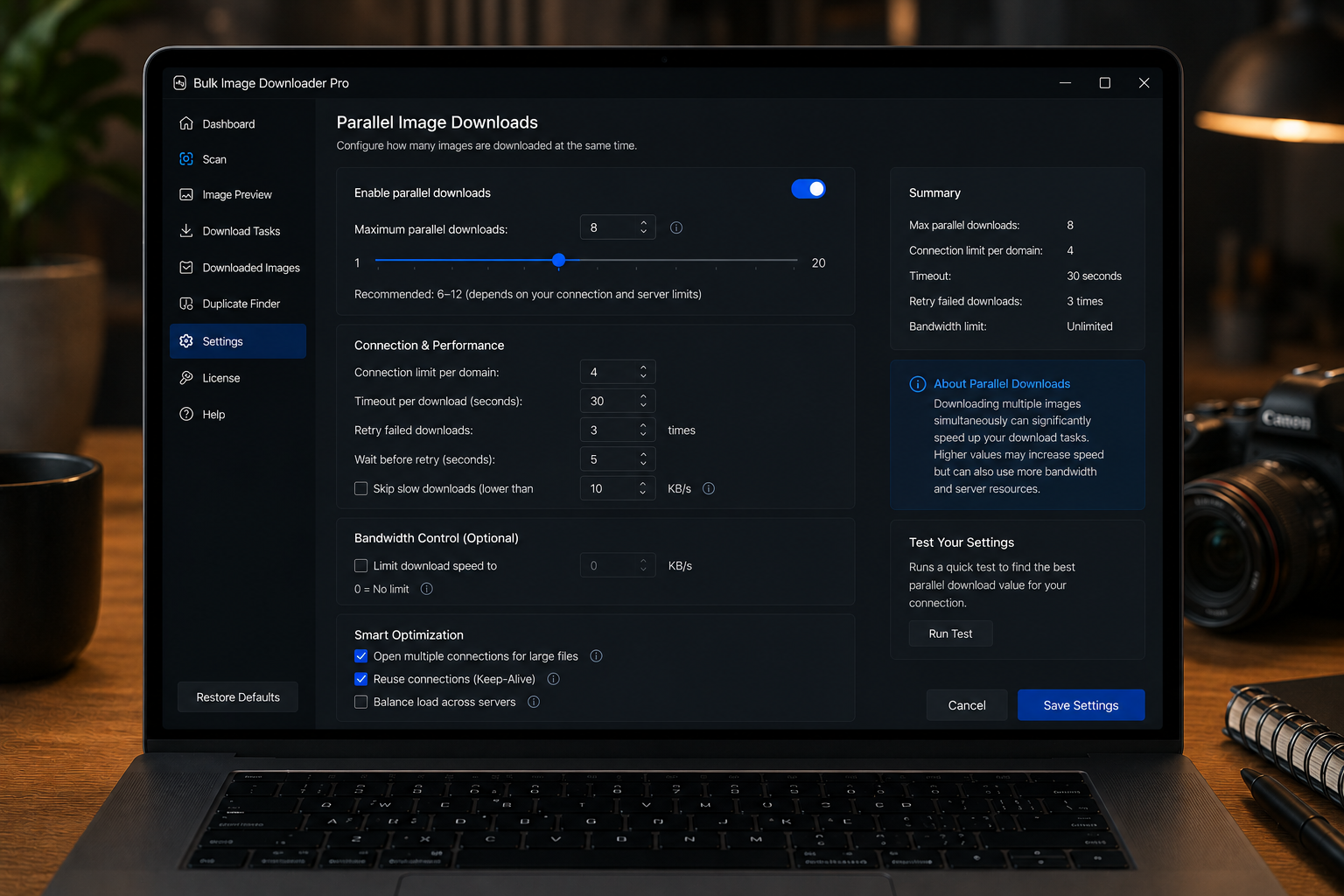
Queued downloads for large batches run pending tasks one after another, helping keep multi-task image jobs controlled instead of starting everything at once.
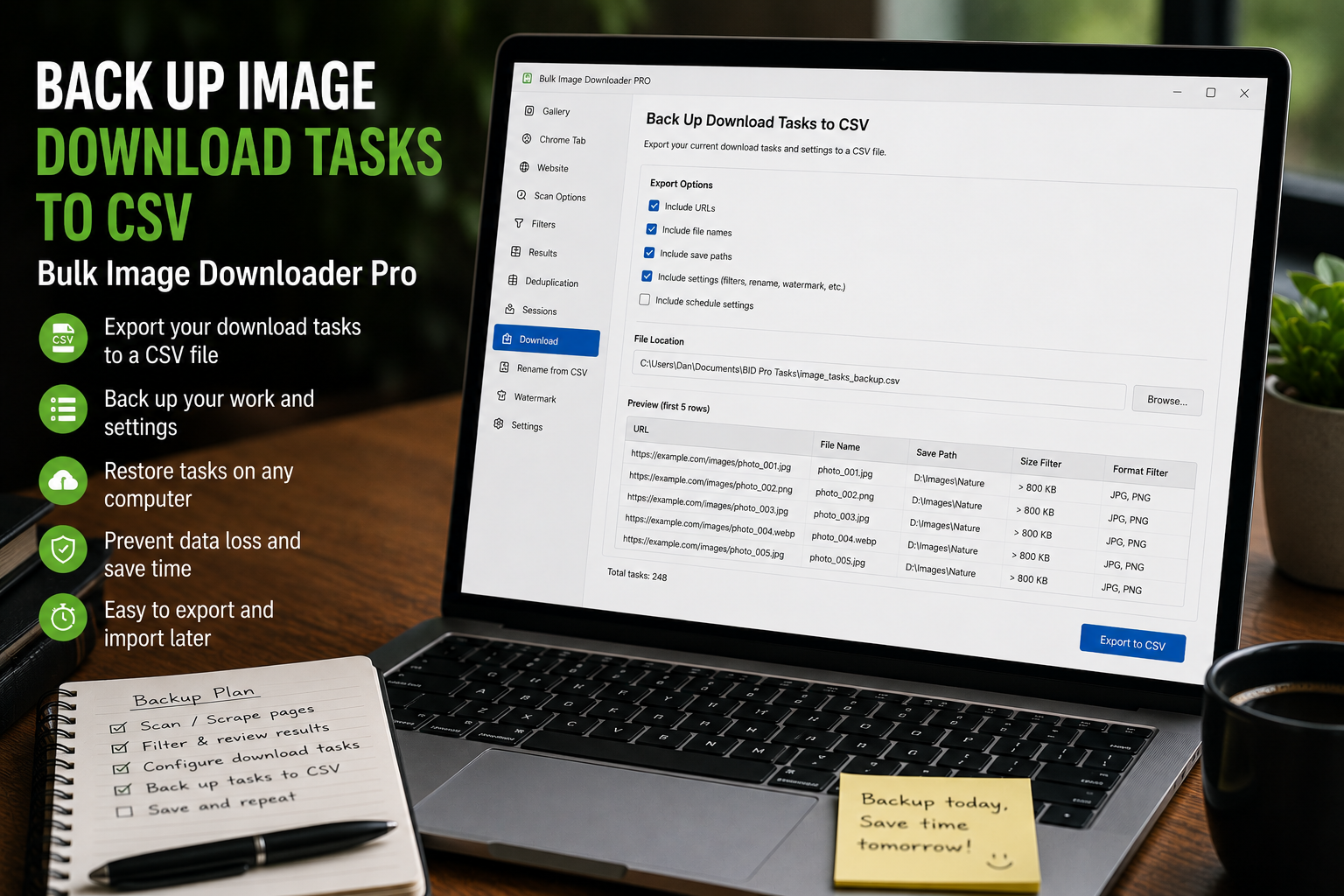
Back up image download tasks to CSV so URL lists, folders, file types, naming rules, processing settings, Download IF rules, and task metadata can be restored or edited later.
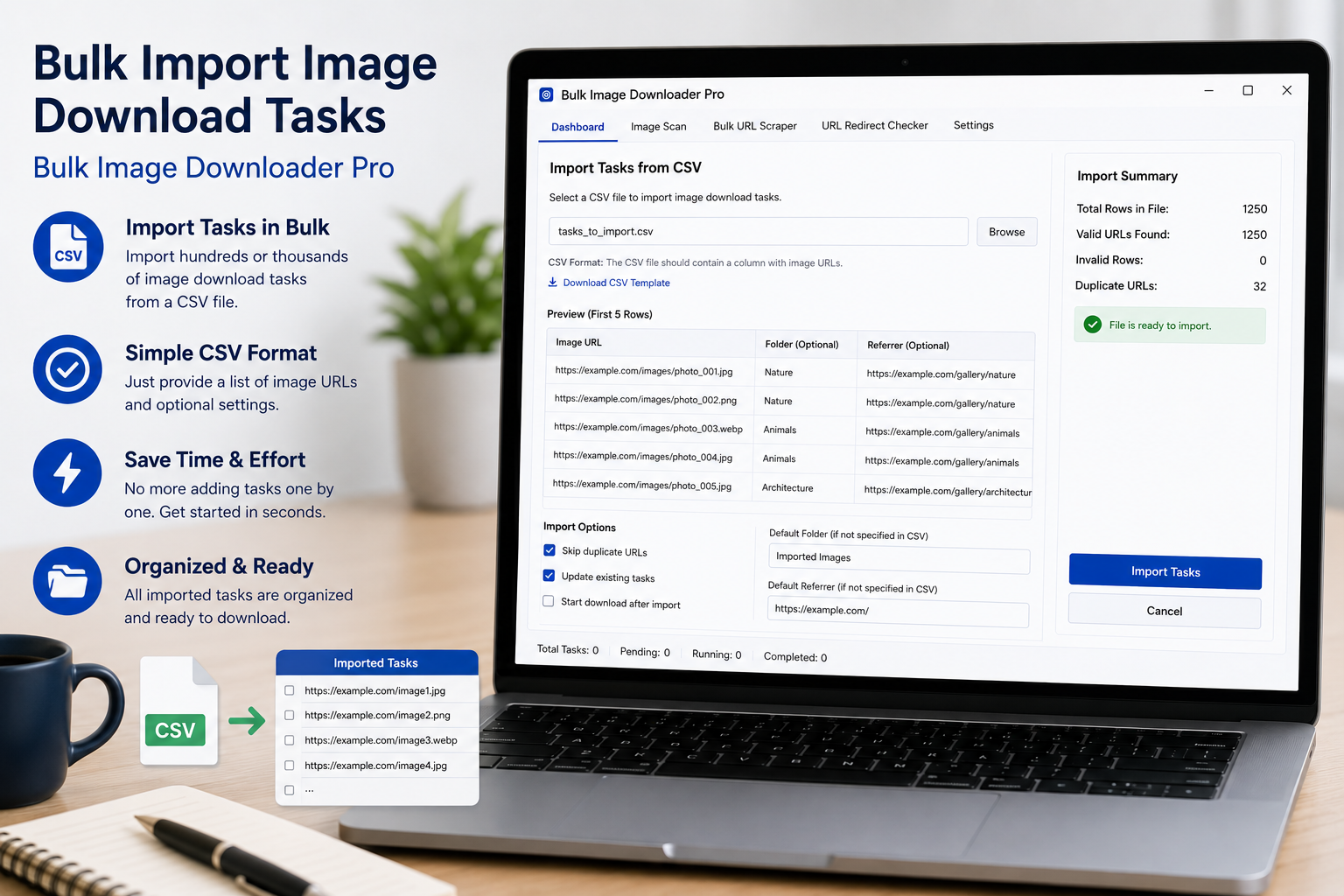
Bulk import image download tasks from CSV by using the template, placing one task per row, and importing URL lists, folders, file types, naming, and processing settings.
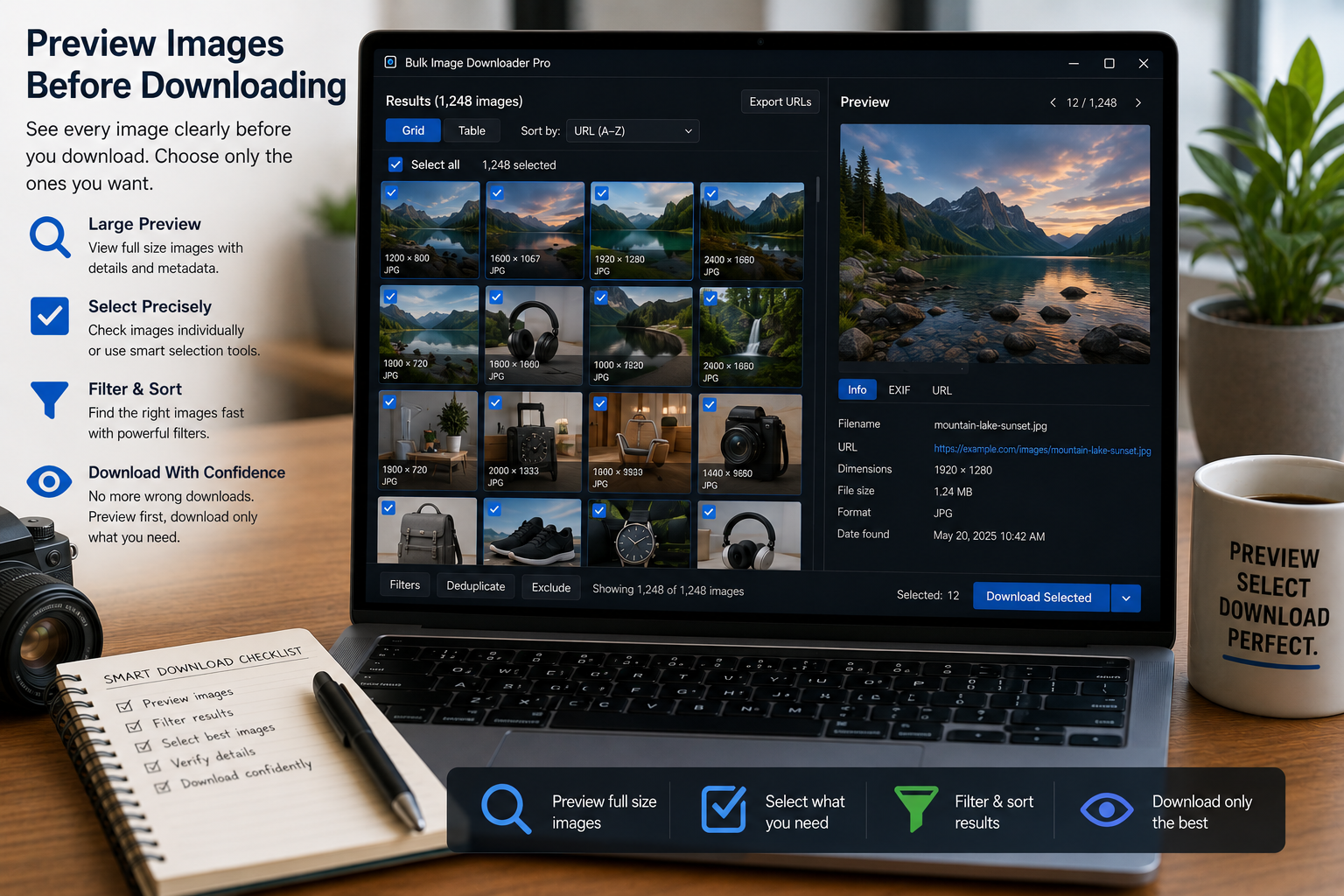
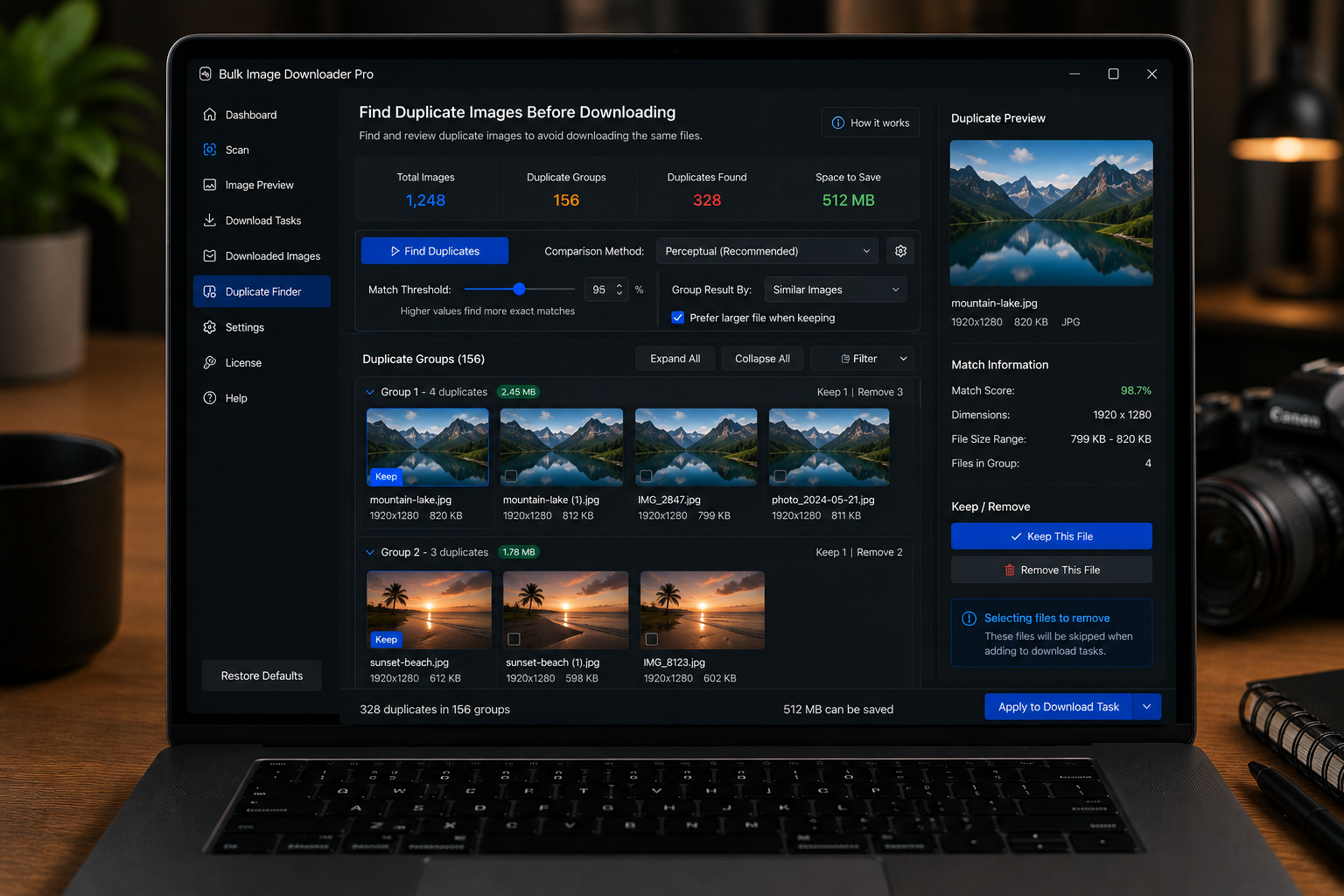
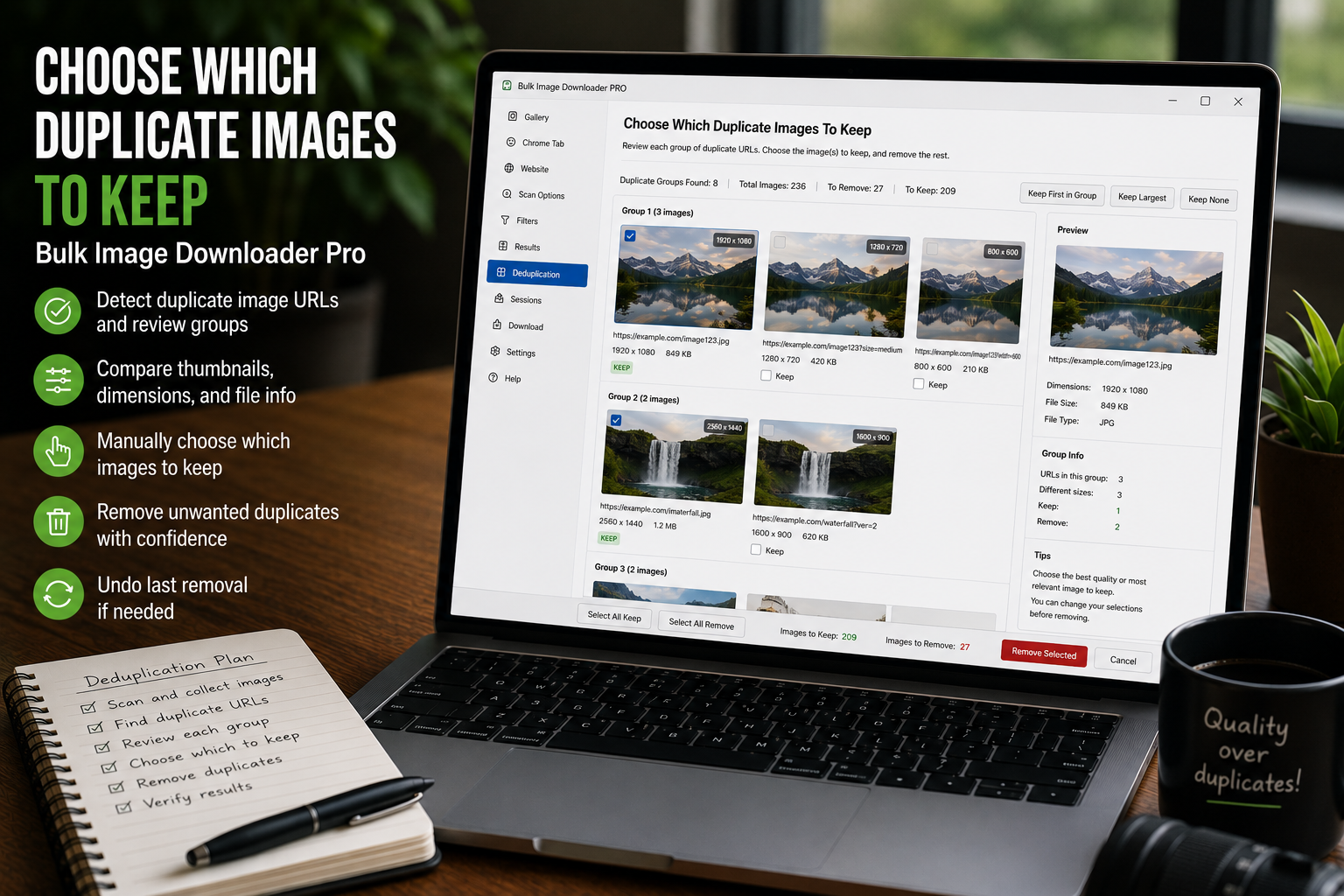
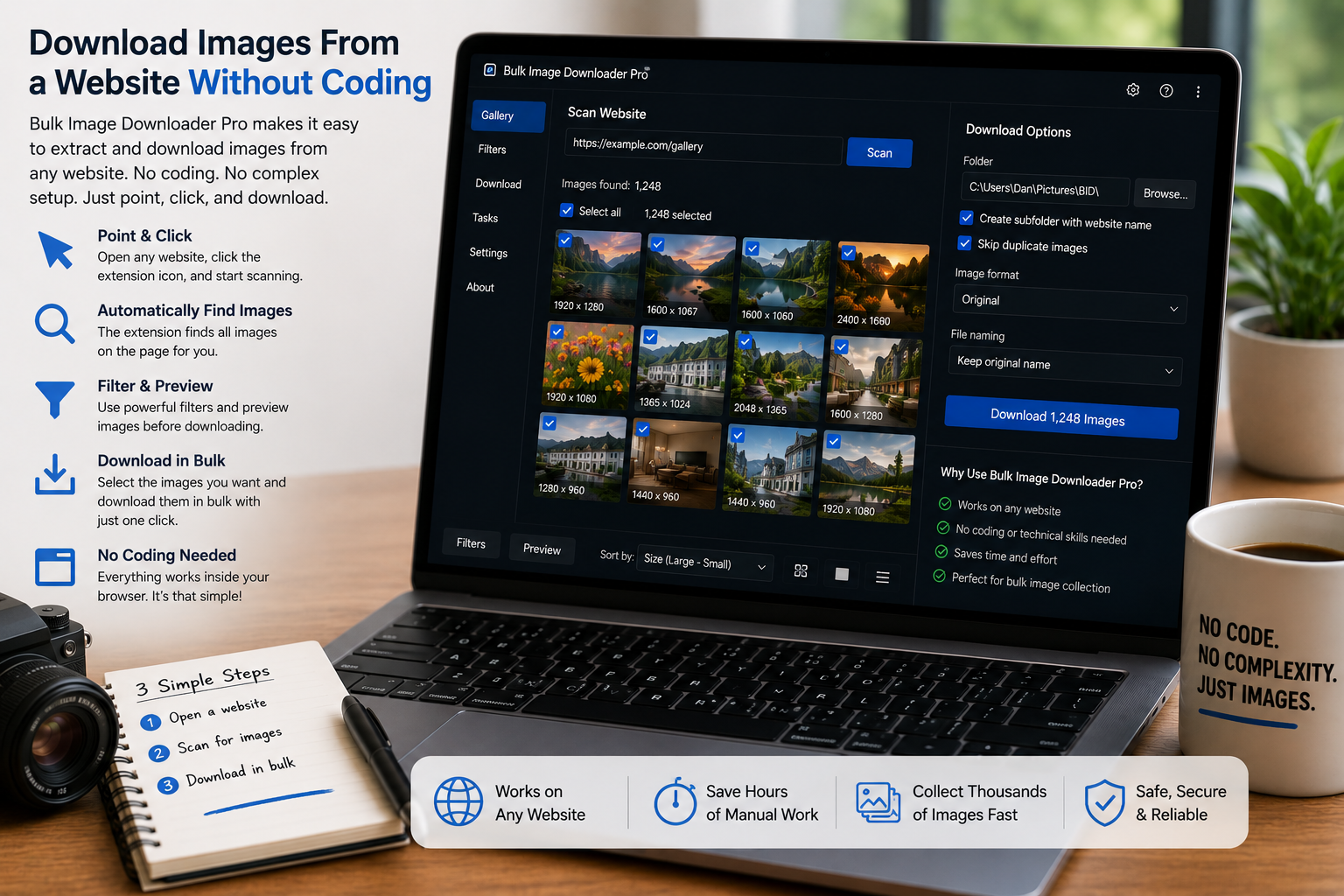
Preview images before downloading with thumbnails, task filters, size and format filters, dimension rules, file size filters, duplicate badges, and bulk removal tools.
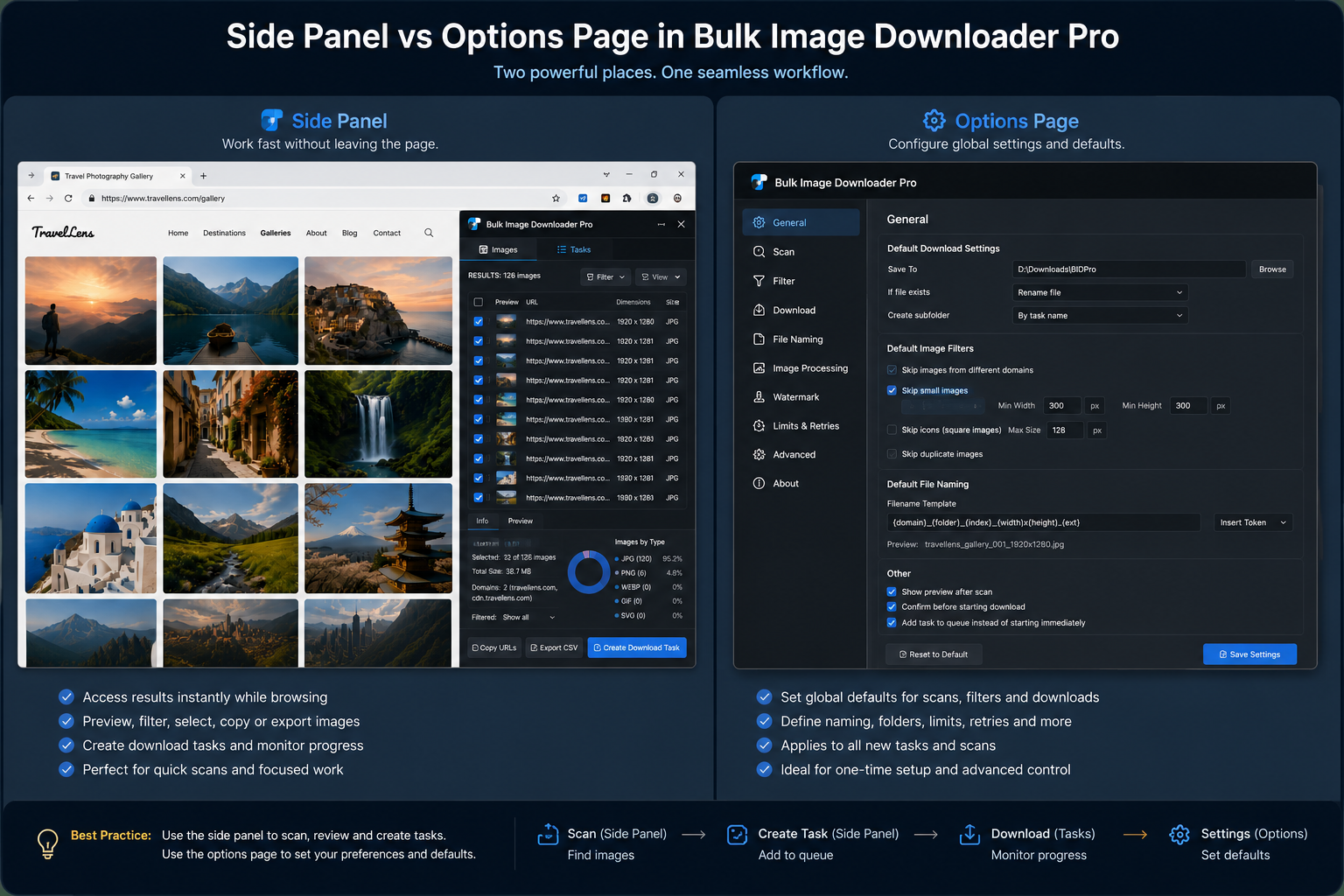
Understand the Bulk Image Downloader From URL List workflow: the side panel finds and prepares image URLs, while the options page downloads, processes, and manages tasks.
Download images from a website without coding by scanning the page in Chrome, filtering the results, removing repeats, and sending clean URLs to a download task.