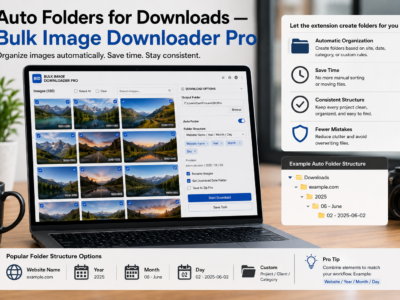
Auto folders for downloads build nested paths from your task folder name, source domain, and URL path segments so bulk images land sorted without manual cleanup.
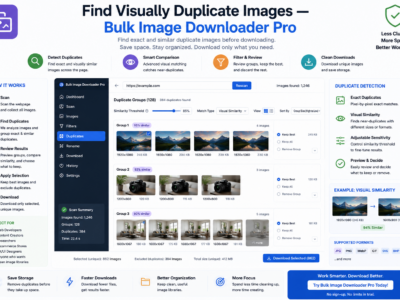
The Perceptual Duplicate Finder groups images that look the same even when URLs, filenames, and formats differ. Here is how visual matching works and what to do with the results.
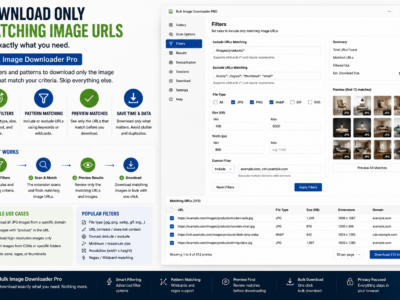
Use Download IF URL rules to save only matching links at download time with Contains, Not Contains, Regex, and AND/OR logic without editing your pasted list.
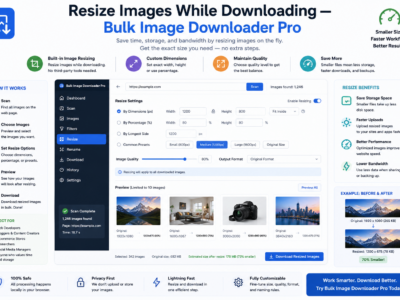
Resize images while downloading with max width/height, fit modes, quality control, and Web Worker processing—separate from Convert mode on Licensed PRO tasks.