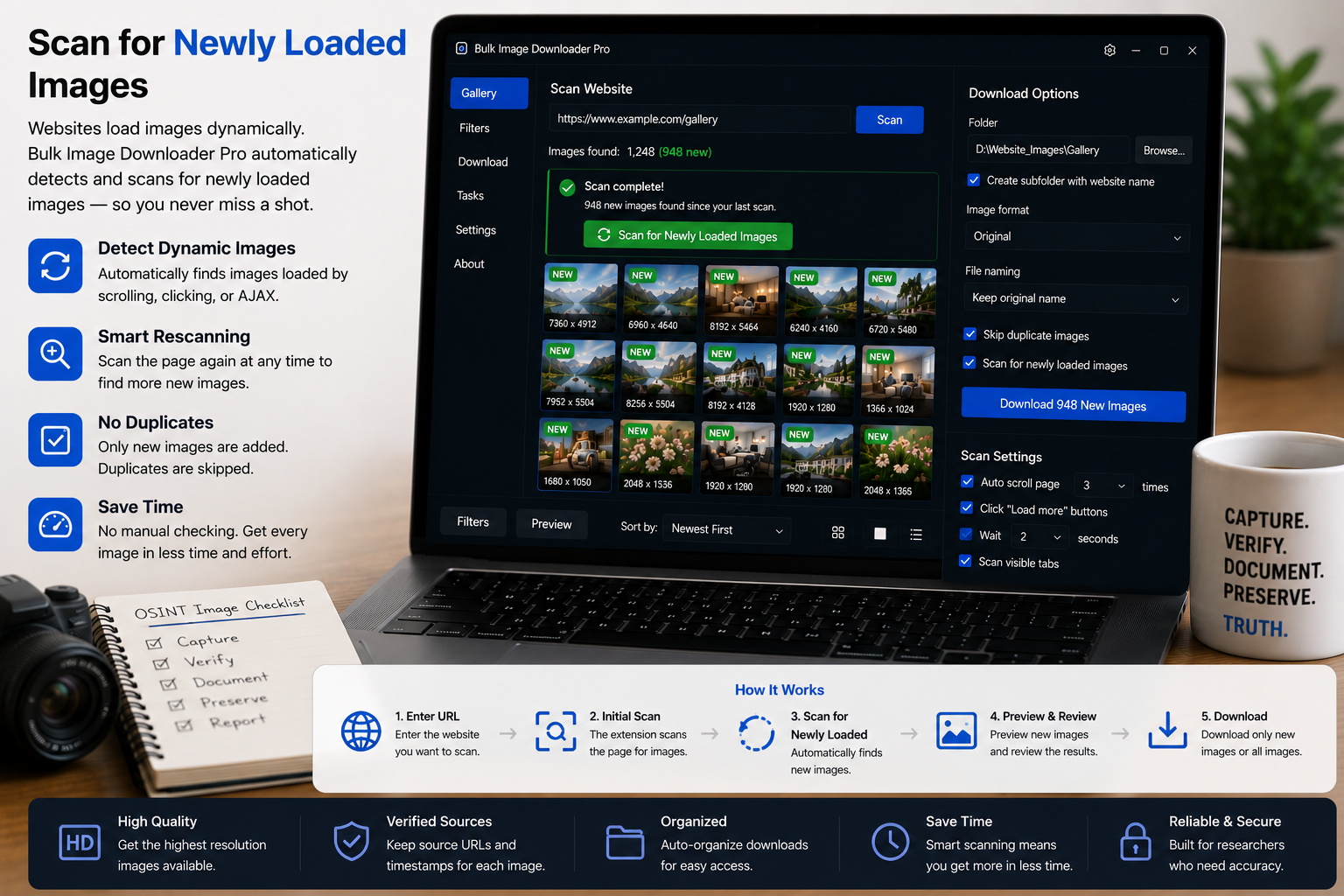
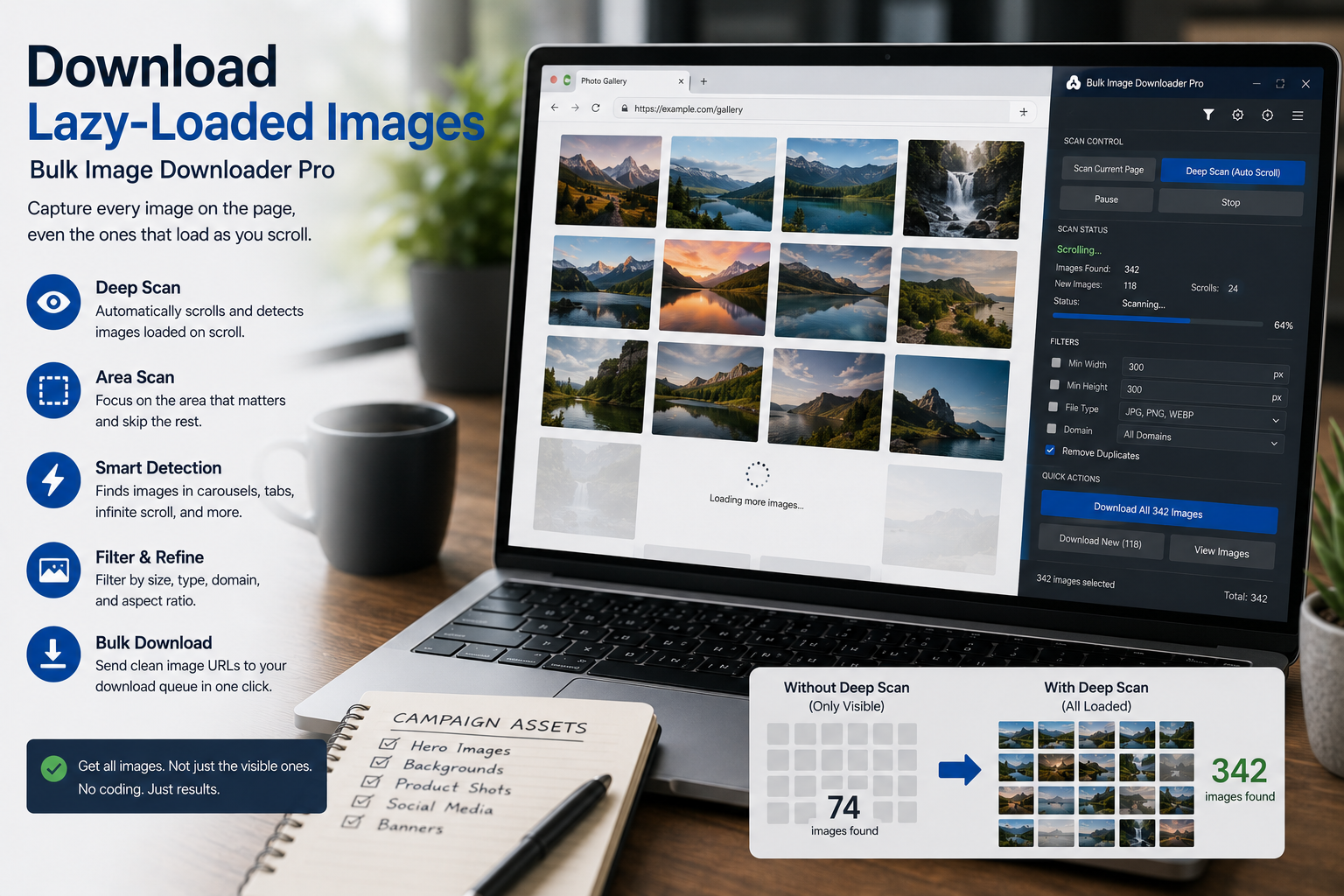
Some pages keep adding images after the first load. Enable Continuous Scanning in the side panel to rescan when the DOM changes and catch new pictures as they appear.
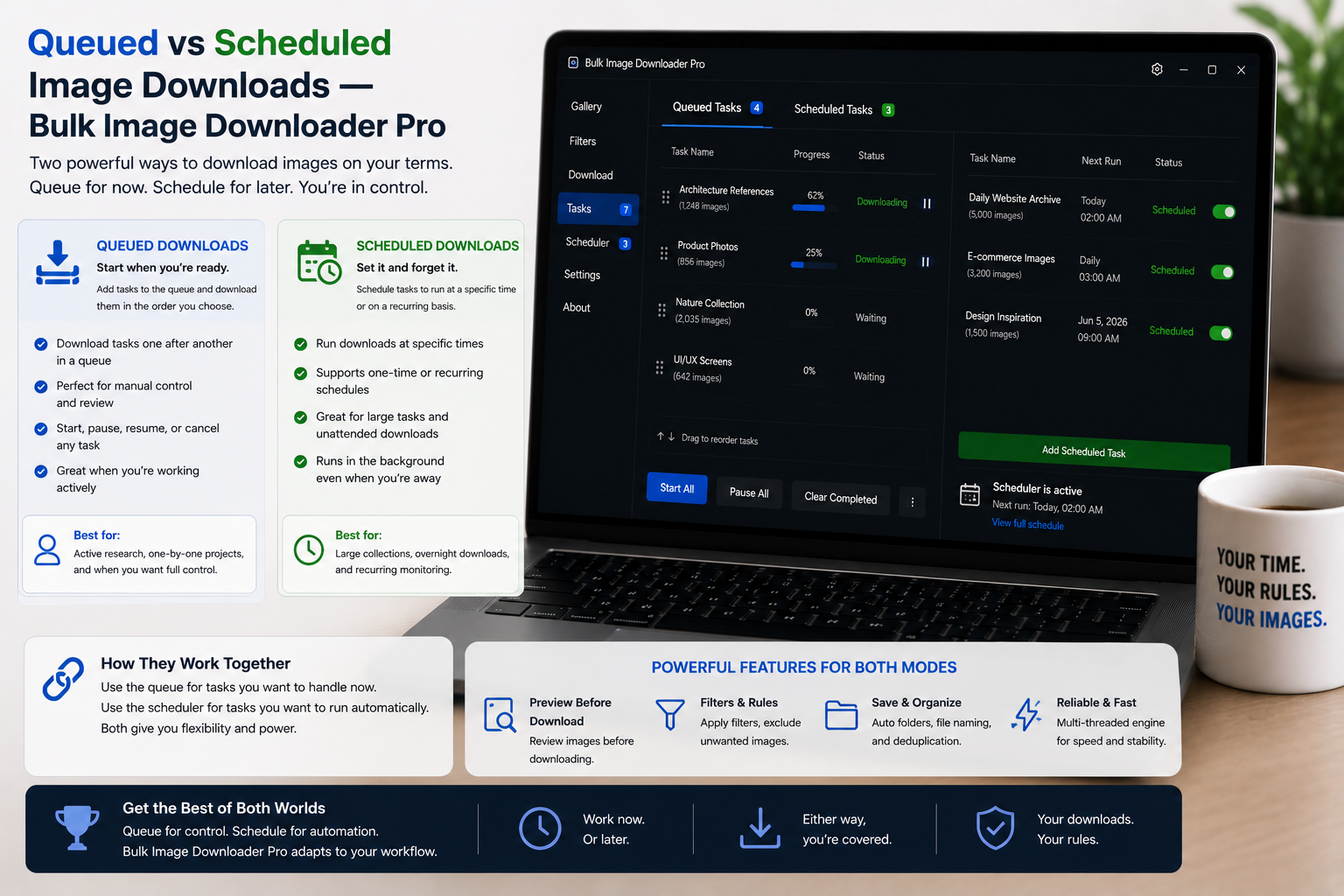
Queued downloads run ready tasks back to back on demand. Scheduled downloads run each task at a saved date and time while Chrome is open. Here is how to choose.
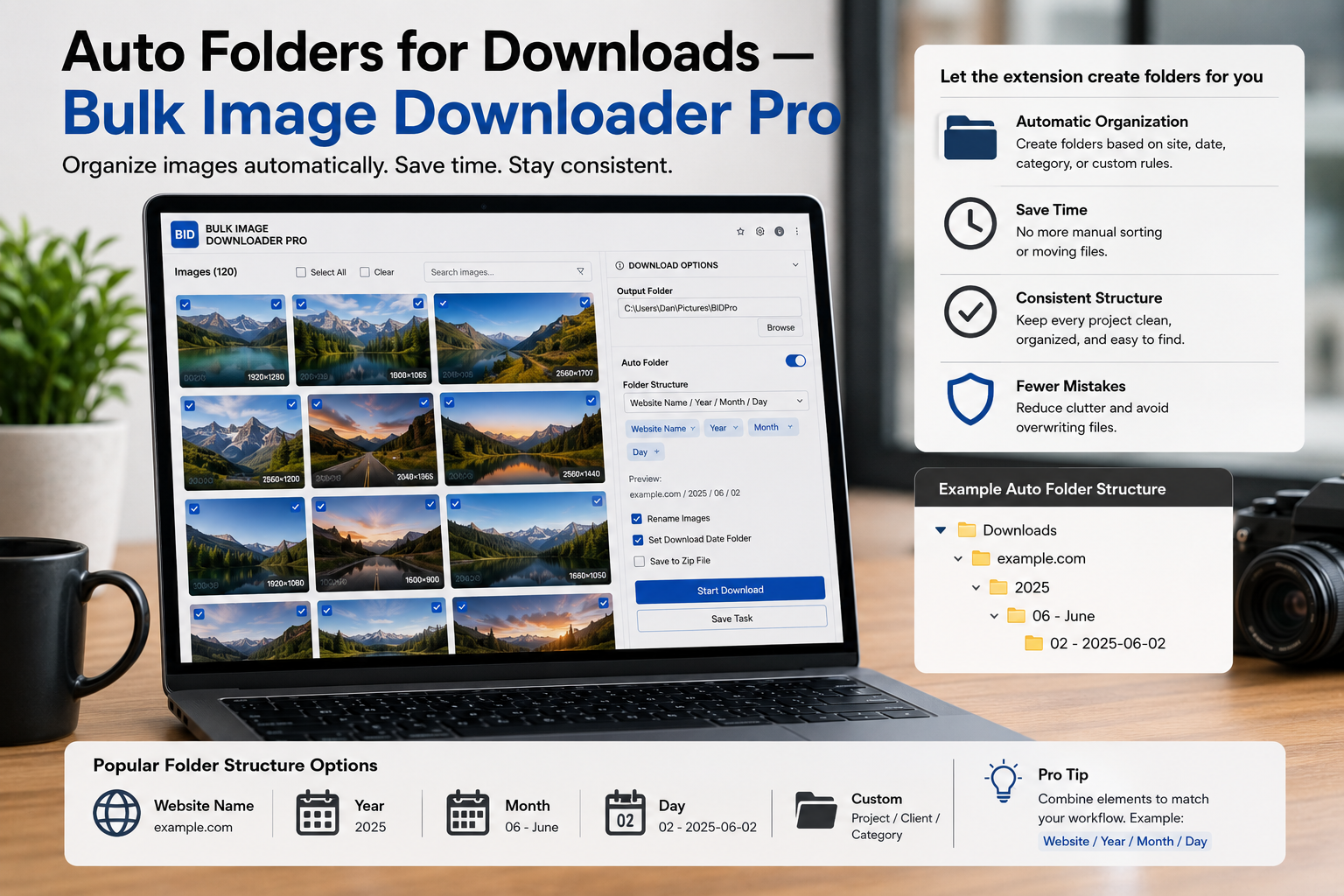
Auto folders for downloads build nested paths from your task folder name, source domain, and URL path segments so bulk images land sorted without manual cleanup.
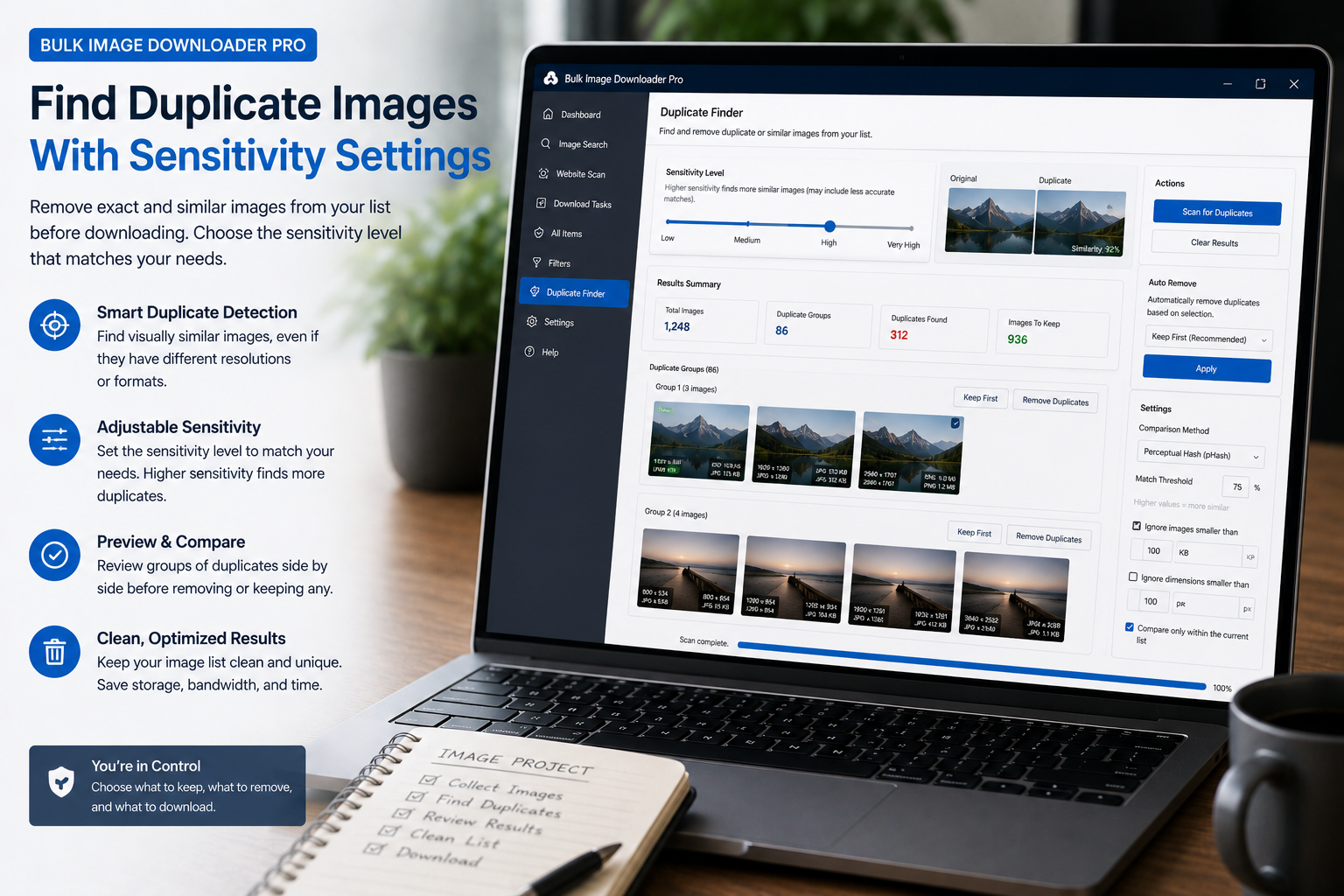
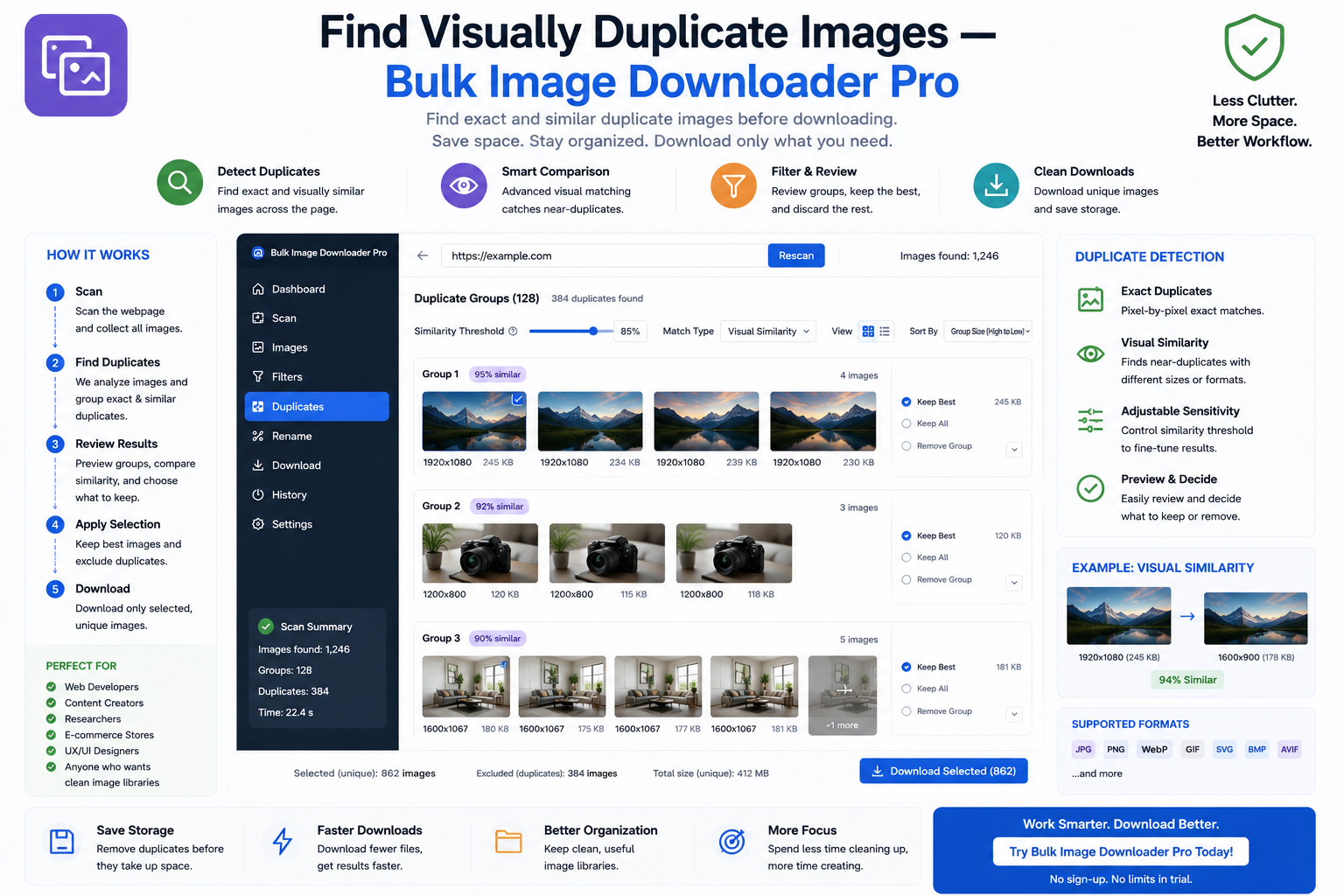
The Perceptual Duplicate Finder groups images that look the same even when URLs, filenames, and formats differ. Here is how visual matching works and what to do with the results.
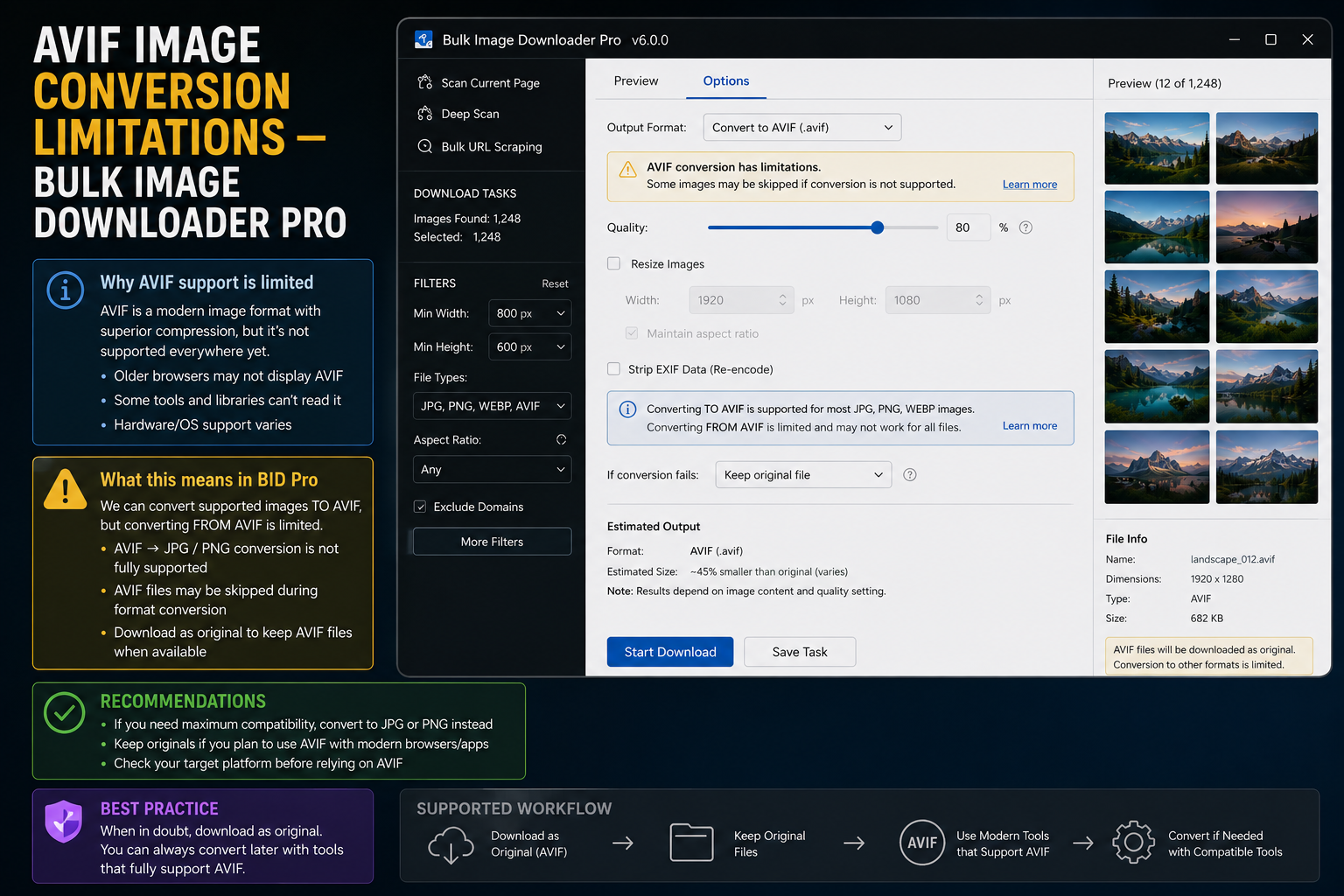
On-download Resize and Convert output JPEG, WebP, and PNG through Canvas. AVIF is not supported as a processing output format; here is what still works.