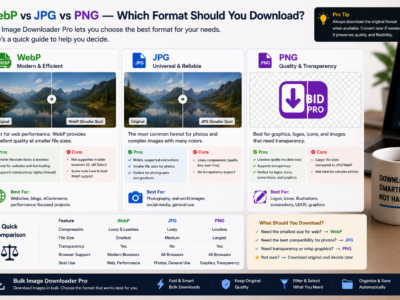
WebP vs JPG vs PNG images compared by compression, transparency, and compatibility so you can choose the right download format and convert mixed batches when needed.
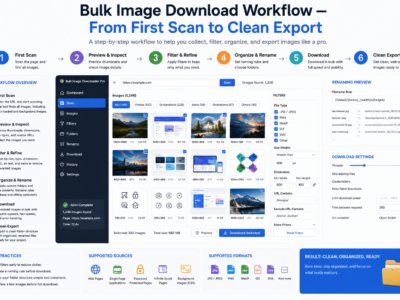
A bulk image download workflow works best as six stages: scan, filter, dedupe, rename, process, and export, so large jobs stay organized and repeatable.
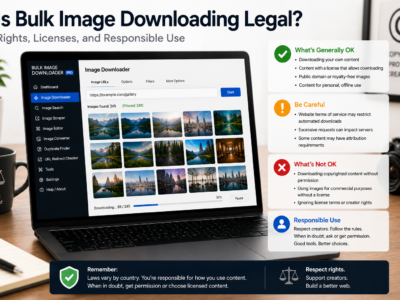
Is bulk image downloading legal? It depends on copyright, licensing, site terms, and how you use the files. This is general education, not legal advice.
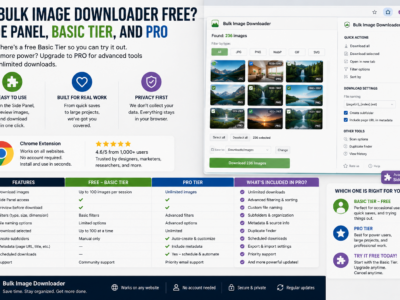
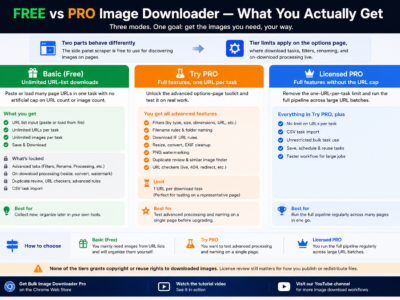
Is bulk image downloader free? Yes for side-panel scraping and Basic (Free) URL-list downloads. Advanced filters, naming, and on-download processing require Try PRO or Licensed PRO.
Filter images by aspect ratio before download to keep squares, widescreen headers, vertical assets, or custom ratio ranges and skip banners, icons, and decorative clutter.
Bulk Image Downloader From URL List features on the options page include filters, filename rules, folder naming, resize and convert, EXIF cleanup, PNG watermarking, duplicate review, and URL checkers.
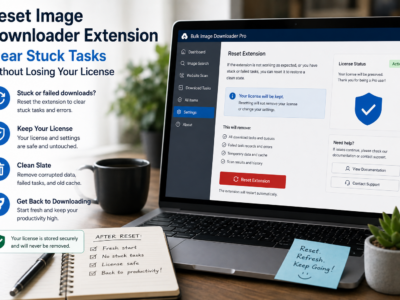
Reset image downloader extension state by exporting backups, removing the extension, reinstalling, and signing back in so local tasks clear while your account license can reactivate.
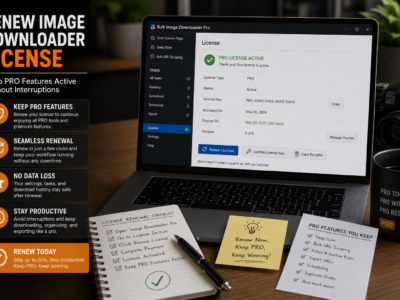
Renew image downloader license access through the Get License panel, complete checkout on the shop site, and sign back in so Licensed PRO features stay active on your tasks.
Free vs pro image downloader tiers compared: Basic (Free) for unlimited URL-list downloads, Try PRO to test full features on one URL, and Licensed PRO for unrestricted bulk tasks.
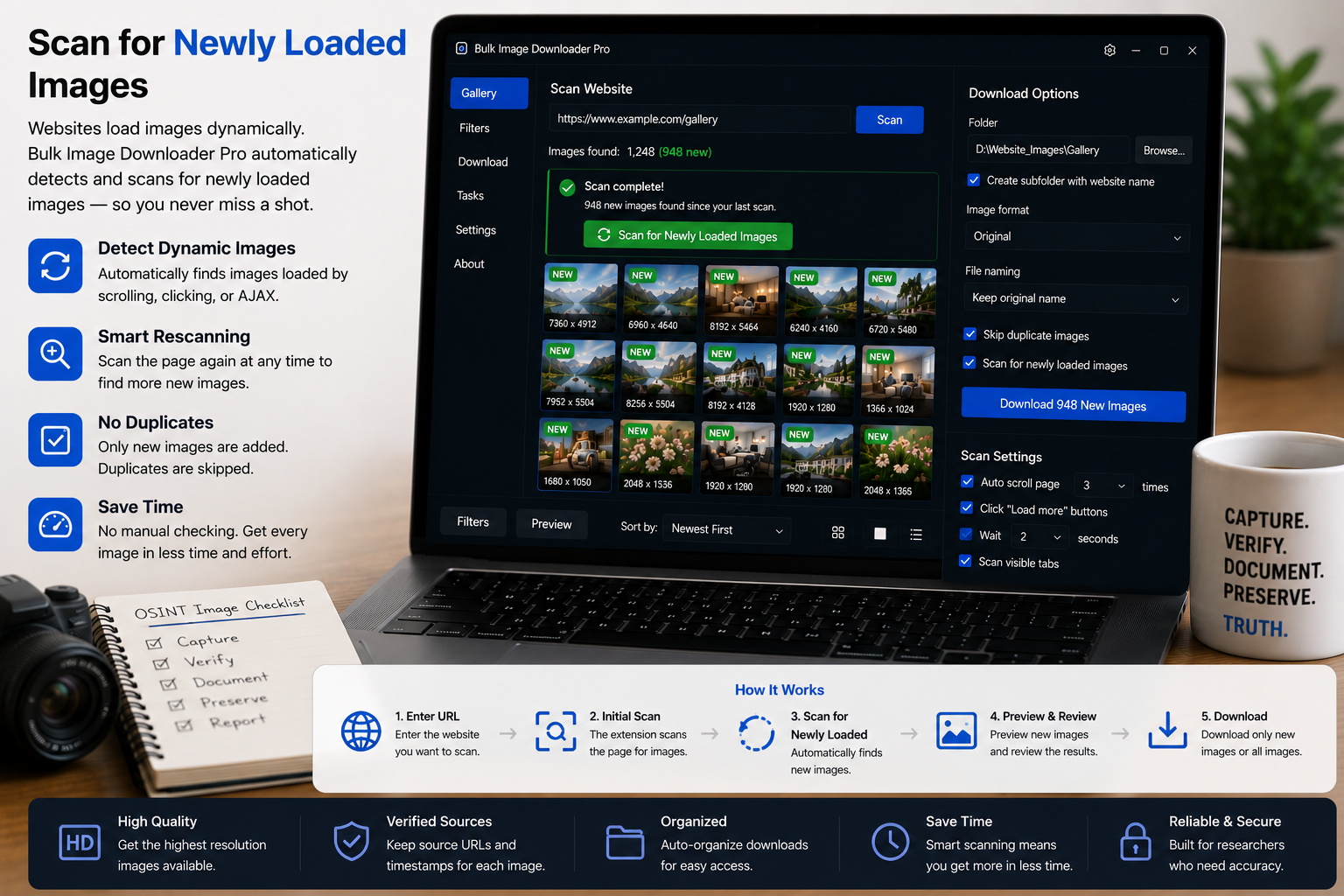
Some pages keep adding images after the first load. Enable Continuous Scanning in the side panel to rescan when the DOM changes and catch new pictures as they appear.