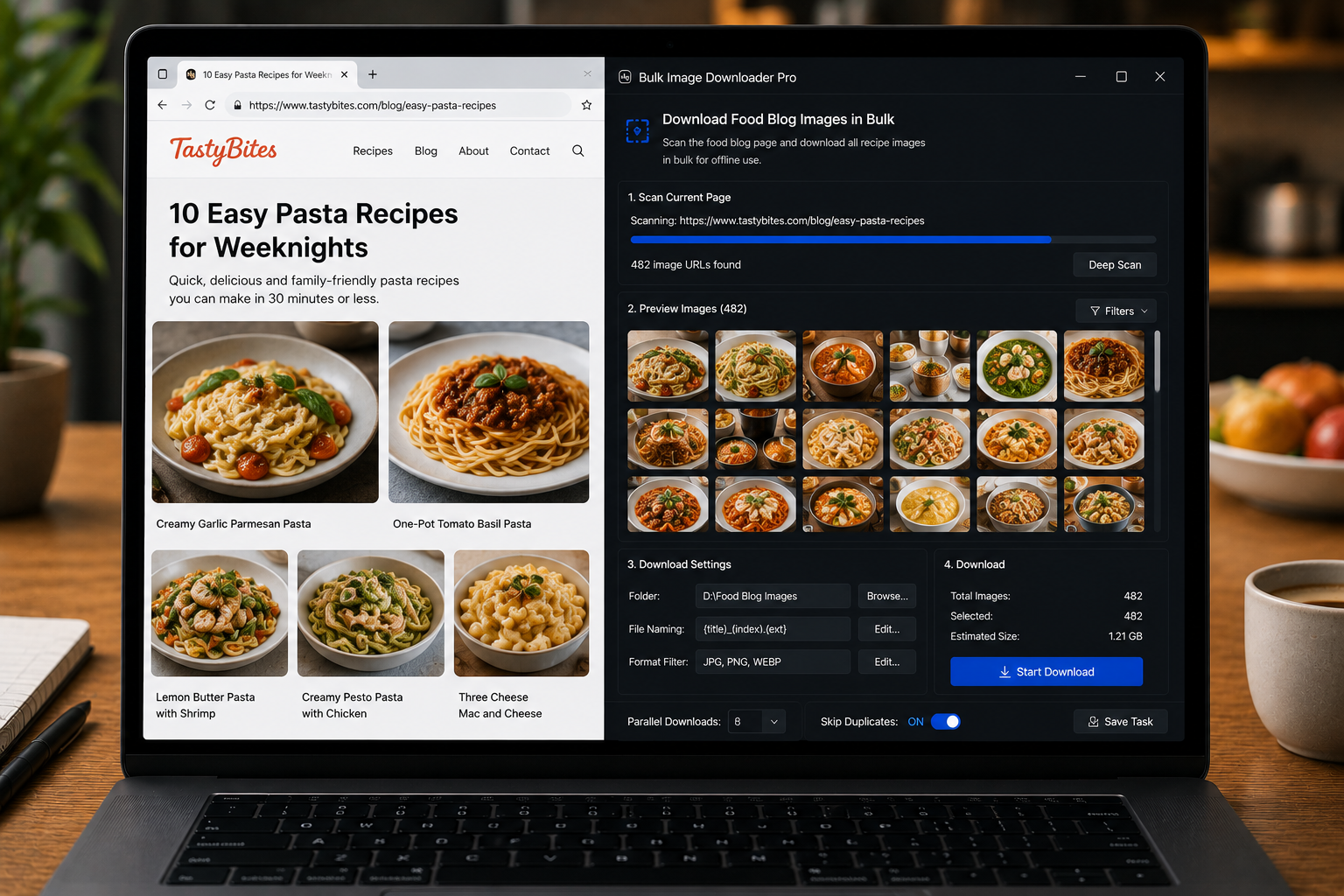
Download food blog images in bulk for authorized archives, media kits, reference libraries, or your own recipe content by scanning, filtering, deduping, and organizing images.
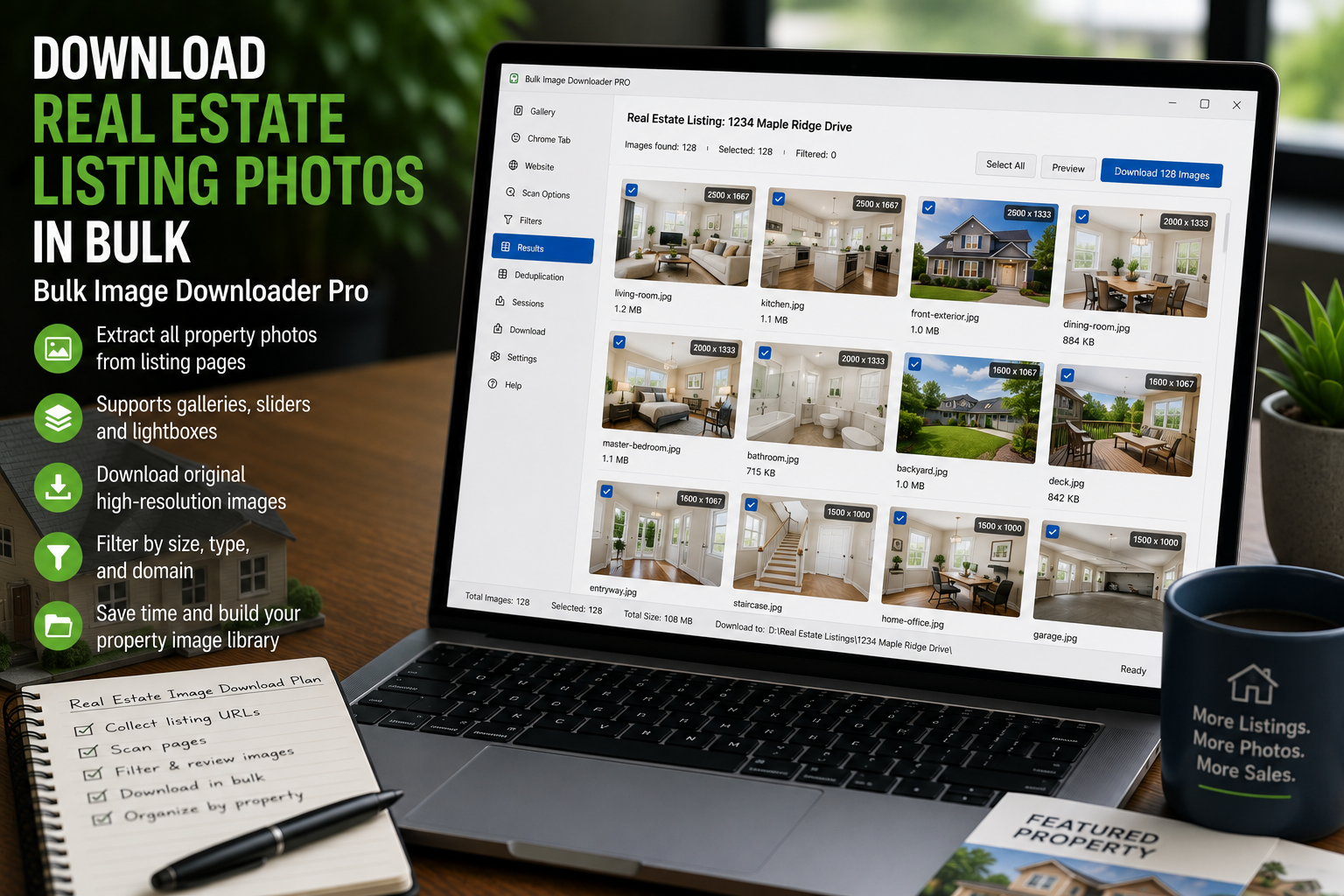
Download real estate listing photos in bulk from authorized listing pages, filter out page clutter, and organize each property photo set into named folders or ZIP files.
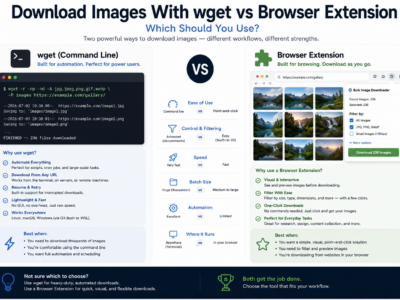
Compare downloading images with wget vs a browser extension for direct URL lists, rendered pages, login sessions, visual filtering, file naming, and repeatable workflows.
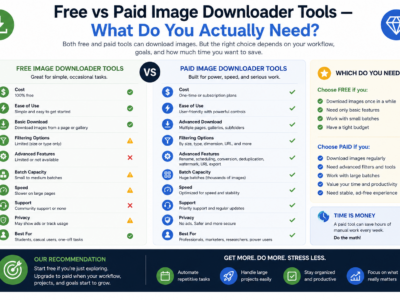
Compare free vs paid image downloader tools by looking at real limits: URL count, task reuse, processing, duplicate review, CSV import, support, and scale.
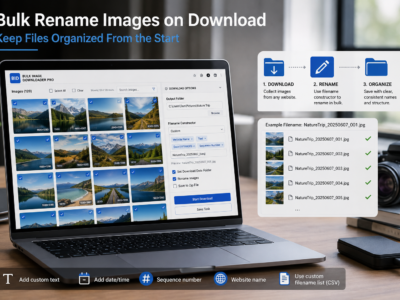
Bulk rename images on download with filename tokens, sequence numbers, URL fragments, custom CSV/TXT names, and cleanup rules before files hit your folder.
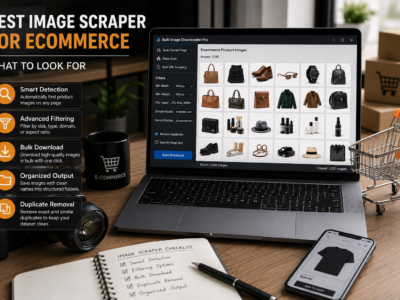
Choose the best image scraper for ecommerce by looking for product URL list support, lazy-load scanning, SKU-friendly filenames, duplicate cleanup, and organized output.
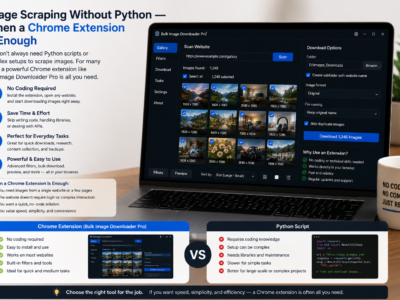
Image scraping without Python can be faster for browser-visible pages, lazy-loaded galleries, and small recurring jobs where you need filtering, preview, and organized downloads.
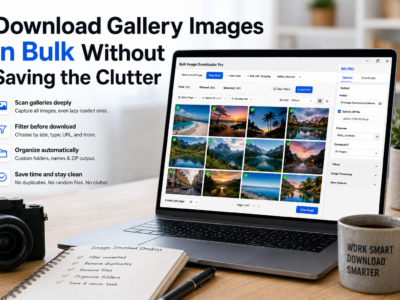
Download gallery images in bulk by scanning lazy-loaded pages, filtering thumbnails, reviewing duplicates, and saving the final set into folders or ZIP files.
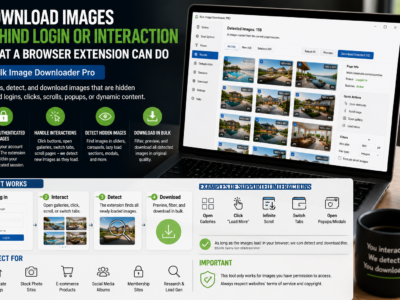
Download images behind login or interaction by scanning pages you can already access in Chrome, after signing in and revealing lazy-loaded or hidden page sections.
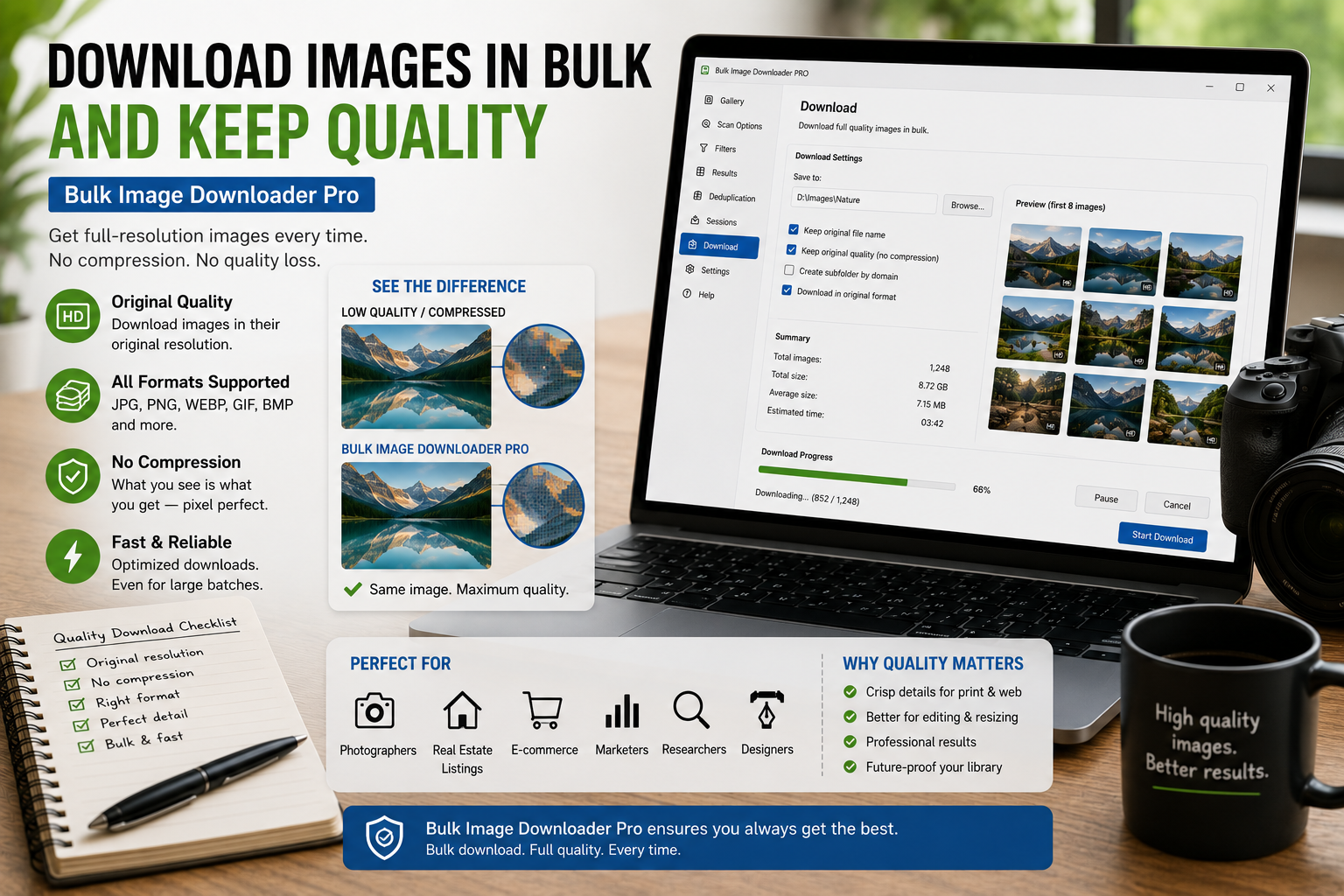
Download images in bulk and keep quality by saving source files where possible, filtering out thumbnails, avoiding unnecessary conversion, and reviewing dimensions before download.