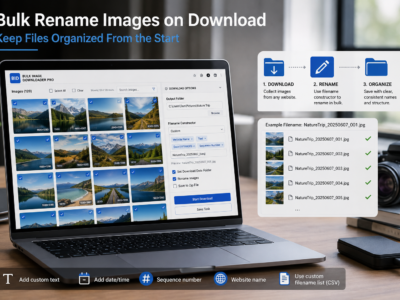
Bulk rename images on download with filename tokens, sequence numbers, URL fragments, custom CSV/TXT names, and cleanup rules before files hit your folder.
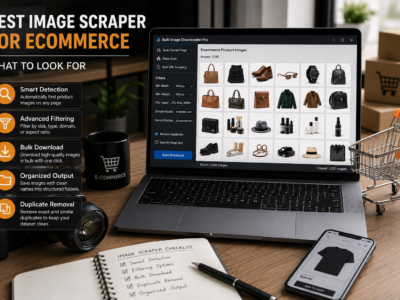
Choose the best image scraper for ecommerce by looking for product URL list support, lazy-load scanning, SKU-friendly filenames, duplicate cleanup, and organized output.
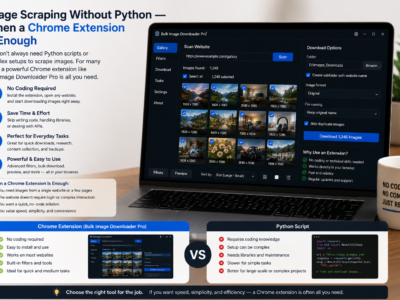
Image scraping without Python can be faster for browser-visible pages, lazy-loaded galleries, and small recurring jobs where you need filtering, preview, and organized downloads.
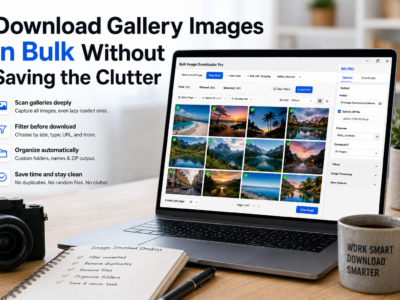
Download gallery images in bulk by scanning lazy-loaded pages, filtering thumbnails, reviewing duplicates, and saving the final set into folders or ZIP files.
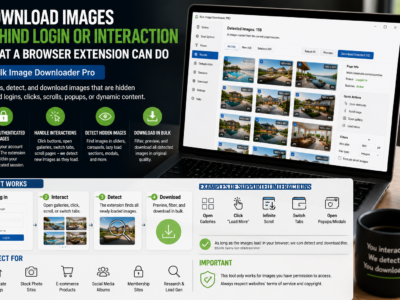
Download images behind login or interaction by scanning pages you can already access in Chrome, after signing in and revealing lazy-loaded or hidden page sections.
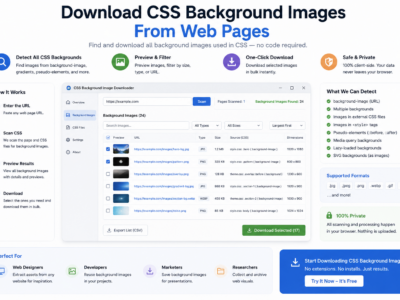
Download CSS background images by scanning rendered pages, checking computed background images, filtering large assets, and reviewing the results before saving.
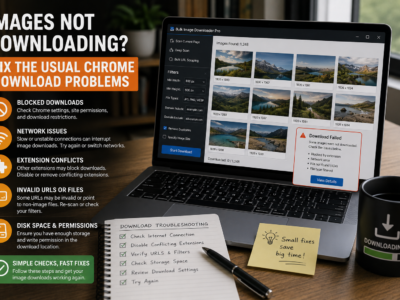
Fix images not downloading by checking lazy-loaded pages, dead URLs, redirects, strict filters, source blocking, browser interruptions, and oversized batches.
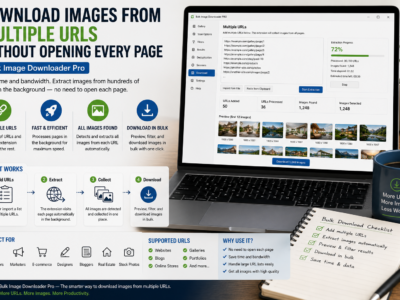
Download images from multiple URLs by pasting or loading a page list, setting limits and delays, filtering the combined results, and saving the final batch.
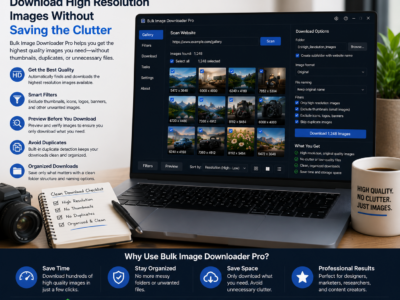
Download high resolution images by scanning the full page first, filtering by dimensions and aspect ratio, previewing results, and saving only full-size files.