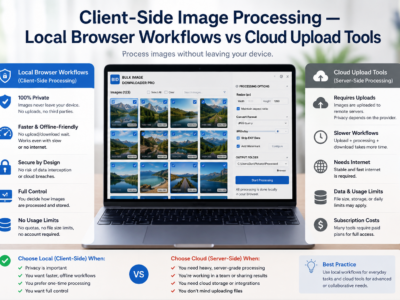
Client-side image processing keeps resize, convert, EXIF cleanup, and watermark work in your browser instead of uploading files to a remote service for processing.
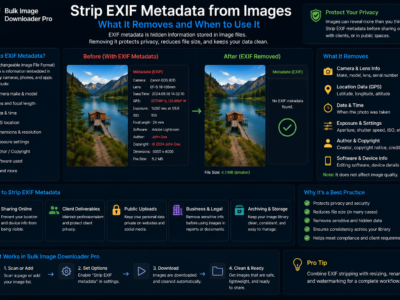
Strip EXIF metadata from images to reduce hidden camera, timestamp, and location data before sharing, publishing, or delivering downloaded photo batches.
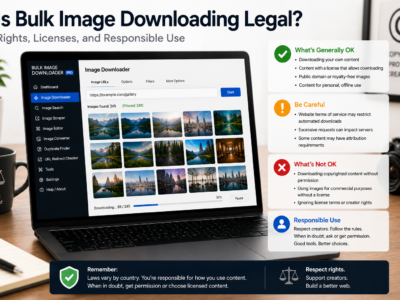
Is bulk image downloading legal? It depends on copyright, licensing, site terms, and how you use the files. This is general education, not legal advice.
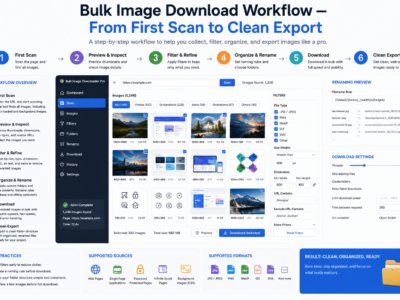
A bulk image download workflow works best as six stages: scan, filter, dedupe, rename, process, and export, so large jobs stay organized and repeatable.
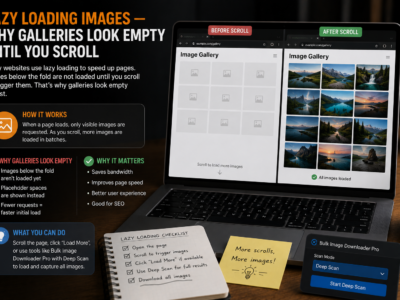
Lazy loading images delay picture requests until they are near the viewport, which speeds up pages but leaves many downloaders with placeholders, previews, or missing files.
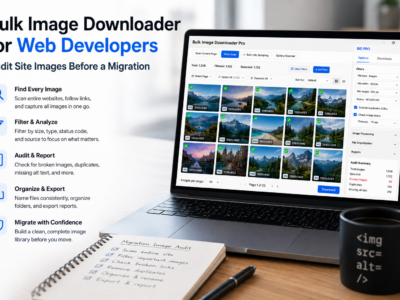
A bulk image downloader for web developers helps inventory site images, export URL lists, check 404s and redirects, find CSS backgrounds, and review formats.
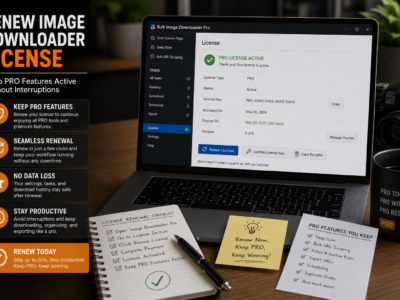
Free vs pro image downloader tiers compared: Basic (Free) for unlimited URL-list downloads, Try PRO to test full features on one URL, and Licensed PRO for unrestricted bulk tasks.
Try PRO image downloader mode unlocks the full options-page feature set with one URL per download task, so you can evaluate filters, naming, and processing before buying a license.
A bulk image downloader for UX researchers helps capture UI regions, organize assets by competitor, compare saved sessions, and keep benchmark studies readable for the team.