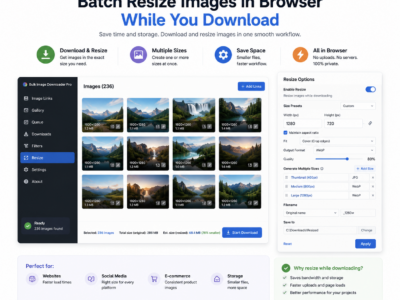
Batch resize images in browser with max width and height controls, fit-inside, cover, or fill modes, quality settings, and local Canvas-based processing.
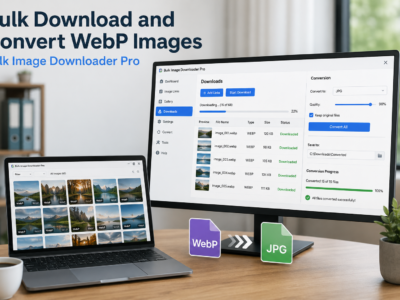
Bulk download and convert WebP images by scanning pages in Chrome, filtering WebP results, choosing JPG, PNG, or WebP output, and converting locally on download.
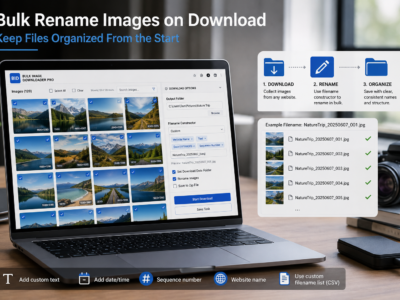
Bulk rename images on download with filename tokens, sequence numbers, URL fragments, custom CSV/TXT names, and cleanup rules before files hit your folder.
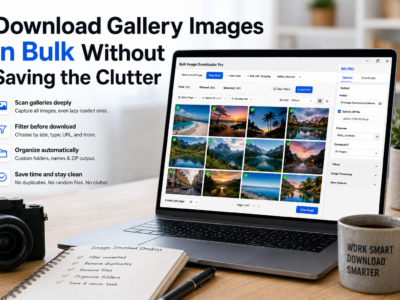
Download gallery images in bulk by scanning lazy-loaded pages, filtering thumbnails, reviewing duplicates, and saving the final set into folders or ZIP files.
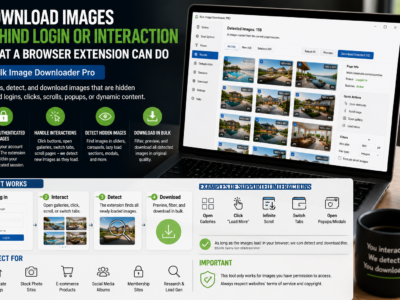
Download images behind login or interaction by scanning pages you can already access in Chrome, after signing in and revealing lazy-loaded or hidden page sections.
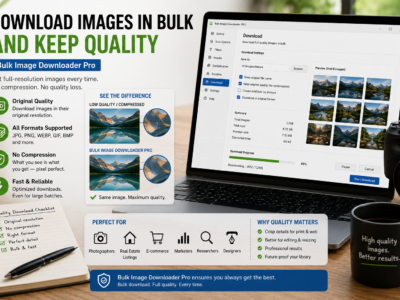
Download images in bulk and keep quality by saving source files where possible, filtering out thumbnails, avoiding unnecessary conversion, and reviewing dimensions before download.
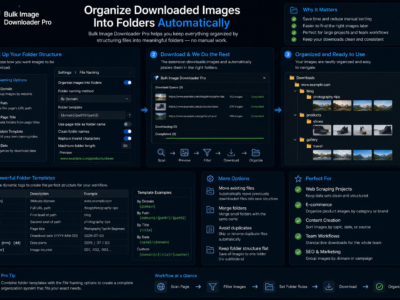
Organize downloaded images into folders with task folder names, domain and URL-fragment auto-folders, filename rules, ZIP output, and repeatable task settings.
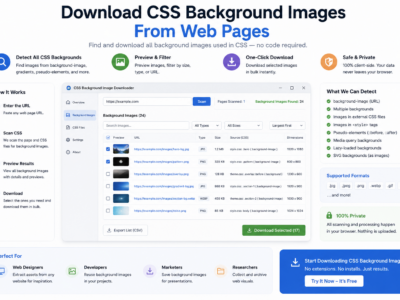
Download CSS background images by scanning rendered pages, checking computed background images, filtering large assets, and reviewing the results before saving.