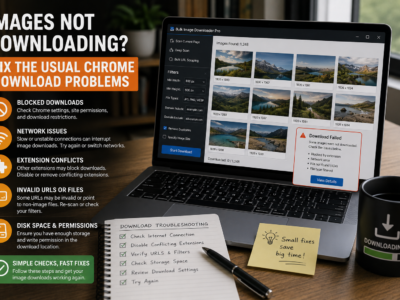
Fix images not downloading by checking lazy-loaded pages, dead URLs, redirects, strict filters, source blocking, browser interruptions, and oversized batches.
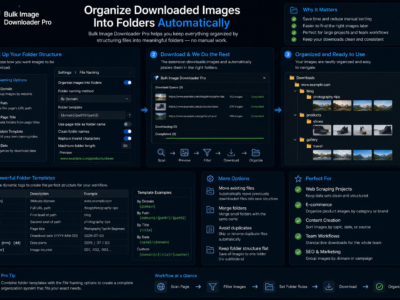
Organize downloaded images into folders with task folder names, domain and URL-fragment auto-folders, filename rules, ZIP output, and repeatable task settings.
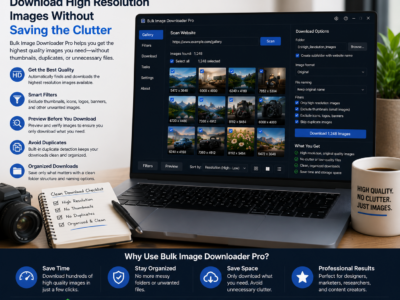
Download high resolution images by scanning the full page first, filtering by dimensions and aspect ratio, previewing results, and saving only full-size files.
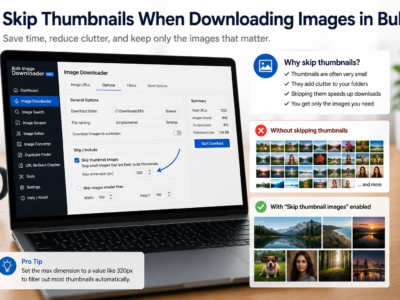
Skip thumbnails when downloading images by combining minimum dimensions, URL text filters, file type filters, domain filters, and preview review before saving.
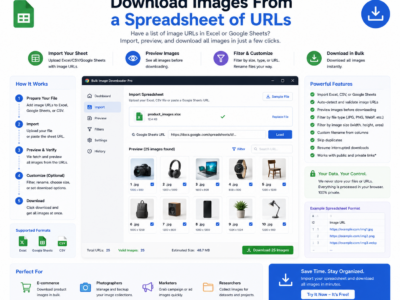
Download images from a spreadsheet by turning URL columns into page scrapes, direct image tasks, custom filenames, folders, and repeatable CSV-based workflows.
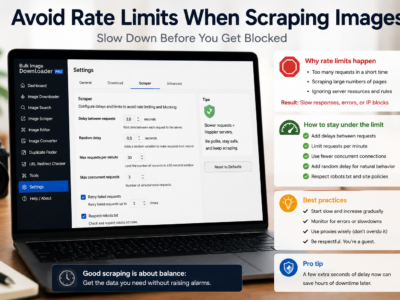
Avoid rate limits when scraping images by testing small batches, adding request delays, lowering parallel downloads, using queued mode, and respecting site limits.
A bulk image downloader for digital marketers helps collect approved visual assets, filter by campaign needs, organize folders, rename files, and prepare clean handoffs.
A bulk image downloader for graphic designers helps collect references, filter by size and aspect ratio, organize folders, convert formats, and prepare client-safe previews.