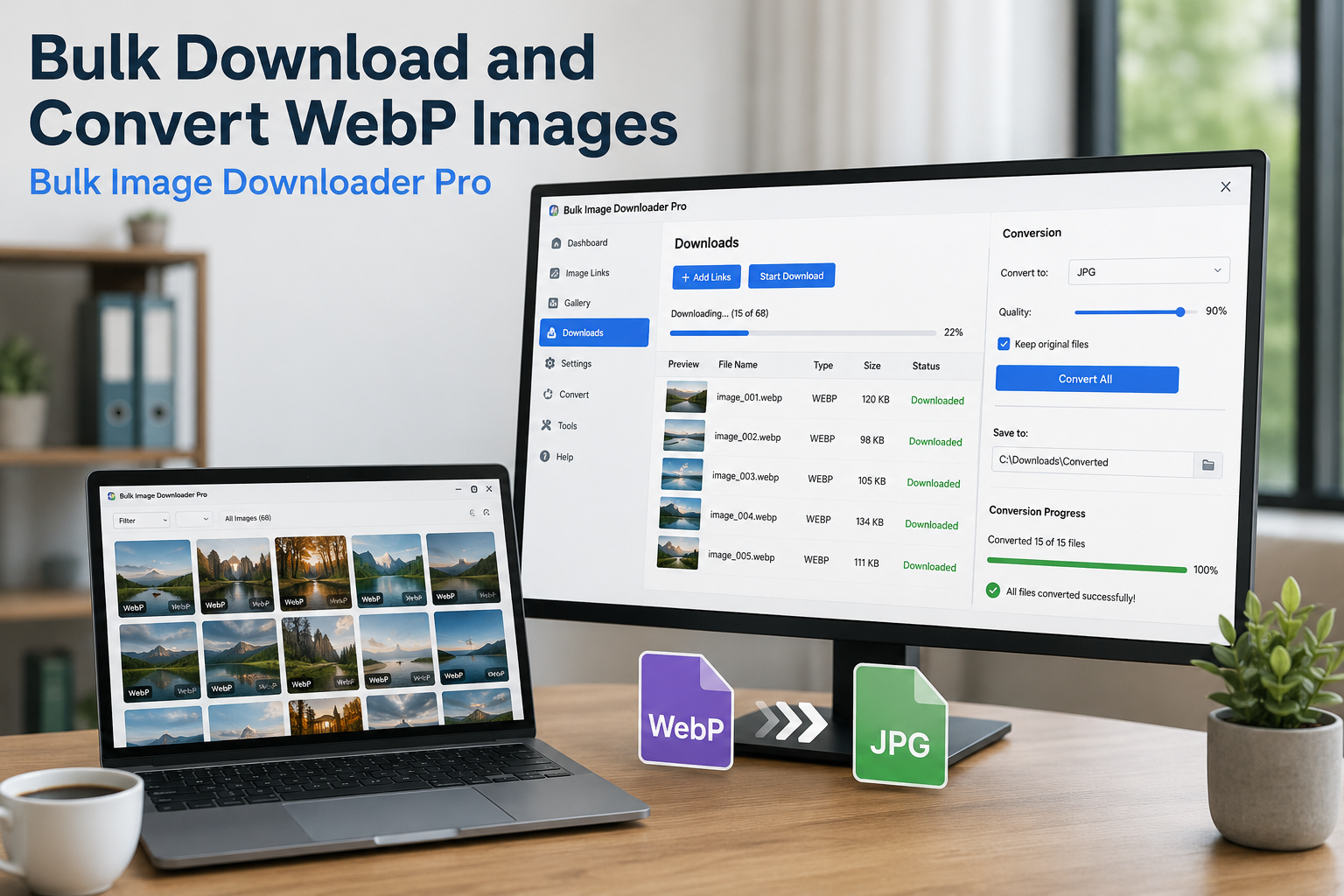
Bulk download and convert WebP images by scanning pages in Chrome, filtering WebP results, choosing JPG, PNG, or WebP output, and converting locally on download.
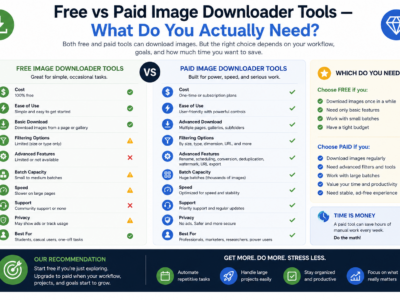
Compare free vs paid image downloader tools by looking at real limits: URL count, task reuse, processing, duplicate review, CSV import, support, and scale.
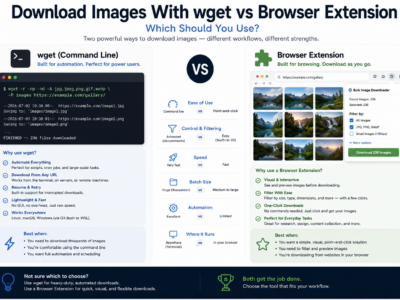
Compare downloading images with wget vs a browser extension for direct URL lists, rendered pages, login sessions, visual filtering, file naming, and repeatable workflows.
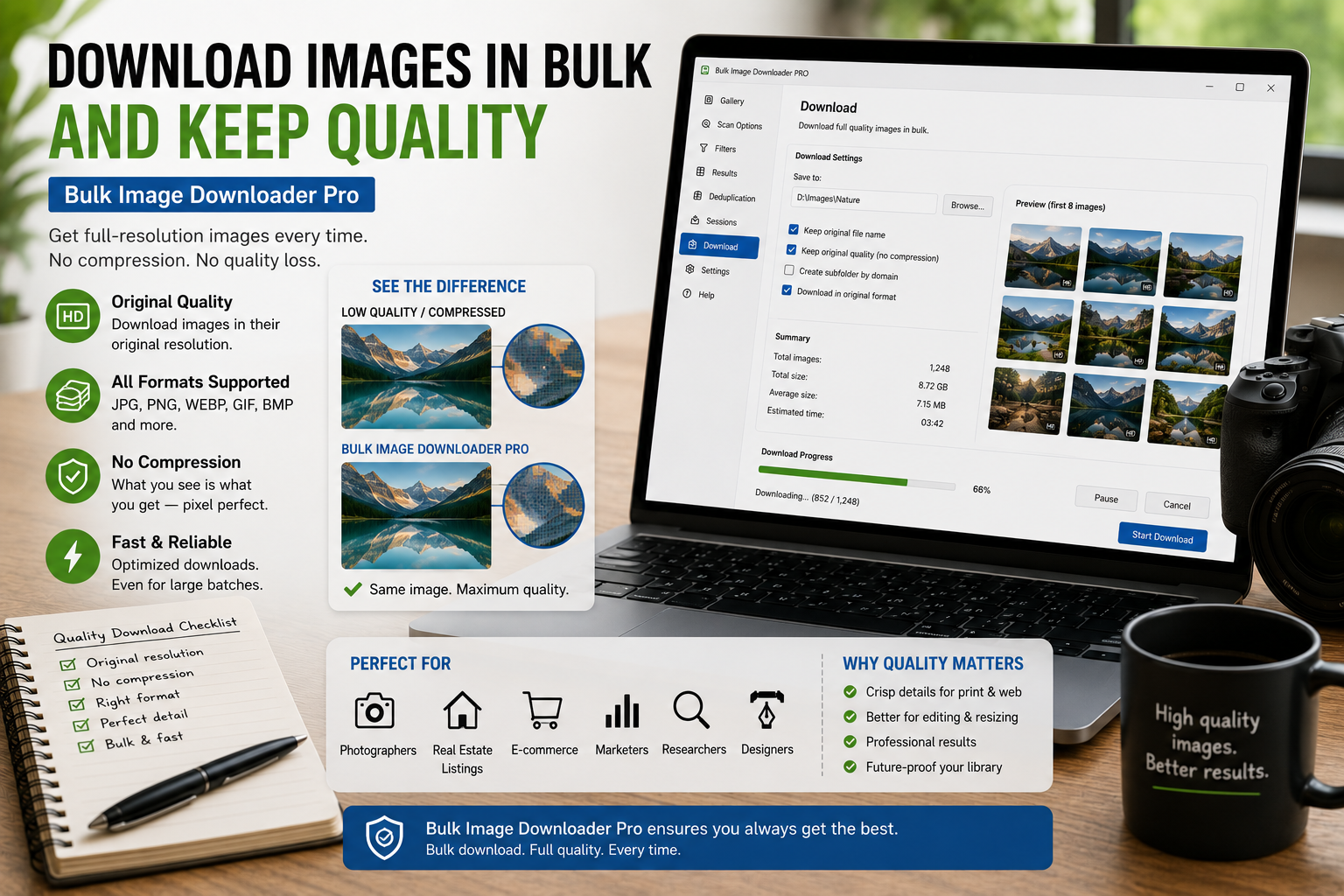
Download images in bulk and keep quality by saving source files where possible, filtering out thumbnails, avoiding unnecessary conversion, and reviewing dimensions before download.
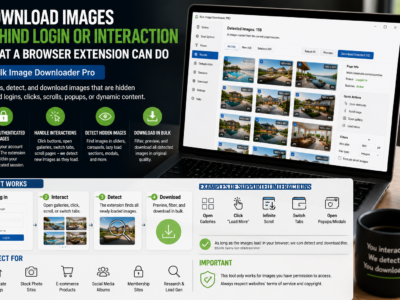
Download images behind login or interaction by scanning pages you can already access in Chrome, after signing in and revealing lazy-loaded or hidden page sections.
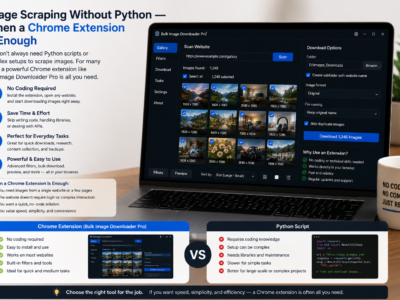
Image scraping without Python can be faster for browser-visible pages, lazy-loaded galleries, and small recurring jobs where you need filtering, preview, and organized downloads.
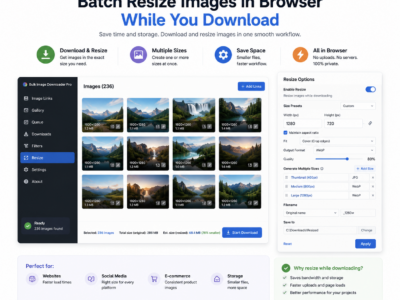
Batch resize images in browser with max width and height controls, fit-inside, cover, or fill modes, quality settings, and local Canvas-based processing.
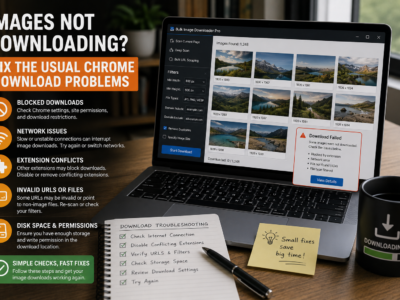
Fix images not downloading by checking lazy-loaded pages, dead URLs, redirects, strict filters, source blocking, browser interruptions, and oversized batches.
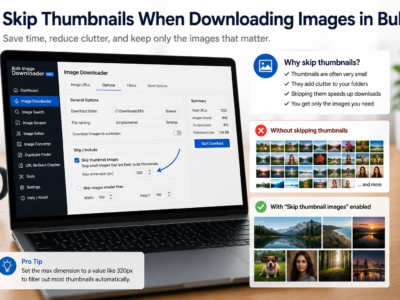
Skip thumbnails when downloading images by combining minimum dimensions, URL text filters, file type filters, domain filters, and preview review before saving.